![Google Keyword Planner Tutorial: Find High-Potential Keywords for Free [2026]](/_next/image?url=%2Fblog%2Fimages%2Fseo-tools%2Fgoogle-keyword-planner-tutorial-01.webp&w=3840&q=75)
Want to do keyword research, but Ahrefs and SEMrush are too expensive?
Google Keyword Planner is your free alternative.
It's Google's own tool — the data comes directly from Google, and it's completely free to use.
This guide walks you through using the tool from scratch to find high-potential keywords worth optimizing for.
Keyword research taking too long? Let AI handle it. Contact us on LINE.
👉 Free LINE Consultation: @006ljkda
Getting to Know Google Keyword Planner
What Is Google Keyword Planner?
Google Keyword Planner is a free keyword research tool built into the Google Ads platform.
Original purpose: Help advertisers find suitable keywords for ad campaigns
SEO purpose: Research organic search keyword opportunities
Why SEO professionals love it:
- Official Google data — closest to real search volumes
- Completely free to use
- No need to run actual ads
Main Features of the Keyword Planner
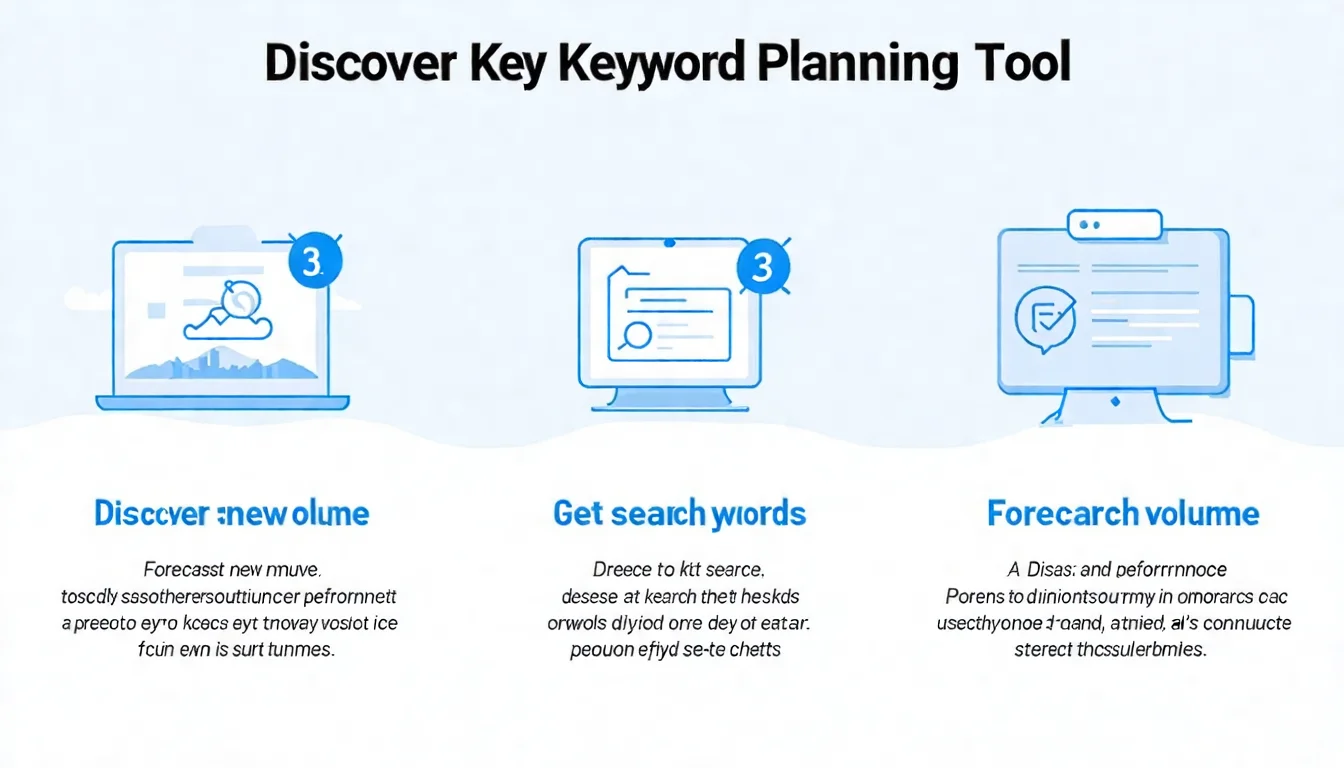
Feature 1: Discover New Keywords
Enter seed keywords or a URL, and the tool provides related keyword suggestions.
Feature 2: Get Search Volume and Forecasts
Enter a list of keywords you already have and look up their search volumes and competition levels.
Who Is This Tool Best For?
| User Type | Suitability | Reason |
|---|---|---|
| SEO Beginners | ★★★★★ | Best free entry point |
| Bloggers | ★★★★★ | Sufficient for basic needs |
| Small Businesses | ★★★★☆ | Best value for money |
| SEO Professionals | ★★★☆☆ | Needs supplementing with paid tools |
| Agencies | ★★☆☆☆ | Too basic — more advanced tools needed |
For a broader overview of SEO tools, check out our guide.
How to Use the Keyword Planner for Free
Step 1: Create a Google Ads Account
You need a Google Ads account to access it, but you don't need to spend money on ads.
Setup steps:
- Go to ads.google.com
- Sign in with your Google account
- Follow the prompts to fill in your business information
- Important: At the business information step, choose to create an account without a campaign
- Complete the setup
Step 2: Access the Keyword Planner
- Log in to your Google Ads account
- Open the "Tools" menu (the tools icon)
- Click "Keyword Planner"
- Enter the tool interface
Shortcut: You can also go straight to ads.google.com/aw/keywordplanner/home.
Step 3: Choose a Feature
Once inside, you'll see two options:
"Discover New Keywords"
- Enter seed keywords
- Get related keyword suggestions
- Discover new keyword opportunities
"Get Search Volume and Forecasts"
- Enter your existing keyword list
- Look up search volumes
- Get forecast data
Free Usage Limitations
Important limitation:
Accounts that aren't running ads often see "Avg. monthly searches" displayed as a range (e.g., 1K-10K) rather than an exact figure.
What does this mean?
With a range you can gauge a keyword's order of magnitude, but you can't precisely compare two keywords against each other.
Worth noting: Google's own documentation does not state that running ads is what determines whether you see exact figures or ranges. This is a long-standing user observation, not an official specification.
Workarounds:
- Range values are actually sufficient for assessing keyword potential
- Use paid tools if you need precise figures
Feature-by-Feature Tutorial
Feature 1: Discover New Keywords
This is the most commonly used feature.
Steps:
- Select "Discover New Keywords"
- Enter a few seed keywords (separate multiple phrases with a comma and a space)
- Select language and region
- Click "Get Results"
Seed keyword tips:
✅ Use core terms from your industry ✅ Enter multiple keywords together ✅ Try different phrasings and variations
❌ Don't use overly broad terms ❌ Don't enter just one keyword
Example:
If you run a bakery business:
- Good seed words: cake recipe, chiffon cake, birthday cake
- Too broad: cake, dessert, baking
Filtering results:
After getting results, use the filter options:
- Keyword text: Include or exclude specific words
- Avg. monthly searches: Set a minimum search volume
- Competition: Low/Medium/High
- Bid amount: Ad bid range
Exporting data:
Click the "Download" button in the top right to export as:
- CSV format
- Google Sheets
Feature 2: Get Search Volume and Forecasts
Use this when you already have a keyword list.
This feature supports batch lookups — paste a whole keyword list at once, or upload a CSV file.
Steps:
- Select "Get Search Volume and Forecasts"
- Paste your keyword list (one per line)
- Click "Get Started"
Data you'll see:
| Column | Description |
|---|---|
| Avg. Monthly Searches | Monthly search volume (range) |
| 3-Month Change | Recent trend |
| YoY Change | Long-term trend |
| Competition | Ad competition (Low/Med/High) |
| Top of Page Bid (Low) | Lower range of historical top-of-page bids (about the 20th percentile) |
| Top of Page Bid (High) | Higher range of historical top-of-page bids (about the 80th percentile) |
How to interpret competition:
⚠️ Important: The competition level here refers to "ad competition," not "SEO competition."
However, it can serve as a reference:
- High competition = The keyword has commercial value
- Low competition = May have low search volume or low commercial value
After finding keywords, not sure how to write the article? Let AI produce SEO-optimized content for you.
Hands-On: Finding High-Potential Keywords
Getting Ideas from Competitor Websites
Using the URL feature:
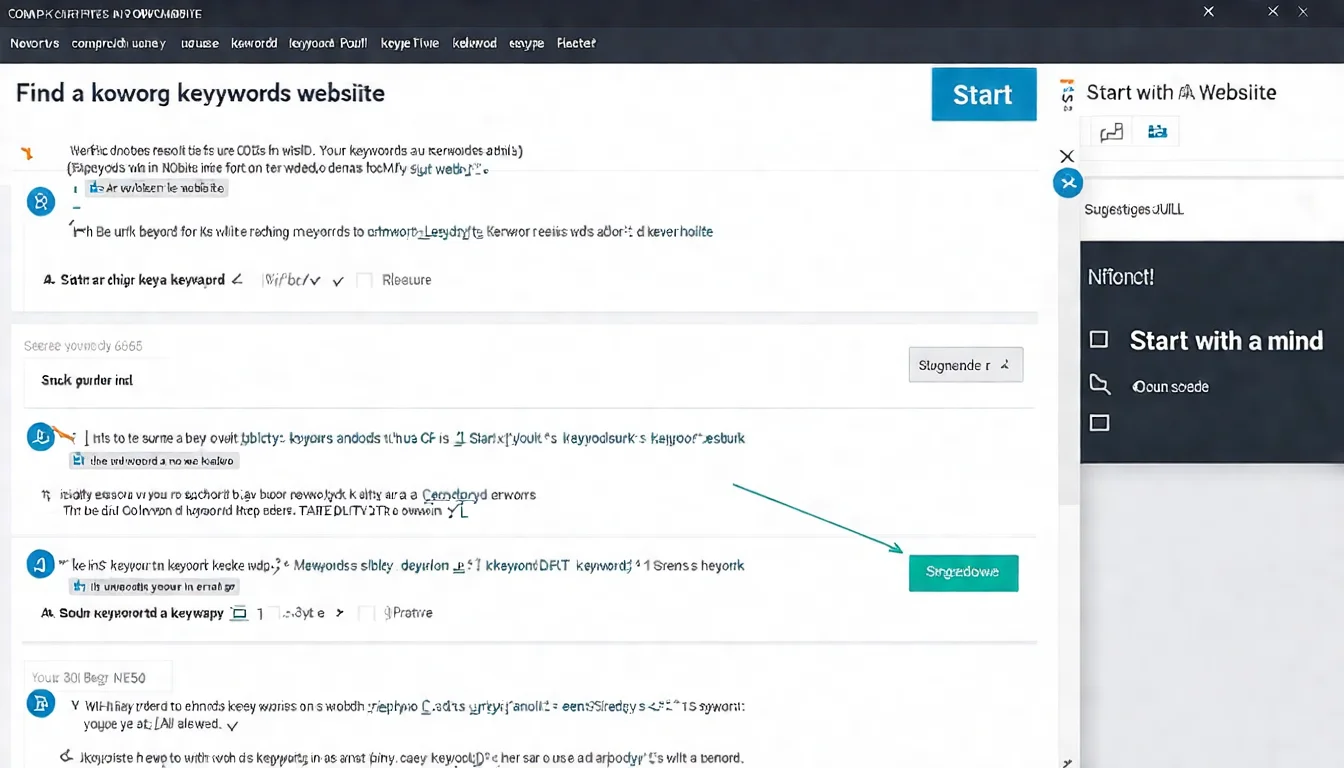
- In "Discover New Keywords," select "Start with a website"
- Enter a competitor's URL
- Choose entire site or a specific page
- Get keywords related to that site
Value of this feature:
- See what keywords competitors are optimizing for
- Discover keywords you might have overlooked
- Find industry-related terms
Using the Keyword Filter
Filtering strategies for high-potential keywords:
Strategy 1: Medium volume + Low competition
- Search volume: 1K-10K
- Competition: Low
These keywords are typically easier to rank for with decent traffic potential.
Strategy 2: Long-tail keywords
- Search volume: 100-1K
- Keyword length: 4+ words
Long-tail keywords face less competition and typically have higher conversion rates.
Long-Tail Keyword Mining Tips
What are long-tail keywords?
Longer, more specific search terms.
Example:
- Short-tail: coffee machine
- Long-tail: quiet home coffee machine for beginners
How to find long-tail keywords using the Keyword Planner:
- Enter core seed terms
- Look for longer phrases in the results
- Use filters to narrow down
Characteristics of long-tail keywords:
- Lower search volume
- Less competition
- More specific search intent
- Typically higher conversion rates
For more keyword research techniques, check out our Keyword Research guide.
Understanding and Applying the Data
What Search Volume Means and Its Limits
What does search volume represent?
How many people search for this keyword each month.
Interpreting range values:
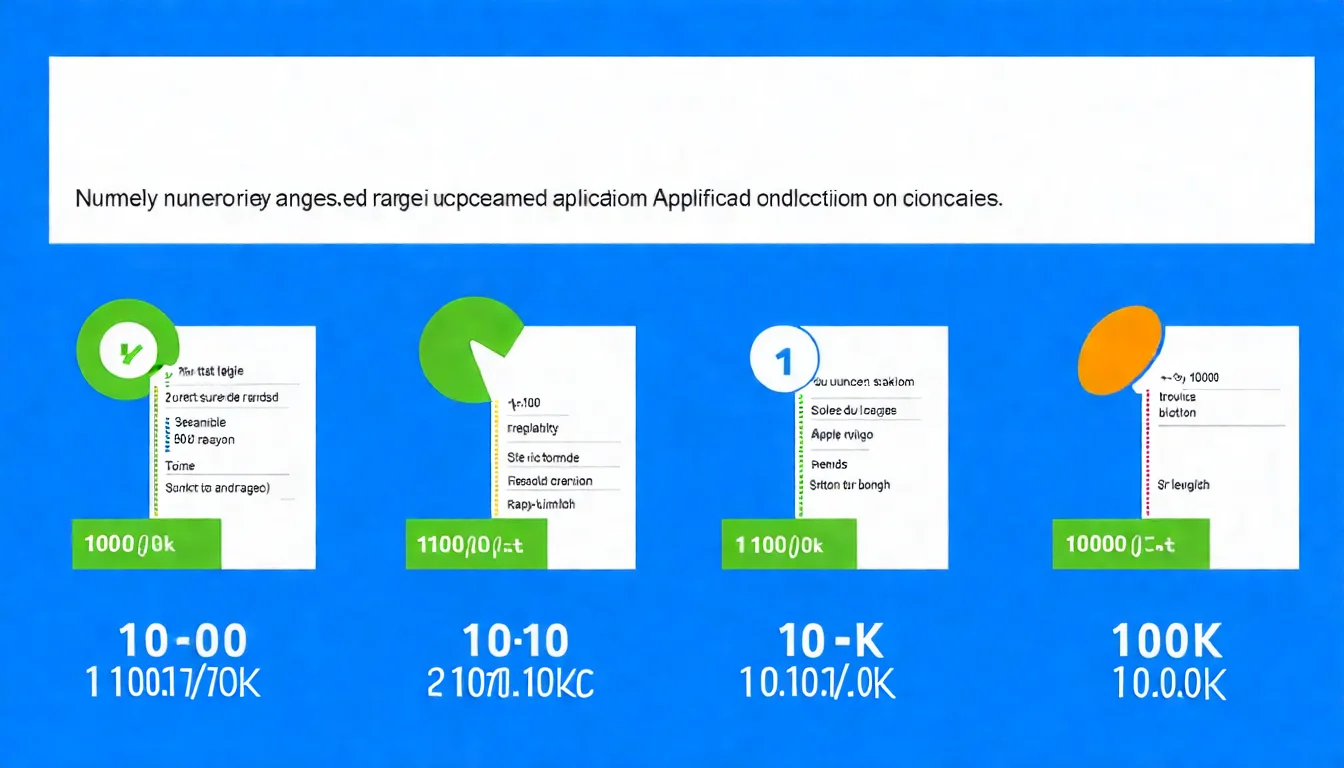
| Range | Meaning |
|---|---|
| 10-100 | Low volume, but could be a precise long-tail |
| 100-1K | Moderate volume, good for getting started |
| 1K-10K | Solid search volume |
| 10K-100K | High volume, likely more competitive |
| 100K+ | Extremely popular keyword |
Limitations:
- These are monthly averages that don't reflect fluctuations
- Range values lack precision
- They don't indicate how much traffic you'll actually get
Observing seasonal patterns
Click on a keyword to see a trend chart showing monthly search volume changes.
This matters! Some keywords have clear seasonal patterns:
- "Christmas gifts" peaks in December
- "Air conditioner reviews" peaks in summer
- "Tax filing" peaks in the spring
Factor in these seasonal patterns when planning your content.
How to Assess Competition Level
Remember: This measures ad competition, not SEO competition.
How to apply it:
- High competition: The keyword has commercial value — worth investing in
- Low competition: Could be a blue ocean opportunity, or could lack value
Recommended approach:
Treat competition level as a "commercial value indicator" rather than a "ranking difficulty indicator."
The Reference Value of Bid Amounts
What do bids represent?
How much advertisers are willing to pay per click for this keyword.
High bids = High-value keywords
For example:
- Keywords for high-ticket services like "lawyer" or "insurance" tend to carry noticeably higher bids
- Informational queries like "recipe" tend to carry far lower bids
(Bids swing widely by region, timing, and auction pressure — always go by what the tool shows you at the moment.)
Implications for SEO:
If a keyword has high ad bids, it means the keyword brings valuable visitors. Such keywords are worth investing SEO effort into.
Limitations of the Keyword Planner
Data Accuracy Issues
Main issues:
-
Range values lack precision
- A 1K-10K range is too broad
- Cannot precisely compare keywords
-
Data update frequency
- Not real-time data
- Slower to reflect trends
-
Similar keywords get merged
- Similar terms may be combined
- Cannot distinguish search volumes for variations
Supplementary Tools Needed
Recommended complementary tools:
| Purpose | Free Tool | Paid Tool |
|---|---|---|
| Trend confirmation | Google Trends | - |
| Precise search volume | - | Ahrefs, SEMrush |
| SEO difficulty | - | Ahrefs, Moz |
| Competitive analysis | Google Search | Ahrefs, SEMrush |
Learn about more free SEO tools and free keyword tools in our recommendations article.
Best and Worst Use Cases
Best suited for:
✅ Initial keyword brainstorming ✅ Confirming whether a keyword has search demand ✅ Budget-constrained beginners ✅ Advertising keyword research
Not ideal for:
❌ Decisions requiring precise search volume ❌ In-depth competitive analysis ❌ Tracking search volume changes over time ❌ SEO difficulty assessment
Why Google Keyword Planner Is the Best Free Starting Point
Google Keyword Planner is the best free tool for getting started with keyword research.
Key takeaways from this article:
- Free to use: Just create a Google Ads account — no ad spend required
- Two main features: Discover new keywords and check search volumes
- Data limitations: Search volumes show ranges, not exact figures
- Power tips: Get ideas from competitor sites and use filters effectively
- Need supplements: Pair with Google Trends and other tools for a complete picture
Our recommendations:
- Start with this free tool
- Pair it with Google Trends to confirm trends
- Consider paid tools once you have the budget
- Remember: Tools are just aids — content is the key
Once you've found your keywords, pair the tool with keyword analysis methods to pick the targets most worth optimizing for.
Keyword research is just the first step. Contact us on LINE about AI content plans.
![Best Free SEO Tools: Boost Your Rankings at Zero Cost [2026]](/_next/image?url=%2Fblog%2Fimages%2Fseo-tools%2Ffree-seo-tools-01.webp&w=3840&q=75)
![Google Search Console Tutorial: From Setup to Reading Reports [2026 Complete Guide]](/_next/image?url=%2Fblog%2Fimages%2Fseo-tools%2Fgoogle-search-console-tutorial-01.webp&w=3840&q=75)
![The Complete SEO Tools Guide: Must-Have Software and Hands-On Tutorials [2026]](/_next/image?url=%2Fblog%2Fimages%2Fseo-tools%2Fseo-tools-guide-01.webp&w=3840&q=75)
