![The Complete Keyword Research Guide | Learn to Find the Right Keywords From Scratch [2026]](/_next/image?url=%2Fblog%2Fimages%2Fkeyword-research%2Fkeyword-research-guide-01.webp&w=3840&q=75)
You've written lots of articles, but your traffic just won't take off?
The problem likely started at the very beginning: you didn't choose the right keywords.
Keyword research is the first and most important step in SEO. Choose the wrong keywords, and even the best content is wasted effort. Choose the right keywords, and you're already halfway to success.
This article teaches you the complete keyword research workflow from scratch, including core concepts, research steps, tool usage, and practical optimization strategies. By the end, you'll be able to find the right keywords on your own.
Keyword research taking too much time? Let AI handle everything from keywords to article production.
👉 Free consultation on LINE: @006ljkda
What Is Keyword Research
Definition of Keyword Research
Keyword research is the process of discovering what terms your target audience types into search engines, then analyzing those terms' search volume, competition, and commercial value.
Simply put, keyword research answers this question: "What are my potential customers searching for on Google?"
When research is complete, you'll have a "keyword list" detailing which terms you should create content for.
Why Keyword Research Matters
1. Understand what your target audience is actually looking for
You might think customers search for "professional web design services," but they're actually searching "how much does it cost to build a website."
Keyword research lets you hear your customers' real voices.
2. Define content direction and strategy
With a keyword list, you know what topics to write about, what titles to use, and what angles to cover. No more creating content based on gut feeling.
3. The critical first step that determines SEO success
Consequences of choosing the wrong keywords:
- Choosing keywords nobody searches for → No traffic
- Choosing keywords with too much competition → Can't rank
- Choosing keywords unrelated to your business → Traffic but no conversions
Keyword research helps you avoid these pitfalls.
Types of Keywords
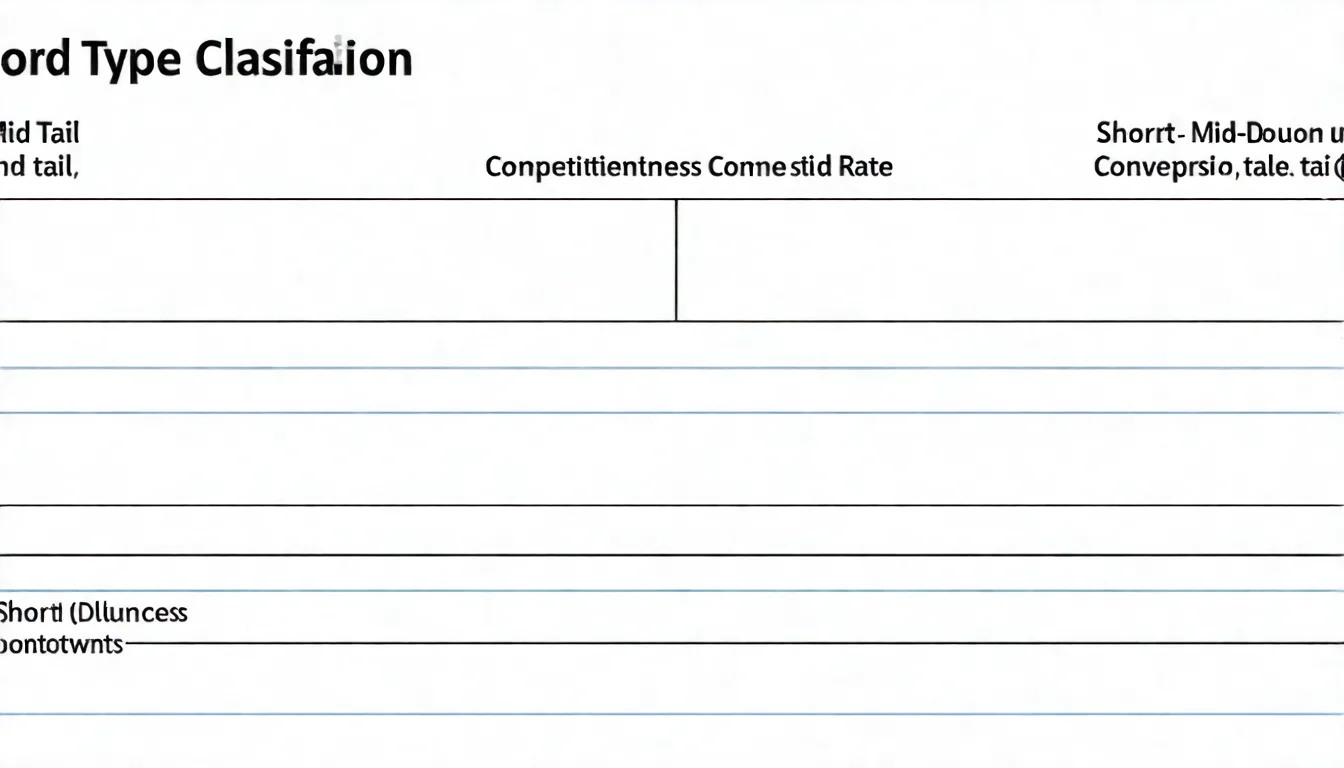
By length:
| Type | Characteristics | Example |
|---|---|---|
| Short-tail keywords | 1-2 words, high volume, fierce competition | SEO, keywords |
| Medium-tail keywords | 2-3 words, medium volume | SEO tutorial, keyword research |
| Long-tail keywords | 4+ words, low volume, low competition | SEO beginner guide 2026 |
By intent:
- Branded keywords: Include a brand name (e.g., "Ahrefs tutorial")
- Non-branded keywords: No brand name (e.g., "best SEO tools")
- Commercial intent: Want to buy or compare products (e.g., "best SEO agency")
- Informational intent: Want to learn or understand (e.g., "what is SEO")
Core Concepts of Keyword Research
Before getting started, understand these three core concepts:
Search Intent
Search intent is the true goal a user wants to accomplish when searching for a particular keyword.
Google places enormous importance on search intent -- it ranks pages that best match user intent at the top.
Four main types of search intent:
1. Informational Intent
- Wants to learn or understand something
- Examples: "what is SEO," "how to do keyword research"
- Suitable content: Tutorials, guides, FAQs
2. Navigational Intent
- Looking for a specific website or brand
- Examples: "Ahrefs login," "YouTube"
- Usually not worth competing for (unless it's your brand)
3. Commercial Intent
- Comparing and evaluating products/services, not yet ready to buy
- Examples: "SEO tool comparison," "Ahrefs vs SEMrush"
- Suitable content: Comparison articles, reviews, recommendation lists
4. Transactional Intent
- Ready to purchase or take action
- Examples: "Ahrefs pricing," "SEO agency quote"
- Suitable content: Product pages, service pages, pricing pages
How to determine search intent: Simply Google the keyword and see what types of pages rank at the top. That's what Google considers the search intent.
Search Volume and Competition
Search volume: How many people search for this keyword each month.
- High search volume = Large potential traffic
- But high-volume keywords typically have high competition
Competition (Difficulty): How hard is it to rank on the first page.
- High competition = More time and resources needed
- Low competition = Relatively easier to rank
Balancing the two:
The ideal keyword has "sufficient search volume + manageable competition."
But such keywords are rare, so trade-offs are usually necessary:
- New websites: Prioritize low-competition long-tail keywords
- Established websites: Can challenge medium-competition keywords
- Large websites: Can compete for high-volume short-tail keywords
Keyword Difficulty Assessment
Various SEO tools have their own "keyword difficulty" metrics:
- Ahrefs: Keyword Difficulty (KD)
- SEMrush: Keyword Difficulty
- Moz: Difficulty Score
These metrics are typically scored 0-100, with higher numbers meaning harder to rank.
How to judge feasibility:
Don't rely solely on difficulty scores. Also consider:
- Your website's current authority (Domain Authority)
- How many resources you can invest (time, content, links)
- Who ranks on page one (big brands or small sites)
Recommendation: New websites should start with keywords scoring under 20, then gradually challenge harder keywords as authority builds.

Keyword Research Methods and Steps
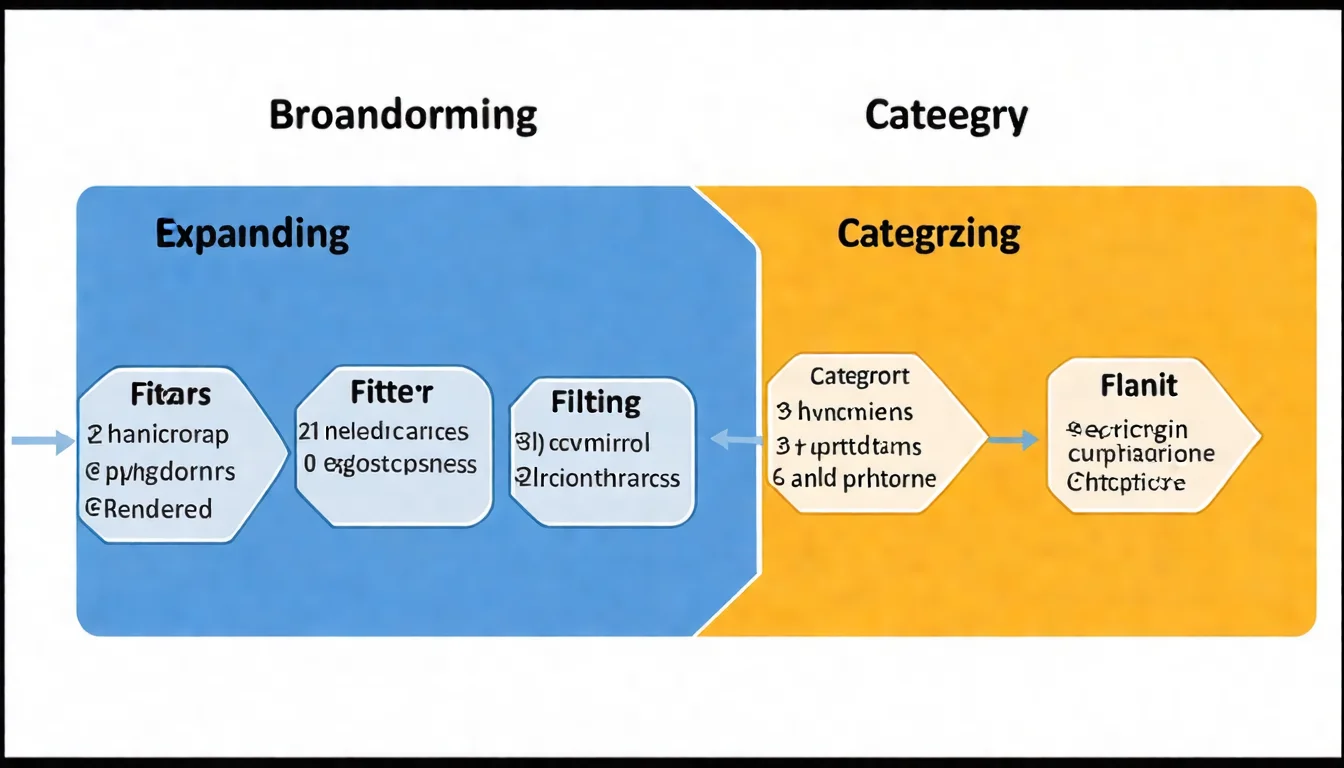
Here is a systematic keyword research workflow:
Step 1: Brainstorm Seed Keywords
Seed keywords are the starting point for research, used to expand into more related keywords.
Start from your products/services:
- What products or services do you offer?
- Describe your business in one sentence. What keywords are in that sentence?
Think about customer problems:
- What problems do your customers want to solve?
- What words would they use to describe these problems?
List related topics:
- What are the common topics in your field?
- What content are competitors writing?
Example:
Suppose you run an SEO consulting service. Seed keywords might include:
- SEO
- keywords
- rankings
- traffic
- website optimization
- Google search
Step 2: Expand Your Keyword List
Use tools to expand seed keywords into a larger list:
Use keyword tools for expansion:
- Enter seed keywords into Google Keyword Planner
- Review "related keyword suggestions"
- Record promising keywords
Research competitor keywords:
- Use Ahrefs or SEMrush to analyze competitors
- See which of their pages get the most traffic
- Identify what keywords those pages target
Leverage Google Autocomplete:
- Type seed keywords into the Google search box
- Review Google's autocomplete suggestions
- Scroll to the bottom of search results for "Related searches"
Use People Also Ask:
- The "People also ask" section in search results
- These are all real search questions
Step 3: Analyze and Filter
After expanding the list, filter for the most worthwhile keywords:
Evaluate search volume and competition:
- Search volume too low (e.g., < 50/month): May not be worth the effort
- Competition too high: May not rank in the short term
- Find the balance
Check if search intent matches:
- Does this keyword's search intent align with what you can offer?
- Google the keyword and see what type of pages rank on page one
Select priority keywords:
Use this framework to score:
- Is the search volume sufficient?
- Is the competition acceptable?
- Is it relevant to your business?
- Does it have conversion potential?
Keywords that meet all four criteria are your priority targets.
Step 4: Build Your Keyword Plan
The final step is organizing and planning:
Categorize and organize keywords:
- Group by topic
- Label with search volume, competition, search intent
- Assign priority levels
Create a keyword map:
- Which keyword corresponds to which page
- Core pages target primary keywords
- Supporting articles target long-tail keywords
Plan a content production schedule:
- Order creation by priority
- Set weekly/monthly content goals
- Continuously track and adjust
Google Keyword Analysis Tools
Google provides several free tools that form the foundation of keyword research:
Google Keyword Planner
What it is:
A free tool built into Google Ads, originally designed for advertisers to plan keyword campaigns, but equally useful for SEO.
Features:
- View estimated monthly search volume for keywords
- Discover related keyword suggestions
- See keyword competition levels (advertising competition)
How to use it:
- Log into Google Ads (account required, but no actual ads needed; billing information must be entered to complete setup)
- Tools → Keyword Planner
- Choose "Discover new keywords" or "Get search volume and forecasts"
Limitations:
- Search volume figures are rounded estimates, not exact numbers
- Competition refers to ad competition, not exactly SEO competition
For a more detailed walkthrough, check out the Google Keyword Planner tutorial.
Google Search Console
Purpose: See which keywords your website currently ranks for.
Features:
- View keyword rankings for existing pages
- Discover keyword opportunities you didn't know about
- Analyze click-through and impression data
How to use it for keyword research:
- Performance → View all queries
- Find keywords with high impressions but low clicks (optimization opportunities)
- Find keywords ranking 11-20 (high-potential keywords)
Google Trends
Purpose: View keyword trend changes.
Features:
- View long-term keyword trends
- Compare popularity across different keywords
- Discover seasonal keywords
- Check regional differences
Use cases:
- Determine if a keyword is rising or declining
- Find when search volume peaks during the year
- Choose between terms (e.g., "SEO" vs. "search engine optimization")
Too many tools and not sure how to use them? Let an expert handle your keyword research and save you the learning curve.
Other Keyword Research Tools
Beyond Google's tools, there are many other excellent options:
Free Keyword Tools
Ubersuggest
- Full-featured free option
- Daily free query allowance
- User-friendly interface, great for beginners
Answer The Public
- Specializes in question-based keywords
- Visualizes user questions
- Ideal for planning FAQ content
Keyword Surfer (Chrome Extension)
- Shows search volume directly in Google search results
- Completely free
- Instant lookups without switching tools
Paid Keyword Tools
Ahrefs Keywords Explorer
- Most complete and accurate data
- Highly practical keyword difficulty assessment
- Can analyze competitor keywords
- Cost: From $129/month (Ahrefs also offers a limited Starter plan at $29/month and a free tier; see the official Ahrefs pricing page)
SEMrush Keyword Magic Tool
- Comprehensive features beyond just keyword research
- Convenient keyword grouping functionality
- Ideal for those who need an all-in-one SEO tool
- Cost: From $117.33/month (annual billing; the former Pro / Guru / Business plans are no longer listed on the public pricing page, see the official Semrush pricing page)
Moz Keyword Explorer
- Clean, easy-to-use interface
- Long-established Keyword Difficulty metric
- Ideal for those just starting with paid tools
- Cost: Starting at ~$49/month (entry-level plan)
Tool Comparison and Selection
| User Type | Recommended Tools |
|---|---|
| Complete beginner | Google free tools + Keyword Surfer |
| Beginner | Ubersuggest free version |
| Serious about growth | Ahrefs or SEMrush |
| Budget-conscious | Google tools + Ubersuggest paid version |
For more free tools, check out the free keyword tools guide.
Keyword Optimization Strategies
After finding keywords, you also need to know how to use them:
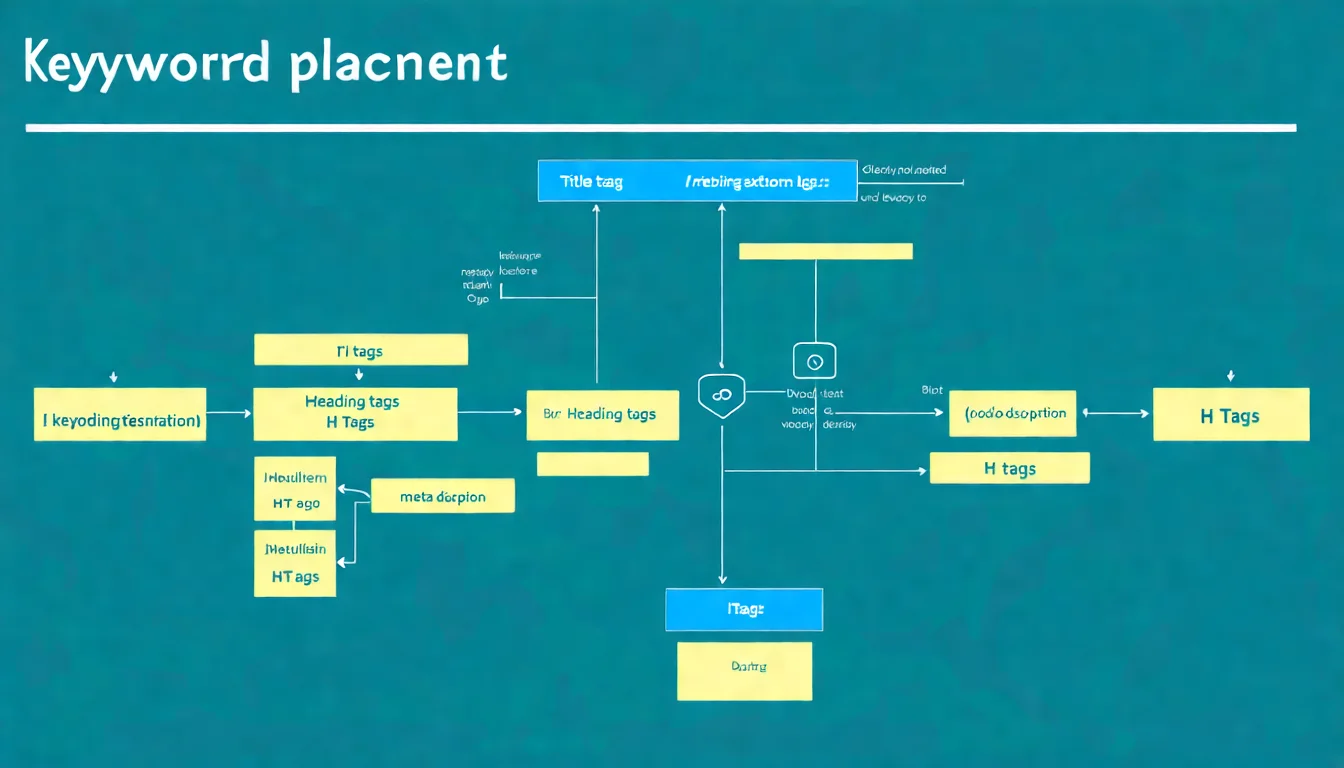
Keyword Placement Strategy
Where to put keywords:
| Location | Importance | Recommendation |
|---|---|---|
| Title tag | ★★★★★ | Primary keyword up front |
| Meta Description | ★★★☆☆ | Integrate naturally, encourage clicks |
| H1 heading | ★★★★★ | Include primary keyword |
| H2-H3 subheadings | ★★★★☆ | Include secondary keywords and variations |
| First paragraph | ★★★★☆ | Keyword appears within first 100 words |
| Body text | ★★★☆☆ | Integrate naturally, don't force it |
| URL | ★★★☆☆ | Include keyword in English |
| Image alt text | ★★☆☆☆ | Include when describing images |
Avoid keyword stuffing:
- Don't let keyword insertion hurt the reading experience
- Use synonyms and related terms naturally
- There's no fixed standard for keyword density -- if it reads well, it's fine
Long-Tail Keyword Strategy
Advantages of long-tail keywords:
- Low competition, easier to rank
- Clear search intent, high conversion rate
- Cumulative traffic is substantial
How to execute:
- Write a dedicated article for each long-tail keyword
- Use long-tail articles to support core pages
- Build internal links to form topic clusters
Example:
Core page: "Keyword Research" (high competition) Long-tail articles:
- "Google Keyword Planner Tutorial" (low competition)
- "Free Keyword Tools Recommendations" (low competition)
- "How to Find Long-Tail Keywords" (low competition)
These long-tail articles all link back to the core page, helping it build authority.
For a deeper dive, check out the long-tail keyword strategy.
Keyword Clustering Strategy
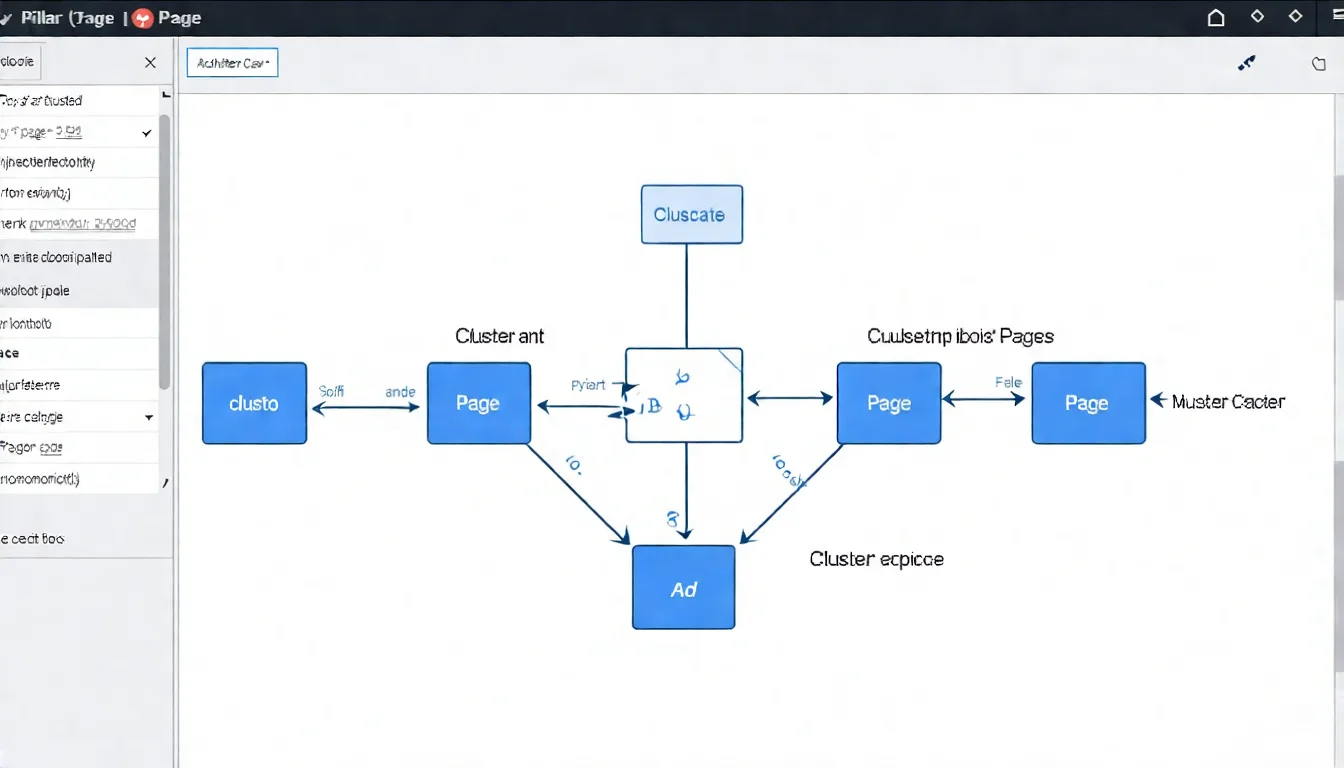
Building Topic Clusters:
Topic Clusters are a critical modern SEO strategy:
- Pillar Page: A comprehensive guide on the topic
- Cluster Content: In-depth articles on subtopics
- Internal links: Cluster articles link to the pillar page, and the pillar page links to cluster articles
Benefits:
- Builds topical authority
- Signals to Google that you're an expert on the subject
- Allows visitors to explore related content in depth
How to implement:
- Define the core topic and core keyword
- Find all related long-tail keywords
- Plan the pillar page and cluster articles
- Build a complete internal linking network
Keyword Research FAQ
Q: How much does keyword research cost?
A: It can be completely free, or you can invest in paid tools.
- Free approach: Google tools + Ubersuggest free version + Keyword Surfer -- sufficient for basic needs
- Paid approach: Ahrefs from $129/month, or Semrush from $117.33/month on annual billing, with more complete data and more powerful features (both also offer free tiers worth trying first)
For websites just starting out, use free tools first. Consider paid tools once your site reaches a certain scale.
Q: How many keywords should one article target?
A: Usually, one article should target one primary keyword plus 2-5 related secondary keywords or synonyms.
Don't try to make one article rank for too many unrelated keywords -- you'll end up ranking poorly for all of them.
Q: How do I know if a keyword is competitive?
A: Several methods:
- Check the Keyword Difficulty score in SEO tools
- Google the keyword and see if the top 10 results are all major brands
- Check how many ads appear in search results
- Look at the Domain Authority of ranking pages
If the top 10 are all large websites, there are many ads, and DA scores are high, then competition is fierce.
Q: How often should I do keyword research?
A: Recommended:
- Major research: Do a complete keyword research once per quarter or year
- Routine tracking: Review ranking changes and new opportunities monthly
- New content: Confirm target keywords before writing each new article
Search trends change, so regularly updating your keyword strategy is essential.
Why Is Keyword Research the Starting Point for SEO Success?
Choose the right keywords, and you're already halfway there.
Key takeaways from this article:
- Definition of keyword research: Finding out what your target audience is searching for
- Core concepts: Search intent, search volume, competition
- Four-step workflow: Brainstorm → Expand list → Analyze and filter → Build plan
- Tool recommendations: Google's free tools are enough to start; paid tools offer more complete data
- Optimization strategies: Long-tail keyword strategy suits new websites; Topic Clusters build authority
Recommended action steps:
- Spend 30 minutes brainstorming your seed keywords
- Use Google Keyword Planner to expand your list
- Filter down to 5-10 priority keywords
- Plan corresponding content topics
- Start creating!
Remember: Keyword research isn't a one-time activity; it's an ongoing process. As your market understanding deepens, you'll discover more valuable keyword opportunities.
Want to save time on keyword research? Let AI handle everything from research to articles in one place.
![Best Free Keyword Research Tools | 2026 Complete Comparison [10 Tools]](/_next/image?url=%2Fblog%2Fimages%2Fkeyword-research%2Ffree-keyword-tools-01.webp&w=3840&q=75)
![How to Find Keywords: 5 Proven Methods to Discover the Right Keywords [2026]](/_next/image?url=%2Fblog%2Fimages%2Fkeyword-research%2Fhow-to-find-keywords-01.webp&w=3840&q=75)
![Long-Tail Keyword Strategy | The SEO Secret Weapon for Small Websites [2026]](/_next/image?url=%2Fblog%2Fimages%2Fkeyword-research%2Flong-tail-keyword-strategy-01.webp&w=3840&q=75)
