![Best Free Keyword Research Tools | 2026 Complete Comparison [10 Tools]](/_next/image?url=%2Fblog%2Fimages%2Fkeyword-research%2Ffree-keyword-tools-01.webp&w=3840&q=75)
You need tools for SEO, but the good ones are all expensive?
Not necessarily. There are plenty of free keyword research tools on the market with enough features to handle basic keyword research needs.
This article compiles 10 free (or freemium) keyword tools, from Google's official tools to third-party services, to help you find the best fit.
Why You Need Keyword Tools
Before recommending tools, let's understand what keyword tools can do for you.
What Keyword Tools Do
1. Look Up Keyword Search Volume
Want to know how many people search for a keyword each month? This is the most fundamental feature. Search volume data helps you assess the market demand for a keyword.
2. Discover Related Keywords
Enter one keyword and the tool will suggest hundreds of related keywords, helping you uncover opportunities you hadn't considered.
3. Analyze Keyword Competition
High-competition keywords are hard to rank for; low-competition keywords are golden opportunities. Tools help you make quick assessments.
4. Track Ranking Changes
Some tools can track your website's ranking changes for specific keywords, so you can measure your SEO performance.
Free vs. Paid Tools
Characteristics of free tools:
- Basic features are sufficient
- Usage limits on queries or data volume
- Best for beginners and small websites
Characteristics of paid tools:
- More advanced features
- More comprehensive data
- Best for professionals and large websites
Recommendation: Start with free tools to learn and experiment. Consider paid tools when your needs grow.
For a more comprehensive overview of keyword research methods, check out our beginner's guide.
Google's Official Tools
Tools provided by Google itself offer the most accurate data, and they're completely free.
Google Keyword Planner
Overview
Google Keyword Planner is a built-in tool within Google Ads that provides official search volume data.
Key features:
- Look up keyword search volume
- Discover related keyword suggestions
- View keyword competition levels
Pros:
- Most accurate data since it's from Google directly
- Completely free to use
- Good support for various languages
Cons:
- Requires a Google Ads account (with billing information entered to complete setup)
- Search volume figures are rounded estimates, not exact figures
- Interface can be unintuitive
Best for: Everyone. An essential tool for keyword research.
For a detailed walkthrough, check out our Google Keyword Planner tutorial.
Google Search Console
Overview
Google Search Console is a webmaster tool that shows how your website performs in Google Search.
Key features:
- View keywords your site already ranks for
- See impressions and clicks for each keyword
- Discover potential keyword opportunities
Pros:
- Actual search data from Google (some rare queries are withheld for privacy)
- Shows your website's actual performance
- Completely free
Cons:
- Only shows data for your own website
- Cannot research new keywords
- Requires site ownership verification
Best for: Website owners who need to track existing performance.
Google Trends
Overview
Google Trends shows search trend changes for keywords, helping you understand whether demand is rising or falling.
Key features:
- View keyword search trends
- Compare popularity across different keywords
- Discover related queries and topics
Pros:
- Intuitive trend charts
- Compare multiple keywords side by side
- Completely free
Cons:
- Only provides relative data, not absolute search volume
- Low-volume keywords may have no data
Best for: Anyone who wants to understand keyword trends.

Third-Party Free Tools
Beyond Google's official tools, there are many excellent third-party options.
Ubersuggest
Overview
Ubersuggest is an SEO tool by Neil Patel, and its free version offers fairly comprehensive features.
Key features:
- Keyword search volume and difficulty
- Related keyword suggestions
- Content ideas and recommendations
- Competitor analysis
Free version limits:
- Limited number of daily queries
- Fewer keyword suggestions without signing in (a free account unlocks more)
Pros:
- Beautiful, user-friendly interface
- Relatively comprehensive data
- Available in multiple languages
Cons:
- Very limited free queries
- Data accuracy not as reliable as Google's
Best for: Beginners who want a simple, easy-to-use tool.
Answer The Public
Overview
Answer The Public specializes in showing question-based keywords, presented in visual charts.
Key features:
- Lists all questions related to a keyword
- Various question formats: What, How, Why, etc.
- Visual keyword maps
Free version limits:
- Daily query limit applies
- No search volume data
Pros:
- Best source for question-based keywords
- Excellent for content inspiration
- Unique visual presentation
Cons:
- Extremely limited free queries
- No search volume data
Best for: Anyone looking for content inspiration and question-based keywords.
Keyword Surfer
Overview
Keyword Surfer is a Chrome browser extension that displays keyword data directly while you search.
Key features:
- Shows search volume in real time while browsing
- Displays related keyword suggestions
- Shows estimated traffic for ranking pages
Pros:
- No need to open a separate tool
- Officially 100% free
- Extremely convenient to use
Cons:
- Chrome browser only
- Limited data accuracy
- Basic feature set
Best for: Anyone who wants quick, convenient keyword lookups.
Keywords Everywhere
Overview
Keywords Everywhere is another browser extension that shows keyword data across multiple platforms.
Key features:
- Supports Google, YouTube, Amazon, and more
- Displays search volume and competition
- Related keyword suggestions
Free version limits:
- Basic features are free
- Search volume data requires payment
Pros:
- Multi-platform support
- Quick and convenient
- Can view trend data
Cons:
- Core features require payment
- Limited information in free version
Best for: Anyone who needs keyword data across multiple platforms.
Too many tools and can't decide? Let an expert handle your keyword research.
👉 Free consultation on LINE: @006ljkda
Paid Tools Overview
If free tools don't meet your needs, here are paid tools worth considering.
Ahrefs
Features:
- Industry's largest keyword database
- Leading brand in backlink analysis
- Powerful competitor analysis
- Most comprehensive data
Price: From $129/month (Ahrefs also offers a limited Starter plan at $29/month and a free tier; see the official Ahrefs pricing page)
Best for: Professional SEO practitioners, medium to large businesses
SEMrush
Features:
- Most comprehensive marketing suite
- Keyword research + ad analysis + social media analysis
- Powerful competitive intelligence
- Accurate position tracking
Price: Free $0 plan available (10 reports per day, 1 demo project); paid plans from $117.33/month (annual billing; the former Pro / Guru / Business plans are no longer listed on the public pricing page, see the official Semrush pricing page)
Best for: Teams that need an all-in-one marketing tool
Moz Pro
Features:
- SEO beginner-friendly
- Rich educational resources
- Accurate keyword difficulty scoring
- Limited free version available
Price: Starting at ~$49/month (entry-level plan)
Best for: SEO beginners, small to medium businesses
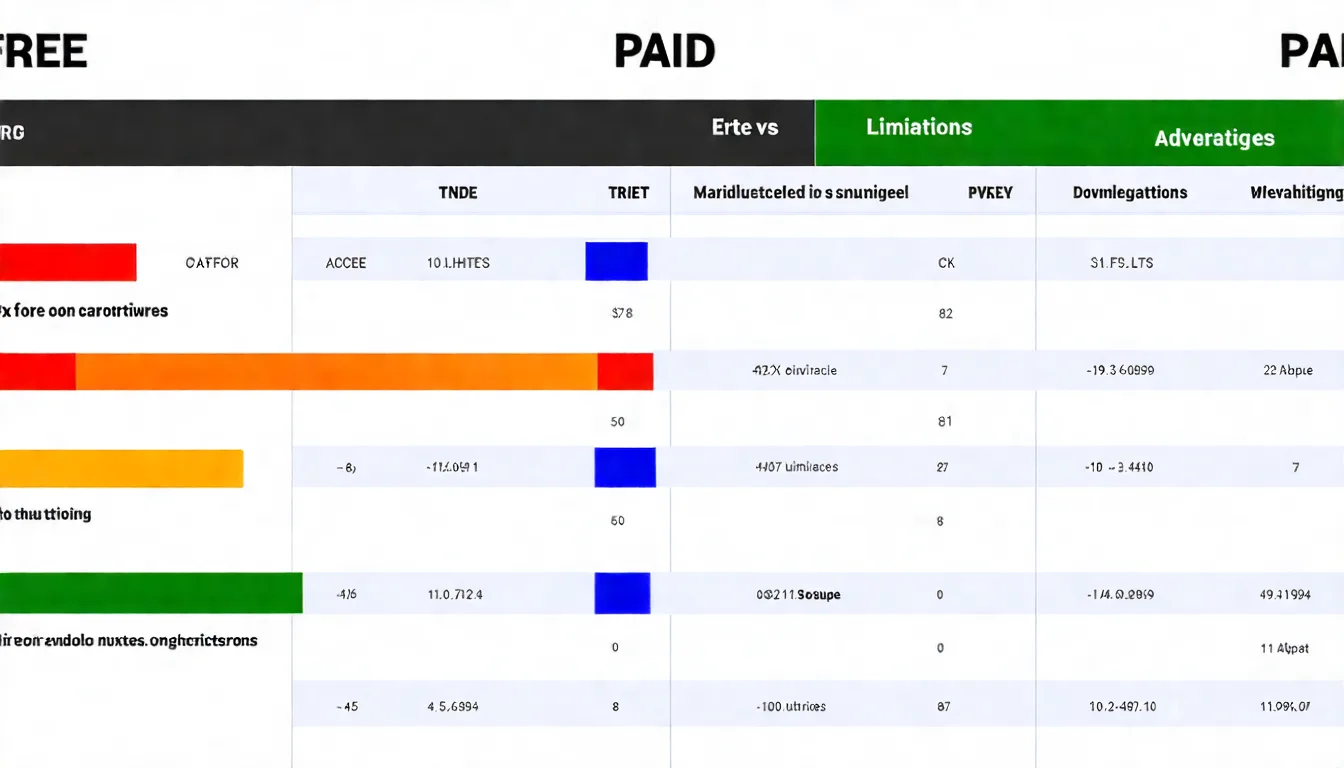
Tool Comparison Table
Here's a side-by-side comparison of all the tools:
| Tool Name | Cost | Search Volume | Keyword Suggestions | Competition | Standout Feature |
|---|---|---|---|---|---|
| Google Keyword Planner | Free | ✅ Rounded | ✅ | ✅ | Official data |
| Google Search Console | Free | ✅ | ❌ | ❌ | Actual performance |
| Google Trends | Free | ❌ | ✅ | ❌ | Trend analysis |
| Ubersuggest | Free/Paid | ✅ | ✅ | ✅ | Full-featured starter |
| Answer The Public | Free/Paid | ❌ | ✅ | ❌ | Question keywords |
| Keyword Surfer | Free | ✅ | ✅ | ❌ | Browser extension |
| Keywords Everywhere | Free/Paid | ✅* | ✅ | ✅* | Multi-platform |
| Ahrefs | Paid (free plan covers your own site only) | ✅ | ✅ | ✅ | Most complete data |
| SEMrush | Free/Paid | ✅ | ✅ | ✅ | Most features |
| Moz Pro | Paid | ✅ | ✅ | ✅ | Beginner-friendly |
*Keywords Everywhere requires the paid version for search volume and competition data
How to Choose the Right Tool
With so many tools, how do you choose?
Choose Based on Your Needs
If you're a complete beginner:
- Start with Google Keyword Planner to learn the basics
- Pair it with Keyword Surfer for quick lookups
- Use Google Trends to understand trends
If you need content inspiration:
- Use Answer The Public to find questions
- Use Ubersuggest to find related keywords
- Use Google Autocomplete for extensions
If you have a budget:
- Choose either Ahrefs or SEMrush
- Combine with Google's official tools
- Add other services as needed
Recommended Free Tool Combinations
Recommended free tool combinations:
Essential combo:
- Google Keyword Planner (search volume, keyword suggestions)
- Google Search Console (performance tracking)
- Keyword Surfer (instant lookups)
Advanced combo (add these):
- Ubersuggest (more suggestions)
- Answer The Public (question-based keywords)
- Google Trends (trend analysis)
This combination is sufficient for most keyword research needs.
How to Make the Most of Free Keyword Tools
Having lots of keyword tools is meaningless if you don't know how to use them.
Key takeaways from this article:
- Google official tools: Keyword Planner, Search Console, and Trends are essentials
- Third-party free tools: Ubersuggest, Answer The Public, Keyword Surfer
- Paid tools: Consider Ahrefs or SEMrush when your needs grow
- Selection principle: Choose based on your needs; free tool combos are usually enough
Recommended action steps:
- Install the Keyword Surfer extension
- Sign up for Google Keyword Planner
- Try each tool with your business topics
- Find the tool combination that works best for you
Once you know how to use the tools, the next important step is learning keyword analysis methods, so you know how to make the right decisions from the data.
For a more comprehensive keyword research methodology, check out the keyword research guide.
Have keyword questions? Get free answers on LINE.
![The Complete Keyword Research Guide | Learn to Find the Right Keywords From Scratch [2026]](/_next/image?url=%2Fblog%2Fimages%2Fkeyword-research%2Fkeyword-research-guide-01.webp&w=3840&q=75)
![Keyword Analysis Tutorial | How to Find High-Value Keywords From Data [2026]](/_next/image?url=%2Fblog%2Fimages%2Fkeyword-research%2Fkeyword-analysis-tutorial-01.webp&w=3840&q=75)
![How to Find Keywords: 5 Proven Methods to Discover the Right Keywords [2026]](/_next/image?url=%2Fblog%2Fimages%2Fkeyword-research%2Fhow-to-find-keywords-01.webp&w=3840&q=75)
