![Internal Linking for SEO: Boost Site Architecture & Link Juice [2026 Guide]](/_next/image?url=%2Fblog%2Fimages%2Flink-building%2Finternal-linking-seo-01.webp&w=3840&q=75)
Many people focus on acquiring backlinks while overlooking internal links -- something they have complete control over.
Internal links are more than just navigation tools; they are a vital SEO factor.
A well-executed internal linking strategy helps search engines understand your site architecture and channels more authority to your most important pages.
This article walks you through internal linking optimization strategies to make your site architecture more SEO-friendly.
Internal linking feeling too complex? Start by ensuring you have enough quality content. Free consultation via LINE.
👉 Free LINE Consultation: @006ljkda
Internal Linking Fundamentals
What Are Internal Links?
Internal links = links between pages within the same website
Common types of internal links:
- Navigation menus: Homepage to category pages
- Sidebars: Related article recommendations
- In-content links: Links within article body text to other articles
- Breadcrumbs: Page hierarchy paths
- Footer links: Contact us, privacy policy
Differences from external links:
| Type | Definition | Control |
|---|---|---|
| Internal links | Between pages within the same site | Fully controllable |
| External links | Pointing to other websites | Fully controllable |
| Backlinks | Others linking to you | No direct control |
Why Internal Links Matter for SEO
1. Help search engines crawl your site
- Let Googlebot discover new pages
- Understand site architecture
- Determine page importance
2. Pass authority (Link Juice)
- The homepage typically has the highest authority
- Authority flows through internal links
- More links to important pages = more authority
3. Establish topical relevance
- Related pages link to each other
- Help Google understand topic relationships
- Build topic cluster authority
4. Improve user experience
- Guide users to browse more content
- Provide relevant information
- Reduce bounce rate
Internal Links vs Backlinks
| Aspect | Internal Links | Backlinks |
|---|---|---|
| Control | 100% | 0% |
| Difficulty | Low | High |
| SEO Impact | Medium | High |
| Priority | Do first | Build over time |
Recommended strategy:
Optimize internal links first (you control them), then work on backlinks (which require time to accumulate).
For a complete link building strategy, check out our core guide.
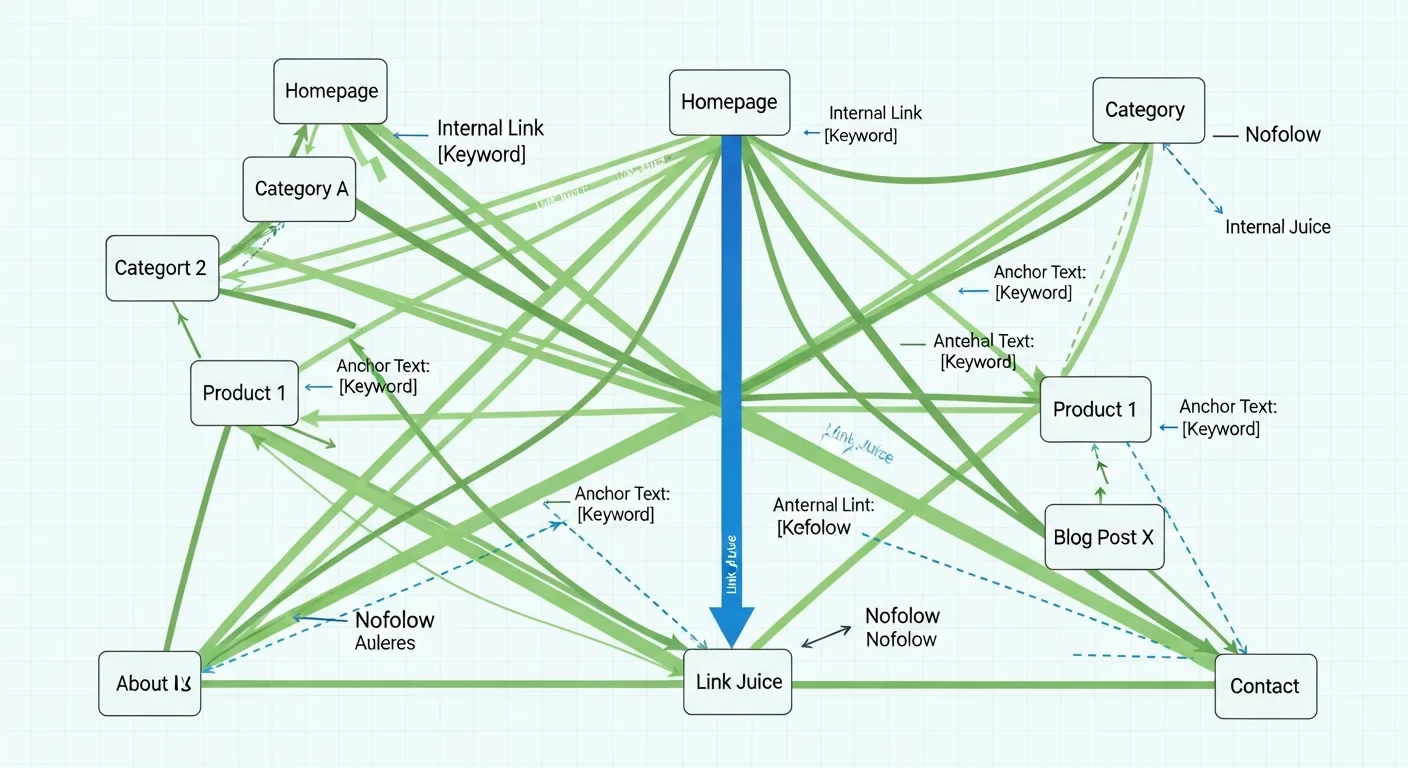
Link Juice Explained
What Is Link Juice?
Link Juice = the authority and value passed through links
A simple analogy:
Think of website authority as water, and links as pipes. Water (authority) flows through pipes (links) to other pages.
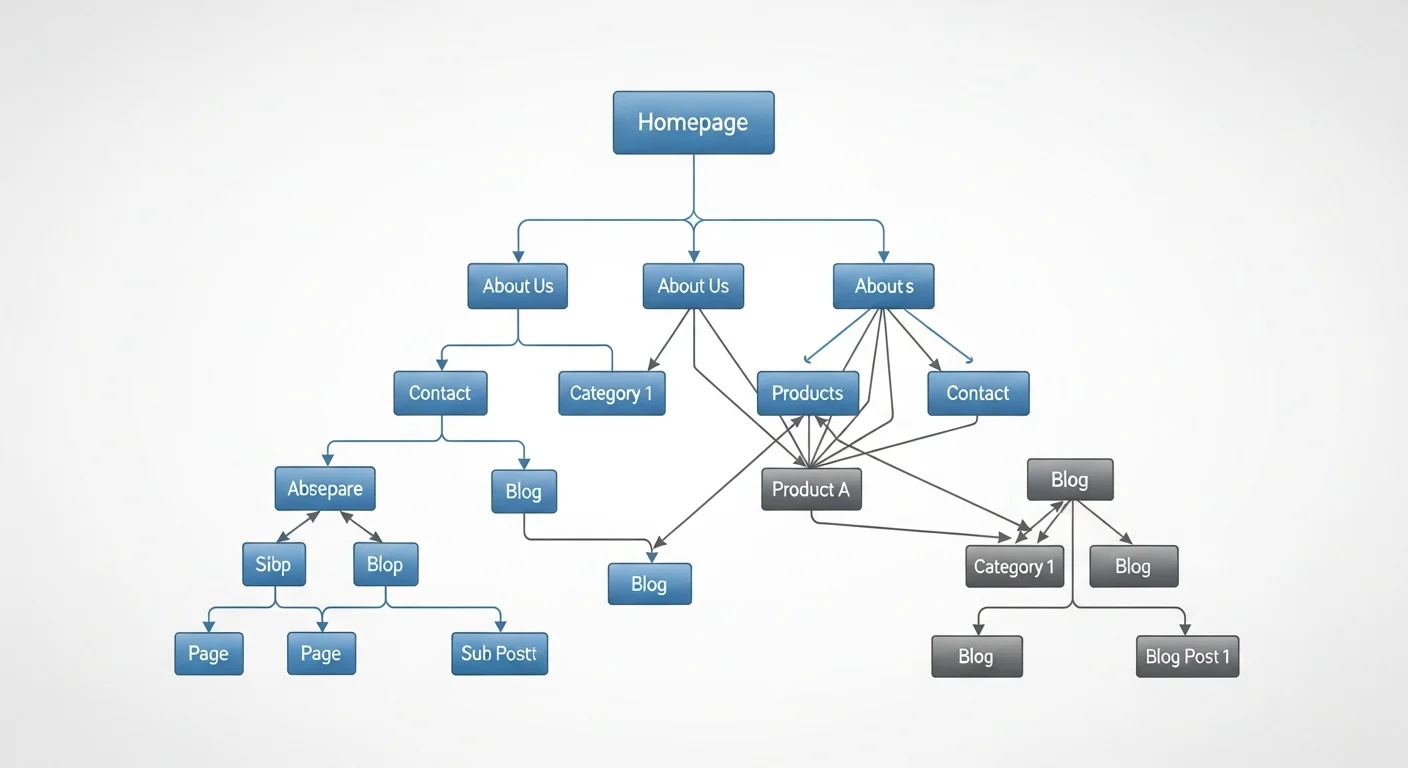
How Link Juice Flows Within a Website
How it works:
- Every page has a certain amount of authority
- Authority is passed through links
- The more links on a page, the less each individual link receives
Calculation example:
Suppose the homepage has 100 points of authority with 10 outgoing links:
- Each link passes roughly 10 points (simplified)
- Fewer links means each one is worth more
Optimization strategies:
- Important pages should receive more internal links
- Less important pages should have fewer links
- Avoid linking to unimportant pages
Homepage Link Juice Distribution
The homepage typically holds the most authority because:
- Most backlinks point to the homepage
- Nearly all pages on the site link back to the homepage
- It is the most frequently visited page
Homepage authority distribution principles:
-
Link important pages directly from the homepage
- Place them in the navigation menu
- Feature them in prominent positions
-
Give category pages adequate links
- They serve as relay stations
- They pass authority down to articles
-
Your most important content pages
- Consider linking directly from the homepage
- Examples: key services, cornerstone content
Internal Linking Strategies
Topic Cluster Architecture
What is a Topic Cluster?
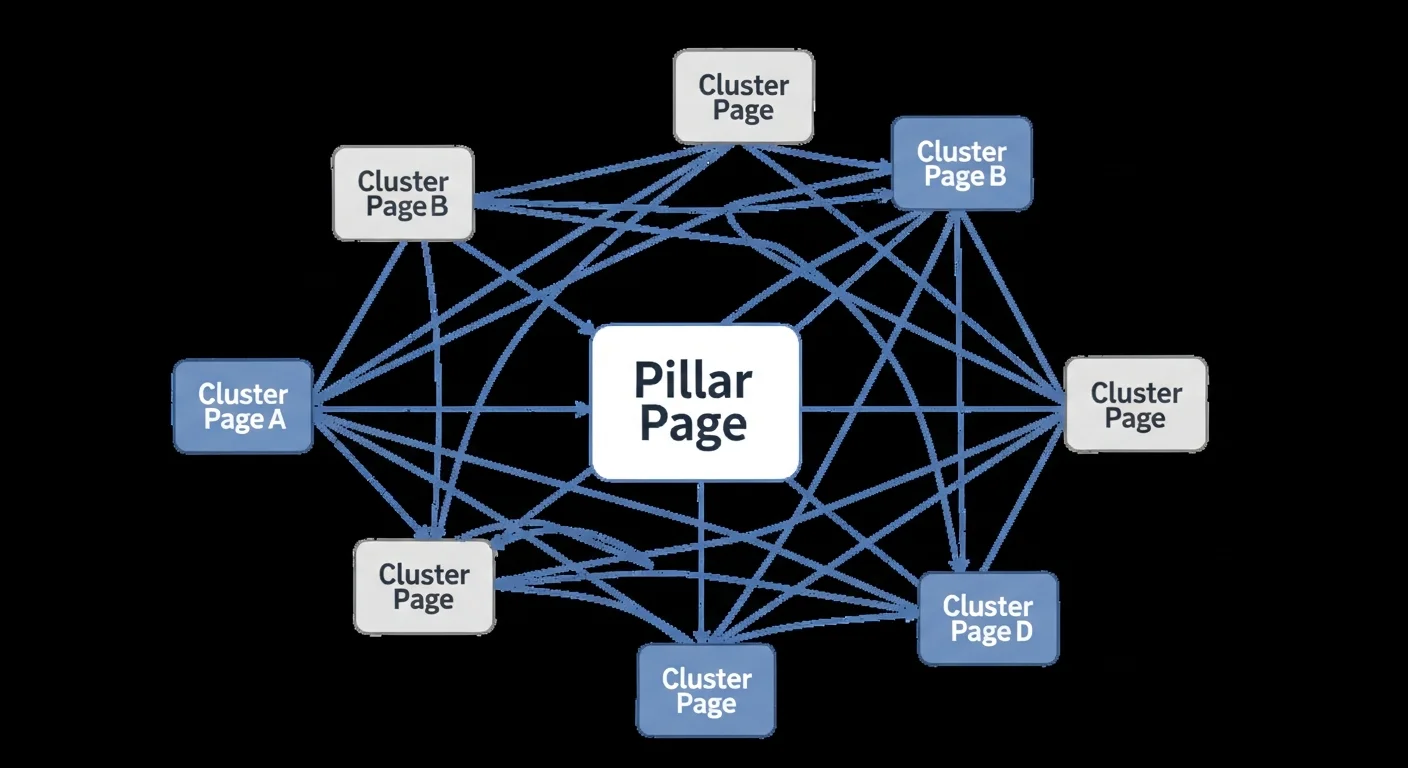
A topic cluster strategy that organizes related content into groups.
Structure:
Pillar Page
├── Cluster Article 1
├── Cluster Article 2
├── Cluster Article 3
└── Cluster Article 4
How it works:
- Pillar page: Comprehensive overview of the topic
- Cluster articles: Deep dives into subtopics
- Link relationships: Cluster articles link back to the pillar; the pillar links to clusters
SEO benefits:
- Builds topical authority
- Authority flows within the cluster
- Strengthens pillar page rankings
Pillar Pages & Cluster Content
Pillar Page:
- Covers a broad topic comprehensively
- Typically 3,000-5,000 words
- Links to all related cluster articles
Cluster Content:
- Deep dives into specific subtopics
- Typically 1,500-3,000 words
- Links back to the pillar page
Example:
| Pillar Page | Cluster Articles |
|---|---|
| Complete SEO Guide | Keyword Research Tutorial |
| Technical SEO Tutorial | |
| Content SEO Tutorial | |
| Link Building Tutorial |
Hierarchical Link Architecture
Website hierarchy:
Homepage (Level 1)
├── Category Page (Level 2)
│   ├── Article Page (Level 3)
│   └── Article Page (Level 3)
└── Category Page (Level 2)
    ├── Article Page (Level 3)
    └── Article Page (Level 3)
Principles:
- Don't bury important pages too deep
- Every page should be reachable within 3 clicks
- Higher hierarchy levels carry more authority
Contextual Links
The most valuable internal links: relevant links that appear naturally within the body content
Characteristics:
- Appear within the content
- Highly relevant to the surrounding context
- Provide additional value to the reader
Example:
"To learn more about backlinks, check out our in-depth article on the topic."
Best practices:
- Include 3-5 internal links per article
- Link to related articles
- Use descriptive anchor text
The foundation of internal linking is having enough articles. Let AI help you consistently produce content.
Anchor Text Best Practices
The Importance of Descriptive Anchor Text
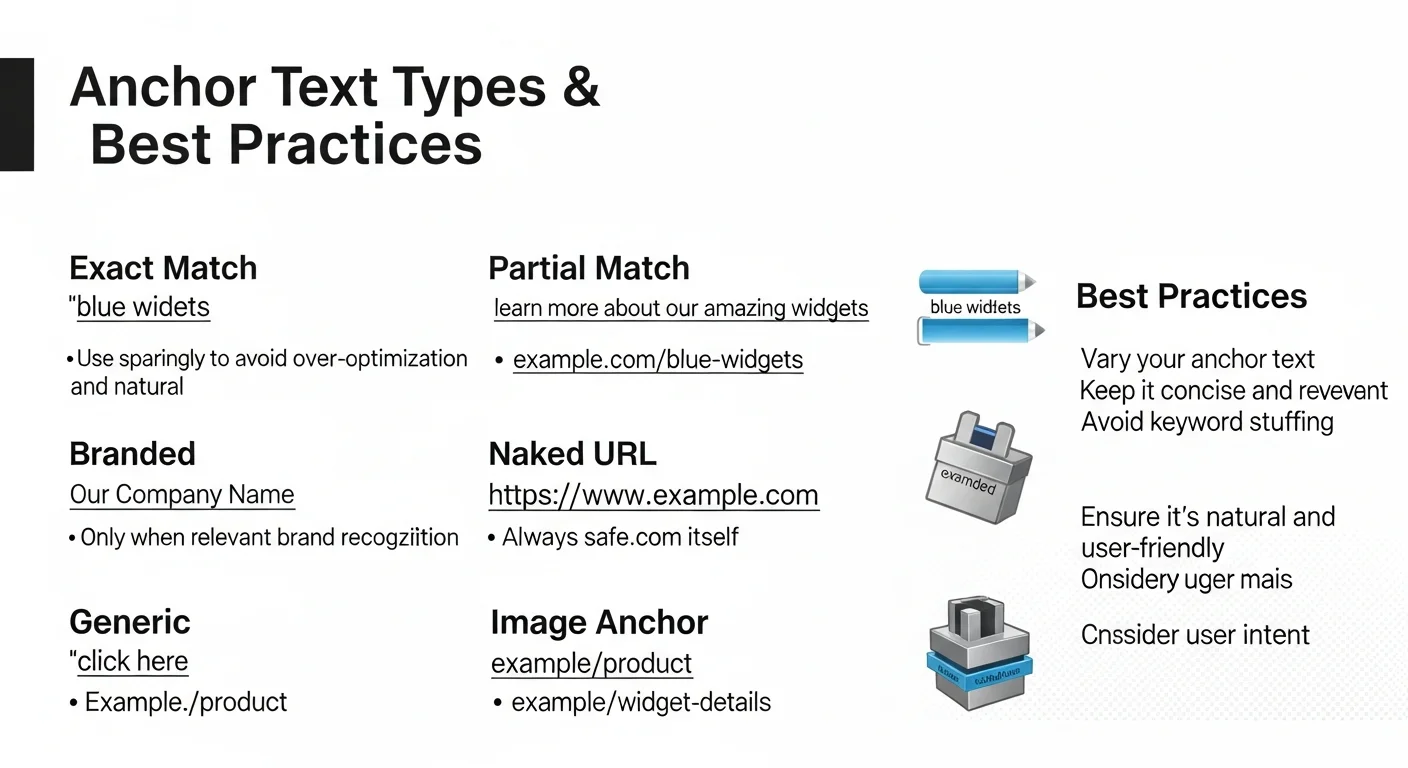
Anchor text = the clickable text in a link
Good anchor text:
✅ "Check out our complete guide to SEO basics" ✅ "Refer to our keyword research methods"
Bad anchor text:
❌ "Learn more click here" ❌ "For related info see here"
Why descriptive anchor text matters:
- Google uses anchor text to understand the target page's content
- Users know what to expect when clicking
- Improves user experience
Avoiding Over-Optimization
What is over-optimization?
Using the exact same target keyword as anchor text for all internal links pointing to a page.
Example (bad practice):
If 50 pages on your site all use "SEO tutorial" to link to the same page, it looks unnatural.
The natural approach:
- Use diverse anchor text
- Sometimes use keywords, sometimes descriptive phrases
- Blend naturally with the surrounding context
Anchor Text Diversity
Recommended anchor text distribution:
| Type | Example | Usage Ratio |
|---|---|---|
| Exact match | "SEO tutorial" | 10-20% |
| Partial match | "Complete SEO tutorial guide" | 30-40% |
| Related terms | "Search engine optimization basics" | 20-30% |
| Generic | "Related article" "Learn more" | 10-20% |
For more on SEO external link strategies, check out our tutorial.
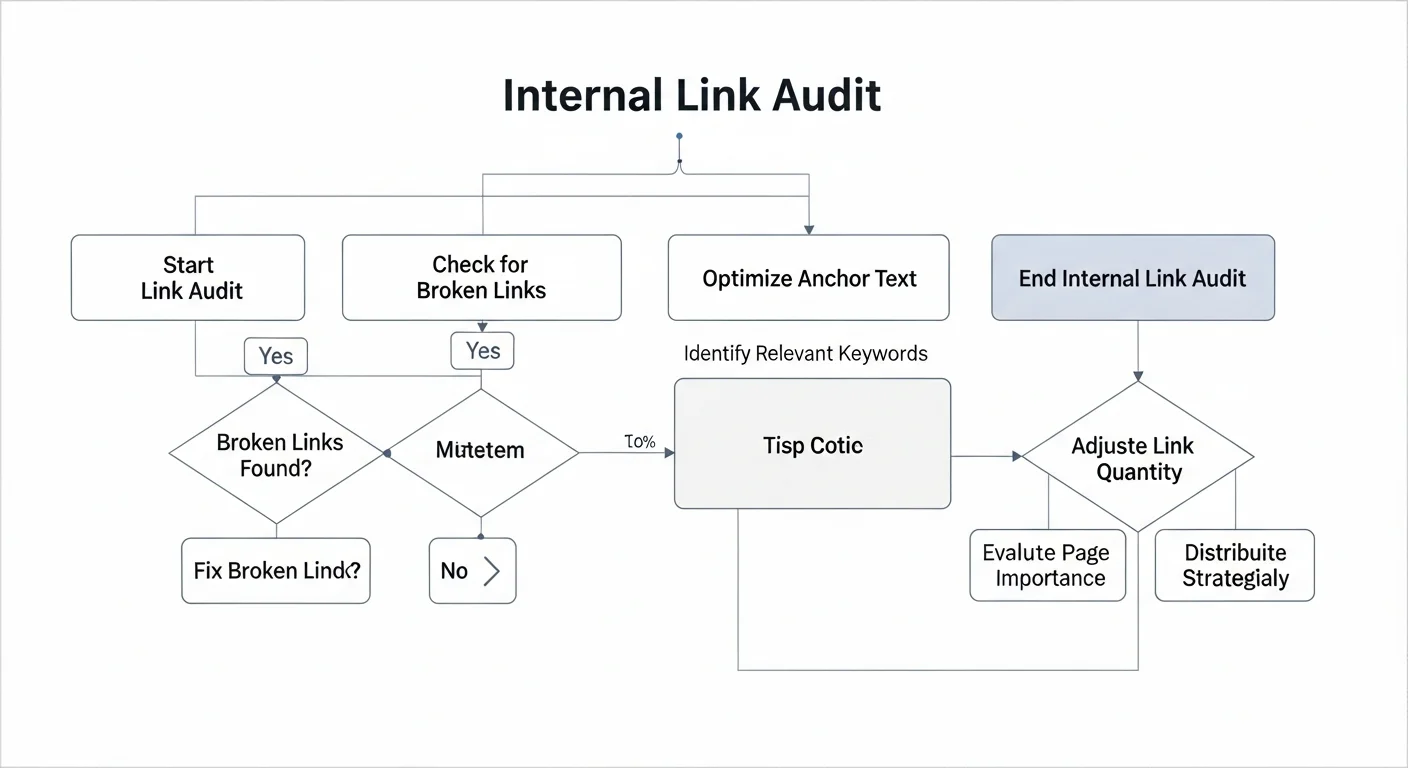
Internal Link Auditing & Optimization
Finding Orphan Pages
What are orphan pages?
Pages with no internal links pointing to them (except from the sitemap).
Problems:
- Hard for search engines to discover
- Cannot receive internal authority
- May not get indexed
How to find them:
- Crawl your site with Screaming Frog
- Add your XML Sitemap (or connect GA/GSC), run Crawl Analysis, and review the "Orphan URLs" filter
- Review unindexed pages in Search Console
Solutions:
- Add links from related pages
- Include them in category or tag pages
- Consider whether the page is still needed
Fixing Broken Links
What are broken links?
Links that point to non-existent pages (404 errors).
Problems:
- Waste crawl budget
- Harm user experience
- May negatively impact SEO
How to find them:
- Use Screaming Frog
- Check the "Page indexing" report (formerly "Coverage") in Google Search Console
- Use online tools (Broken Link Checker)
Solutions:
- Update the link to the correct page
- Set up a 301 redirect
- If the page has been deleted, remove the link
Optimizing Link Depth
What is link depth?
The minimum number of clicks required to reach a page from the homepage.
Ideal depth:
- Important pages: 1-2 clicks
- General pages: 2-3 clicks
- All pages: no more than 4 clicks
How to optimize:
- Place important pages in the navigation menu
- Organize category pages effectively
- Cross-link related articles
Tools for Checking Internal Links
Recommended tools:
Screaming Frog
- Crawls the entire website
- Analyzes internal link structure
- Identifies problematic links
Google Search Console
- Free
- View internal link reports
- See what links Google has discovered
Ahrefs Site Audit
- Comprehensive site audit
- Internal link analysis
- Optimization recommendations
Advanced Internal Linking Strategies
Breadcrumb Navigation
What are breadcrumbs?
A navigation element showing the page hierarchy path.
Example:
Home > SEO Tutorial > Link Building > Internal Link Optimization
SEO benefits:
- Provide additional internal links
- Help Google understand site structure
- Improve user experience
- May appear in search results (Google currently shows this on desktop results only)
Implementation:
- Use Schema structured data
- Ensure every page has breadcrumbs
- Keep them consistent with your site architecture
Related Article Recommendations
Display related articles at the bottom of each post
Benefits:
- Increase internal links
- Guide users to browse more content
- Reduce bounce rate
Implementation:
- Use plugins (WordPress)
- Recommend based on categories or tags
- Manually select the most relevant articles
Best practices:
- Show 3-5 related articles
- Ensure they are genuinely related
- Include appealing titles and images
Tags & Category Pages
Category pages:
- Organize related content
- Serve as topic entry points
- Pass authority
Tag pages:
- Cross-category topic connections
- More granular classification
- Avoid excessive tags
Best practices:
- Categories should follow a clear logic
- Each category should have enough articles (at least 5)
- Tags should add value; avoid too many
Sitemap Optimization
HTML Sitemap:
- A page designed for users
- Lists all important pages on the site
- Provides additional internal links
XML Sitemap:
- Designed for search engines
- Submit to Search Console
- Helps discover all pages
Best practices:
- Update your sitemap regularly
- Only include pages you want indexed
- Remove noindex pages
Why Internal Linking Is the One SEO Factor You Fully Control
Unlike backlinks that require cooperation from others, internal links are entirely up to you.
Key takeaways from this article:
- Fundamentals: Internal links help with crawling, authority distribution, and topic relevance
- Link Juice: Authority flows through links and needs strategic allocation
- Strategies: Topic clusters, hierarchical architecture, contextual links
- Anchor text: Be descriptive, diversify, and avoid over-optimization
- Auditing: Find orphan pages, fix broken links, and optimize depth
Our recommendations:
- Start by auditing your current internal link status
- Plan your topic cluster architecture
- Add relevant internal links to every new article
- Audit and optimize on a regular basis
Want to build a complete topic cluster? Consult via LINE about our AI content plans.