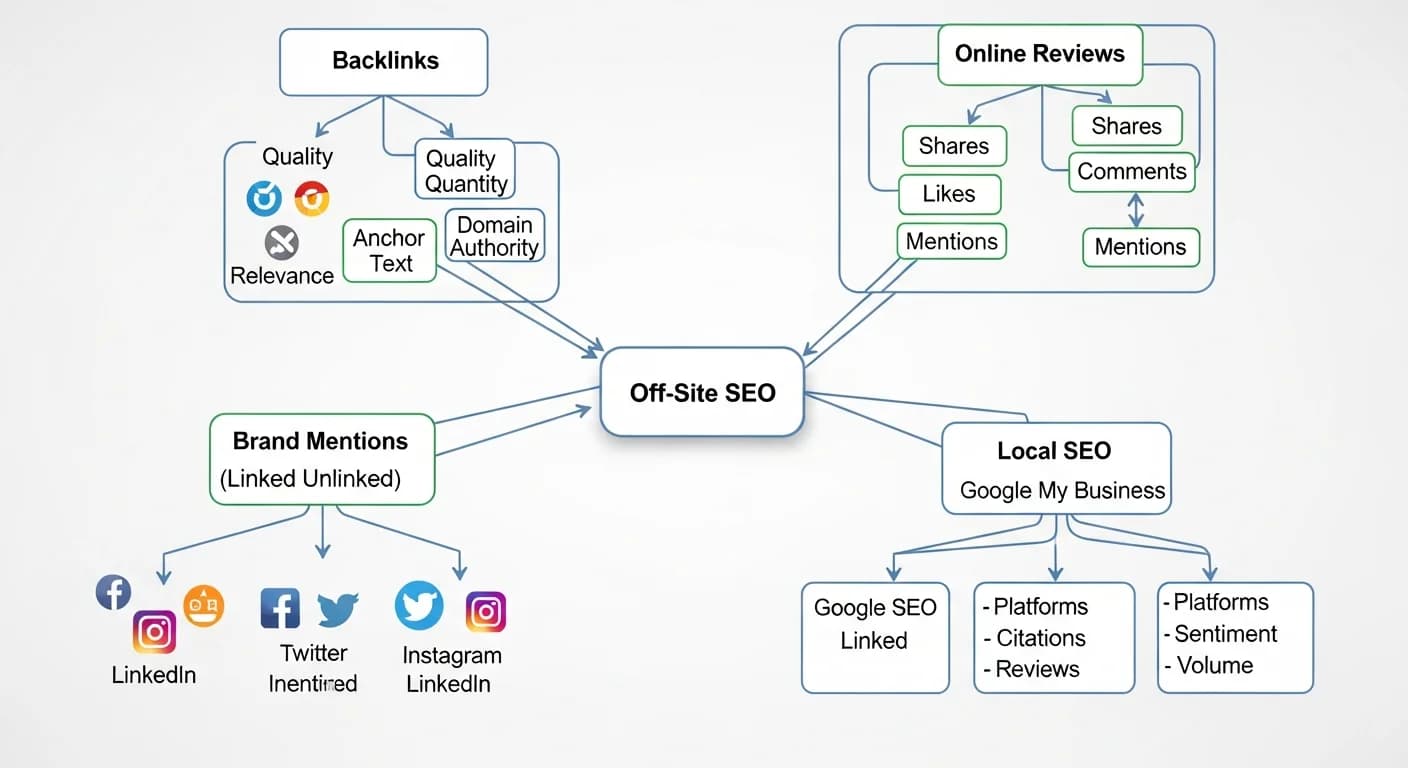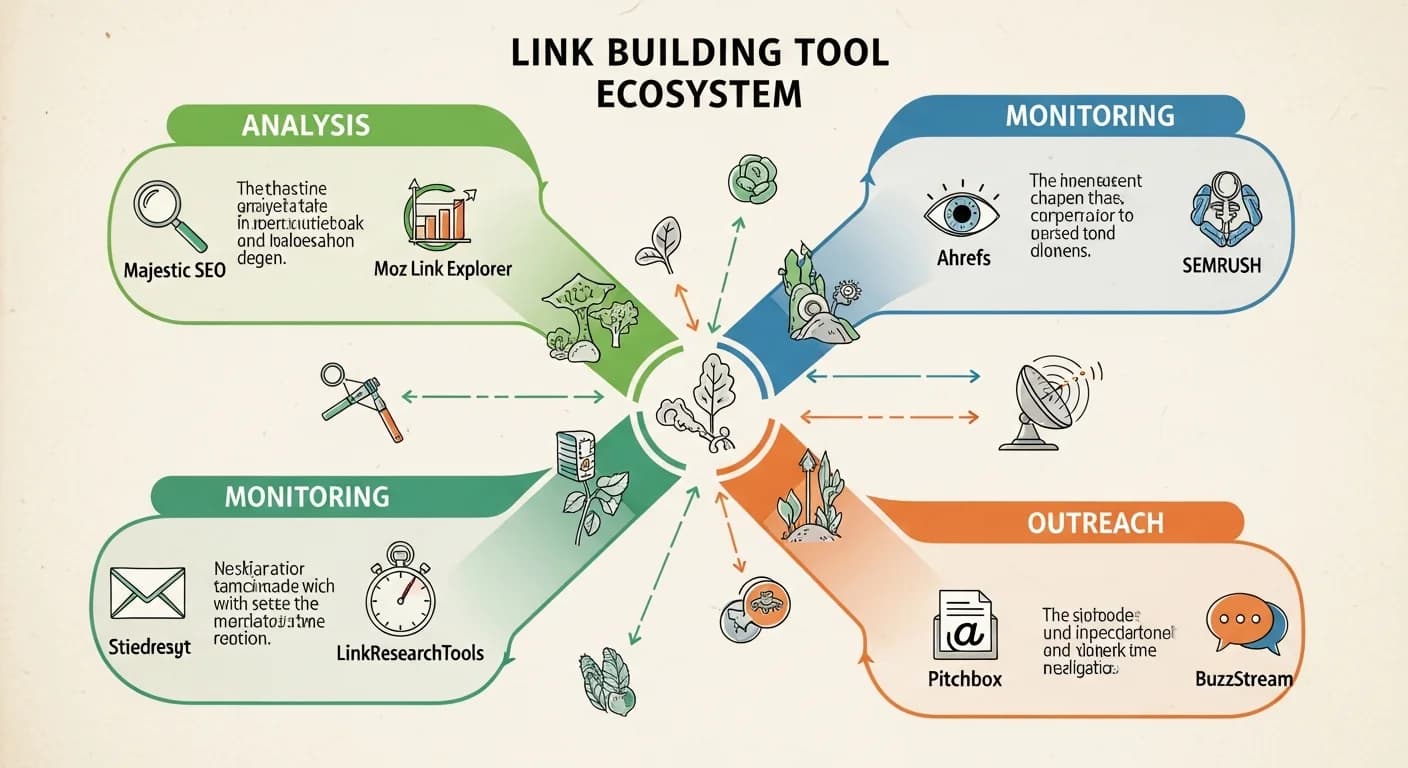
Link building requires the right tools.
You need to know who's linking to you, where your competitors' links come from, and whether your links are high quality.
Doing all of this manually is far too time-consuming. The right tools can dramatically boost your efficiency.
This article introduces the leading link building tools to help you choose the best ones for analyzing and monitoring your backlink profile.
Too many tools and not sure which to pick? Let an expert help you plan. Free consultation via LINE.
👉 Free LINE Consultation: @006ljkda
Why You Need Link Building Tools
The Importance of Link Analysis
What you need to know:
- Who links to you: Understand your backlink sources
- Link quality: Determine whether links are valuable
- Competitor landscape: What are their link strategies?
- Trend changes: Are links increasing or decreasing?
Nearly impossible without tools:
- Manual searching is extremely inefficient
- You can't get complete data
- You can't track changes over time
Manual vs Tool-Assisted
| Aspect | Manual Approach | Using Tools |
|---|---|---|
| Efficiency | Very low | High |
| Completeness | Incomplete | More complete |
| Accuracy | Likely to miss things | Systematic |
| Cost | High time cost | Requires subscription |
What Tools Can Do for You
1. Backlink analysis
- View all links pointing to your site
- Analyze link quality
- Track link changes
2. Competitor research
- Analyze competitors' links
- Find replicable opportunities
- Compare link gaps
3. Opportunity discovery
- Find potential link sources
- Broken link building opportunities
- Content gap analysis
4. Monitoring & alerts
- New link notifications
- Lost link tracking
- Toxic link detection
For a complete link building strategy, check out our core guide.
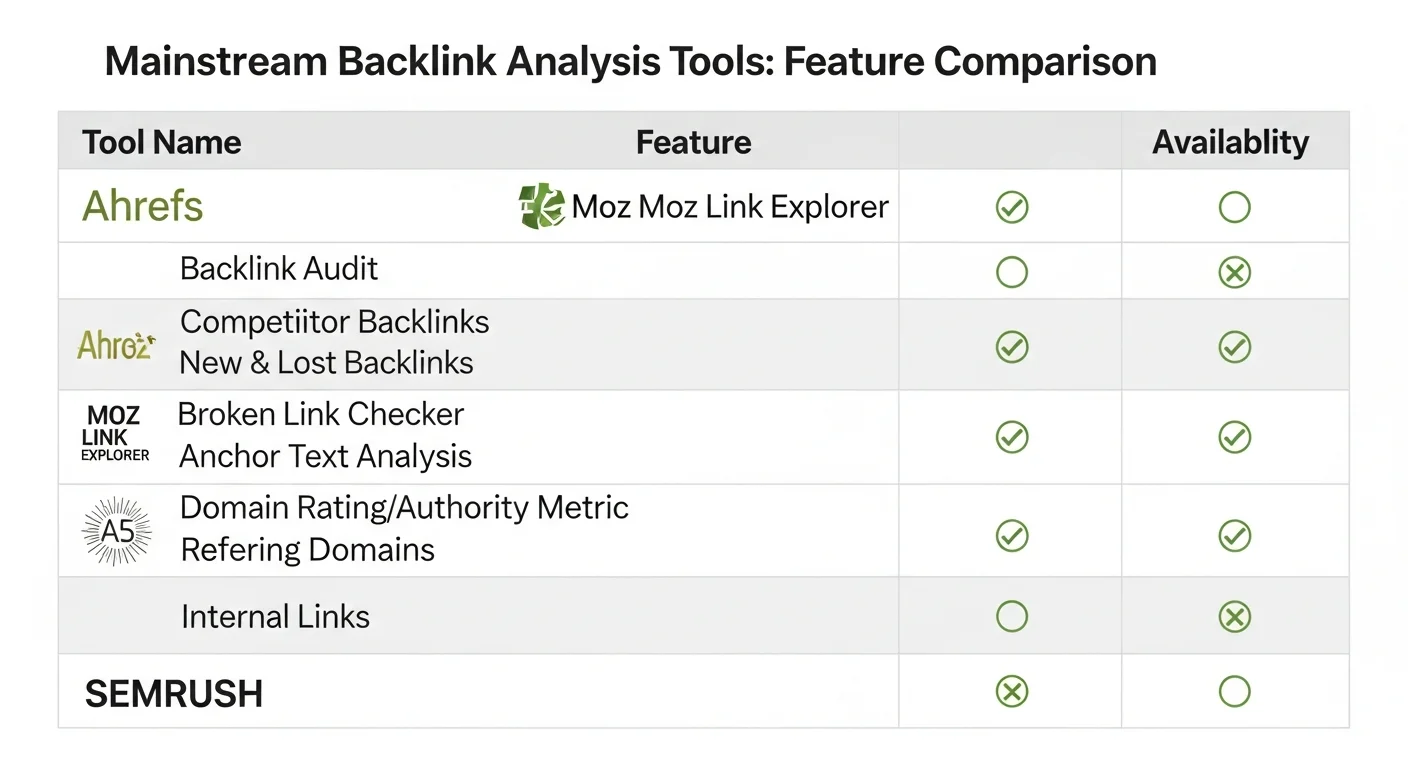
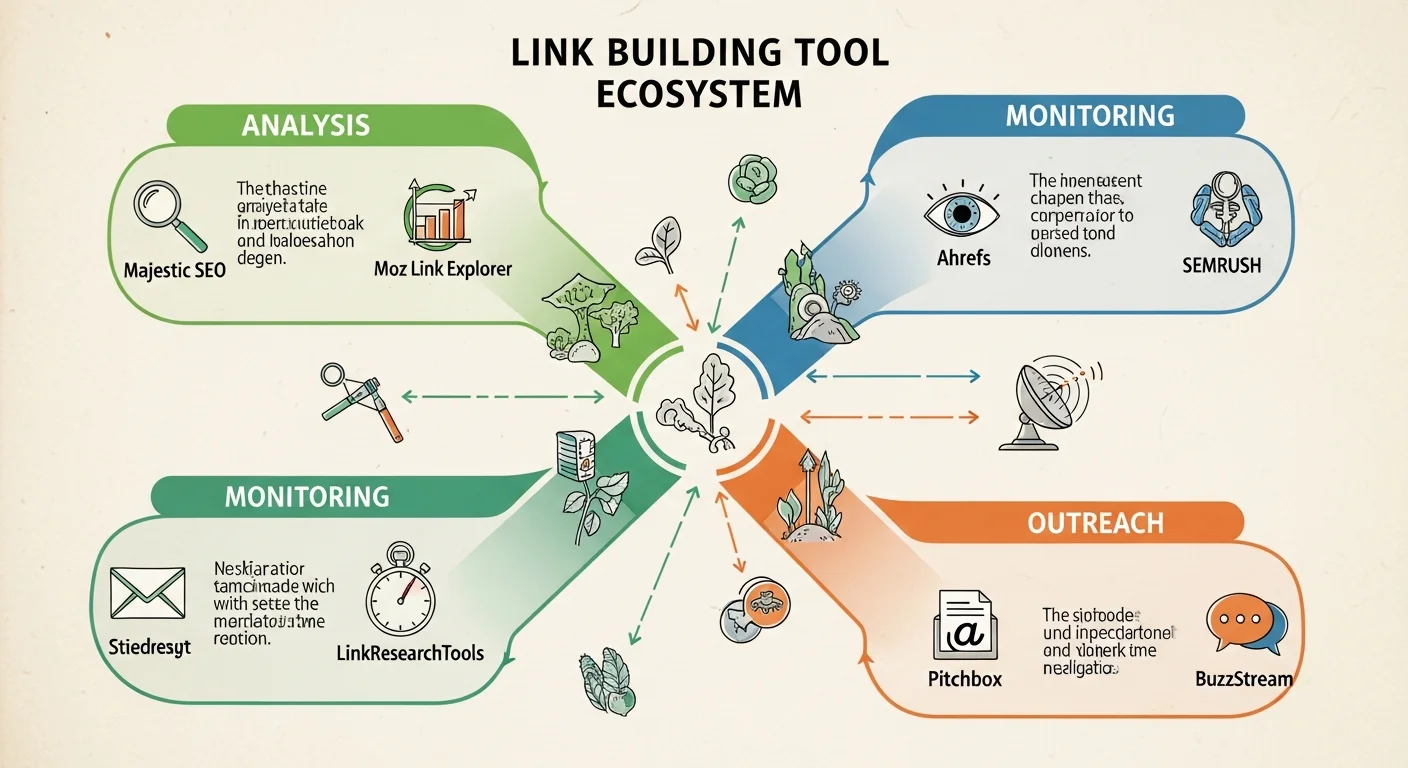
Backlink Analysis Tools
Ahrefs Site Explorer
Positioning: The most comprehensive backlink database
Key features:
-
Backlink analysis
- One of the largest link databases
- Real-time updates
- Detailed link attributes
-
Competitor research
- Analyze any website's links
- Compare multiple websites
- Identify link gaps
-
Link opportunities
- Broken link discovery
- Content gap analysis
- Similar page links
-
Monitoring & tracking
- New/lost link notifications
- Keyword ranking tracking
- Scheduled reports
Best for:
- Professional SEOs
- Agencies
- Teams requiring comprehensive data
Pricing:
| Plan | Price | Best For |
|---|---|---|
| Starter | $29/month | Light use, single site |
| Lite | $129/month | Individual use |
| Standard | $249/month | Small-medium businesses |
| Advanced | $449/month | Agencies |
| Enterprise | $1,499/month (annual commitment) | Large enterprises |
A limited free tier (Ahrefs Free) is also available. Prices per the official Ahrefs pricing page (verified 2026-09-01).
Rating: ★★★★★
Moz Link Explorer
Positioning: The creators of Domain Authority
Key features:
-
DA/PA scoring
- Domain Authority (site-level authority)
- Page Authority (page-level authority)
- Industry-standard metrics
-
Spam score
- Identify low-quality links
- Toxic link alerts
- Aid disavow decisions
-
Link analysis
- Backlink queries
- Anchor text analysis
- Link growth trends
-
Free version available
- Limited monthly queries
- Basic features
- Good for getting started
Best for:
- Users who value DA metrics
- Budget-conscious individuals
- Those needing basic analysis
Pricing:
| Plan | Price | Best For |
|---|---|---|
| Free | Free | Getting started |
| Entry-level | $49/month | Individuals managing a single site |
| Standard | $99/month | Small businesses |
| Medium | $179/month | Small teams |
| Large | $299/month | Agencies |
Rating: ★★★★☆
SEMrush Backlink Analytics
Positioning: Part of an all-in-one SEO suite
Key features:
-
Integrated functionality
- Backlink analysis
- Keyword research
- Site audit
- Rank tracking
-
Backlink analysis
- Detailed link reports
- Toxic link scoring
- Anchor text analysis
-
Link building tools
- Link opportunity discovery
- Outreach management
- Competitor comparison
-
Reporting
- Custom reports
- White-label reports
- Automated scheduling
Best for:
- Teams needing an all-in-one tool
- Existing SEMrush users
- Agencies
Pricing:
| Plan | Price | Best For |
|---|---|---|
| Free | Free | Getting started |
| SEO | $117.33/month | Individuals/freelancers |
| Starter | $165.17/month | Small-medium businesses |
| Pro+ | $248.17/month | Growing teams |
| Advanced | $455.67/month | Agencies/enterprises |
Plans restructured: the former Pro / Guru / Business tiers are no longer listed on the public pricing page (legacy docs remain in the knowledge base). Figures above are annual-billing rates; monthly billing costs more. Prices per the official Semrush pricing page (verified 2026-09-01).
Rating: ★★★★☆
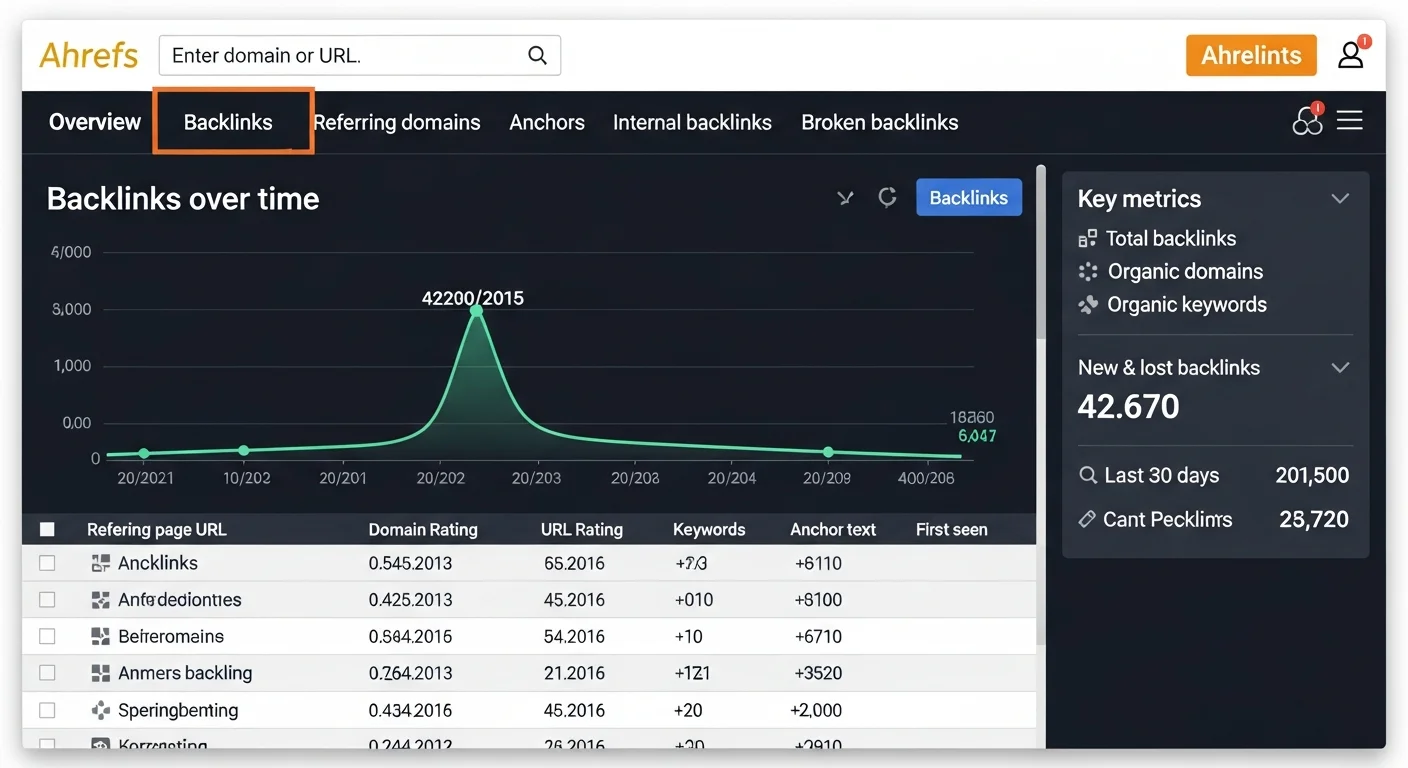
Free Link Analysis Tools
Google Search Console
The most important free tool.
Features:
-
Link reports
- View backlinks Google has found (a sample, not a complete list)
- Internal link analysis
- Most linked pages
-
Disavow Tool
- Request Google to ignore specific links
- Handle toxic links
-
Index status
- See which pages are indexed
- Discover crawl issues
Limitations:
- Only shows partial data
- Doesn't show competitor data
- Updates are slower
Best for: Essential for every website (free)
Ubersuggest (Free Version)
Neil Patel's SEO tool.
Free version features:
- Limited daily queries
- Basic backlink analysis
- Competitor overview
Limitations:
- Limited functionality
- Incomplete data
- Full features require a paid plan
Best for: Beginners on a very tight budget
Free Backlink Checker Tools
Other free options:
-
Ahrefs Backlink Checker
- Free version with limitations
- Shows only a partial sample of backlinks
- Basic metrics
-
Small SEO Tools
- Completely free
- Basic features
- Data may be incomplete
-
Neil Patel Backlink Checker
- Free to use
- Limited query count
- Basic analysis
For more about backlinks, check out our dedicated article.
The foundation of link building is quality content. Let AI help you produce articles worth linking to.
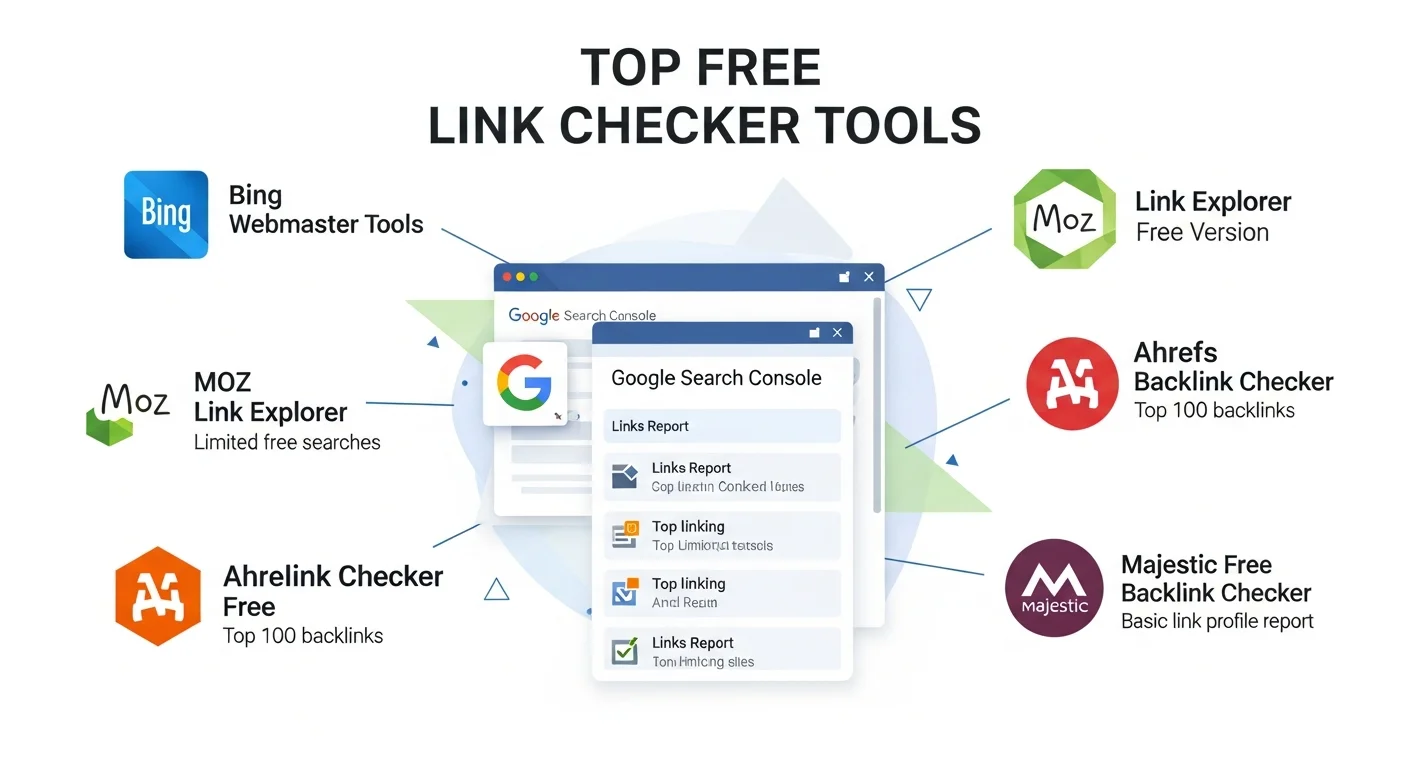
Link Opportunity Discovery Tools
Competitor Link Analysis
How to find link opportunities:
-
Identify competitors
- Search your target keywords
- Find the top 5-10 ranking sites
-
Analyze their links
- Use Ahrefs/Moz/SEMrush
- Enter competitor URLs
- Review backlink lists
-
Filter opportunities
- High-quality link sources
- Links you could potentially acquire
- Relevant industry websites
-
Develop a strategy
- Reach out to these websites
- Create content they'd want to link to
- Build relationships
Tool walkthrough (Ahrefs):
- Site Explorer → Enter competitor URL
- Backlinks → View all links
- Filter: DR > 50, Dofollow
- Analyze: How were these links earned?
Broken Link Finder
Broken link building tools:
Ahrefs Broken Link Checker
- Find 404 links on websites
- Analyze the original linked content
- Develop replacement content strategies
Check My Links (Chrome Extension)
- Free
- Quickly check broken links on a page
- Good for small-scale analysis
Workflow:
- Find industry-related resource pages
- Check for broken links
- Confirm you have replacement content
- Contact the site admin
Content Gap Analysis
Find topics your competitors rank for that you don't.
Ahrefs Content Gap:
- Enter your website
- Enter 2-3 competitors
- The tool shows keywords they rank for that you don't
- These may represent content opportunities
Strategic application:
- Create content on these topics
- Make it better than competitors'
- Capture the same link opportunities
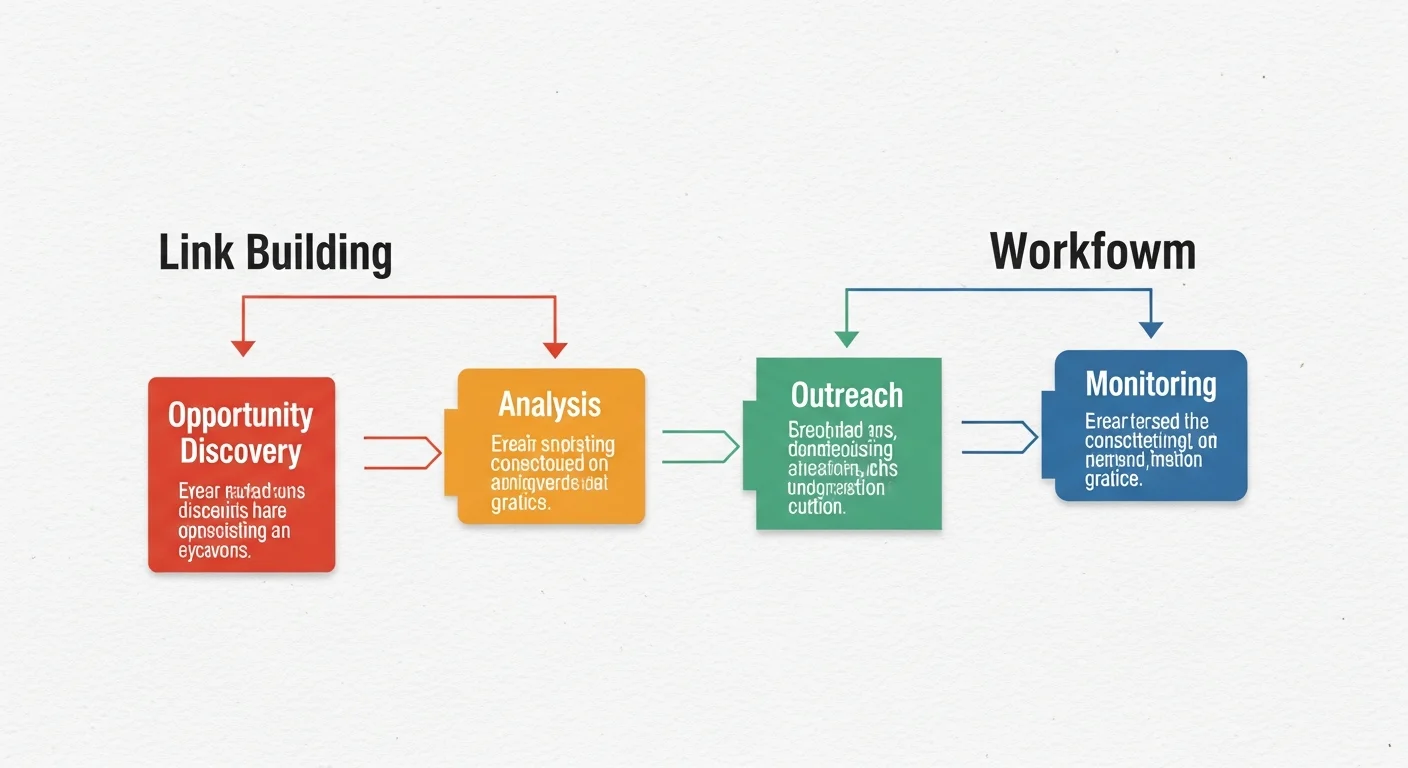
Link Monitoring & Alert Tools
New Link Notifications
Feature: Get notified when you earn new links.
Ahrefs Alerts:
- Set up domains to monitor
- Receive email notifications for new backlinks
- Customize notification frequency
Google Alerts (free alternative):
- Set up brand name keywords
- Get notified when mentioned
- Not link-specific, but helps discover opportunities
How to use them:
- Thank sites that link to you
- Build relationships
- Track link building performance
Lost Link Tracking
Feature: Monitor whether your links still exist.
Why it matters:
- Links may be removed
- Websites may shut down
- Links may change to nofollow
Ahrefs Lost Links Report:
- Shows lost links
- Analyzes reasons for loss
- Helps you attempt recovery
Response strategies:
- Contact the site to ask why
- Offer updated replacement content
- Earn links from other sources
Toxic Link Detection
Feature: Identify links that may harm your rankings.
Semrush Toxicity Score:
- 0-100 toxicity rating
- Analyzes link source quality
- Recommends links to disavow
Moz Spam Score:
- Assesses spam link risk
- Identifies suspicious patterns
- Aids decision-making
Handling process:
- Regularly check for toxic links
- Confirm whether they're truly harmful
- Attempt to have them removed
- Use Disavow when removal isn't possible (Google advises this only when many spammy links have caused, or are likely to cause, a manual action)
For the complete off-page SEO strategy, check out our dedicated article.
Tool Comparison & Selection Guide
Feature Comparison Table
| Feature | Ahrefs | Moz | SEMrush | GSC |
|---|---|---|---|---|
| Backlink analysis | ★★★★★ | ★★★★☆ | ★★★★☆ | ★★★☆☆ |
| Database size | Largest | Large | Large | Limited |
| Competitor analysis | ★★★★★ | ★★★★☆ | ★★★★★ | ✗ |
| Toxic link detection | ★★★★☆ | ★★★★★ | ★★★★★ | ✗ |
| Free version | Limited | Yes | Limited | Full |
| Price (from) | $29+ (Lite $129) | $49+ | $117+ (annual) | Free |
Choosing a Tool Based on Your Needs
Beginners / Limited budget:
- Google Search Console (free, essential)
- Moz Free version
- Ubersuggest Free version
Individual users / Freelancers:
- Ahrefs Lite ($129/month), or the lighter Ahrefs Starter ($29/month)
- Or the Semrush SEO plan ($117.33/month on annual billing)
Agencies / Professional teams:
- Ahrefs Standard and above (from $249/month)
- Or Semrush Pro+ and above (from $248.17/month on annual billing)
- Both have their own strengths
Enterprises:
- Ahrefs Enterprise
- Semrush Advanced or Semrush Enterprise
- May need multiple tools
Budget Considerations
Recommendations for limited budgets:
- Must-have: Google Search Console (free)
- Starter choice: Moz Free + Ubersuggest
- Upgrade choice: Ahrefs Lite or the Semrush SEO plan
ROI considerations:
- Tools are an investment, not just a cost
- Time saved may exceed the tool's subscription fee
- Choose the features you actually need
How to Pick the Right Link Building Tool for Maximum Efficiency
Link building tools can dramatically boost your efficiency, but you need to choose the right one.
Key takeaways from this article:
- Leading tools: Ahrefs, Moz, and SEMrush each have their strengths
- Free options: Google Search Console is essential
- Feature needs: Analysis, opportunity discovery, monitoring
- Selection criteria: Choose based on your needs and budget
Our recommendations:
- Start with Google Search Console
- Pick one paid tool based on your needs
- You don't need to buy every tool
- Tools are aids -- strategy matters more
Want to know which strategy fits your website? Consult via LINE.
![What Are Backlinks? A Complete Guide to SEO Backlinks [2026]](/_next/image?url=%2Fblog%2Fimages%2Flink-building%2Fwhat-is-backlink-01.webp&w=3840&q=75)