![What Is On-Page SEO? A Complete Guide to On-Site Optimization [2026]](/_next/image?url=%2Fblog%2Fimages%2Fseo-basics%2Fon-page-seo-guide-01.webp&w=3840&q=75)
Have you ever wondered: why does someone else's article on the same topic rank higher than yours?
The answer is most likely hiding in On-Page SEO.
On-Page SEO (on-site SEO) covers the optimization elements you have complete control over. No begging for links, no expensive link purchases — just follow the right methods, and you'll see a noticeable improvement in rankings.
This guide walks you through the full scope of On-Page SEO, from titles and Meta tags to content structure, showing you step by step how to optimize your web pages.
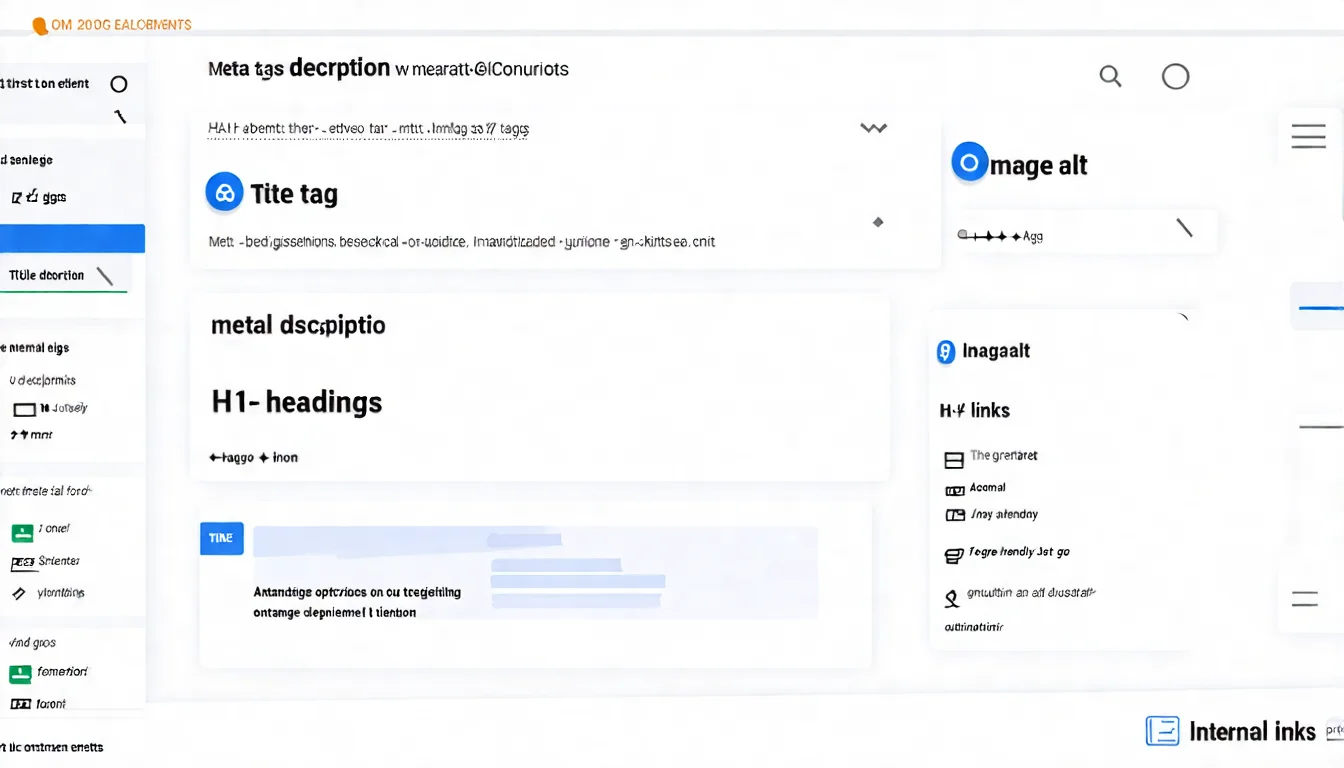
What Is On-Page SEO?
Let's start with the definition so you can execute it correctly.
On-Page SEO Defined
On-Page SEO (on-site SEO) refers to all optimization work done within a web page.
This includes:
- Title and Meta tag configuration
- Content quality and structure
- Image optimization
- Internal link planning
- URL design
- Technical tag usage
These are factors you can fully control. As long as you're willing to invest the time, improvements can happen immediately.
Many SEO beginners chase various "secrets," but the truth is that getting On-Page SEO right already puts you ahead of most competitors who only optimize on the surface. It's the most fundamental — and most important — optimization category.
For a full overview of the SEO framework, check out What Is SEO?.
On-Page vs. Off-Page SEO
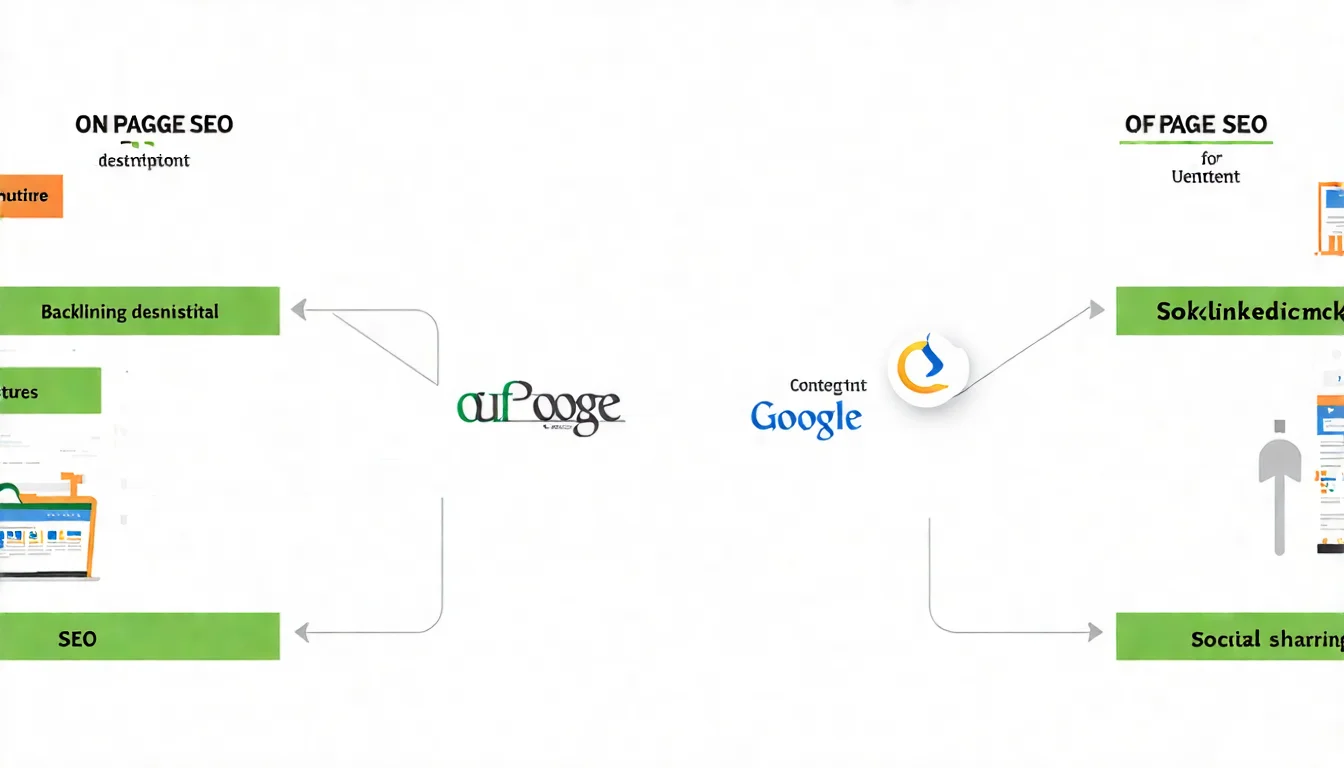
SEO breaks down into two major categories. Understanding the difference helps you allocate resources:
On-Page SEO (On-Site SEO)
- Scope: All elements within your website
- Control level: 100% controllable
- Time to results: Days to weeks after changes
- Cost: Primarily time investment
Off-Page SEO (Off-Site SEO)
- Scope: External recommendations (backlinks, social shares, etc.)
- Control level: Harder to control, depends on third parties
- Time to results: Requires long-term effort
- Cost: May require PR and content marketing budget
The relationship: On-Page SEO is the foundation; Off-Page SEO is the bonus.
If on-site optimization isn't solid, even abundant backlinks won't help you rank. Conversely, with strong on-site optimization, you can rank well for less competitive keywords even without many external links.
Title and Meta Optimization
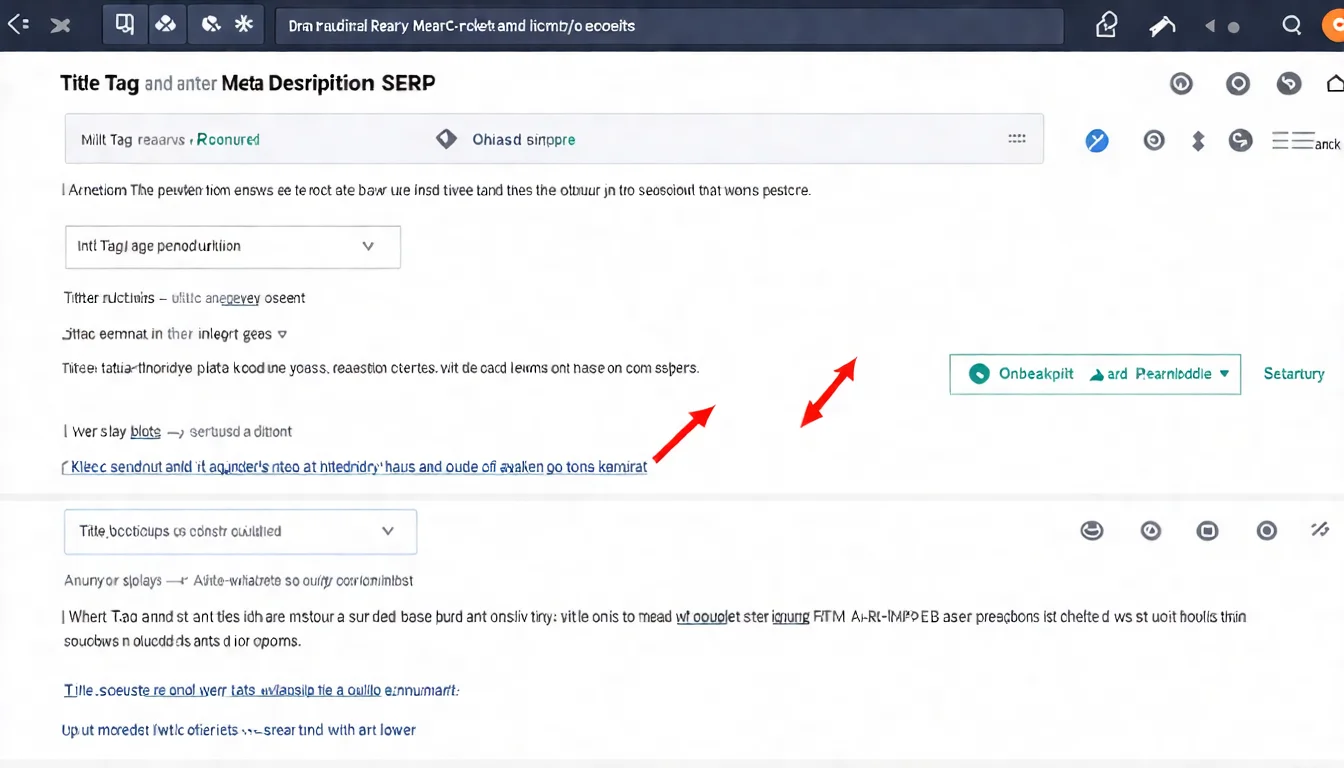
These are the two most important On-Page SEO elements — they directly affect how your page appears in search results.
Title Tag Optimization
The Title Tag is the text that appears in the headline row of search results. It's also a key signal Google uses to determine page topic.
Optimization points:
1. Include the primary keyword, preferably near the beginning
Google pays extra attention to words at the start of the title. If your target keyword is "On-Page SEO," it should go in the front:
Good: On-Page SEO: What It Is and a Complete Optimization Guide Bad: Complete Guide: What Is On-Page SEO?
2. Keep length to 50-60 characters
Google sets no title length limit, but long titles are truncated to fit the device width, showing as "..."; 50-60 characters is a common industry rule of thumb, not an official rule.
3. Add click-attracting elements
- Numbers: "10 tips," "5 steps"
- Years: "[2026]," "2026 updated"
- Power words: "complete," "practical," "must-read"
These elements boost click-through rate (CTR) — meaning more traffic at the same ranking position. Google's own documentation says it uses "aggregated and anonymized interaction data" to assess whether results are relevant (How Search works), but that doesn't mean pushing one page's CTR up buys rankings directly; often the causality runs the other way — pages rank well, so they get clicked more.
Meta Description Optimization
The Meta Description is the explanatory text below the title in search results. While it doesn't directly affect rankings, it impacts CTR.
Optimization points:
1. Summarize the page's core content
Let searchers immediately understand what value the article provides.
2. Put the important message first
Google doesn't specify a character limit for meta descriptions — search snippets are truncated dynamically based on device and pixel width (and Google frequently rewrites them), so don't leave your key message at the end.
3. Include a call to action
Guide readers to take action, such as: "learn now," "get started today," "click to see."
4. Naturally incorporate keywords
Search results bold text that matches the search query, making it easier to notice.
Good Meta Description example:
"How do you do On-Page SEO? This complete guide covers title optimization,
Meta setup, content structure, and other on-site SEO techniques. Start
learning practical methods to improve your page rankings now."
Content Structure Optimization
Good content structure helps both readers and Google understand your article more easily.
Heading Hierarchy Planning
HTML heading tags range from H1 to H6. Using them correctly builds a clear content architecture:
H1: Main Heading
- One per page is recommended (Google says there's no ideal number of headings and order doesn't matter for Search; this is for a clear structure)
- Usually similar to Title Tag content (but doesn't have to be identical)
- Contains the page's core keyword
H2: Major Section Headings
- Used to separate the article's major sections
- Can have multiple
- Incorporate related keywords
H3-H6: Sub-Headings
- Subdivisions under H2
- Build layered, clear structure
- Generally H3 and H4 are sufficient
Correct hierarchy example:
H1: What Is On-Page SEO? A Complete Guide to On-Site Optimization
  H2: What Is On-Page SEO
    H3: On-Page SEO Defined
    H3: On-Page vs Off-Page SEO
  H2: Title and Meta Optimization
    H3: Title Tag Optimization
    H3: Meta Description Optimization
Not recommended: Skipping levels (H1 jumping straight to H3) or using multiple H1 tags — Google Search won't penalize it, but it makes the structure harder for readers and screen readers to follow.
Content Quality Factors
Beyond structure, content quality itself is even more important:
1. Originality
Provide unique perspectives, deep analysis, or information others don't have. Simply compiling existing information isn't enough.
2. Match search intent
What does the user actually want to know when searching this keyword? Does your content solve their problem?
Someone searching "On-Page SEO" likely wants to know:
- What is On-Page SEO?
- How do I actually do it?
- What elements need optimization?
Your article should answer these questions.
3. Readability
- Keep paragraphs short, 3-5 lines before breaking
- Use bullet points and lists generously
- Highlight key points with bold text
- Add images and tables where appropriate
Want to learn more SEO writing techniques? Check out How to Write SEO Articles.
Image and Link Optimization
These two areas are often overlooked but have a significant impact on SEO.
Image SEO
Image optimization can drive traffic from image searches and affects page load speed.
1. Alt Tags (Alternative Text)
Alt tags are image descriptions for search engines. They also display when images fail to load.
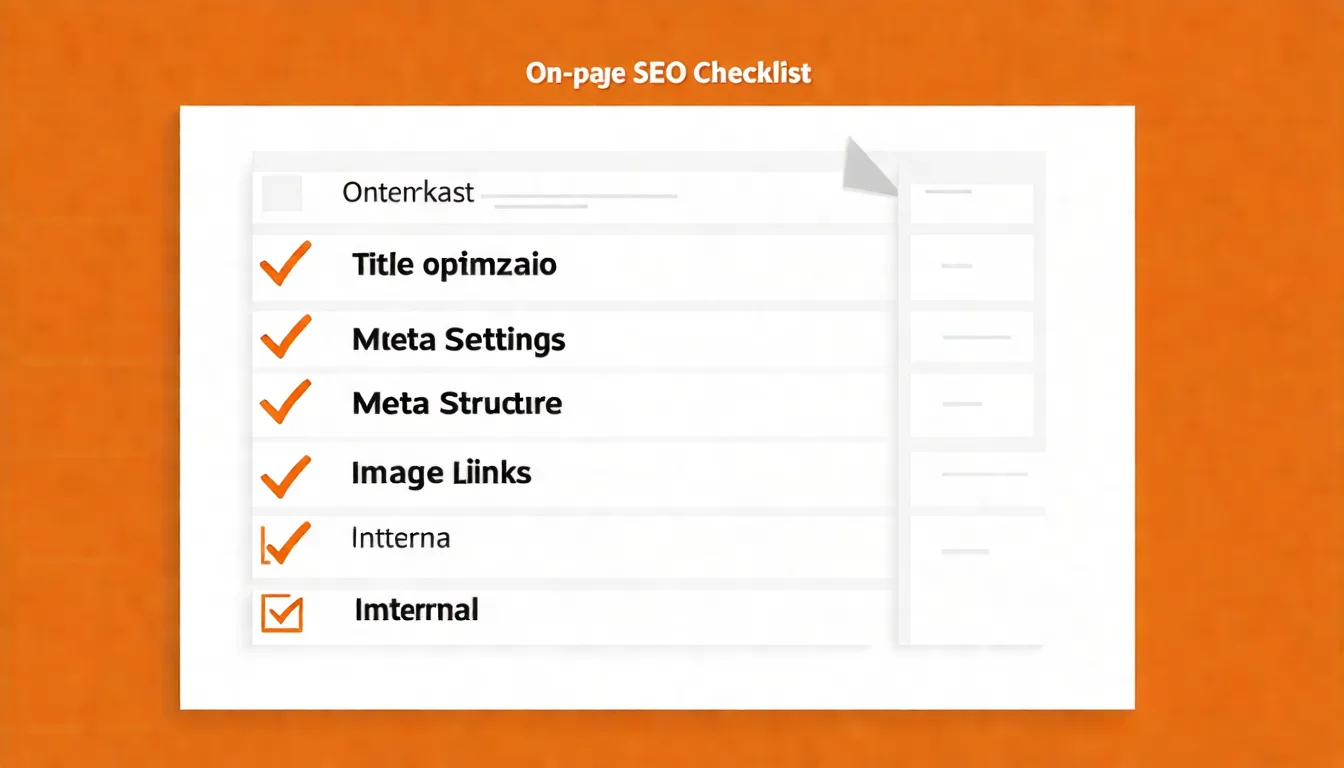
Good Alt: "On-Page SEO optimization checklist chart" Bad Alt: "image1" or left blank
2. File Name Optimization
Before uploading, rename image files with meaningful names:
Good: on-page-seo-checklist.jpg Bad: IMG_20240115_143256.jpg
3. Image Compression
Large images slow down page loading, hurting user experience and SEO.
Recommended compression tools:
- TinyPNG (free online)
- Squoosh (by Google)
- ImageOptim (Mac)
Goal: Reduce file size as much as possible without noticeably affecting image quality.
Internal Links
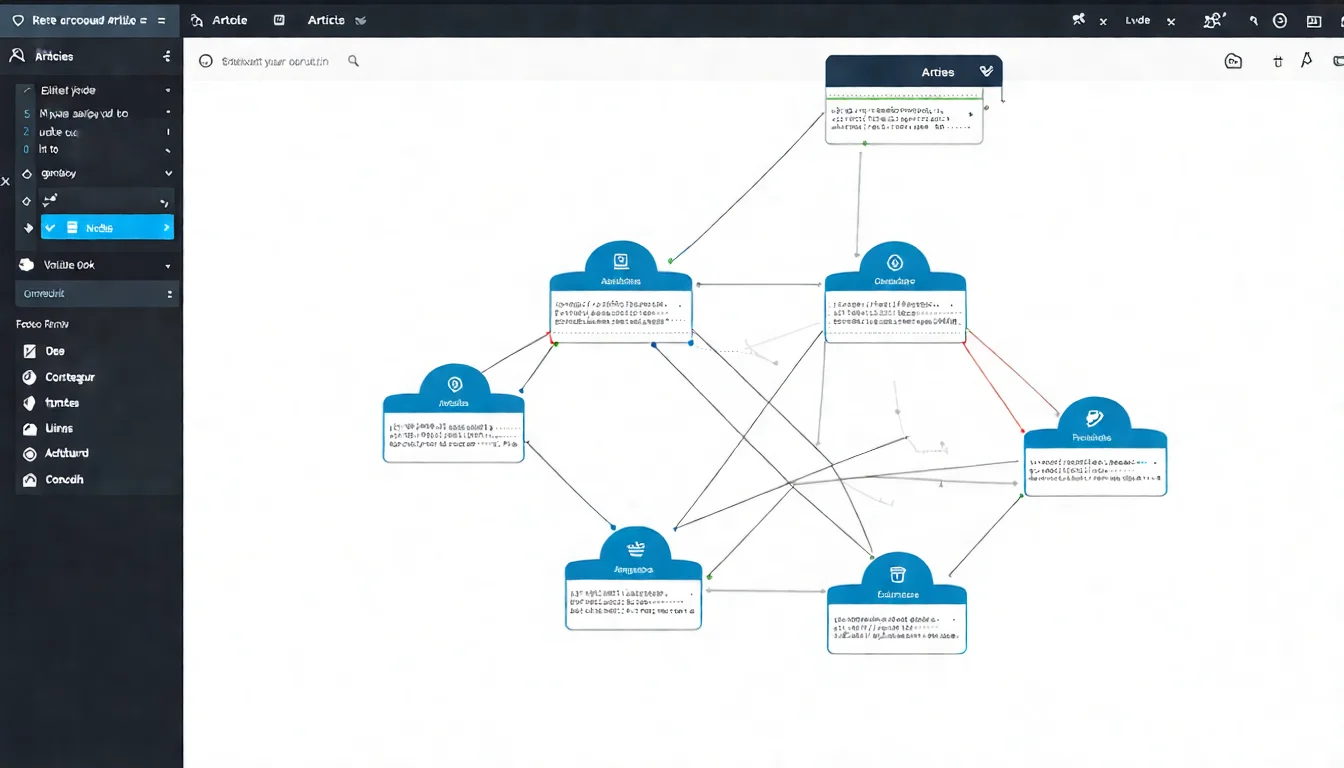
Internal links are links from one page on your site to another page on the same site.
Why they matter:
- Help Google crawlers discover and index your pages
- Pass page authority
- Extend visitor dwell time
- Build topical connections between content
Implementation tips:
1. Link to related content
When mentioning a related topic in an article, link to the corresponding page. For example, when this article mentions "What Is SEO," it links to that article.
2. Use descriptive anchor text
Anchor text is the visible text that forms the link.
Good: For more details, see "SEO Optimization Guide" Bad: Click "here" for more
3. Use links in moderation
You don't need to stuff links everywhere. 3-10 internal links per article is a reasonable range, depending on article length.
Canonical Tags and Technical Details
Let's cover a few advanced but important technical items.
Canonical Tags
Canonical tags tell Google: "This is the standard version URL for this page."
When you need them:
When the same content may appear at different URLs, for example:
https://example.com/pagehttps://example.com/page?ref=facebookhttps://example.com/page/
These three URLs display the same content, but Google might treat them as three separate pages, causing a "duplicate content" problem.
Solution: Add a canonical tag on all page versions, pointing to the primary version:
<link rel="canonical" href="https://example.com/page" />
This tells Google to consolidate ranking signals on this URL.
URL, Schema, and Mobile Optimization
URL Structure
- Use meaningful English words
- Avoid overly long URLs or those with gibberish
- Separate words with hyphens (-)
Good URL: /on-page-seo-guide
Bad URL: /post?id=12345
Schema Structured Data Helps Google better understand your content type (article, product, etc.), and some types may display rich results in search (FAQ rich results stopped showing as of May 2026).
Mobile-Friendliness Ensure your site works properly on mobile devices. Google uses "mobile-first indexing," meaning mobile experience directly impacts rankings.
FAQ
Q: Is doing On-Page SEO enough?
A: On-Page SEO is the foundation, but it's not everything. For competitive keywords, you'll also need Off-Page SEO (backlink building) and Technical SEO. However, for new websites or long-tail keywords, solid On-Page SEO alone can often deliver visible results.
Q: How soon will I see results after changing titles and Meta tags?
A: Changes are reflected after Google re-crawls and re-indexes the page, which typically takes a few days to a few weeks. You can use "Request Indexing" in Google Search Console to speed up the process.
Q: Do I need to optimize every article this way?
A: Yes, every article should follow these guidelines. Once it becomes a habit, you'll naturally consider SEO factors while writing, adding very little extra work.
Q: Are there recommended On-Page SEO checking tools?
A: Yoast SEO (WordPress plugin) provides real-time SEO checks on your articles. Screaming Frog can batch-scan your entire website for On-Page issues.
Why On-Page SEO Is the Best Optimization Investment
On-Page SEO is the most "cost-effective" of all SEO work:
- Fully controllable: No relying on others
- Low cost: Only requires time investment
- Fast results: Changes show within weeks
- Lasting impact: Good optimizations keep working indefinitely
Action checklist:
- Check the Title and Meta Description of your key pages
- Confirm each page has only one H1 with correct heading hierarchy
- Verify all images have Alt tags
- Build logical internal links between articles
- Run PageSpeed Insights to check page speed
There are many On-Page SEO details, and it's fine if you can't tackle them all at once. The important thing is to start, pay attention to these elements every time you publish new content, and gradually improve your site's overall SEO quality.
Worried about missing important On-Page SEO details? Let AI help you produce content that's optimized from the start, saving you the trouble of post-publication adjustments.
Free LINE consultation: @006ljkda
Have any SEO questions? Feel free to join our LINE official account for free answers:
![How to Write SEO Articles: A Complete Copywriting Guide with Structure and Techniques [2026]](/_next/image?url=%2Fblog%2Fimages%2Fseo-basics%2Fhow-to-write-seo-article-01.webp&w=3840&q=75)
![What Is SEO? The Complete Beginner's Guide to Search Engine Optimization [2026]](/_next/image?url=%2Fblog%2Fimages%2Fseo-basics%2Fwhat-is-seo-01.webp&w=3840&q=75)
![What Is Parasite SEO? 38 Fake Sites Are Poisoning AI Insurance Answers [2026]](/_next/image?url=%2Fblog%2Fimages%2Fseo-basics%2Fparasite-seo-ai-01.webp&w=3840&q=75)
