"Best dentist in Taipei," "breakfast near me" — these searches happen countless times every day.
If you run a brick-and-mortar business or provide local services, these searches represent your potential customers. The question is: can they find you when they search?
That's exactly the problem local SEO solves.
This article is a complete guide to local SEO, teaching you how to make it easy for nearby customers to find you.
Want more local customers to find your store? Get a free local SEO strategy consultation via LINE.
👉 Free LINE Consultation: @006ljkda
Local SEO Fundamentals
What Is Local SEO and How Does It Work?
What is Local SEO?
Local SEO is search engine optimization specifically for "local searches."
The goal is to make your business discoverable when:
- Users search "location + service" (e.g., "Taipei dentist")
- Users search "near me..."
- Users search on Google Maps
What do local search results look like?
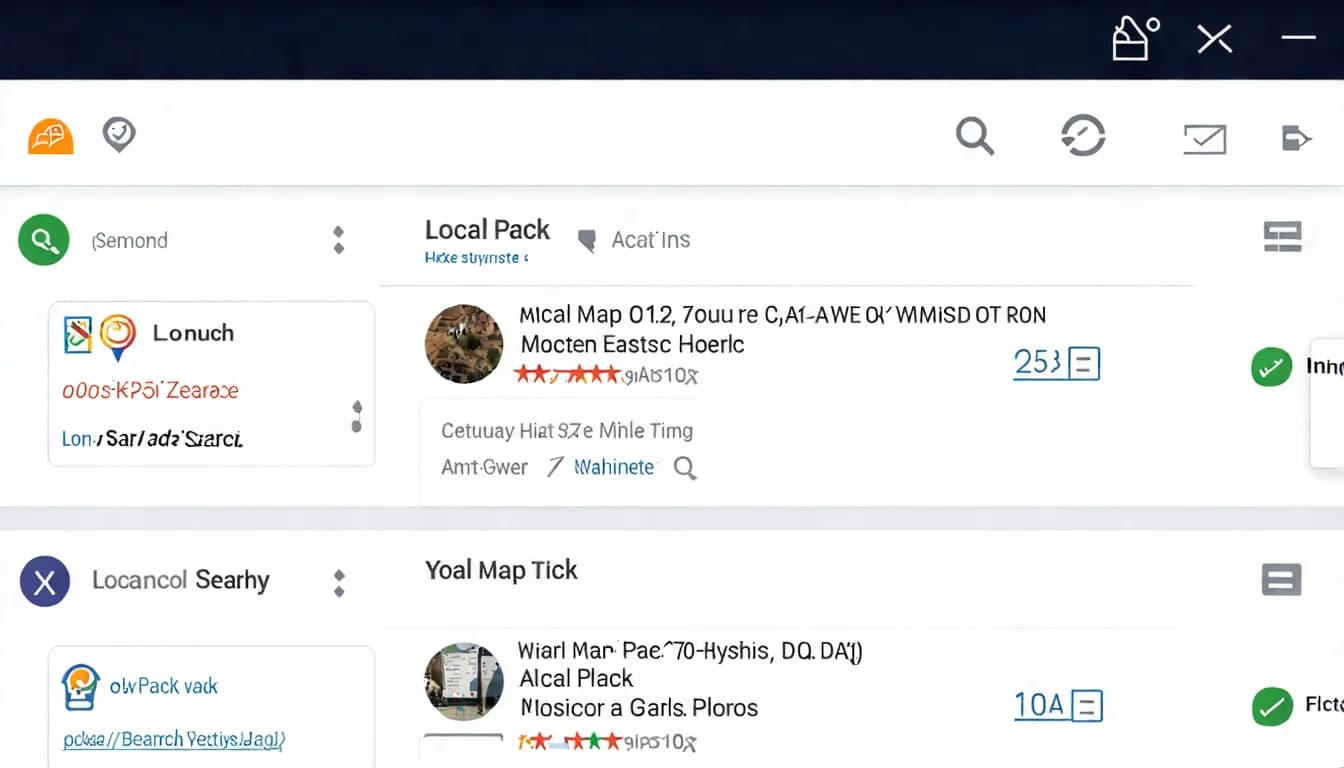
When you search "coffee shop near me," you'll see:
- Map Pack: Shows 3 businesses on a map
- Business information: Name, reviews, address, hours
- Traditional search results: Relevant websites and articles
Local SEO is about getting your business into these results — and ranking as high as possible.
Local Search Ranking Factors
How does Google determine local rankings?
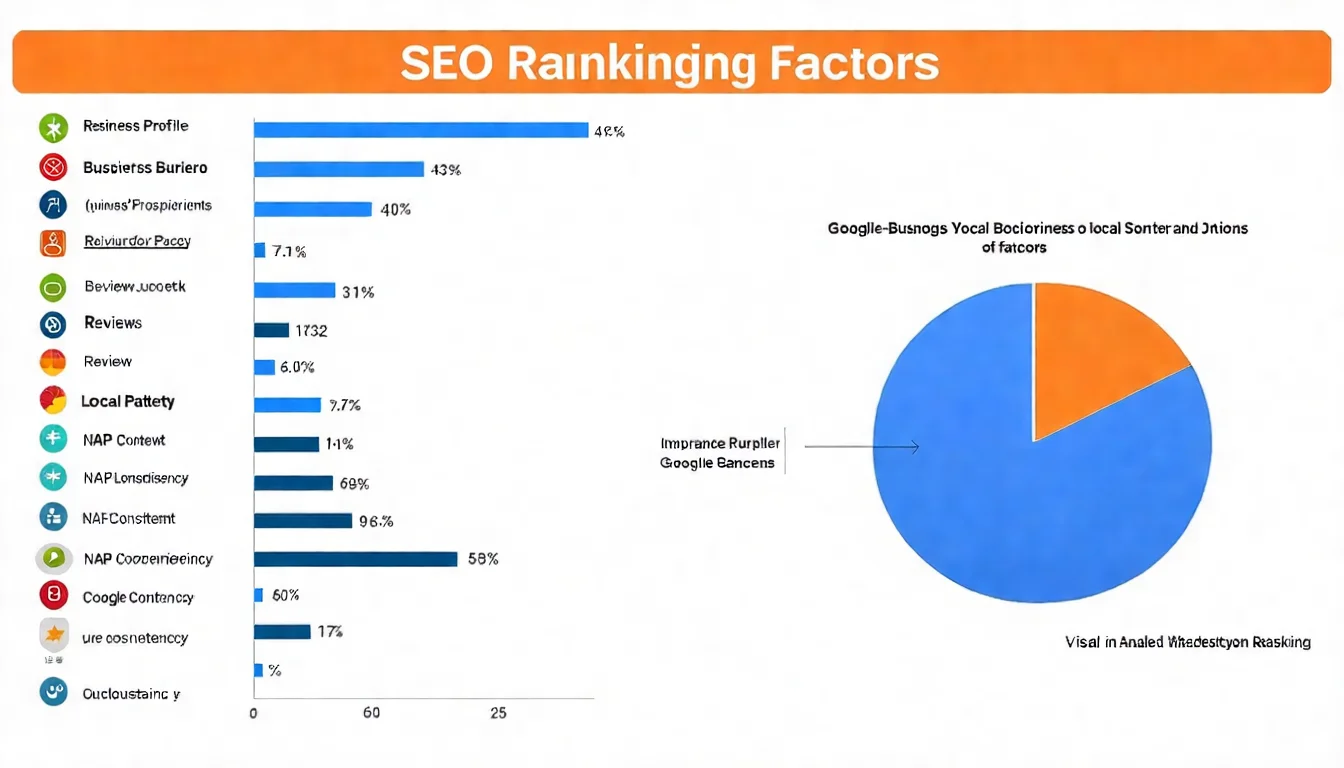
According to Google's official documentation, local rankings are primarily based on three factors:
1. Relevance
How well your business information matches the search query.
Example: When a user searches "dentist," and your business category is "Dental clinic," relevance is high.
2. Distance
The physical distance between the user and your business.
Closer businesses have an advantage in "near me" searches.
3. Prominence
How well-known and trusted your business is.
This includes:
- Review count and rating
- Online mentions and information
- Website SEO performance
Who Needs Local SEO?
Business types that need local SEO:
| Type | Examples | Importance |
|---|---|---|
| Brick-and-mortar stores | Restaurants, cafes, retail shops | Must do |
| Professional services | Clinics, lawyers, accountants | Must do |
| Home services | Plumbers, cleaners, renovators | Must do |
| Personal services | Hair salons, nail salons, fitness trainers | Must do |
| Regional services | Moving companies, delivery, courier | Must do |
Simple test: If your customers come from a specific geographic area, you need local SEO.
The ROI of Local SEO
Why is local SEO worth the investment?
Looking at how people actually search:
- Searches with local intent make up a substantial share of all Google searches
- People running local searches often visit or contact a business the same day
- "Near me" searches frequently turn into a real visit within a day or two, sometimes a same-day purchase
This means: Local search users have extremely high conversion intent. They're not just researching — they're ready to buy.
Google Business Profile Optimization (The Most Important Step!)
Google Business Profile is the single most important element of local SEO. Without it, appearing in the map pack is nearly impossible.
For a deeper dive, see our Complete Google Business Profile Tutorial.
Setting Up and Verifying Your Google Business Profile
Steps to create your Business Profile:
- Go to the Google Business Profile management page
- Sign in with your Google account
- Enter your business name
- Select your business category
- Enter your address or service area
- Enter your contact information
- Complete verification
Verification Methods:
| Method | Description | Timeframe |
|---|---|---|
| Video recording | Record a video proving your location and ownership; Google's recommended method when you're eligible | Review takes up to 5 business days after upload |
| Live video call | Confirm your premises live with a Google specialist | During the call, plus review |
| Phone / SMS | Verification code by automated call or text | Instant |
| Verification link sent | Instant | |
| Postcard | Google mails a postcard to your address; not available to all businesses | Most codes arrive within 14 days; codes expire after 30 days |
Two things people get caught by:
- Google assigns the verification method based on your business — you don't get to pick
- Even after you submit, there's a review step that Google says can take up to 5 business days
Optimizing Profile Completeness
Required Information:
- Business name (use official name — don't stuff keywords)
- Address (complete and accurate)
- Phone number
- Business hours (including holiday hours)
- Website URL
- Business description (there's a character limit — check the limit your dashboard actually shows)
Optional but Important:
- Service items
- Product information
- Attributes (e.g., accessibility, payment methods)
- Photos (at least 10 high-quality photos)
- Logo and cover photo
Category and Attribute Settings
Choosing the right categories matters:
- Primary category: Select the most relevant one
- Secondary categories: Add 2-3 related categories
Example:
Dental clinic:
- Primary: Dental clinic
- Secondary: Teeth whitening service, Dental implant provider
Category Selection Tips:
- Choose the most precise category
- Research what categories top-ranking competitors use
- Avoid overly broad categories
Business Hours and Service Area Settings
Business Hours Tips:
- Set regular business hours
- Set special hours (holidays, special events)
- Use "More hours" for specific services (e.g., takeout hours, consultation hours)
Service Area (for mobile service providers):
If you provide on-site services (e.g., plumbing, cleaning), set your service area:
- Multiple areas can be specified
- Choose cities, districts, or postal codes
Your Google Business Profile needs ongoing management. Let us help you create localized content.
Local Keyword Strategy
For a deep dive into local keyword research, see our Local Keyword Research Guide.
How to Find Local Keywords
Local Keyword Research Methods:
1. Google Search Suggestions
Type your service into Google and review autocomplete suggestions:
- "Taipei dentist" → "Taipei dentist recommended," "Taipei dentist implant"
- "near me" → "restaurant near me," "coffee shop near me"
2. Google Keyword Planner
- Set your target region
- Enter seed keywords
- Review related keywords and search volumes
3. Competitor Research
- What keywords do their websites target?
- How is their Google Business Profile written?
4. Ask Your Customers
- How did you find us?
- What did you search for?
Location + Service Keyword Combinations
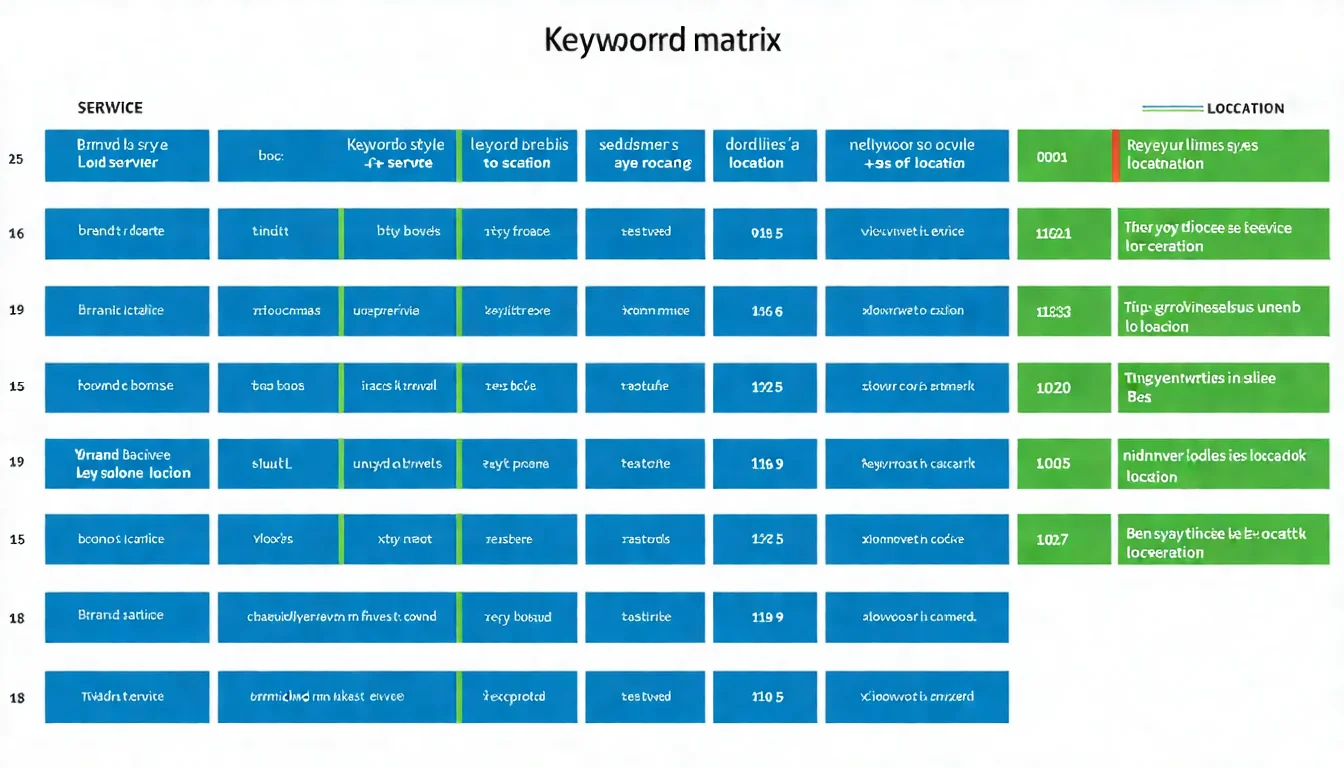
The Keyword Matrix Method:
Build combinations of locations and services:
| Dentist | Cleaning | Implants | Orthodontics | |
|---|---|---|---|---|
| Taipei | Taipei dentist | Taipei cleaning | Taipei implants | Taipei orthodontics |
| Xinyi District | Xinyi dentist | Xinyi cleaning | Xinyi implants | Xinyi orthodontics |
| Da'an District | Da'an dentist | Da'an cleaning | Da'an implants | Da'an orthodontics |
This gives you a complete set of target keywords.
Optimizing for "Near Me" Searches
"Near Me" Search Characteristics:
- User location is critical
- Typically mobile searches
- High conversion intent
How to Optimize:
- Ensure your Google Business Profile address is accurate
- Keep business hours correct ("Open now" is a ranking advantage)
- Build positive reviews (well-reviewed businesses are more likely to be recommended)
Note: "Near me" rankings are heavily influenced by physical distance — something you can't change. Focus on the factors you can control.
Multi-Location Keyword Strategy
If you have multiple locations:
1. Independent Business Profile for each location
Every address needs its own Google Business Profile.
2. Location pages on your website
Create a dedicated page for each location:
- example.com/locations/taipei-xinyi
- example.com/locations/taipei-daan
3. Avoid competing with yourself
- Each location page must have unique content
- Don't copy-paste and swap out location names
- Highlight different service specialties at each location
Website Local SEO Optimization
For a deeper dive into business website optimization, see our Local Business Website SEO Guide.
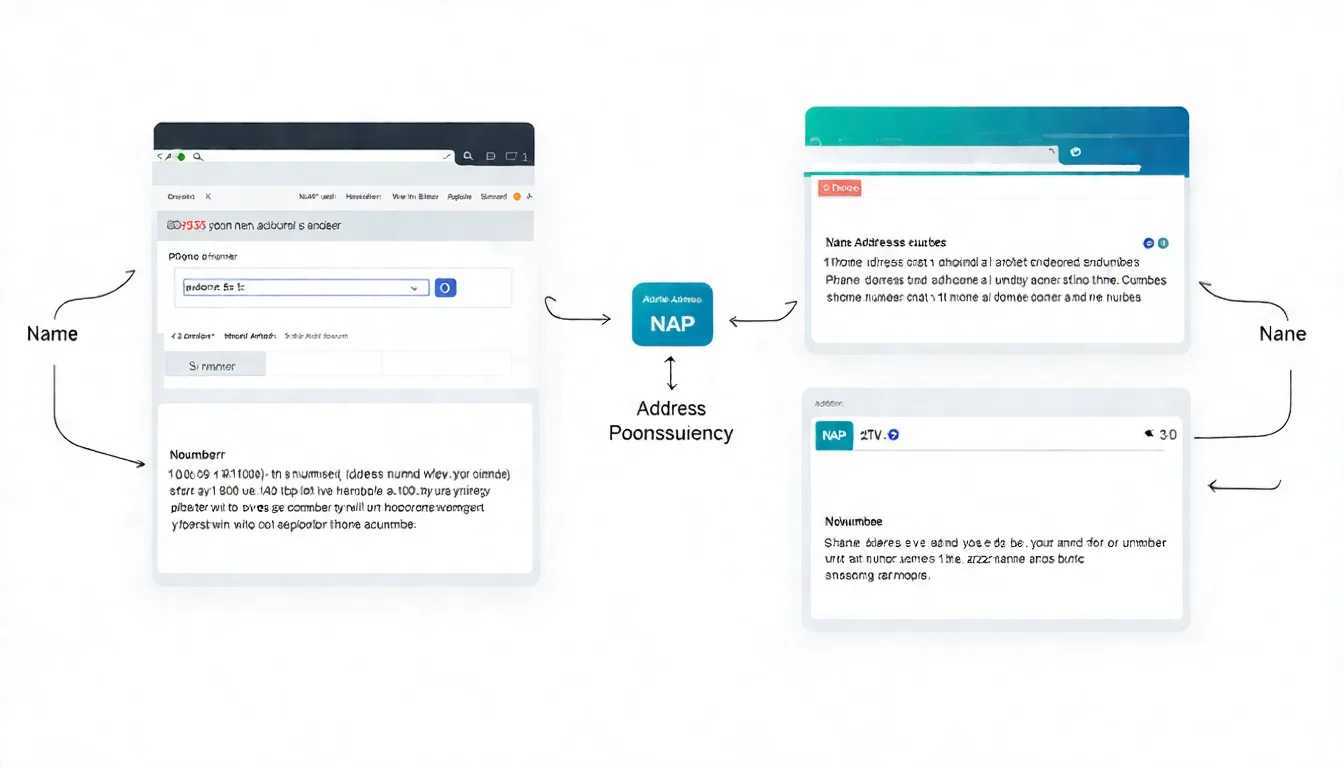
NAP Consistency (Name, Address, Phone)
What is NAP?
- Name: Business name
- Address: Physical address
- Phone: Phone number
Why is consistency important?
Google cross-references NAP information from different sources. Inconsistencies lower Google's trust in your business.
Where consistency matters:
- Website (header, footer, contact page)
- Google Business Profile
- Social media
- Directory websites
- Anywhere your business is mentioned
Common inconsistency issues:
✗ Inconsistent:
- Website: 123 Main Street, Suite 200
- Google: 123 Main St., Ste. 200
- Facebook: 123 Main Street Suite 200, 10001

✓ Consistent:
- Everywhere: 123 Main Street, Suite 200
Local Structured Data Setup
What is LocalBusiness Schema?
Structured data that helps Google understand your business information.
LocalBusiness Schema Example:
{
  "@context": "https://schema.org",
  "@type": "LocalBusiness",
  "name": "ABC Dental Clinic",
  "address": {
    "@type": "PostalAddress",
    "streetAddress": "No. 7, Section 5, Xinyi Road",
    "addressLocality": "Taipei City",
    "addressRegion": "Xinyi District",
    "postalCode": "110"
  },
  "telephone": "+886-2-1234-5678",
  "openingHours": "Mo-Fr 09:00-21:00",
  "geo": {
    "@type": "GeoCoordinates",
    "latitude": "25.0330",
    "longitude": "121.5654"
  }
}
Localized Content Strategy
What is localized content?
Content relevant to your area that demonstrates local expertise.
Types of Localized Content:
-
Service area introductions
- Introduce the area you serve
- Explain why you chose this location
-
Local event participation
- Coverage of local events you've participated in
- Community event sponsorships
-
Local customer case studies
- Success stories from local customers
- Local project showcases
-
Local practical information
- "Xinyi District parking guide"
- "Da'an District food map"
Location Page Design
If you have multiple locations, you need location pages:
Location Page Must-Haves:
- Complete NAP information for that location
- Embedded Google Map
- Business hours
- Service description for that location
- Unique features of that location
- Local transit information
- Photos of that location
What to Avoid:
- Copy-pasting content and only changing the location name
- No unique content
- All pages looking identical
Review Management and Reputation Building
For a deeper dive into review management, see our Google Review Management Guide.
How Google Reviews Affect Rankings
How do reviews impact rankings?
When it comes to reviews and local rankings, keep Google's official statements separate from industry observations:
- Review count: More is better (Google's help documentation counts reviews toward "prominence")
- Review score: Higher is better (Google says positive ratings can help your local ranking)
- Review freshness: Widely believed in the industry to carry weight, but Google does not list it as a ranking factor
- Review content: Widely believed in the industry to help when keywords appear, but Google has not confirmed it
- Response rate: Not listed by Google as a ranking factor, but it shows customers you care
What we see in practice:
- A higher rating generally converts into more real business
- Consumers usually read several reviews before deciding, not just one (the average count varies by survey and shifts year to year)
How to Get More Positive Reviews
The right way to earn reviews:
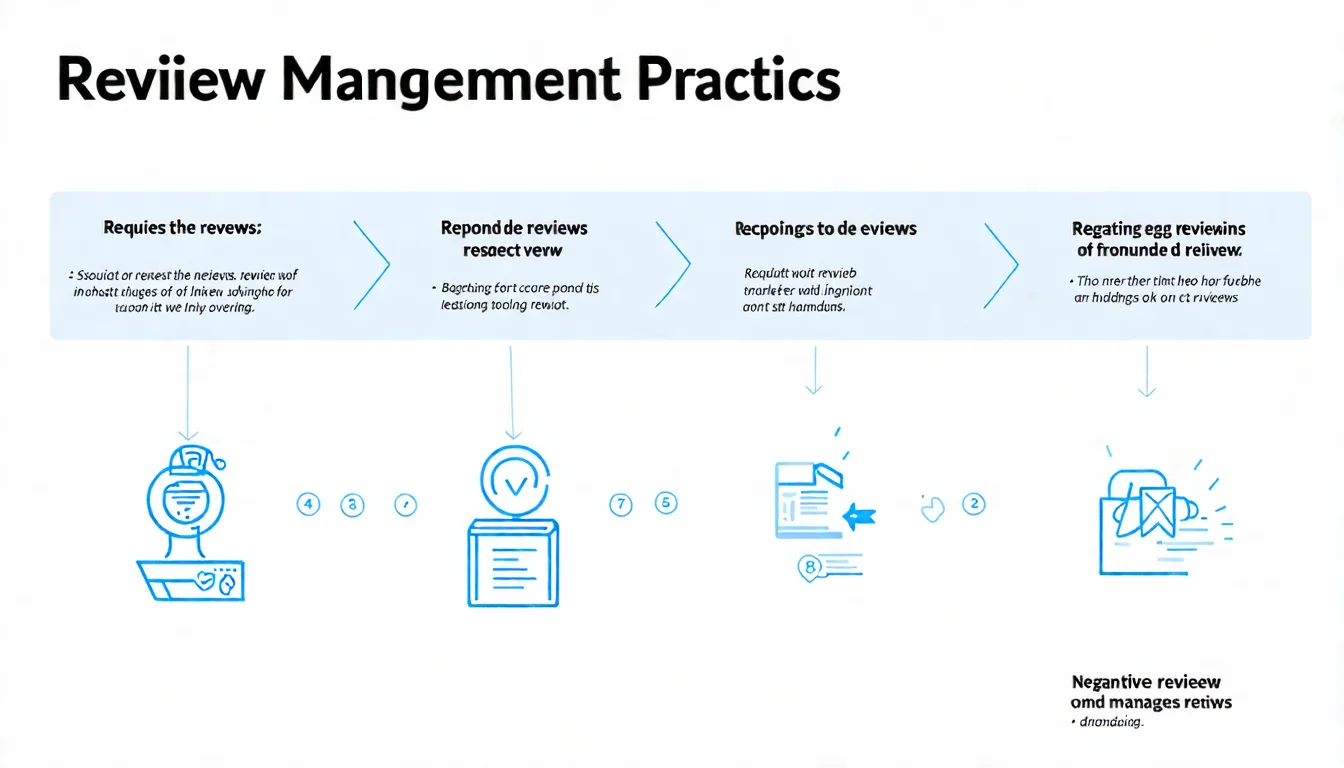
1. Proactively Ask
- Ask after completing a service
- Send emails or text messages
- Provide a direct Google review link
2. Make It Easy
- Provide a direct link
- Create a QR code
- Offer simple step-by-step instructions
3. Choose the Right Moment
- When the customer is satisfied
- Right after service completion
- Not when a customer has a complaint
Note:
- Don't buy fake reviews (violates Google's policy)
- Don't offer incentives for reviews (violates policy)
- Invite all customers, not just satisfied ones
Handling Negative Reviews
What to do when you get a negative review?
1. Don't Panic
A couple of negative reviews is normal. A perfect 5.0 rating actually looks suspicious.
2. Respond Quickly
Reply within 24-48 hours to show you value customer feedback.
3. Be Professional
- Thank them for their feedback
- Apologize (even if you don't think it's your fault)
- Offer a solution
- Invite them to follow up privately
Negative Review Response Example:
Thank you for your feedback. We're truly sorry you had
a negative experience. We take your comments very seriously
and would like to learn more about what happened.
Please contact us at 02-1234-5678 so we can make it right.
Review Response Best Practices
Why respond to every review?
- Shows customers you care
- Shows prospective customers you respond (Google only says replies show you value feedback; it doesn't mention rankings)
- Can salvage negative situations
- Demonstrates your service attitude to prospective customers
Responding to positive reviews:
Thank you for the great review! We're glad you
enjoyed our service. Looking forward to seeing you again!
Response principles:
- Personalize — don't copy-paste
- Thank customers for taking time to leave a review
- Naturally incorporate keywords when appropriate
Great reviews come from great service, and great service deserves to be seen. Learn about our approach.
Local Citations and Directory Building
For a deeper dive into local citations, see our Local Citation Building Guide.
What Are Local Citations?
Definition:
A local citation is when your business information (NAP) appears on other websites.
Citation Types:
| Type | Description | Examples |
|---|---|---|
| Structured citations | Business directory websites | Google, Yelp, industry directories |
| Unstructured citations | News, blog mentions | News articles, blog posts |
What citations do:
- Help Google verify your business information
- Increase your chances of being discovered
- Boost local search rankings
Essential Local Directories
Directories every business should be listed on:
Search Engines and Maps:
- Google Business Profile
- Apple Business (since April 2026 it absorbs the former Apple Business Connect; the entry point is business.apple.com, and the old mapsconnect/businessconnect addresses redirect there)
- Bing Places (the entry point now redirects to bing.com/forbusiness — confirm it accepts Taiwan listings first)
Social Platforms:
- Facebook Business Page
- Instagram Business Account
Business Directories:
- Industry-specific directories
- Local business associations
- Yellow Pages
Industry-Specific:
- Food & beverage: Review platforms, food blogs
- Healthcare: Appointment booking services
- Beauty: Salon directories
Citation Consistency Checking and Correction
Why consistency matters:
Inconsistent information will:
- Confuse Google
- Lower trust scores
- Hurt your rankings
How to check consistency:
- List all citation sources
- Compare NAP information
- Correct inconsistencies
Common situations requiring correction:
- Forgot to update after moving
- Changed phone number
- Business name changed
- Format inconsistencies
Recommended Local SEO Tools
Google Search Console for Local SEO
Search Console uses for local SEO:
- View search queries: See what keywords users find you with
- Location filtering: See performance in specific regions
- Device filter: Filter the Performance report by device (mobile/desktop) to see mobile performance (the old Mobile Usability report was retired on December 1, 2023)
Dedicated Local SEO Tools
Free Tools:
| Tool | Purpose |
|---|---|
| Google Business Profile | Manage business information |
| Google Search Console | Monitor search performance |
| Google Analytics | Track website traffic |
Paid Tools:
| Tool | Purpose | Best For |
|---|---|---|
| BrightLocal | All-in-one local SEO | Small-medium businesses |
| Moz Local | Citation management | Multi-location businesses |
| Whitespark | Local rank tracking | SEO professionals |
Tracking Local Rankings
The challenge of local rank tracking:
Local rankings vary based on the user's location.
Tracking Methods:
- Use local rank tracking tools: Can simulate different locations
- Regular manual checks: Perform actual searches in target areas
- Monitor the Business Profile "Performance" report (formerly "Insights"): Track impression and interaction data
FAQ
How long does Local SEO take to show results?
General Timeline (estimates from our own experience, not guarantees):
- Foundation setup (Business Profile, NAP consistency): Starts working immediately
- Review accumulation: 3-6 months to see noticeable differences
- Content optimization effects: in our experience, clear progress usually starts showing within 3-6 months
- Overall results: 6-12 months for stable performance
Google's own guidance says some changes take effect in a few hours while others can take several months, and suggests waiting a few weeks before assessing results.
Factors Affecting Speed:
- Competition level
- Starting position
- Effort invested
- Speed of review accumulation
Can I do Local SEO without a physical storefront?
Yes, if you provide on-site services:
Examples: Plumbers, cleaning services, tutors
Setup Method:
- Select "Service area" instead of a physical address in Google Business Profile
- You can hide your address
- Set your service coverage area
Limitations:
- You won't appear at a specific location on the map
- But you'll still show up in searches within your service area
How do I handle SEO for multiple locations?
Multi-location local SEO strategy:
- Independent Google Business Profile for each location
- Dedicated page on your website for each location
- Each page must have unique content
- NAP information is separate but format-consistent
Avoid:
- Using one Business Profile for multiple addresses
- Copy-pasting location page content
- Letting locations compete with each other
What if my Google Business Profile is suspended?
Common suspension reasons:
- Business name contains keyword stuffing (policy violation)
- Profile created at a disallowed address
- Duplicate business profiles created
- Using false information
Recovery Steps:
- Understand the reason for suspension
- Fix the policy violation
- Apply for restoration through Google Support
- Wait for review (may take several weeks)
Should I do Local SEO and regular SEO together?
Answer: Yes.
Local SEO and regular SEO complement each other:
Local SEO focuses on:
- Google Business Profile
- Local keywords
- Review management
- Local citations
Regular SEO provides:
- Website technical foundation
- Content quality
- Backlinks
- User experience
The best results come from combining both.
Why Local SEO Is Essential for Brick-and-Mortar Businesses
Key Takeaways:
-
What Local SEO is
- Optimization for local searches
- Helping nearby customers find you
-
Google Business Profile is the core
- Must be set up and verified
- Continuously optimized and updated
-
Local keyword strategy
- Location + service combinations
- Optimizing for "near me" searches
-
Review management matters
- Proactively earn reviews
- Professionally respond to all reviews
-
Local citation building
- Register on major directories
- Maintain NAP consistency
Your Action Checklist:
- Set up or verify your Google Business Profile
- Fully complete all business information
- Ensure NAP consistency everywhere
- Start collecting customer reviews
- Register on important directories
- Add local keywords to your website
Learn more about SEO fundamentals in our beginner's guide.
Explore the latest SEO trends in our trends guide.
The core of local SEO is helping nearby customers find you. Get an AI content solution via LINE.