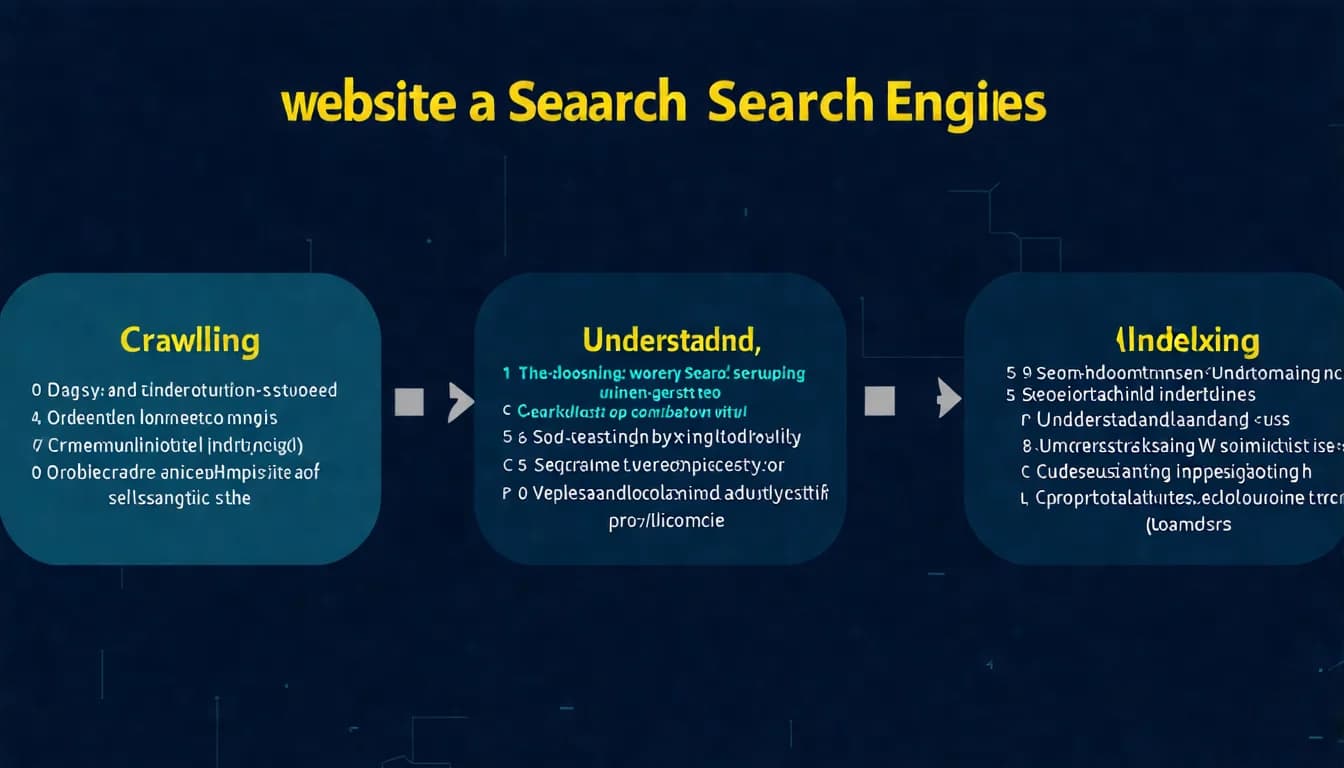
Your content is great, but rankings just won't budge?
The problem might be technical SEO. Many people create excellent content but overlook their website's technical foundation — like building a beautiful house but forgetting to install electricity and plumbing.
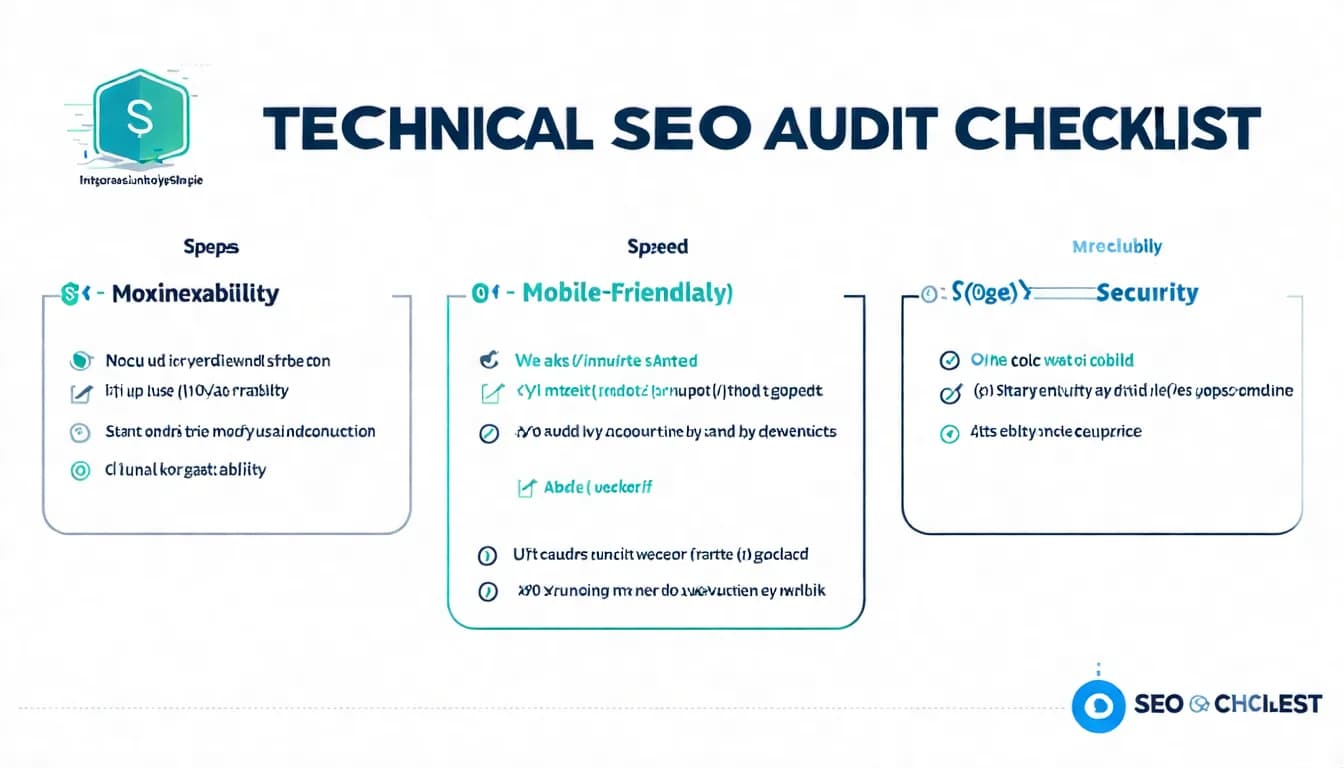
This Technical SEO Checklist helps you systematically audit your site's technical aspects to ensure no technical issues are holding you back.
Bookmark this article and review it against your site every few months.
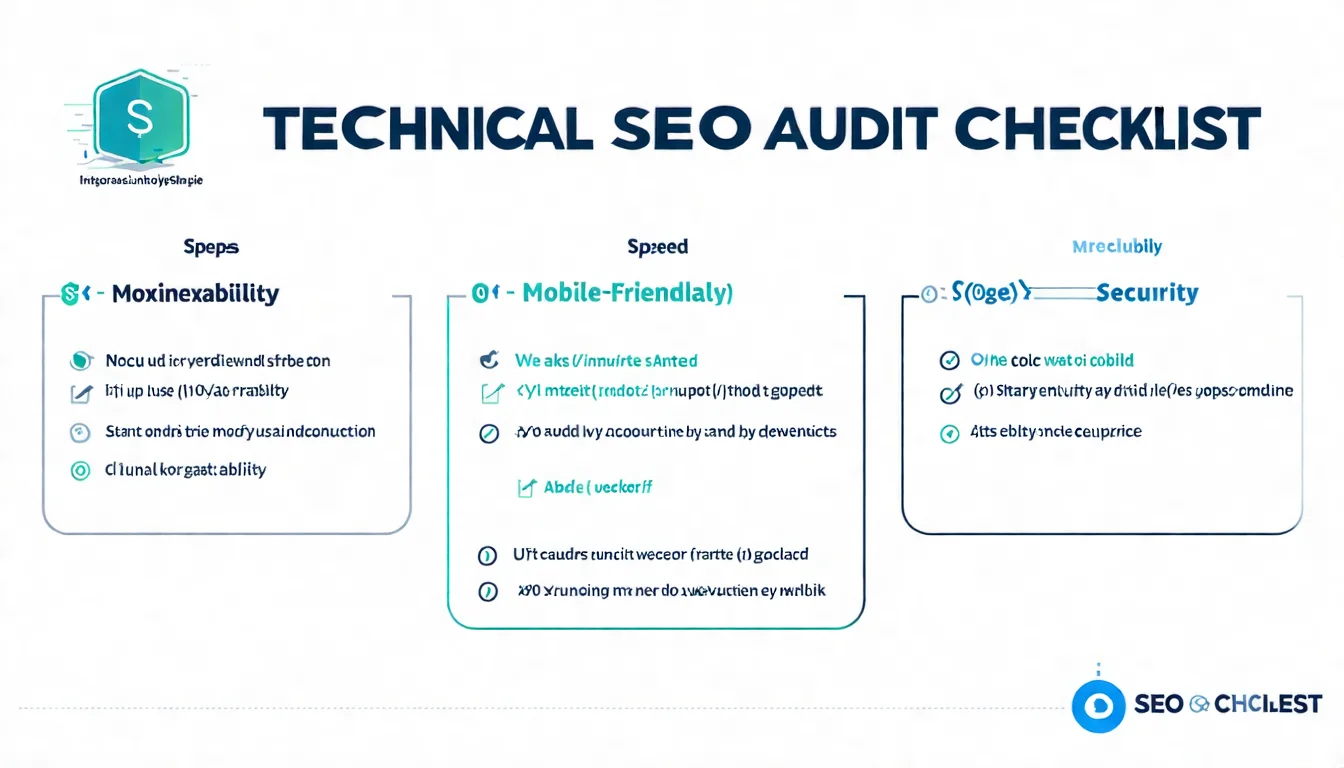
Indexability Check
This is the most fundamental check — ensuring Google can find and index your website.
☐ Verify robots.txt Is Configured Correctly
How to check:
- Enter
yoursite.com/robots.txtin your browser - Confirm no important pages are accidentally blocked
- Confirm there's a Sitemap declaration
Common issues:
Disallow: /blocks the entire website- Important directories accidentally blocked
- Development-stage blocks left in place
Correct example:
User-agent: *
Allow: /
Disallow: /admin/
Disallow: /private/

Sitemap: https://example.com/sitemap.xml
☐ Check noindex Tag Usage
How to check:
- Review the "Page indexing" report in Google Search Console (left menu → Indexing → Pages)
- Or use Screaming Frog to scan the entire site
Confirm:
- Important pages are not set to noindex
- noindex is only used on pages you don't want indexed (e.g., thank you pages, test pages)
☐ Confirm Important Pages Are Crawlable
How to check:
Enter site:yoursite.com in Google's search box
Confirm:
- The number of results matches expectations
- All important pages appear
- No pages that shouldn't appear are showing up
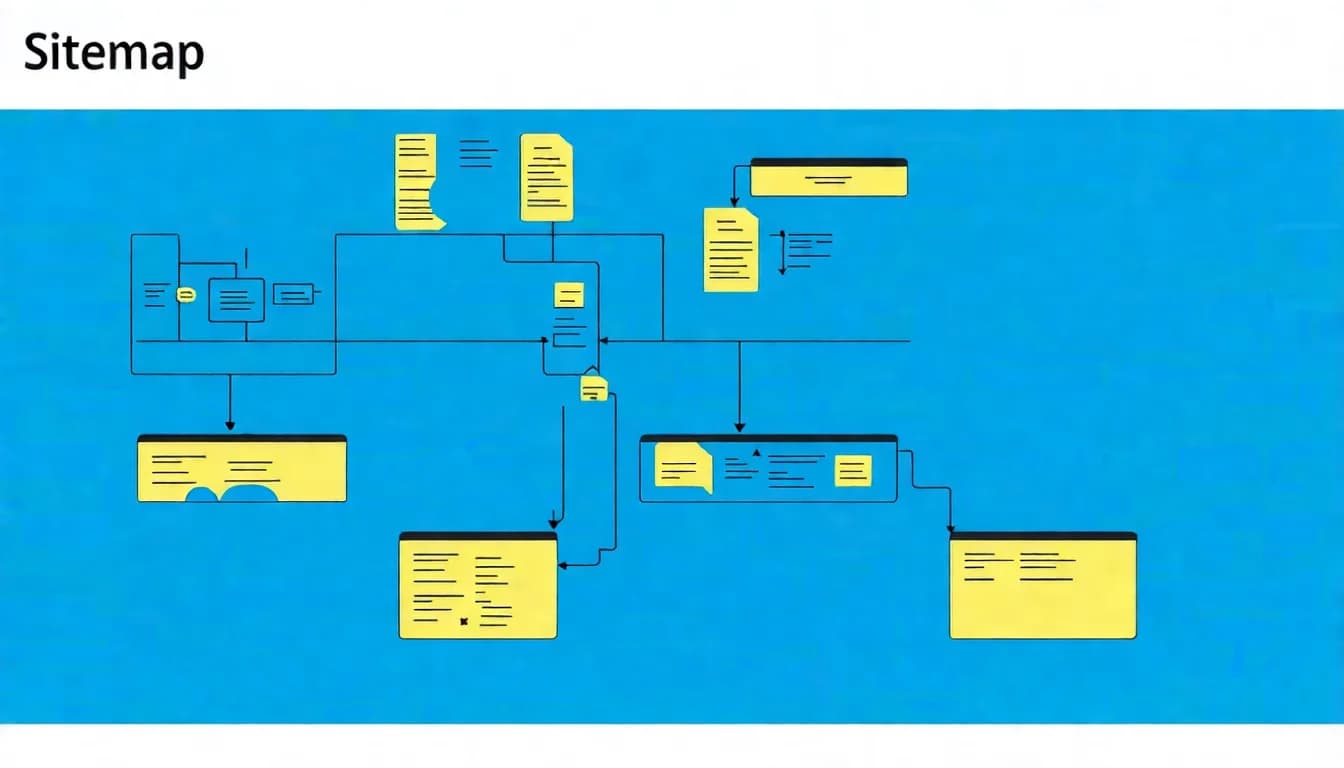
☐ Submit and Verify Sitemap
How to check: Go to Google Search Console → Sitemaps
Confirm:
- A sitemap has been submitted
- Status shows "Success"
- The number of discovered URLs is correct
To learn more about Sitemap configuration, check out our tutorial.
Crawl Budget: A Slow-Crawled New Site Usually Isn't Your Fault
Your new site has been live for a while, but GSC only shows a handful of pages indexed? Don't rush to blame yourself.
In July 2026, Google rewrote its official crawl budget documentation (crawl budget being the amount of crawling resources a search engine is willing to spend on your site), adding one key line: every site starts with the same default, conservative crawl capacity limit (Google's official docs). In other words, getting crawled slowly right after launch is the default — not a penalty.
That limit adjusts itself over time. When your server responds quickly and reliably, Google raises it; when your site keeps slowing down or throwing 5xx errors, it pulls back. So instead of trying to force Google to crawl more, focus on two things. First, stop wasting your quota — clean up duplicate pages, parameter URLs, and low-value pages so crawlers spend their effort on what actually matters. Second, keep your server fast and stable. Small sites especially have little to worry about: with few pages, your important content usually gets crawled quickly anyway.
Site Architecture Check
Good site architecture makes it easy for both search engines and users to find content.
☐ URL Structure Is Clean and Meaningful
Good URLs:
✅ example.com/technical-seo-guide
✅ example.com/blog/seo-tips
Bad URLs:
❌ example.com/page?id=12345
❌ example.com/p/2026/01/post-1
Key points:
- URLs contain meaningful keywords
- Words separated by hyphens (-)
- Avoid excessive length
- Avoid special characters
☐ Site Hierarchy Doesn't Exceed 3 Levels
Ideal architecture:
Homepage
├── Category Page
│   ├── Article Page
│   └── Article Page
└── Category Page
    └── Article Page
How to check:
- Important pages are reachable within 3 clicks from the homepage
- No "orphan pages" (pages with zero internal links pointing to them)
☐ Use Breadcrumb Navigation
Example: Home > Technical SEO > Technical SEO Checklist
Benefits:
- Helps users understand their current location
- Helps search engines understand site architecture
- May appear in search results
☐ Build a Complete Internal Linking Structure
Key points:
- Related content links to each other
- Use descriptive anchor text
- Important pages have sufficient internal links
To learn more about website optimization concepts, check out our beginner's guide.
Technical checks too complex? Start with content first — technical issues can be addressed gradually.
👉 Learn about AI SEO article services
Site Speed Check
Website speed is a confirmed Google ranking factor.
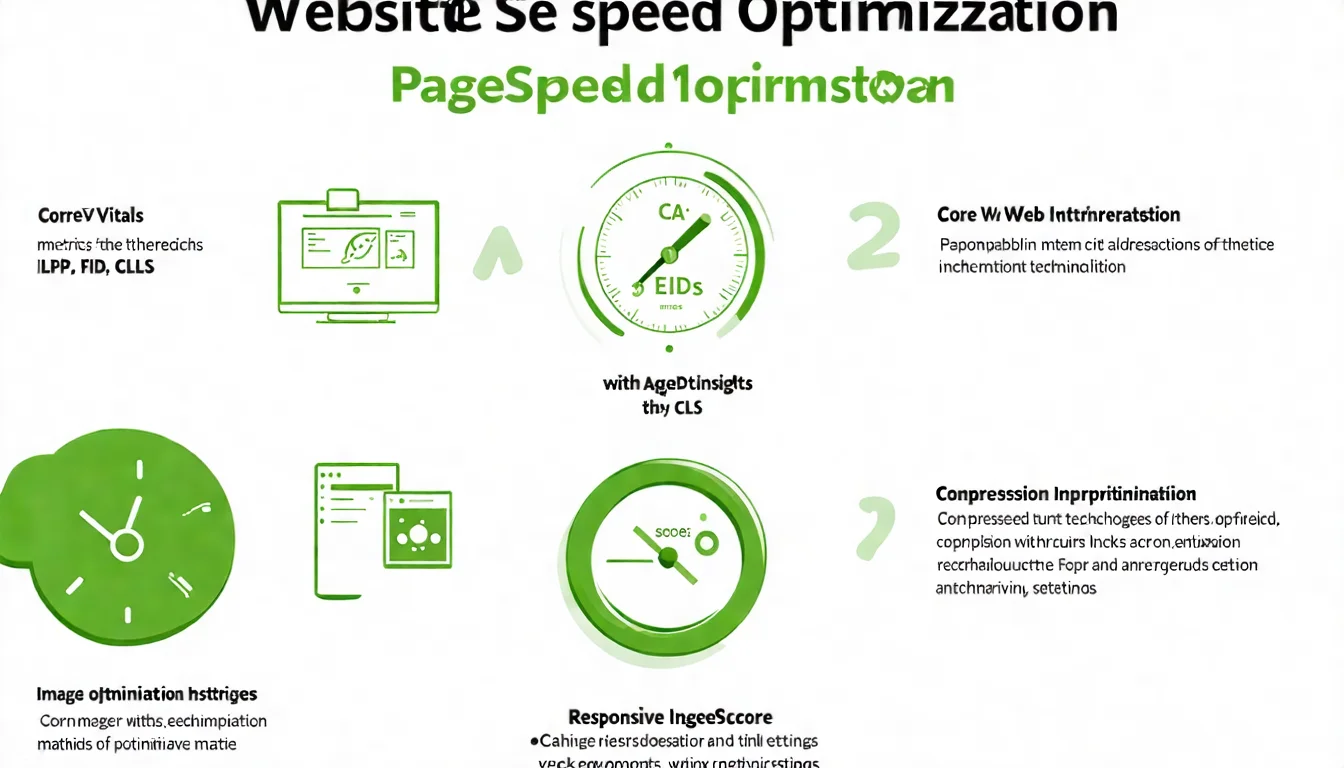
☐ Are Core Web Vitals Passing?
Testing tool: Google PageSpeed Insights
Passing thresholds:
| Metric | Good |
|---|---|
| LCP | ≤ 2.5 seconds |
| INP | ≤ 200 milliseconds |
| CLS | ≤ 0.1 |
☐ Page Load Time
Targets:
- First Contentful Paint (FCP): Under 1.8 seconds
- Full load: Under 3 seconds
Testing tools: GTmetrix, Chrome DevTools
☐ Are Images Optimized?
Confirm:
- Images are compressed (using tools like TinyPNG)
- Appropriate formats are used (JPEG for photos, PNG for illustrations)
- Consider using WebP format
- Image dimensions don't exceed what's needed
☐ Is Caching Enabled?
Confirm:
- Browser caching is configured
- Page caching is enabled (use a cache plugin for WordPress)
- Static resources have appropriate cache durations
To learn more about website speed optimization, check out our hands-on guide.
Mobile-Friendliness Check
Google uses mobile-first indexing, so mobile experience determines your rankings.
☐ Responsive Design (RWD)
How to check:
- Use Chrome DevTools to simulate different devices
- Actually browse the site on a phone
- Use Lighthouse or PageSpeed Insights to review mobile performance (Google's old Mobile-Friendly Test has been retired; its URL now redirects to the Lighthouse docs)
Confirm:
- Content displays properly across all screen sizes
- No horizontal scrollbars
- No clipped content
☐ Mobile Content Matches Desktop
Important: Google now primarily indexes mobile content.
Confirm:
- Mobile and desktop have the same text content
- Mobile and desktop have the same Meta tags
- No important content is hidden on mobile
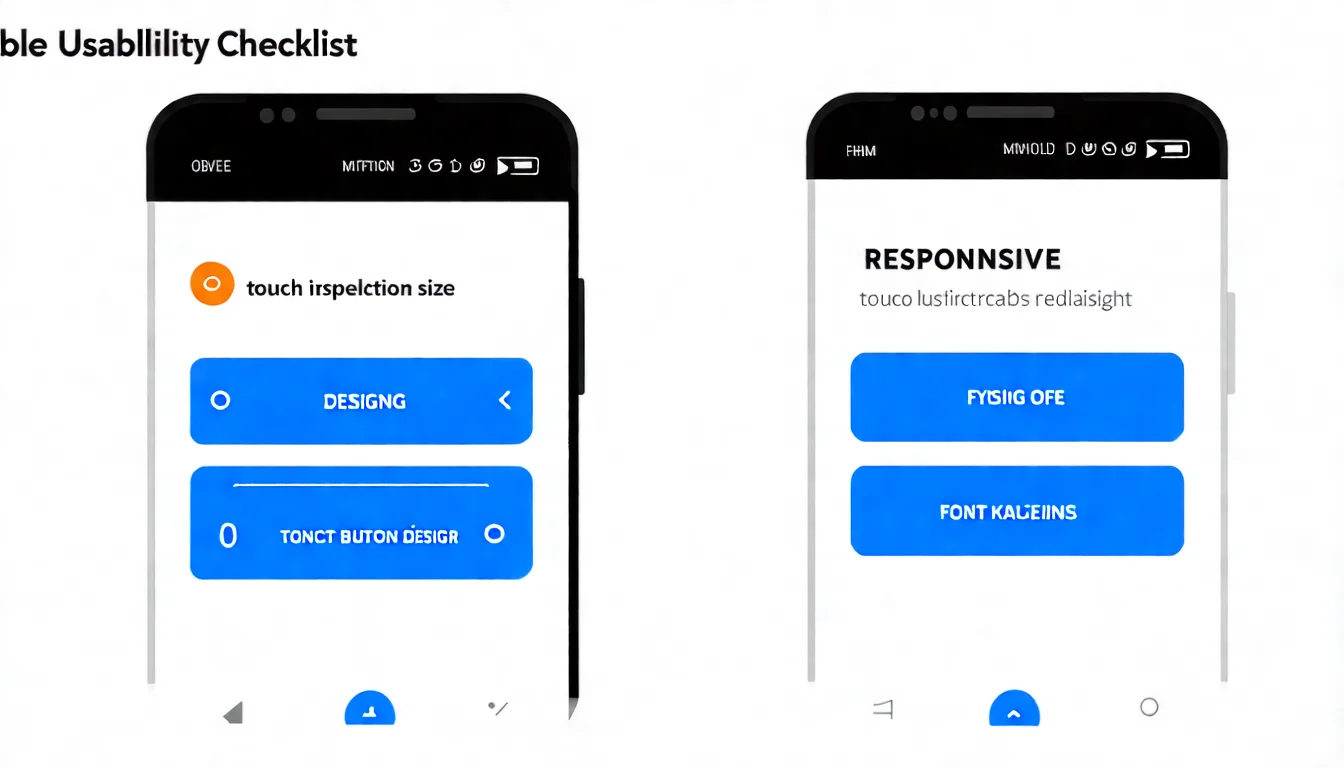
☐ Button Sizes Are Touch-Friendly
Standards:
- Tappable elements are at least 48x48 pixels
- Adequate spacing between buttons
- No accidental taps
☐ Font Sizes Are Appropriate
Standards:
- Base font size is at least 16px
- Readable without zooming
- Adequate line height (around 1.5x)
Security Check
☐ Using HTTPS
How to check:
- Does the URL start with
https://? - Does the browser show a padlock icon?
Importance:
- HTTPS is a Google ranking factor
- User trust
- Secure data transmission
☐ SSL Certificate Is Valid
How to check:
- Click the browser's padlock icon to view certificate information
- Confirm it hasn't expired
If you don't have SSL: Most hosting providers offer free Let's Encrypt SSL certificates.
☐ Mixed Content Issues
Problem: HTTPS pages loading HTTP resources (images, CSS, JavaScript)
How to check:
- The browser Console will show warnings
- Use Chrome DevTools' Security tab
Solution:
- Update all resource links to https://
Structured Data Check
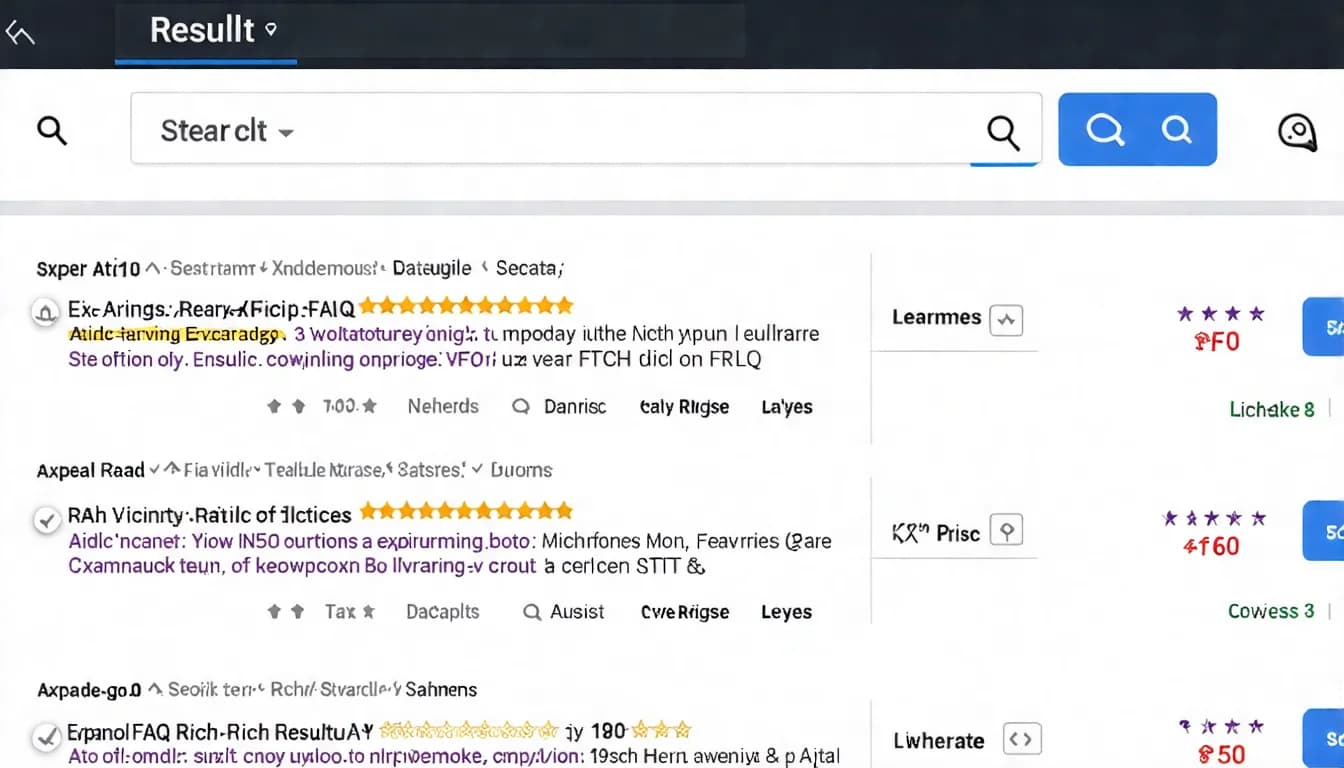
Structured data helps Google better understand your content and potentially earn rich results.
☐ Appropriate Schema Is Implemented
Common types:
- Article
- Product
- LocalBusiness
- BreadcrumbList
- Video
Note: FAQ and HowTo are no longer on Google's list of supported rich results (HowTo was removed in September 2023; FAQ was discontinued in May 2026). The markup itself is still valid and may still help AI systems cite your content, but it no longer changes how your listing looks in search results.
Check:
View the page source code and search for application/ld+json
☐ Schema Passes Validation
Validation tools:
Confirm:
- No errors
- Minimize warnings
☐ Rich Results Display Correctly
How to check:
- In the "Enhancements" section of Google Search Console, check the types you actually mark up (e.g. breadcrumbs, products, reviews, videos) for errors or warnings
- Use the URL Inspection tool or the Rich Results Test to verify individual pages
- Confirm rich results are appearing in search results
Note: FAQ and HowTo rich results have been discontinued, and Search Console no longer provides reports for them — not finding those reports is expected. Both schema types are still valid markup and may still be worth keeping for AI citation, but there is no longer a report or a visible search-result change to verify them against.
To learn more about structured data implementation, check out our tutorial.
Technical issues resolved? Time to boost content quality! Let AI help you produce professional SEO articles.
👉 Free LINE consultation: @006ljkda
Errors and Redirects Check
☐ 404 Error Pages
How to check:
- Google Search Console → Indexing → Pages (Page indexing report), check the "Not found (404)" category
- Screaming Frog scan
How to handle:
- Important pages: Set up 301 redirects to relevant pages
- Unimportant pages: Ensure a user-friendly 404 error page exists
- Fix internal links pointing to 404 pages
☐ Are Redirects Correct (301 vs 302)?
When to use which:
- 301 (Permanent redirect): Page has moved permanently
- 302 (Temporary redirect): Page has moved temporarily
Common mistake: Setting permanently moved pages as 302. Google doesn't treat a temporary redirect as a signal that the new URL should be canonical, so search results may keep showing the old URL (Google).
☐ Are Redirect Chains Too Long?
Problem: A → B → C → D (too many hops)
Impact:
- Increases load time: every extra hop adds more waiting for users
- Reduces crawl efficiency: Googlebot follows up to 10 redirect hops; Google advises redirecting straight to the final destination, or keeping chains to ideally no more than 3 hops (Google)
Ideal: Redirects should go through no more than 1-2 hops.
Technical SEO Audit Tools
Recommended tools for performing the checks above:
Google Search Console (Free)
Features:
- Indexing status check
- Core Web Vitals report
- Structured data status
- 404 errors and redirect issues
Essential level: Must-use
Screaming Frog (Free / Paid)
Features:
- Full site crawl and analysis
- Identify all technical issues
- Export detailed reports
- Custom crawl settings
Essential level: Must-use for medium to large sites
Free version crawls up to 500 URLs.
Ahrefs Site Audit (Free for verified sites / Paid for advanced features)
Features:
- Automated technical SEO audits
- Ongoing monitoring
- Issue prioritization
- Historical tracking
Essential level: Suited for professional teams
Once you verify site ownership, you can run Site Audit for free through Ahrefs Free (formerly Ahrefs Webmaster Tools), with 5,000 crawl credits per verified project per month and no limit on the number of sites you verify.
Recommended Audit Frequency
| Audit Item | Recommended Frequency |
|---|---|
| Indexing status | Weekly |
| 404 errors | Weekly |
| Core Web Vitals | Monthly |
| Structured data | Monthly |
| Full technical audit | Quarterly |
Why Technical SEO Is the Foundation of Rankings
Technical SEO may not feel as rewarding as creating content, but it's the key to ensuring your great content gets discovered by search engines.
How to use this checklist:
- First time: Take the time to check each item and fix any issues you find
- Ongoing: Re-audit every quarter
- When rankings drop: Come back and troubleshoot against this checklist
Priority recommendations:
- Highest priority: Indexing issues (robots.txt, noindex, Sitemap)
- High priority: Mobile-friendliness, HTTPS
- Medium priority: Site speed, architecture optimization
- Continuous improvement: Structured data, error fixes
Technical SEO doesn't need to be perfect from day one, but you must ensure no serious issues are blocking your rankings. Build a solid technical foundation and let your great content achieve the results it deserves.
For more technical SEO concepts, check out our beginner's guide.
One-stop SEO content service — let us handle the content while you tackle technical issues step by step.