You've been writing high-quality content, but rankings just won't improve?
The problem might not be your content — it could be your website's "technical foundation."
Imagine this: you've opened a beautifully decorated restaurant with delicious food, but the sign out front is broken and the parking lot entrance is blocked — customers can't even find the door.
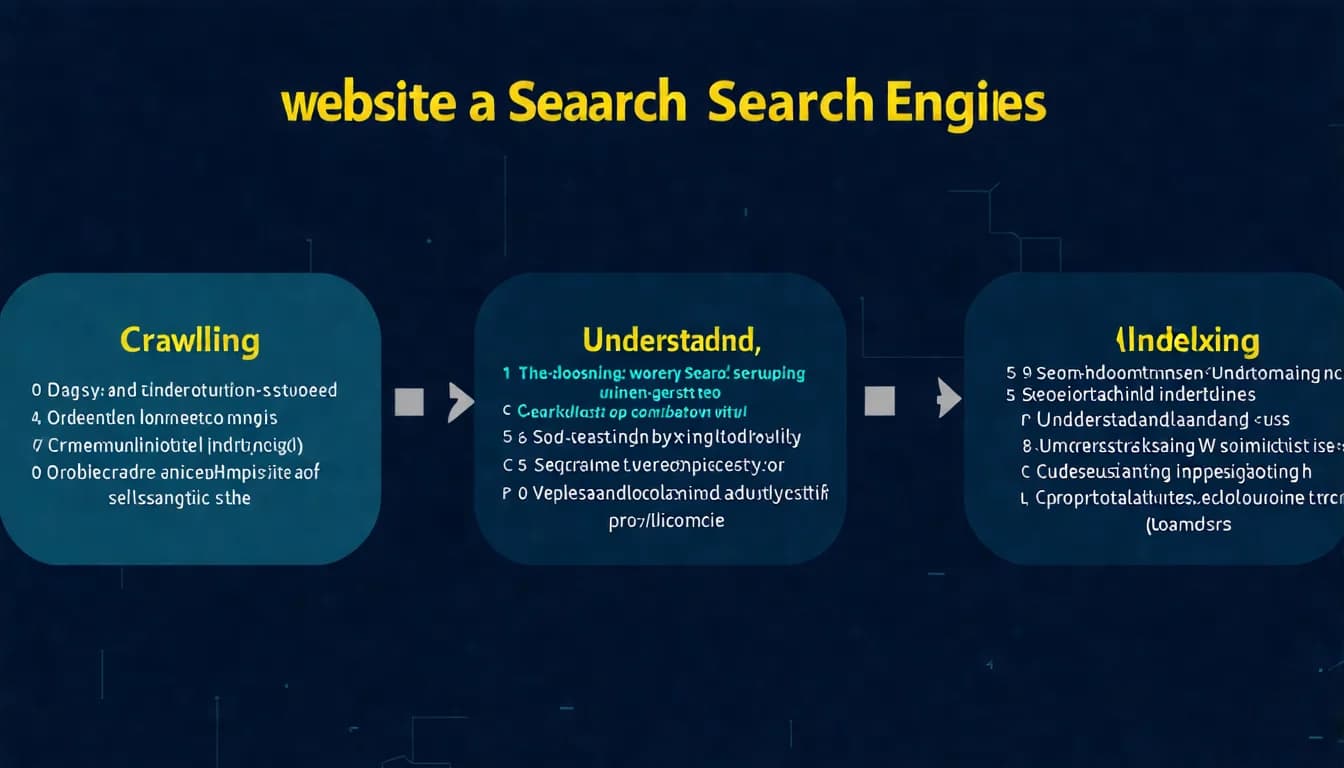
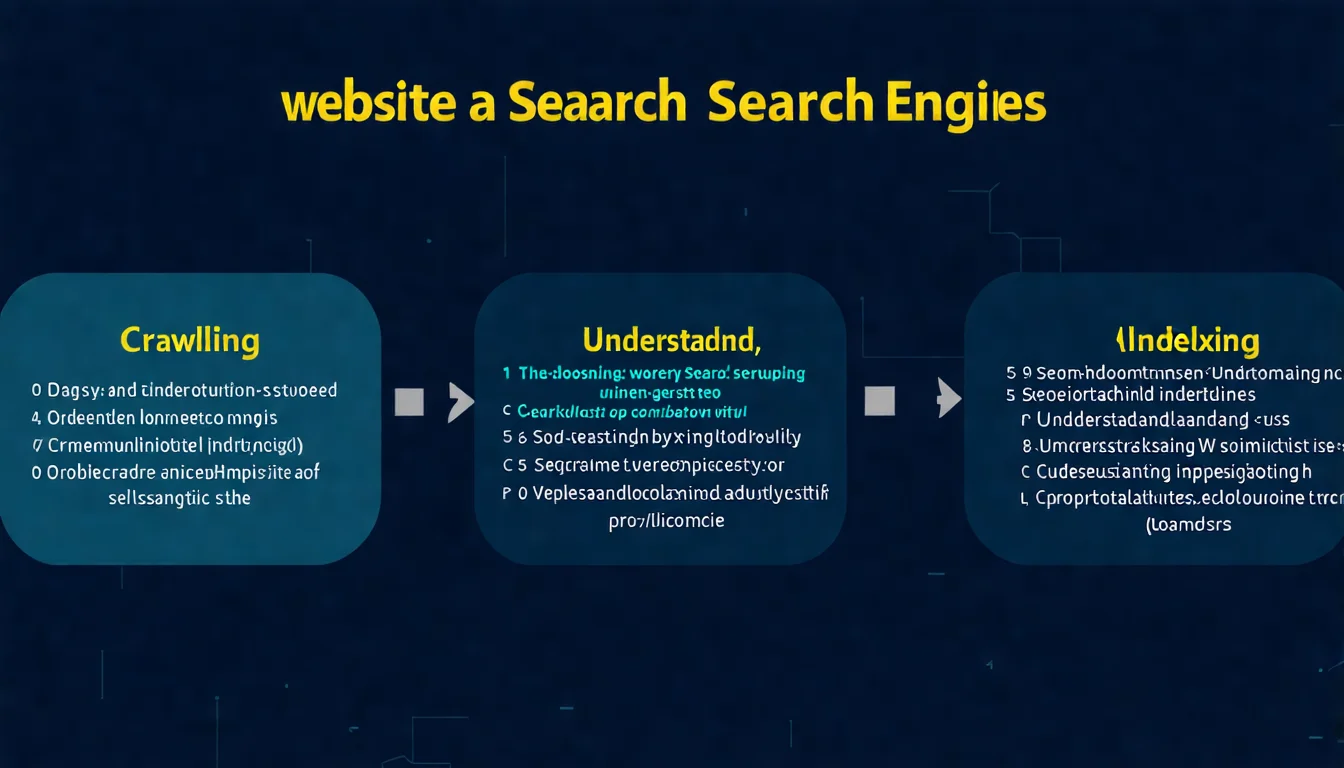
Technical SEO is the discipline that solves these kinds of problems. It ensures search engines can smoothly find, understand, and index your website content.
This guide will take you through the full picture of technical SEO, from basic concepts to core elements, and finally show you how to audit and optimize your own site.
What Is Technical SEO?
Definition of Technical SEO
Technical SEO refers to optimizing your website's technical infrastructure so that search engines can more efficiently crawl, index, and understand your website content.
In simple terms, technical SEO helps search engines "read" your website.
It doesn't focus on whether the content itself is well-written, but rather on:
- Can search engines find your pages?
- Is the page load speed fast enough?
- Is the site structure clear?
- Are there any technical barriers preventing rankings?
Good technical SEO is like the plumbing and electrical systems in a restaurant — customers might not notice them, but without them, the whole place can't operate.
Technical SEO vs Content SEO vs Off-Page SEO
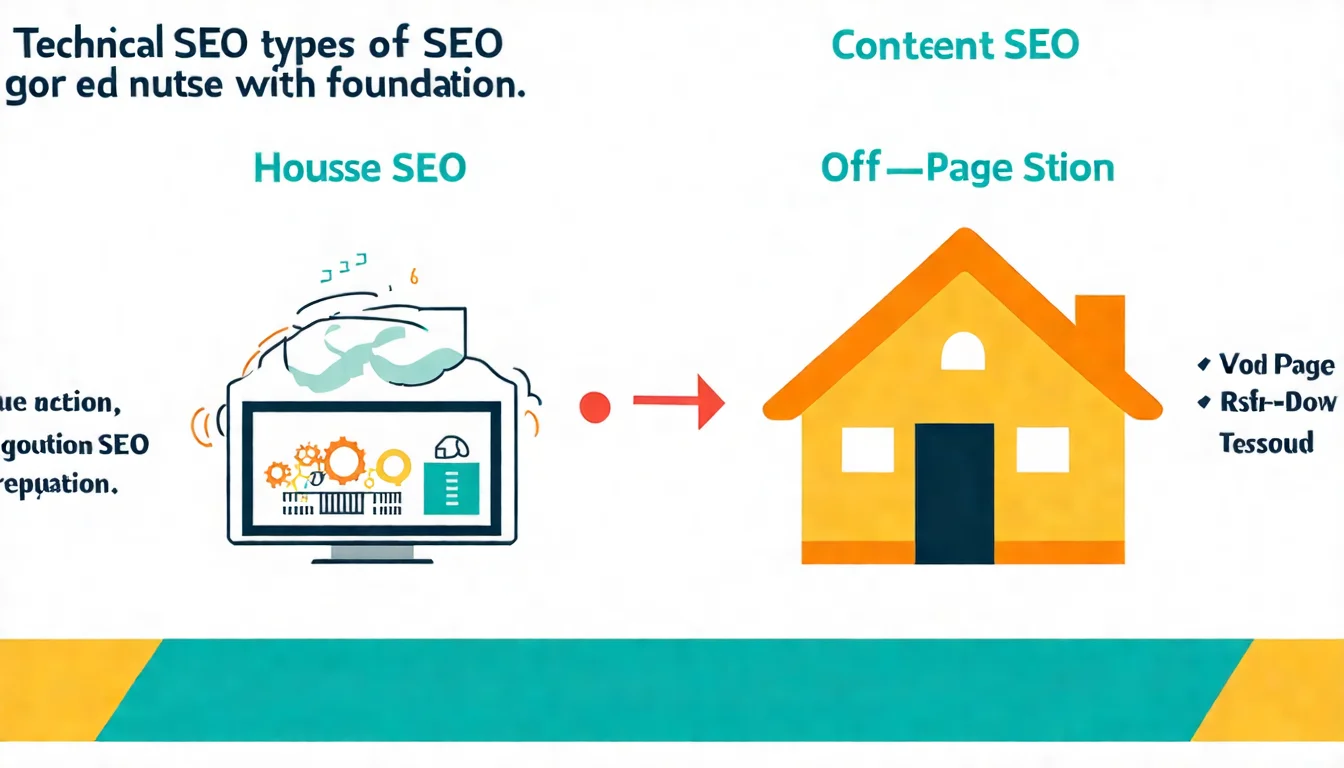
SEO can be divided into three main categories, each serving its own purpose:
| Type | Focus | Common Tasks |
|---|---|---|
| Technical SEO | Website infrastructure | Site speed, architecture, indexing, mobile compatibility |
| Content SEO | On-page content optimization | Keywords, titles, body text, internal links |
| Off-Page SEO | External signals | Backlinks, brand mentions, social signals |
Think of the relationship this way:
- Technical SEO is the foundation: Without a stable foundation, the building won't stand no matter how beautiful it is
- Content SEO is the building itself: Makes visitors want to stay
- Off-Page SEO is reputation: Gets more people to know about you
Why Is Technical SEO Important?
1. No Indexing Means No Rankings
No matter how great your content is, if search engines can't index it, it won't appear in search results at all. Technical issues can cause an entire website to "disappear" from Google.
2. Speed Affects User Experience and Rankings
Google has explicitly stated that site speed is a ranking factor. The slower a page loads, the more likely visitors are to give up waiting and leave.
3. Mobile-First Indexing
Google now uses the mobile version of websites as the basis for indexing and ranking. If your site has a poor mobile experience, rankings will be directly affected.
4. Competitive Differentiation
When many websites have similar content quality, how well technical SEO is executed becomes the deciding factor.
The 7 Core Elements of Technical SEO
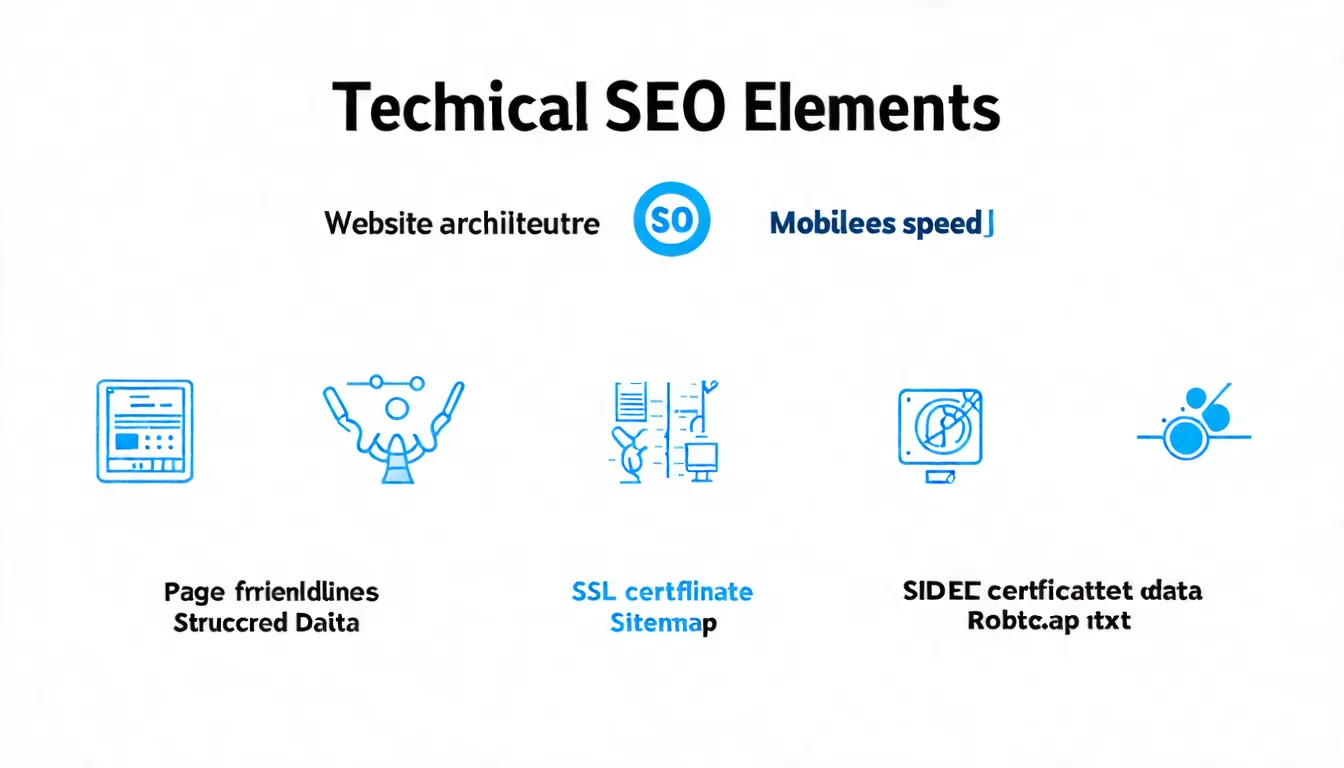
Here are the seven most important aspects of technical SEO. You don't need to master them all at once — build the concepts first, then dive deeper gradually.
1. Site Architecture and URL Structure
Site architecture determines how search engines understand your website's content hierarchy.
Characteristics of good architecture:
- Flat: Important pages reachable within 3 clicks
- Logically clear: Related content grouped together
- Clear navigation: Easy for both users and search engines to find content
URL structure principles:
- Use meaningful words
- Keep it concise, avoid excessive length
- Use hyphens (-) to separate words
- Avoid parameters and random characters
✅ Good URL: example.com/technical-seo-guide
❌ Bad URL: example.com/page?id=12345&cat=3
2. Site Speed and Core Web Vitals
Core Web Vitals are three core metrics Google uses to measure user experience:
| Metric | Measures | Passing Threshold |
|---|---|---|
| LCP (Largest Contentful Paint) | Main content load time | ≤ 2.5 seconds |
| INP (Interaction to Next Paint) | Page interaction responsiveness | ≤ 200 milliseconds |
| CLS (Cumulative Layout Shift) | Visual stability | ≤ 0.1 |
Common speed issues:
- Uncompressed, oversized image files
- Render-blocking JavaScript and CSS
- Slow server response times
- No caching
You can test your website speed using Google PageSpeed Insights.
3. Mobile-Friendliness
A large share of searches now comes from mobile devices, and Google uses mobile-first indexing.
Key mobile-friendliness requirements:
- Responsive design: Same URL automatically adapts to different screen sizes
- Touch-friendly: Buttons are large enough with adequate spacing
- Stop using Flash: Adobe ended Flash support on December 31, 2020 — use HTML5 instead
- Appropriate font sizes: Readable without zooming
You can check with Lighthouse, PageSpeed Insights, or Chrome DevTools' device emulation (Google's old Mobile-Friendly Test has been retired; its URL now redirects straight to the Lighthouse docs).
4. SSL Security (HTTPS)
HTTPS means your website has an SSL certificate installed and data transmission is encrypted.
Why it matters:
- Google explicitly lists HTTPS as a ranking factor
- Browsers label sites without SSL as "Not Secure"
- Increases user trust
If your site is still on http://, upgrade to https:// as soon as possible. Most hosting providers offer free SSL certificates.
5. Structured Data (Schema Markup)
Structured data is a standardized code format that helps search engines understand web page content more precisely.
Common structured data types:
- Article: Articles
- Product: Product information
- Review: Reviews and ratings
- LocalBusiness: Local businesses
- BreadcrumbList: Breadcrumb navigation
Benefits:
- Can earn "Rich Results"
- Display star ratings, prices, and other extra information in search results
- Improve click-through rates
A note on FAQ and HowTo: Neither is on Google's list of supported rich results any more (HowTo was removed in September 2023; FAQ has been limited to authoritative government and health sites since August 2023 and was fully discontinued in May 2026). The markup itself is still valid and may still help AI systems cite your content, but ordinary sites should no longer expect it to change how their listing looks in search results.
For a deeper dive, check out our Complete Structured Data Guide.
6. XML Sitemap
An XML Sitemap is a file that lists all important pages on your site, submitted to search engines.
It's like giving Google a "menu," telling it: "These are the most important pages on my site — please come crawl them."
Sitemap essentials:
- Only include pages you want indexed
- Update regularly (after publishing new content)
- Submit in Google Search Console
- File size should not exceed 50MB or 50,000 URLs
Most CMS platforms (like WordPress) have plugins that auto-generate sitemaps.
For more details, check out our Sitemap SEO Guide.
7. Robots.txt and Crawler Management
Robots.txt is a text file placed in your website's root directory that tells search engines which pages can be crawled and which should not.
User-agent: *
Disallow: /admin/
Disallow: /private/
Allow: /

Sitemap: https://example.com/sitemap.xml
Common uses:
- Prevent crawlers from accessing admin areas
- Avoid indexing duplicate or low-value pages
- Conserve crawl budget
Note: robots.txt is merely a "suggestion" — malicious crawlers may ignore it. Content that truly needs protection should use passwords or other security measures.
Technical SEO too complex? Start with content optimization — let AI help you produce quality articles that follow SEO best practices.
👉 Learn about AI SEO article services
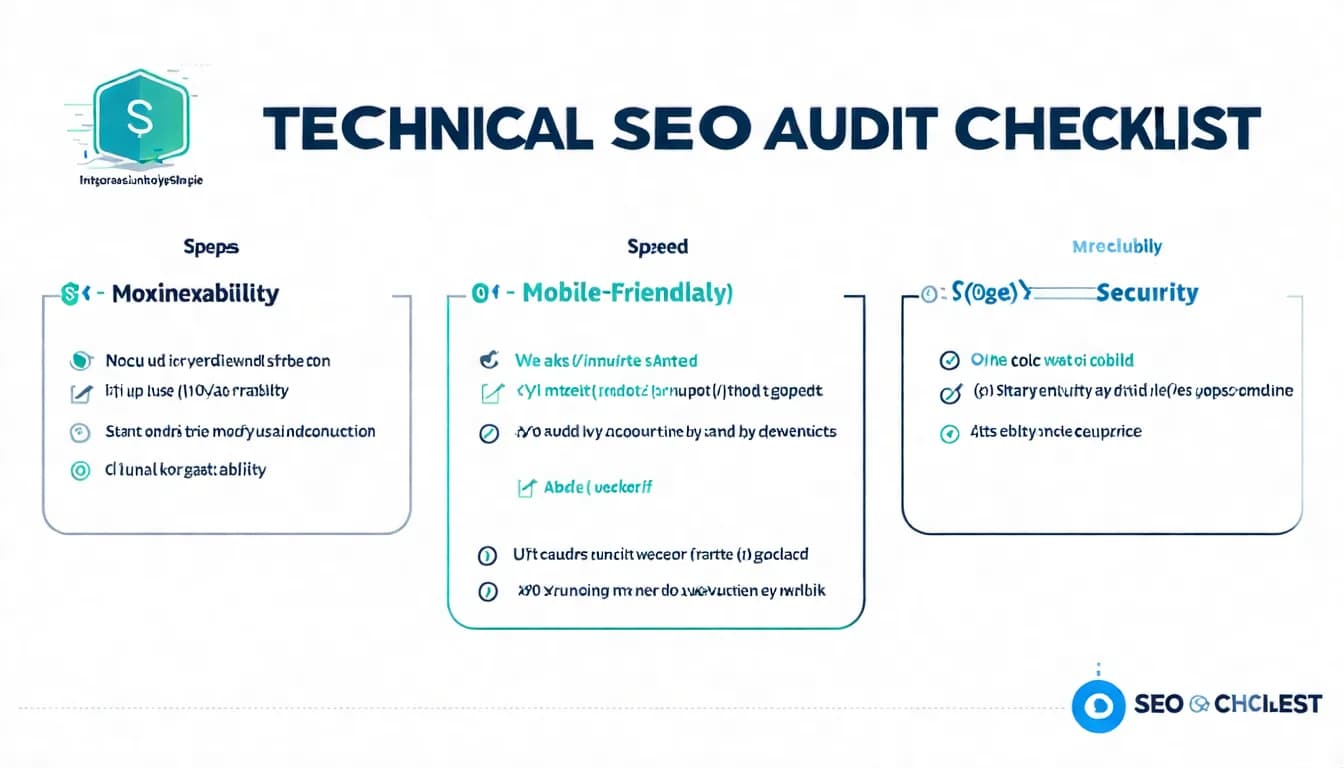
Key Technical SEO Audit Points
Now that you know the elements, here's how to audit your own website.
Indexability Check
Confirm Google can index your website normally:
Method 1: site: search
Enter site:yoursite.com in Google's search box (e.g., site:example.com).
Check if the number of results matches expectations and if important pages are indexed.
Method 2: Google Search Console Under "Indexing" → "Pages" (the Page indexing report), check:
- Number of indexed pages
- Number of non-indexed pages
- Why pages aren't indexed (for example, blocked by robots.txt, noindex, or duplicate pages)
Common indexing issues:
- Accidentally blocked by robots.txt
- Incorrect noindex tag settings
- Canonical issues caused by duplicate content
- Pages loading too slowly or returning errors
Crawl Efficiency and Budget
Crawl budget is the crawling resources Google allocates to your website.
For small websites (a few hundred pages), this typically isn't a concern. But larger sites need to be mindful:
Ways to optimize crawl efficiency:
- Avoid generating large numbers of low-quality pages
- Fix 404 errors and infinite redirects
- Keep your sitemap limited to URLs you want indexed, with accurate lastmod values (Google ignores priority and changefreq)
- Improve site speed
Duplicate Content Handling
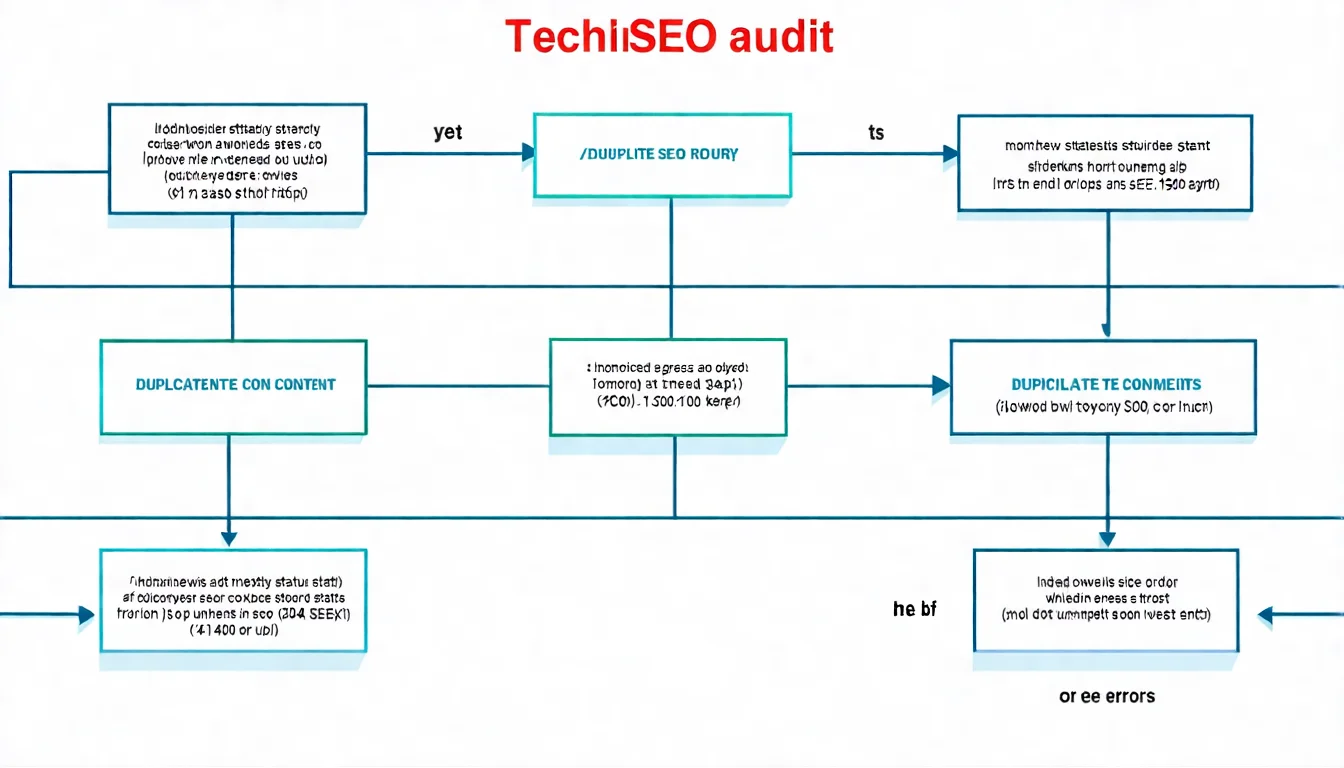
Duplicate content dilutes SEO authority, leaving Google unsure which version to rank.
Common causes:
- Both www and non-www versions exist
- Both http and https versions exist
- URL parameters generating duplicate pages
- Pages with highly similar content
Solutions:
- Set canonical tags pointing to the preferred version
- Use 301 redirects to consolidate versions
- List only the preferred version's URLs in your sitemap
404 Errors and Redirects
404 errors mean a page doesn't exist, possibly because:
- The page was deleted
- The URL changed without a redirect
- A link was mistyped
How to handle:
- Important pages: Set up 301 redirects to the new URL or a related page
- Unimportant pages: Keep the 404 and ensure there's a user-friendly error page
- Check and fix regularly
Redirect considerations:
- Prefer 301 (permanent redirects) over 302 (temporary redirects)
- Avoid redirect chains (A→B→C→D)
- Ensure no redirect loops form
Essential Technical SEO Tools
Here are practical tools for checking and optimizing technical SEO:
Google Search Console (Free)
Google's official tool and the most important technical SEO resource:
- Check indexing status and issues
- Submit sitemaps
- View Core Web Vitals reports
- Request re-indexing of specific pages
Every website owner should set this up and review it regularly.
Screaming Frog SEO Spider (Free/Paid)
A powerful website crawler tool that can:
- Scan the entire site for SEO issues
- Find 404 errors and redirect problems
- Check titles and Meta tags
- Analyze site architecture
Free version crawls up to 500 URLs, which is sufficient for small sites.
PageSpeed Insights (Free)
Google's official speed testing tool:
- Tests Core Web Vitals metrics
- Provides specific optimization suggestions
- Displays separate scores for mobile and desktop
Schema Validation Tools (Free)
For validating structured data correctness:
These tools check whether Schema syntax is correct and whether rich results are possible.
The Relationship Between Technical SEO and Content SEO
Technical Is the Foundation for Content Rankings
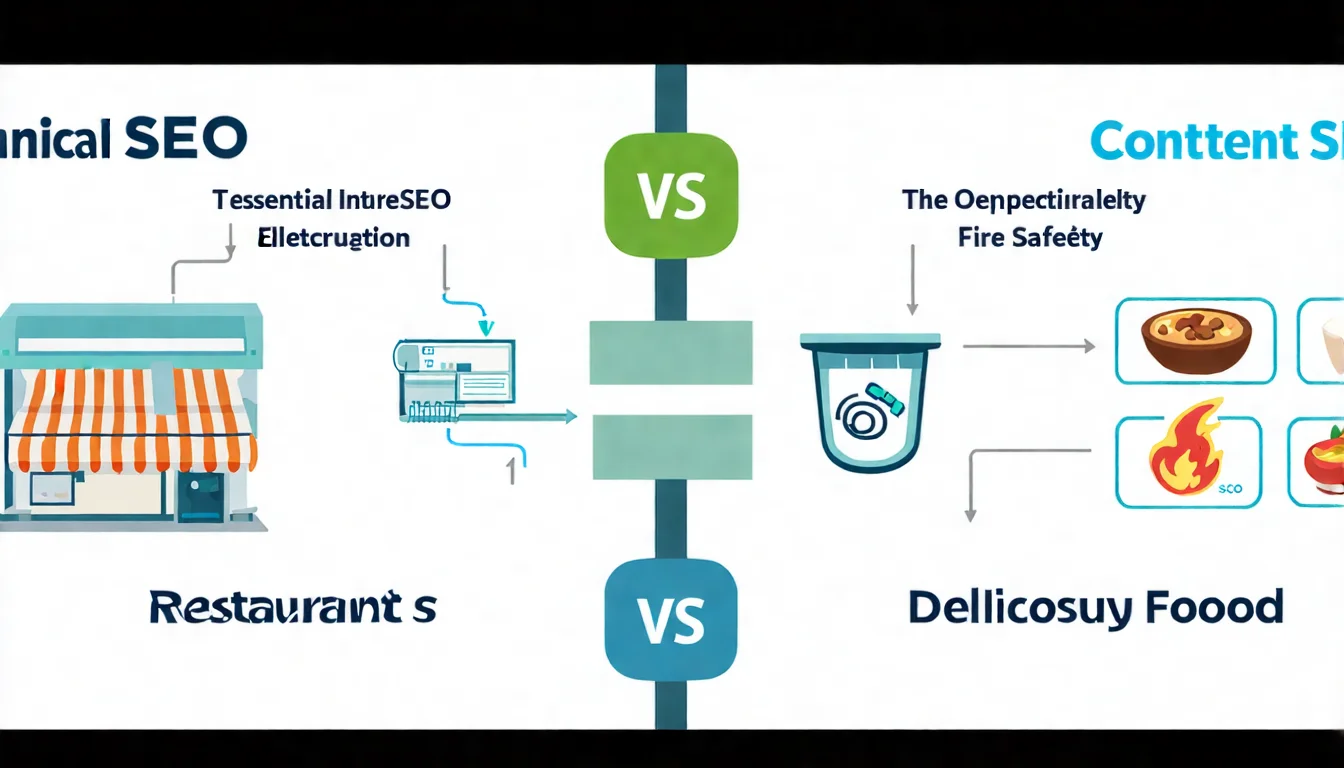
An analogy:
- Technical SEO is like the plumbing, electrical, and fire safety systems of a restaurant
- Content SEO is like the quality of the food
If the plumbing is broken and customers can't find the entrance, it doesn't matter how good the food is.
But conversely, if the technical infrastructure is top-notch but the content is poor, customers won't come back either.
How They Work Together
Technical SEO ensures:
- Content can be found by search engines
- Pages are correctly indexed
- Users can browse smoothly
Content SEO ensures:
- Content matches user search intent
- Valuable information is provided
- Visitors want to stay and share
Both are indispensable, but execution can be prioritized.
Priority Recommendations
For new or small websites:
- First ensure basic technical requirements are met (indexable, acceptable speed)
- Focus most effort on content creation
- Gradually optimize technical aspects as the site grows
For established websites:
- Conduct regular technical SEO audits
- Fix major issues that affect rankings
- Continue producing quality content
Want to focus on content creation? The technical side can be handled by professionals.
👉 Free LINE consultation: @006ljkda
Technical SEO FAQ
Q: Do I need programming skills for technical SEO?
A: Not necessarily. Many technical SEO tasks can be accomplished through CMS plugins (like WordPress's Yoast SEO) or Google Search Console. However, handling complex issues (such as custom Schema or server configuration) may require developer assistance.
Q: Do small websites need technical SEO?
A: Yes, but it doesn't need to be complex. At minimum, small websites should ensure:
- The site can be indexed normally by Google
- SSL is installed (HTTPS)
- The site works properly on mobile devices
- Speed isn't too slow
Getting these basics right is sufficient — put the rest of your energy into content.
Q: What's the relationship between technical SEO and site speed?
A: Site speed is a critical component of technical SEO. Google explicitly lists speed as a ranking factor, and Core Web Vitals directly affect rankings.
Q: Can I outsource technical SEO?
A: Yes. If you're not comfortable with technical matters, you can:
- Use pre-optimized website platforms (like Squarespace or Wix)
- Hire professionals for technical audits and fixes
- Focus your efforts on content creation, which is your strength
Technical SEO too difficult? No worries — start by improving rankings with quality content. Let AI help you produce professional articles that match search intent.
👉 Free LINE consultation: @006ljkda
Why Technical SEO Is the Foundation of Website Rankings
Technical SEO is like the foundation of a building — invisible, but it determines how tall and stable the structure can be.
Key Takeaways:
- What is technical SEO: Optimizing website technical infrastructure so search engines can crawl and index smoothly
- 7 core elements: Architecture, speed, mobile-friendliness, SSL, structured data, Sitemap, Robots.txt
- Audit focus areas: Indexing status, crawl efficiency, duplicate content, 404 errors
- Essential tools: Google Search Console, Screaming Frog, PageSpeed Insights
- Relationship with content SEO: Technical is the foundation, content is the core — both are essential
Recommended Action Steps:
- Check your website for indexing issues in Google Search Console
- Test your site speed with PageSpeed Insights
- Confirm SSL is installed and your site works properly on mobile
- Fix issues one by one if found; if everything's fine, focus on content optimization
Remember: for most websites, content is still the most important thing. The goal of technical SEO is "don't hold yourself back" — ensure good content achieves the rankings it deserves.
Looking for a one-stop SEO content service that covers both technical and content needs? Let us handle it for you.