You published a new article, but Google doesn't seem to be indexing it?
A sitemap might be your lifeline.
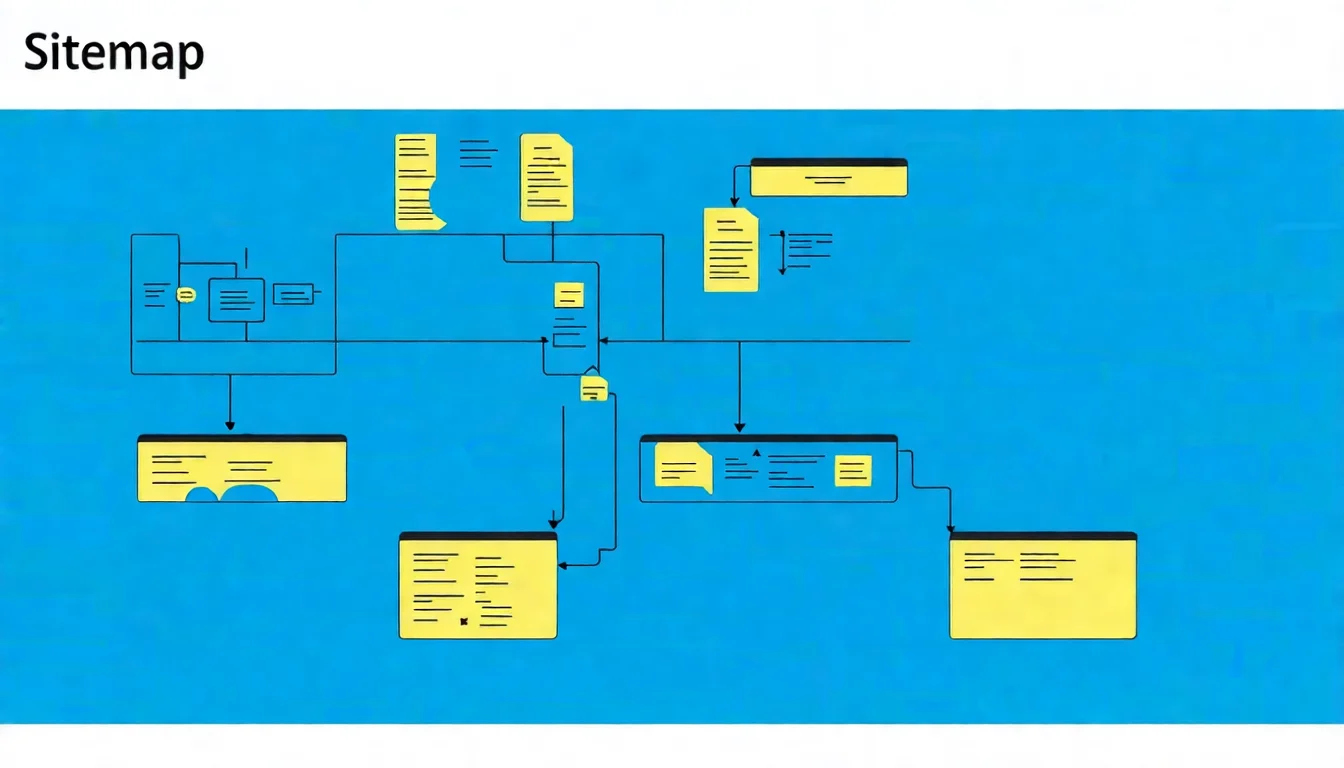
A sitemap is like a "checklist" for search engines, telling them: "Hey, these are the most important pages on my site — please come crawl them." With this checklist, Google can discover your content more efficiently.
This guide will teach you the concept behind sitemaps, how to create and submit them, and common best practices.
What Is a Sitemap?
Definition and Function
A sitemap is a file (usually in XML format) that lists all the pages on your website that you want search engines to index.
Its main functions are:
- Help search engines discover pages: Tell Google which pages are available for crawling
- Provide page metadata: Mainly the last update time (
lastmod); the protocol also has update frequency and priority fields, but Google has explicitly stated that it ignores those two - Speed up indexing: Newly published pages can be discovered by Google more quickly
Think of it this way: if your website is a large shopping mall, the sitemap is the "floor directory" that tells Google where everything is.
XML Sitemap vs HTML Sitemap
These are two different things — don't confuse them:
| Type | Purpose | Format | Audience |
|---|---|---|---|
| XML Sitemap | SEO purposes | XML code | Search engines |
| HTML Sitemap | User navigation | Regular web page | Human visitors |
An XML Sitemap is read by search engines and looks like this:
<?xml version="1.0" encoding="UTF-8"?>
<urlset xmlns="http://www.sitemaps.org/schemas/sitemap/0.9">
  <url>
    <loc>https://example.com/page1</loc>
    <lastmod>2026-01-21</lastmod>
  </url>
</urlset>
An HTML Sitemap is a navigation page for humans, typically listing all major categories and page links.
This article focuses on XML Sitemaps, as they are more important for SEO.
Why Are Sitemaps Important for SEO?
Sitemaps don't directly boost rankings, but they can:
1. Ensure Pages Are Discovered
Some pages may not have enough internal links for search engines to find them. A sitemap ensures these "orphan pages" can still be crawled.
2. Speed Up New Content Indexing
After publishing new articles, a sitemap tells Google about them so it can crawl sooner.
3. Provide Valuable Metadata
A sitemap can tell Google when each page was last updated, helping it identify which content is most current.
To learn more about technical SEO concepts, check out our comprehensive guide.
Who Needs a Sitemap?
While sitemaps benefit all websites, the following types especially need them:
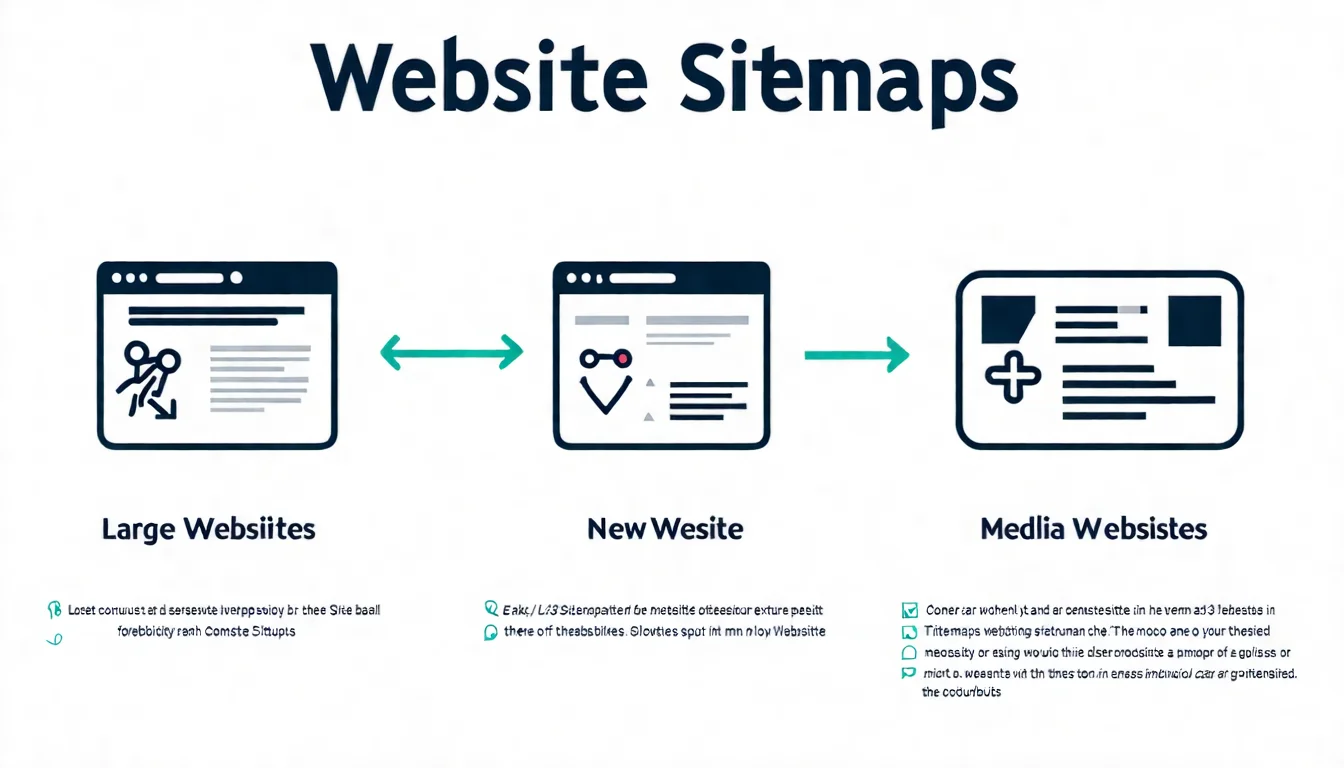
Essential for Large Websites
If your website has more than about 500 pages (Google treats 500 pages or fewer as a small site), a sitemap is essential.
Without a sitemap, Google may:
- Miss important pages
- Crawl inefficiently
- Take longer to discover new content
For large websites, consider using a Sitemap Index (explained later) to manage multiple sitemap files.
Accelerate Indexing for New Websites
Newly created websites have few external links and an incomplete internal link structure.
A sitemap acts as a "self-introduction" — proactively telling Google you exist and inviting it to crawl your site.
Recommendations for new websites:
- Create a sitemap
- Submit it in Google Search Console
- Use the "Request Indexing" feature to accelerate important pages
Websites with Rich Media Content
If your website has lots of images or videos, you can use specialized sitemaps:
- Image Sitemap: Lists all important images
- Video Sitemap: Lists all videos and their metadata
These help your media content gain better visibility in image search and video search results.
Want new content indexed faster? Start with quality articles — let AI help you produce SEO-friendly content.
👉 Learn about AI SEO article services
How to Create an XML Sitemap
Good news: you almost never need to create a sitemap manually anymore. Many tools can do it automatically.
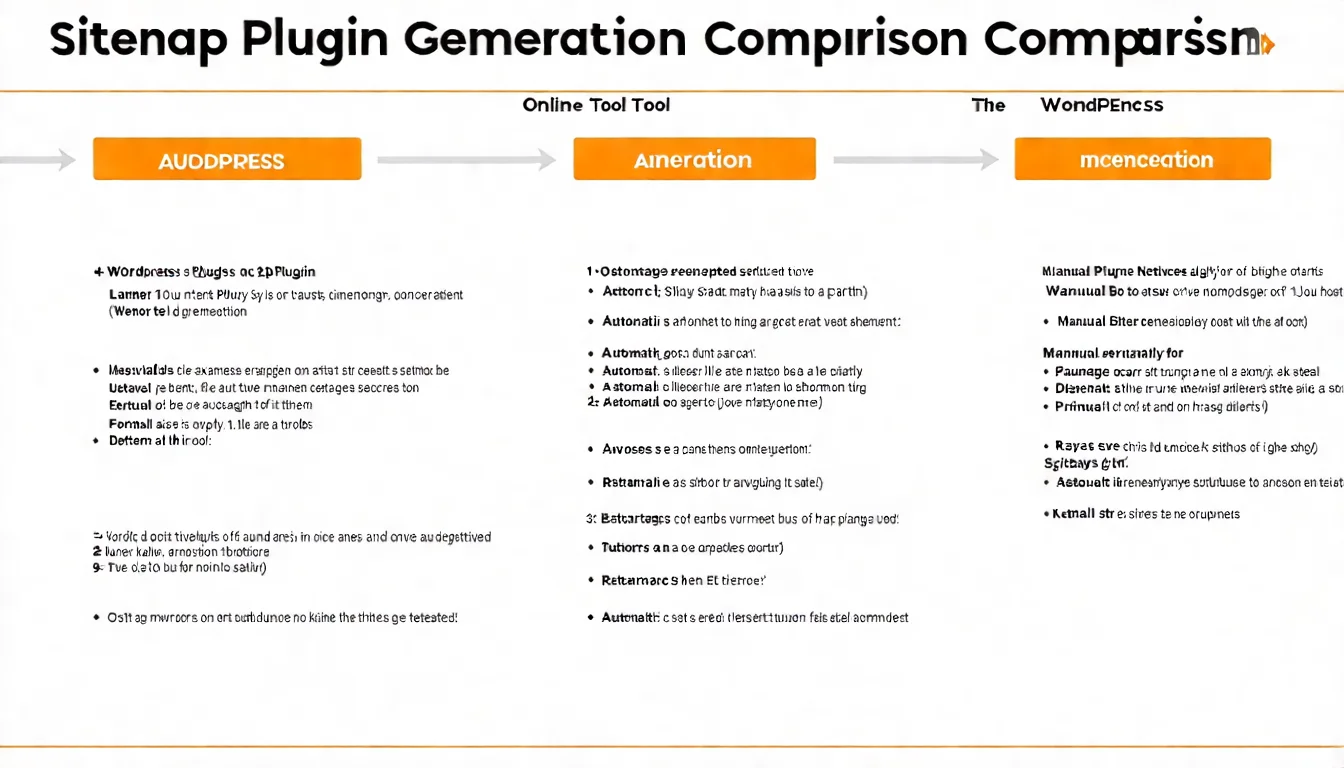
WordPress Plugins for Auto-Generation
If you use WordPress, these plugins will automatically generate and maintain your sitemap:
Yoast SEO
- Automatically generates a sitemap after installation
- URL:
yoursite.com/sitemap_index.xml - Auto-updates when new content is published
Rank Math
- Similar functionality to Yoast, with more granular sitemap control
- Lets you choose which content types to include
- Supports image sitemaps; video sitemaps require the paid PRO version
All in One SEO
- Another popular option
- Automatically generates and updates sitemaps
Online Sitemap Generators
For non-WordPress sites, you can use online tools:
XML-Sitemaps.com
- Free version crawls up to 500 pages
- Enter your URL, and it auto-generates a sitemap
- Download and upload to your site's root directory
Screaming Frog
- Professional website crawler tool
- Free version crawls up to 500 pages
- Offers more precise control over sitemap content
Creating a Sitemap Manually
In extreme cases, you can create one manually. The basic format:
<?xml version="1.0" encoding="UTF-8"?>
<urlset xmlns="http://www.sitemaps.org/schemas/sitemap/0.9">
  <url>
    <loc>https://example.com/</loc>
    <lastmod>2026-01-21</lastmod>
    <changefreq>weekly</changefreq>
    <priority>1.0</priority>
  </url>
  <url>
    <loc>https://example.com/about</loc>
    <lastmod>2026-01-15</lastmod>
    <changefreq>monthly</changefreq>
    <priority>0.8</priority>
  </url>
</urlset>
Tag descriptions:
loc: Page URL (required)lastmod: Last modification datechangefreq: Update frequency (daily, weekly, monthly, etc.) — Google explicitly ignores this fieldpriority: Priority level (0.0-1.0) — Google explicitly ignores this field
The example above keeps changefreq and priority only to show the full sitemap protocol format. Google's official documentation states that it ignores both values; only lastmod is used, and only when it is consistently and verifiably accurate (i.e. it reflects a real content update). So there is no point spending effort maintaining those two fields.
Honestly, unless you have special requirements, manual maintenance is not recommended — it's too error-prone.
How to Submit a Sitemap to Google
After creating a sitemap, you need to let Google know it exists.
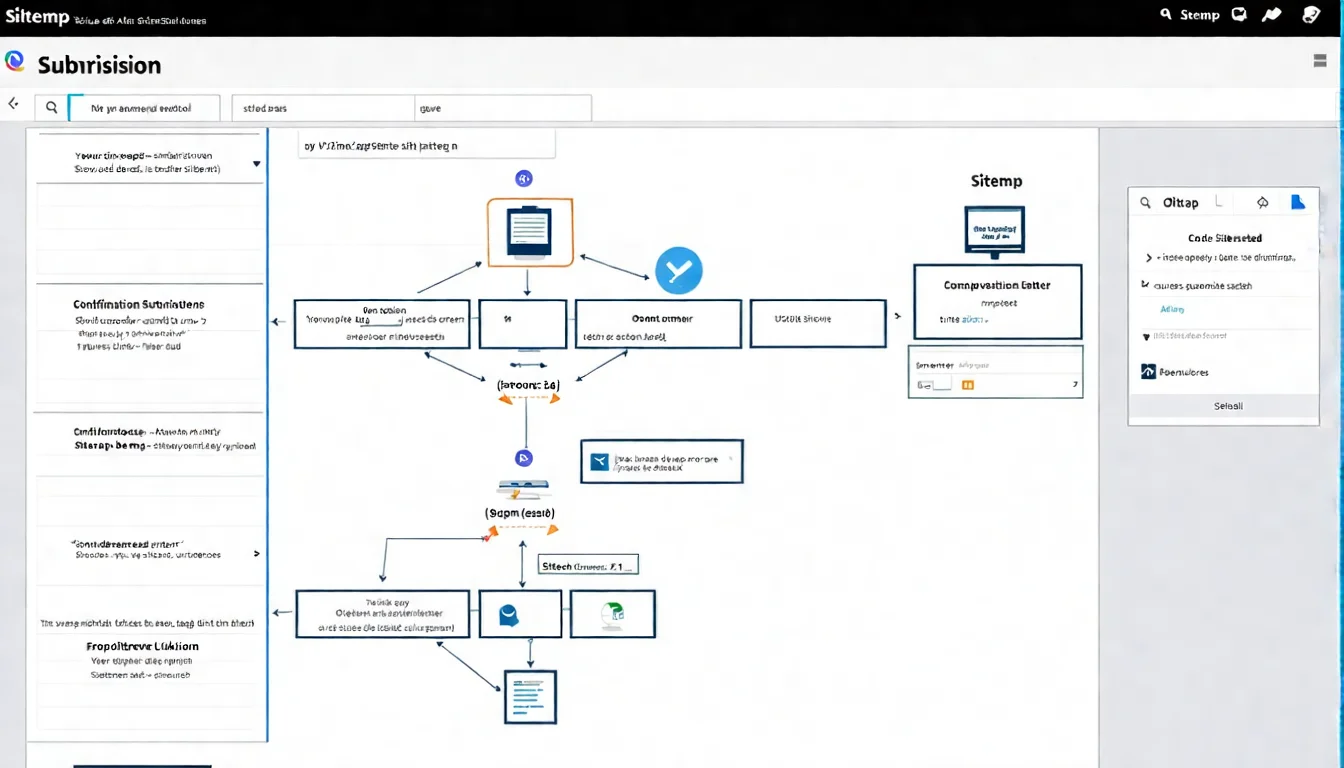
Google Search Console Submission Guide
This is the recommended method:
Step 1: Log in to Google Search Console
Step 2: Select your website property
Step 3: Click "Index" → "Sitemaps" in the left menu
Step 4: Enter your sitemap URL in the "Add a new sitemap" field
- For example:
sitemap.xmlorsitemap_index.xml
Step 5: Click "Submit"
Step 6: Wait for Google to process it — the status will show "Success" or an error message
Specify Sitemap in robots.txt
Another method is to declare it in your robots.txt file:
User-agent: *
Allow: /

Sitemap: https://example.com/sitemap.xml
Add this line at the end of your robots.txt file. Search engines will discover it when crawling robots.txt.
The advantage: not just Google, but other search engines such as Bing will see it too.
Verify Sitemap Status
After submission, track the status:
In Google Search Console's Sitemap report, check:
- Status: Whether it shows "Success"
- Discovered URLs: How many URLs Google found in the sitemap
- Last read time: When Google last crawled the sitemap
If errors appear, fix them based on the error message and resubmit.
Sitemap Best Practices
Follow these guidelines to maximize your sitemap's effectiveness:
Keep Your Sitemap Updated
Your sitemap should reflect the current state of your site:
- When adding pages, ensure the sitemap is also updated
- When deleting pages, remove them from the sitemap
- When updating content, update the
lastmoddate
The benefit of using CMS plugins is that all of this is handled automatically.
Control Sitemap Size
Google has sitemap limitations:
- Maximum 50,000 URLs per sitemap
- File size no larger than 50MB (uncompressed)
If you exceed these limits, split into multiple sitemap files.
Use a Sitemap Index
When you have many URLs, use a Sitemap Index to manage multiple sitemaps:
<?xml version="1.0" encoding="UTF-8"?>
<sitemapindex xmlns="http://www.sitemaps.org/schemas/sitemap/0.9">
  <sitemap>
    <loc>https://example.com/sitemap-posts.xml</loc>
    <lastmod>2026-01-21</lastmod>
  </sitemap>
  <sitemap>
    <loc>https://example.com/sitemap-pages.xml</loc>
    <lastmod>2026-01-15</lastmod>
  </sitemap>
</sitemapindex>
A Sitemap Index is like a "table of contents for sitemaps," organizing URLs by type.
Exclude Pages That Don't Need Indexing
Your sitemap should only include pages you want indexed.
Don't include:
- Pages set to noindex
- Pages with 301 redirects
- 404 error pages
- Duplicate content pages
- Admin backend pages
Should include:
- All important content pages
- Category and tag pages (if you want them indexed)
- Image and video pages (if important)
Technical setup too complex? Just focus on content — sitemaps can be handled with plugins.
👉 Free LINE consultation: @006ljkda
Sitemap FAQ
Q: How long after submission will my pages be indexed?
A: Submitting a sitemap doesn't mean immediate indexing. Google crawls and indexes at its own pace. New sitemaps typically take a few days to a few weeks to be fully processed. For important pages, use the "Request Indexing" feature to speed things up.
Q: What should I do if my sitemap shows errors?
A: Common errors and solutions:
- Cannot be read: Verify the sitemap URL is correct and not blocked by robots.txt
- Format error: Use an XML validation tool to check syntax
- Contains noindex pages: Remove these pages or remove the noindex tag
Q: Do I need to resubmit every time I update content?
A: No. Google periodically re-crawls your sitemap. You just need to ensure the sitemap content is updated (which is usually handled automatically by plugins). Unless there's a major change, manual resubmission isn't necessary.
Q: Will not having a sitemap hurt my SEO?
A: For small, well-structured websites, pages can still be indexed normally without a sitemap. But having a sitemap never hurts, and for large or new websites, it's practically essential.
Why Sitemaps Are Fundamental to Indexing Optimization
Sitemaps aren't complex technology, but they're an important tool for ensuring your site is properly indexed by search engines.
Key Takeaways:
- Purpose of sitemaps: Help search engines discover and crawl your pages
- Who especially needs them: Large websites, new websites, media-rich websites
- How to create: Use CMS plugins or online tools for auto-generation
- How to submit: Submit in Google Search Console or declare in robots.txt
- Best practices: Keep updated, control size, exclude pages that don't need indexing
Recommended Action Steps:
- Check if your website already has a sitemap (try
yoursite.com/sitemap.xml) - If not, create one using a plugin or tool
- Submit it in Google Search Console
- Regularly check sitemap status
Once your sitemap is set up, it basically runs on its own. Put your energy into what matters more — creating great content.
For more website optimization tips, check out our beginner's guide.
AI article services make getting content online easier. Let us handle the content so you can focus on growing your business.