llms.txt has been a hot topic in SEO circles over the past year or two, with plenty of tutorials framing it as "set this up or get left behind in the AI era."
Let's lead with the conclusion: no major AI system today — ChatGPT, Claude, Perplexity, or Google — officially commits to reading your website's llms.txt, and real-world data shows the overwhelming majority of llms.txt files are never fetched by any AI at all.
This article isn't here to teach you how to "get it set up faster." It's here to help you honestly decide: in 2026, is this file even worth your time? We'll cover what it is, why it was proposed, and what the format looks like, then lay out the current reality with official sources — and finish with a practical decision framework.
Not sure whether AI can actually read your site?
Instead of setting up a file nobody reads, what matters more is whether AI crawlers can reach you and whether your content can be cited. Let experts run a check.
Contact us for a GEO technical audit via LINE
What Is llms.txt? And Why Did Anyone Propose It?
To judge whether it's worth doing, you first need to understand what problem it was meant to solve.
If you're not yet familiar with GEO (Generative Engine Optimization), we recommend reading the core guide first to understand how content visibility works in the AI era.
The definition of llms.txt
llms.txt is a plain text file placed in your website's root directory (the URL is https://yourdomain.com/llms.txt), written in Markdown, whose original intent is to "let large language models (LLMs) quickly understand your website."
The motivation is easy to grasp: traditionally, AI has to crawl many pages to piece together a full picture of a site. The proposers' idea was that if a site proactively offers a clean, concise "official description," AI could skip the crawling cost and understand who you are more accurately. The concept was proposed and promoted by the community site llmstxt.org in 2024.
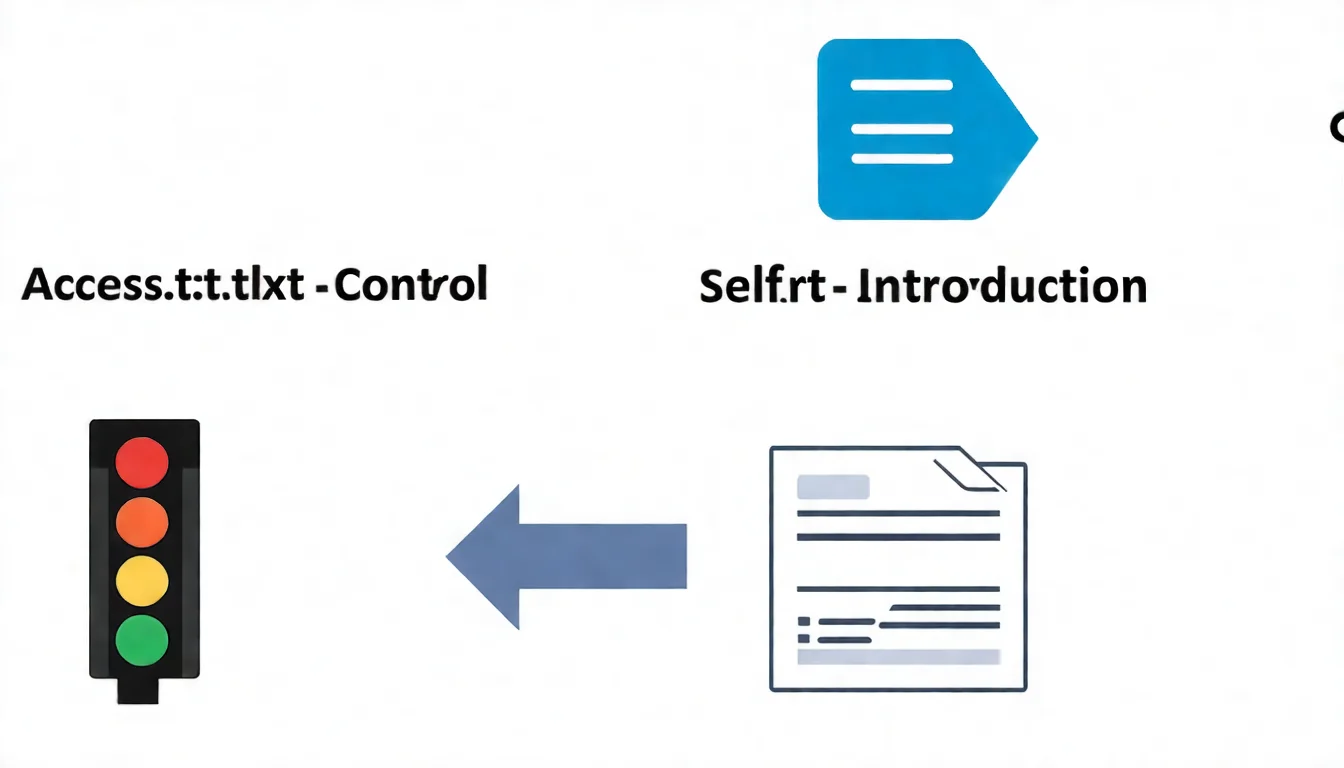
| The function it was meant to serve | Description |
|---|---|
| Self-introduction | Tells AI what your website does |
| Content navigation | Lists your main content and key pages |
| Quick summary | Lets AI grasp your positioning without crawling the whole site |
It sounds reasonable. The problem is that this is only the proposers' hope — mainstream AI still hasn't actually followed suit.
In 2026, Do Mainstream AIs Actually Read llms.txt? (The Honest Reality)
This is the most important section in the article. As of October 2026, no major AI provider documents llms.txt as a signal it reads or uses for citation.
Google: officially says you "don't need it"
Google's official AI features documentation is blunt:
"You don't need to create new machine readable files, AI text files, or markup to appear in these features."
Google's John Mueller said publicly in June 2026 that llms.txt is "purely speculative" — the file has existed for years, yet none of the AI systems use it.
Google's guide to optimizing for generative AI features adds one more nail: Google Search itself doesn't use llms.txt, so it neither helps nor hurts you; and it's completely fine to maintain one for other services that do use these files. In other words, for Google it is simply "ineffective but harmless."
The one exception is the Chrome team: Lighthouse's experimental Agentic Browsing audits include an llms.txt check, and if you don't serve the file that check is marked "not applicable" rather than failed. That's a browser tooling check, not an AI provider committing to read your llms.txt.
OpenAI / Anthropic / Perplexity: publishing ≠ reading yours
Here's an extremely common misunderstanding. OpenAI, Anthropic, and Perplexity do "publish" an llms.txt on their own documentation sites — but that means they are offering a file for others (developers) to read, not that they turn around and read the llms.txt on your site.
"I publish an llms.txt" and "I will read your llms.txt" are two different things, yet they get conflated constantly. Comb through all three companies' official docs and none commits to crawling and using your site's llms.txt.
The data: 97% of llms.txt files are never fetched
If the official statements aren't convincing enough, look at the measurements. In a study published in June 2026, SEO toolmaker Ahrefs analyzed 137,210 domains using Ahrefs Web Analytics:
- About 28% of them publish an llms.txt
- But among those llms.txt files, "97% received zero traffic in May 2026. Nothing fetched them at all."
Note that "zero requests" doesn't just mean "no AI came to read it" — it means nothing, no crawler and no tool, touched it at all. And among the 3% that did get fetched, 96% of requests came from bots; named AI tools accounted for only 19.5% of all requests.
The reality in one line: llms.txt is marketed as "the robots.txt of the AI era," but measured in the wild, it looks more like a file that many people set up and almost no AI actually reads.
llms.txt vs robots.txt: Don't Confuse the Two
Precisely because people keep comparing llms.txt to robots.txt, this needs clarifying — they are completely different things, and worlds apart in importance.
| Item | robots.txt | llms.txt |
|---|---|---|
| Purpose | Controls whether crawlers may access | Describes site content and positioning |
| Audience | Search engine and AI crawlers | Hoped-for AI language models |
| Actually used? | ✅ Yes, mainstream crawlers obey it | ⚠️ No mainstream AI commits to reading it |
| Necessity | Nearly every site should set it correctly | Optional |
The difference: robots.txt is a file that genuinely works and is obeyed — it decides whether AI crawlers can get in, which directly affects whether your content can be seen by AI at all. By contrast, llms.txt is currently just a file that "everyone hopes is useful."
So if you only have time for one, get robots.txt right first (don't accidentally lock AI crawlers out) — that matters far more than llms.txt. See the AI Crawler Configuration Guide.
What Does the llms.txt Format Look Like? (For the Curious)
Even though almost no AI reads it right now, many people are still curious what the file actually looks like. This section is purely a format walkthrough — understanding it doesn't mean you have to do it.
Basic structure
llms.txt uses Markdown syntax and has a very intuitive structure:
> One-sentence positioning statement

Detailed website description explaining what services or content you provide and who your target audience is.

## Main Services / Content Categories {#main-services-content-categories}

- Service item one
- Service item two

## Important Pages {#important-pages}

- [Page name](/path)
- [Another page](/another-path)
Common syntax elements
| Syntax | Purpose | Example |
|---|---|---|
# |
Main title (website name) | # AI SEO Hacker |
> |
Quote (one-sentence positioning) | > AI-driven SEO article service |
## |
Subheading (content category) | ## Main Services |
- |
List item | - SEO article writing |
[text](link) |
Hyperlink | [Service intro](/services) |
A concrete example (service-based website)
> AI-driven SEO article writing service helping businesses rapidly produce high-quality content

AI SEO Hacker combines artificial intelligence with SEO expertise to provide one-stop content marketing solutions. Clients include SMEs, e-commerce sites, and marketing teams needing high-volume content.

## Main Services {#main-services}

- SEO article writing: Producing rankable articles based on keyword research
- Content strategy planning: Building comprehensive content marketing blueprints
- Keyword research: Identifying high-value target keywords

## Important Pages {#important-pages}

- [Service introduction](/services)
- [Pricing plans](/pricing)
- [SEO blog](/blog)
The format really is that simple — which is exactly why the "it's cheap, just set one and forget it" argument caught on. But cheap doesn't mean it pays off, and the next section unpacks that.
What Is llms-full.txt? First, Know That It Isn't a Standard
You may also have seen another filename: llms-full.txt, billed as the "complete version" of llms.txt. First, a common misconception to clear up:
llms-full.txt is not part of the llmstxt.org specification. The spec (v2, revised August 2026) defines only llms.txt plus .md versions of pages; the llms_txt2ctx expansion tool described in v1 (which produced llms-ctx.txt / llms-ctx-full.txt) has been dropped from the proposal. llms-full.txt is a convention formed by vendors and the community — Anthropic, Perplexity, Shopify all use it — not a clause in the standard.
In other words, llms-full.txt's "status" is even shakier than llms.txt's — the spec doesn't even include it, let alone any mainstream AI committing to read it. If you're already on the fence about llms.txt, there's even less reason to rush llms-full.txt.
So Should You Actually Do It? An Honest Decision Framework
By this point, what you need isn't a slogan of "you must" or "never" — it's a judgment against your own situation.
When it's harmless to keep
- You're on a platform that supports it natively: for example, Shopify now automatically serves
/llms.txt,/llms-full.txt, and/agents.mdfor every store, by default all three paths serve the Shopify-generated agents.md content — you do nothing and it's already there. You only touch it to customize, via the theme templatesagents.md.liquid,llms.txt.liquid, andllms-full.txt.liquid. When the platform hands it to you at zero cost, there's no harm in keeping it. - You've already done all the GEO work that matters: robots.txt is set correctly, structured data is in place, content quality is solid — and with time to spare you want to drop in an llms.txt "betting on the future." It's cheap and doesn't hurt. Treat it as a low-priority precaution.
When it's a waste of time
- You believe setting up llms.txt will make AI start citing you: this is the expectation to break. No official source and no real-world data supports it.
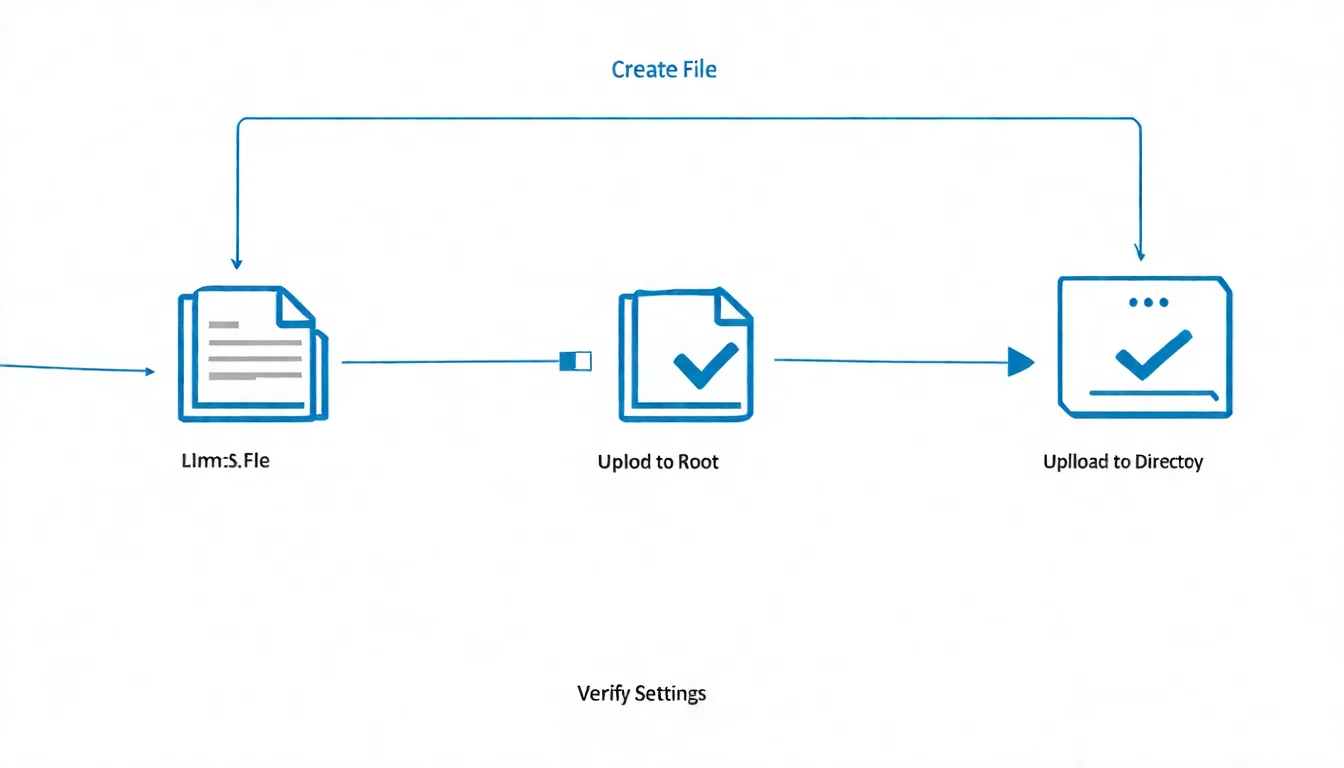
- You'd have to manually wrangle FTP, write a plugin, or even set up a redirect for it: on Shopify, for instance, you used to upload the file via Files and set up a redirect; the platform now serves
/llms.txtnatively and customization goes through theme templates — spending that kind of effort on a file nobody reads is a very bad trade. - Your robots.txt, Schema, and content aren't sorted yet: do those first; llms.txt goes to the back of the queue.
The GEO work you should actually prioritize
To get AI to genuinely read — even cite — your content, spend your energy on these three things:
- Crawler accessibility: make sure robots.txt isn't locking AI crawlers (GPTBot, ClaudeBot, PerplexityBot, etc.) out — this is the prerequisite for AI seeing you at all. See the AI Crawler Configuration Guide.
- Structured data: use Schema markup so machines accurately understand your content type, author, and FAQs — a signal that is actually used and officially documented.
- Content quality and citable structure: clear, factual, well-segmented content is what AI is willing to pull into its answers. For the full playbook, see the Complete Guide to Generative Engine Optimization.
Nailing these three does far more than agonizing over an llms.txt.
Not sure where to spend your effort?
llms.txt, robots.txt, Schema... which actually work and which are wasted effort? Let experts help you spend your GEO resources where they count.
Learn about our GEO service plans
FAQ
Q1: What is llms.txt?
llms.txt is a plain text file placed in a website's root directory, written in Markdown, whose original intent is to let large language models (LLMs) quickly understand your site's positioning and content. The concept was proposed by llmstxt.org in 2024. However, as of October 2026, it remains a proposal that mainstream AI hasn't adopted, rather than a standard that's in effect.
Q2: Will mainstream AI read my llms.txt in 2026?
None commits to it right now. Google explicitly says you don't need such files to appear in its AI features, and John Mueller called it "purely speculative"; OpenAI, Anthropic, and Perplexity merely publish their own llms.txt, which doesn't mean they read yours. Ahrefs' analysis of 137,000 websites further found that among sites with an llms.txt, 97% received zero requests for an entire month.
Q3: What's the difference between llms.txt and robots.txt?
robots.txt controls crawler access permissions (who can crawl and what) and is a file that mainstream crawlers genuinely obey; llms.txt is a description file for site content that no mainstream AI commits to reading. Their importance differs greatly — get robots.txt right first, while llms.txt is optional.
Q4: Should I actually set up llms.txt?
It depends. If you're on a platform like Shopify that serves llms.txt natively and automatically, it's already there and there's no harm keeping it; if you've already handled robots.txt, Schema, and content quality and have spare capacity, dropping one in is fine. But don't manually wrangle FTP, plugins, or redirects for it, and don't expect that doing it will get you cited by AI — that's an expectation with no evidence behind it today.
Q5: Will llms.txt affect Google SEO?
No. Google's guide to optimizing for generative AI features is clear: Google Search ignores llms.txt, so it neither helps nor hurts. Your traditional SEO settings — meta tags, sitemap, robots.txt, and so on — keep working normally, unaffected by it.
Key Takeaways
The judgment to walk away with after reading this:
| Key Point | The Honest Reality |
|---|---|
| What llms.txt is | A site-description file for AI (a proposal, not an in-effect standard) |
| Do mainstream AIs read it | None officially commits to reading it |
| Google's stance | Not needed; neither helps nor hurts |
| Real-world data | Among 137,000 sites, 97% of those with one got zero requests |
| Should you do it | Keep it if native/zero-cost; don't spend effort on it or expect citations |
| Where to spend effort | robots.txt, structured data, content quality |
llms.txt isn't a scam — it's just a well-intentioned proposal that mainstream AI hasn't bought into yet. Rather than agonizing over a file nobody reads, investing your time in GEO work that actually works is the more responsible move for your website.
Spend Your Effort on GEO That Actually Works
The point of technical setup isn't "do I have all the files" — it's "which settings AI actually uses." Want to skip the wasted effort and put resources where they count?
Free consultation via LINE | View service plans
References
- llms.txt Community Standard (llmstxt.org)
- Google Search official docs: AI features and your website
- Search Engine Journal: Google says llms.txt is "purely speculative" (Mueller's remarks)
- Ahrefs study: llms.txt across 137,000 websites
- Google Search official docs: Optimizing for generative AI features
- Chrome Lighthouse: llms.txt audit
- Shopify developer changelog: Customize /llms.txt, /llms-full.txt and /agents.md
- GEO: Complete Guide to Generative Engine Optimization
- AI Crawler Configuration Guide