"The report is full of data, but the boss says he doesn't understand it."
This is a pain point for many SEO professionals. You've done great work, the data shows improvement, but when the report lands on the desk, leadership looks confused and clients don't know what you're talking about.
The problem isn't that you did poor work -- it's that the report didn't "translate" the data into language your audience understands.
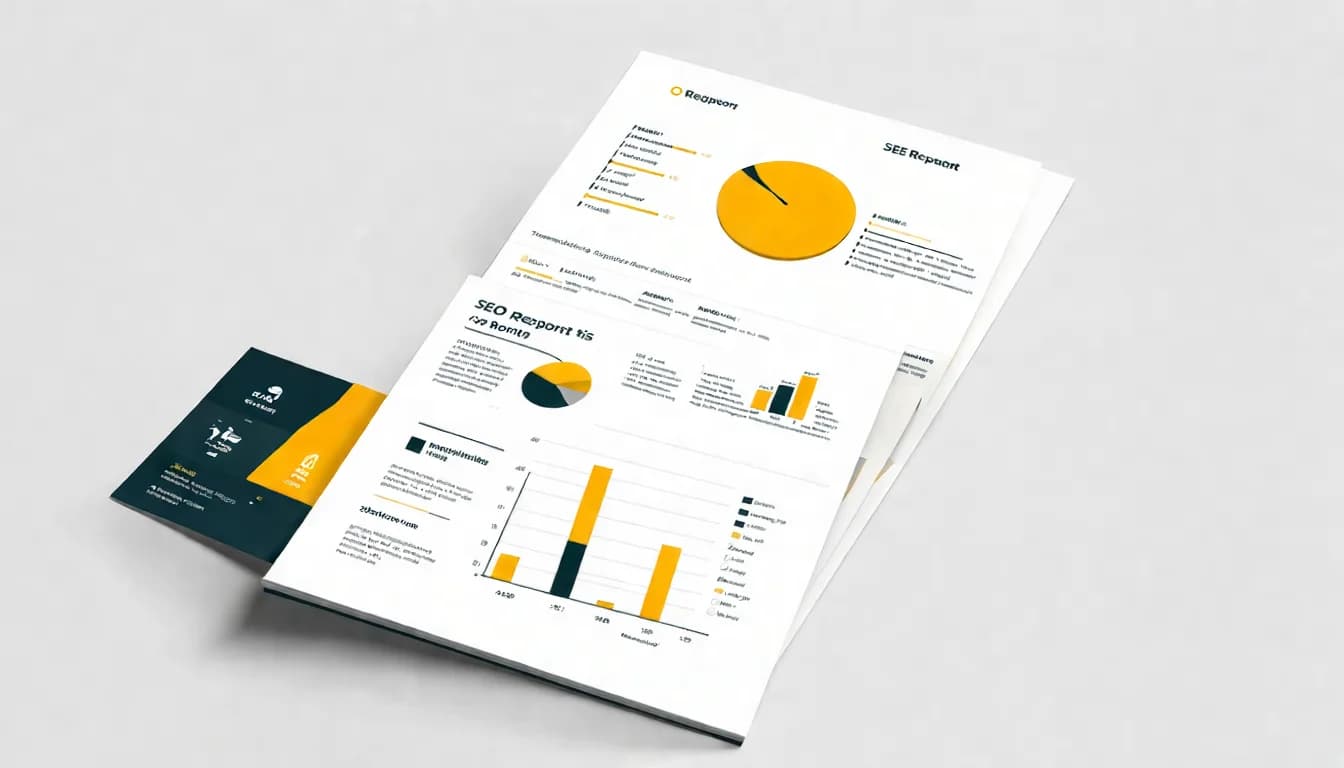
This guide will teach you how to create professional SEO reports that truly make data speak.
Need professional SEO report assistance? Get a free report template via LINE consultation and let our expert team help you build persuasive reports.
Basic Structure of an SEO Report
Executive Summary
This is the most important page of the entire report -- a quick overview for people who don't have time to read the full document.
The executive summary should include:
- Key achievements this period (2-3 items, backed by numbers)
- Critical findings or issues (if any)
- Priority work for next period (preview of upcoming plans)
Example:
Monthly SEO Executive Summary
Key Achievements
- Organic search traffic grew 23%, reaching 125,000 visits (Target: 120,000)
- Core keyword "Product A" ranking improved from #8 to #3
- Organic search orders grew 18%
Areas of Concern
- "Product B" keyword ranking declined; content optimization needed
Next Month's Priorities
- Strengthen Product B page content
- Publish 5 new long-tail keyword articles
Core Metrics Dashboard
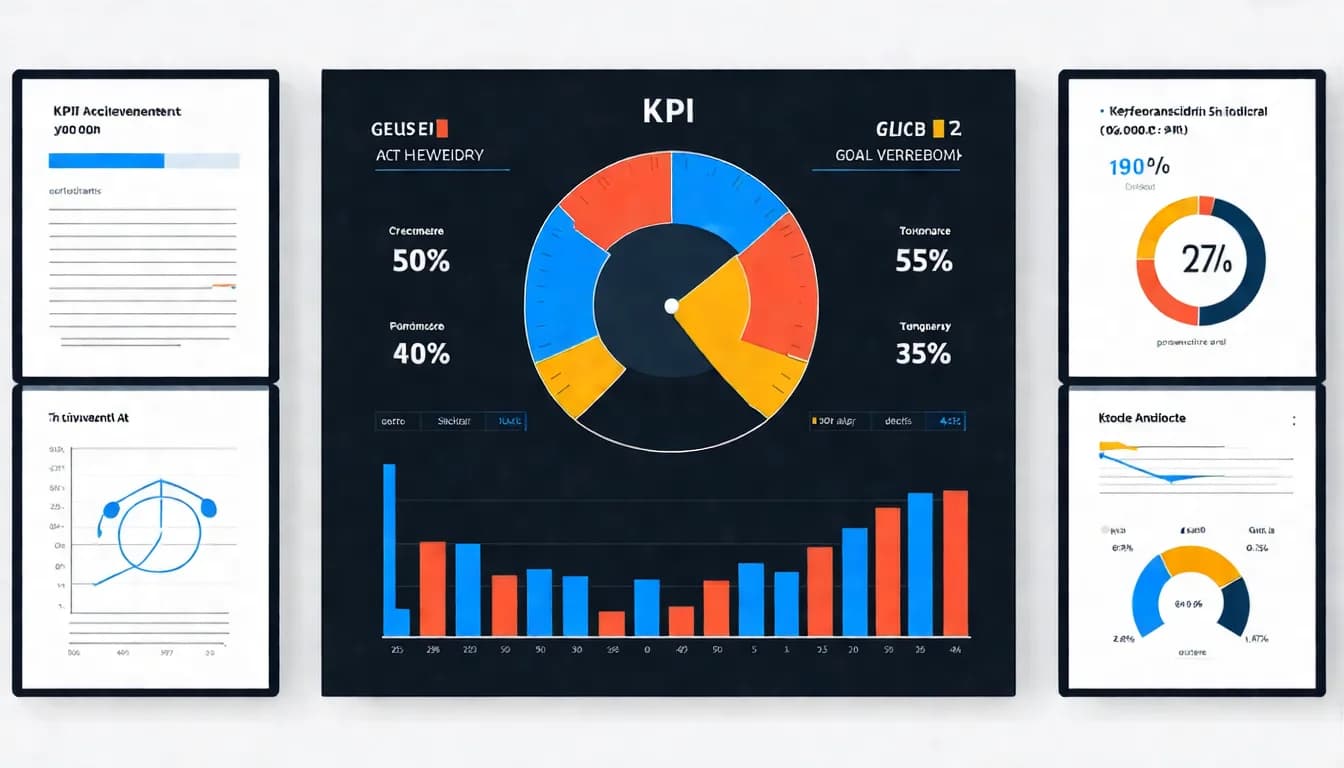
Present all key KPI status on a single page.
Recommended format:
| Metric | Last Month | This Month | Change | Target | Achievement |
|---|---|---|---|---|---|
| Organic traffic | 100K | 125K | +25% | 120K | 104% |
| Top 10 keywords | 45 | 52 | +7 | 50 | 104% |
| Conversions | 200 | 236 | +18% | 250 | 94% |
Use colors or status indicators to show achievement at a glance -- which targets were met and which need attention.
Work Items Summary
Document what was accomplished this period to show stakeholders your efforts.
Organize by category:
Content work
- New articles published: 5 (list titles)
- Content optimization: 3 articles (describe optimization focus)
- Content planning: Next period's article topic list
Technical work
- Site speed optimization: Homepage load time improved from 4.2s to 2.8s
- Structured data: Added Product Schema to product pages
- Mobile fixes: Resolved 3 mobile display issues
Link building
- New backlinks: 8 (describe sources)
- Media coverage: 1 article (title and link)
Issues and Recommendations
Be honest about problems and propose solutions.
Issue reporting format:
Issue: "Product B" keyword ranking dropped from #5 to #12
Root cause analysis: Competitor X published more comprehensive content and earned multiple backlinks
Recommended actions:
- Update and expand Product B page content, adding an FAQ section
- Create a Product B comparison table to increase utility
- Pursue 2-3 relevant link partnership opportunities
Estimated timeline: Content updates within 2 weeks; monitor ranking recovery over 1 month
Essential SEO Report Components
Traffic Data Analysis
Traffic is the most direct SEO performance indicator and must be covered in detail.
Data to present:
-
Overall traffic trends
- This month vs. last month
- This month vs. same period last year
- Quarter-to-date vs. target
-
Traffic source analysis
- Changes in organic search share
- Branded vs. non-branded keyword traffic
- Traffic distribution by search engine
-
Top pages
- 10 highest-traffic pages
- Pages with greatest traffic growth
- Pages with declining traffic requiring attention
-
Traffic quality metrics
- Bounce rate (GA4 definition: the share of sessions that weren't engaged)
- Average time on page
- Pages per session
Keyword Ranking Changes
Keyword rankings are a core SEO output and need clear presentation.
Recommended format:
Ranking overview
| Ranking Tier | Last Month | This Month | Change |
|---|---|---|---|
| Top 3 | 12 | 15 | +3 |
| 4-10 | 33 | 37 | +4 |
| 11-20 | 45 | 48 | +3 |
| 21-50 | 89 | 95 | +6 |
Key keyword tracking
| Keyword | Search Volume | Last Month | This Month | Change |
|---|---|---|---|---|
| Product A | 5,400 | 8 | 3 | +5 |
| Service B | 2,900 | 5 | 5 | - |
| Solution C | 1,600 | 12 | 9 | +3 |
Technical SEO Health
Technical issues affect overall SEO performance, so reports should include health checks.
Check items:
| Item | Status | Notes |
|---|---|---|
| Index status | Normal | 5,230 pages indexed, no anomalies |
| Crawl errors | Attention | 3 404 errors found, fixed |
| Mobile experience | Good | No major issues in Lighthouse mobile audit |
| Core Web Vitals | Passing | 92% of pages meet standards |
| HTTPS | Complete | Full-site HTTPS |
| Sitemap | Normal | Last updated: 15th of this month |
Content Performance
Analyze each piece of content's performance to understand what type of content works best.
Content performance report:
| Article Title | Publish Date | Traffic | Ranking Keywords | Conversions |
|---|---|---|---|---|
| Complete Guide to A | 2025/11/05 | 8,500 | 45 | 23 |
| B vs C Comparison | 2025/11/12 | 5,200 | 28 | 15 |
| D Tutorial | 2025/11/20 | 3,100 | 18 | 8 |
Insights:
- "Complete guide" articles perform best
- "Comparison" articles have higher conversion rates
- Each article averages 30 ranking keywords
Competitor Comparison
Regularly track competitors' SEO performance to understand your relative position.
For more competitive analysis methods, see SEO Competitor Analysis Guide.
Competitor comparison table:
| Metric | Us | Competitor A | Competitor B |
|---|---|---|---|
| Domain Authority | 45 | 52 | 38 |
| Estimated organic traffic | 125K | 180K | 95K |
| Ranking keywords | 2,500 | 3,200 | 1,800 |
| Backlinks | 1,200 | 2,100 | 850 |
Key findings:
- Traffic gap with Competitor A narrowed by 5%
- New ranking keyword count surpassed Competitor B
- Link building is the priority for the next phase
Report Presentation Techniques
The Importance of Data Visualization
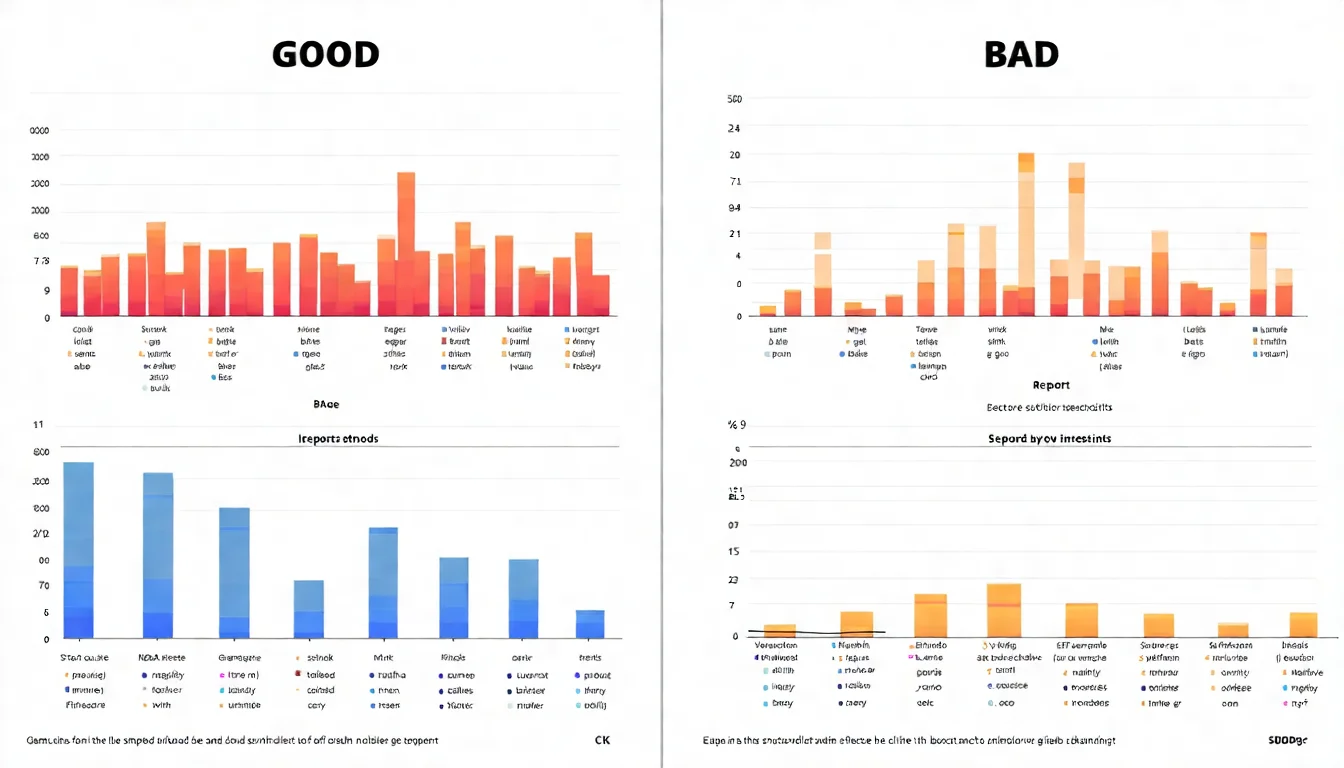
The same data presented in charts is far easier to understand than written descriptions.
Chart usage guidelines:
| Data Type | Best Chart | Example |
|---|---|---|
| Time trends | Line chart | Monthly traffic changes |
| Comparisons | Bar chart | Page traffic comparison |
| Proportions | Pie chart | Traffic source distribution |
| Progress tracking | Gauge/Dashboard | KPI achievement rate |
Using Charts to Tell Stories
Great charts don't just present data -- they convey insights.
Tip 1: Add annotations Mark key inflection points on charts with explanations, such as "Ranking improved here due to content update."
Tip 2: Include benchmarks Add target lines or industry average lines so viewers know if a number is good or bad.
Tip 3: Highlight key data Use color to emphasize the most important data points, naturally guiding the viewer's eye.
Tip 4: Reduce noise Remove unnecessary gridlines and labels to keep charts clean and focused.
Avoiding Common Report Mistakes
Mistake 1: Data without interpretation
- Wrong: "This month's traffic was 125,000"
- Right: "This month's traffic was 125,000, a 25% increase over last month and a new high for the year"
Mistake 2: Only sharing good news Leadership and clients aren't naive. Reporting only positive results erodes trust. Be honest about challenges to demonstrate professionalism.
Mistake 3: Reports that are too long and detailed A 1-page executive summary and 5-10 pages of core content is enough. Detailed data can go in appendices.
Mistake 4: No next steps A report isn't the end -- it's the beginning of the next phase. Always include "what we'll do next."
Writing Reports for Different Audiences
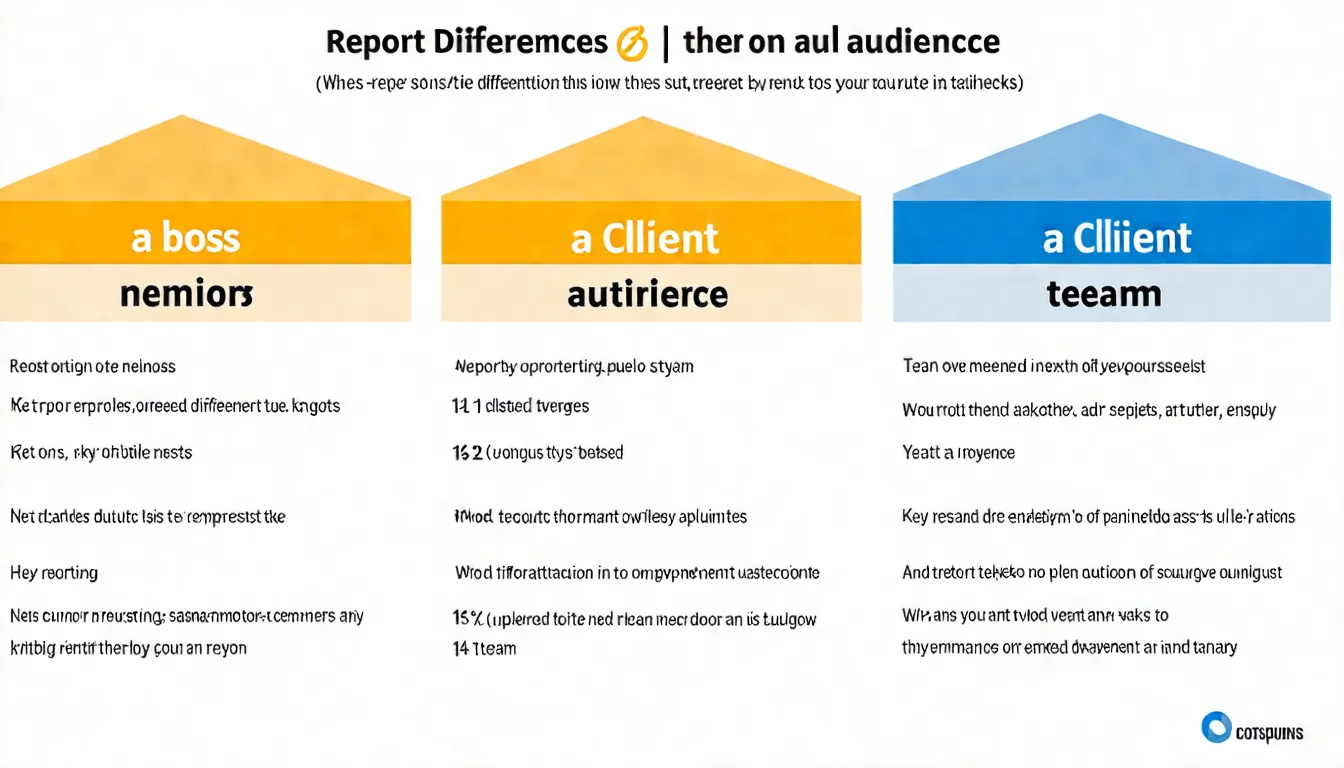
SEO Reports for Leadership
What leadership cares about most: Is this investment working?
Report focus:
- ROI figures (how much was spent, how much was earned)
- Achievement rate against targets
- Specific contribution to business results
- Resources or decisions needed
Language translation:
- "Organic search traffic grew 50%" becomes "We gained 50,000 additional free potential customers"
- "Keyword ranked #1" becomes "People searching this term see us first"
- "Bounce rate decreased" becomes "Visitors are more willing to browse our site"
Report length: 3-5 pages. Focus on precision, not comprehensiveness.
SEO Reports for Clients
What clients care about most: Are you doing the work? What are the results?
Report focus:
- Work items completed this period
- Data performance and comparisons
- Issues encountered and solutions
- Next period's work plan
Presentation tips:
- Use visual charts, not just data tables
- Explain the "so what" behind each data point
- Demonstrate expertise without jargon overload
- Maintain a consistent format for easy comparison
Report length: 10-15 pages, with complete data and explanations.
SEO Reports for Your Team
What your team cares about most: What exactly do we need to do? What's the priority?
Report focus:
- Detailed data analysis
- Problem diagnosis and root cause analysis
- Specific execution tasks
- Work assignments and timelines
Presentation characteristics:
- Technical terminology is acceptable
- Data should be detailed enough to be actionable
- Include raw data or links to sources
- Provide a clear to-do list
Report length: Can be detailed, but needs clear structure for quick navigation.
SEO Report Tools
Data Studio (formerly Looker Studio)
Google's free reporting tool for building automated SEO reports.
Advantages:
- Completely free
- Direct integration with GA4, Search Console
- Automatic data updates
- Shareable links for clients
Recommended usage: Build a basic template with traffic, rankings, and conversion data that auto-updates monthly -- no manual compilation needed.
For more tool recommendations, see SEO Performance Tracking Tools.
SEO Report Automation Tools
For more professional features:
Databox
- Integrates multiple data sources
- Pre-built SEO report templates
- Auto-send functionality
AgencyAnalytics
- Designed specifically for agencies
- White-label reporting
- Client portal access
DashThis
- Drag-and-drop report design
- Multiple pre-built templates
- Great for those who aren't design-savvy
Report Template Resources
Don't want to start from scratch? Explore these free resources:
- Google's template gallery: Built-in templates within Data Studio (formerly Looker Studio)
- HubSpot report templates: Free downloadable PPT/Google Slides templates
- Canva report templates: Ideal for reports that need design polish
Reports showing you need more content? Let AI help you produce consistently so every report has impressive content results to showcase.
Report Frequency Recommendations
Weekly vs Monthly vs Quarterly Reports
| Report Type | Frequency | Depth | Primary Purpose |
|---|---|---|---|
| Weekly | Weekly | Brief | Track progress, spot issues |
| Monthly | Monthly | Comprehensive | Formal evaluation, strategy adjustments |
| Quarterly | Quarterly | In-depth | Trend analysis, strategic planning |
Key Differences by Report Type
Weekly report (1-2 pages)
- Core KPI snapshot
- This week's work progress
- Issues discovered
- Next week's planned work
Monthly report (5-10 pages)
- Complete data analysis
- KPI achievement assessment
- Competitive analysis
- Next month's plan
Quarterly report (10-15 pages)
- Long-term trend analysis
- ROI evaluation
- Strategy effectiveness review
- Next quarter's strategic recommendations
FAQ
How Detailed Should an SEO Report Be?
It depends on the audience:
- For leadership: 3-5 pages, key highlights only
- For clients: 10-15 pages, full explanation
- For the team: Can be detailed, but easy to navigate
The principle is "enough is enough." A report's purpose is communication, not showcasing how much work was done. If the recipient won't read a section, leave it out.
How to Report When Data Looks Bad?
Be honest but constructive:
- Acknowledge the facts: "This month's traffic KPI achievement rate was 75%, below target"
- Analyze the causes: "Primarily impacted by a Google algorithm update"
- Show your efforts: "We've already taken actions X, Y, and Z"
- Present a plan: "We expect recovery within 2 months"
- Find bright spots: "While traffic dipped, conversion rate improved by 15%"
The worst approach is hiding bad news -- if discovered, you'll lose all trust.
How to Make Reports More Persuasive?
- Use numbers: "Significant growth" is less persuasive than "47% growth"
- Provide benchmarks: Compare to last period, to targets, to competitors
- Explain significance: Don't just show "what" -- explain "so what"
- Visualize data: Good charts are more persuasive than tables
- Create a narrative: Reports should have a logical flow, not just data dumps
Why a Great Report Amplifies Your SEO Results
Doing great work and communicating it effectively are both essential. A professional SEO report makes your efforts visible, recognized, and supported.
Keys to creating great reports:
- Know your audience (leadership, clients, team)
- Use language they understand
- Interpret data, don't just present it
- Be honest about problems and propose solutions
- Use visualization to make reports more digestible
Remember, a report isn't the end -- it's the beginning of what comes next. A great report can secure more resources and make SEO work run more smoothly.
Great reports come from great results, and great results come from great content. Consult us about AI content solutions now and let our expert team help you build impressive results worth reporting.