Opened Search Console this week and noticed your rankings wobbling?
Don't rush to change your site. Google started rolling out its third core update of the year on November 10, 2026, and as of November 20 the official status page still hasn't marked it complete. Whatever movement you're seeing now may just be one stretch of the rollout, not the final result.
This guide sticks strictly to Google's own documentation: what to do while the update rolls out, what to leave alone, and how to judge whether you were affected once it's done.
💡 Rankings shifting and not sure whether to act? Let us take a look at your data first. 👉 Free LINE consultation
Key takeaway: Google began rolling out the November 2026 core update on November 10, 2026. It applies globally and to all languages, and Google estimates the rollout may take up to two weeks (Google Search Status Dashboard, 2026). As of November 20 it had not been marked complete. The right move now is to save your baseline data and compare only after the rollout has finished and at least a week has passed, not to start rewriting content.
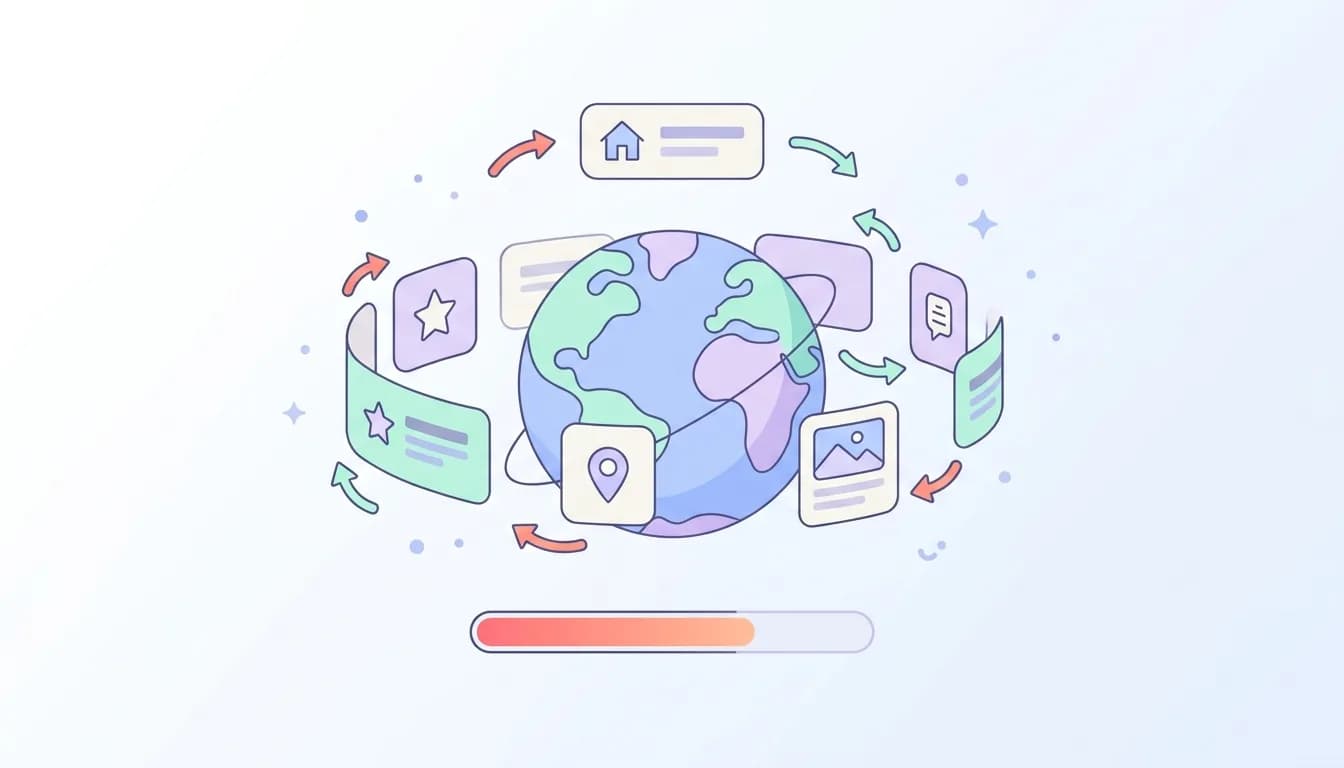
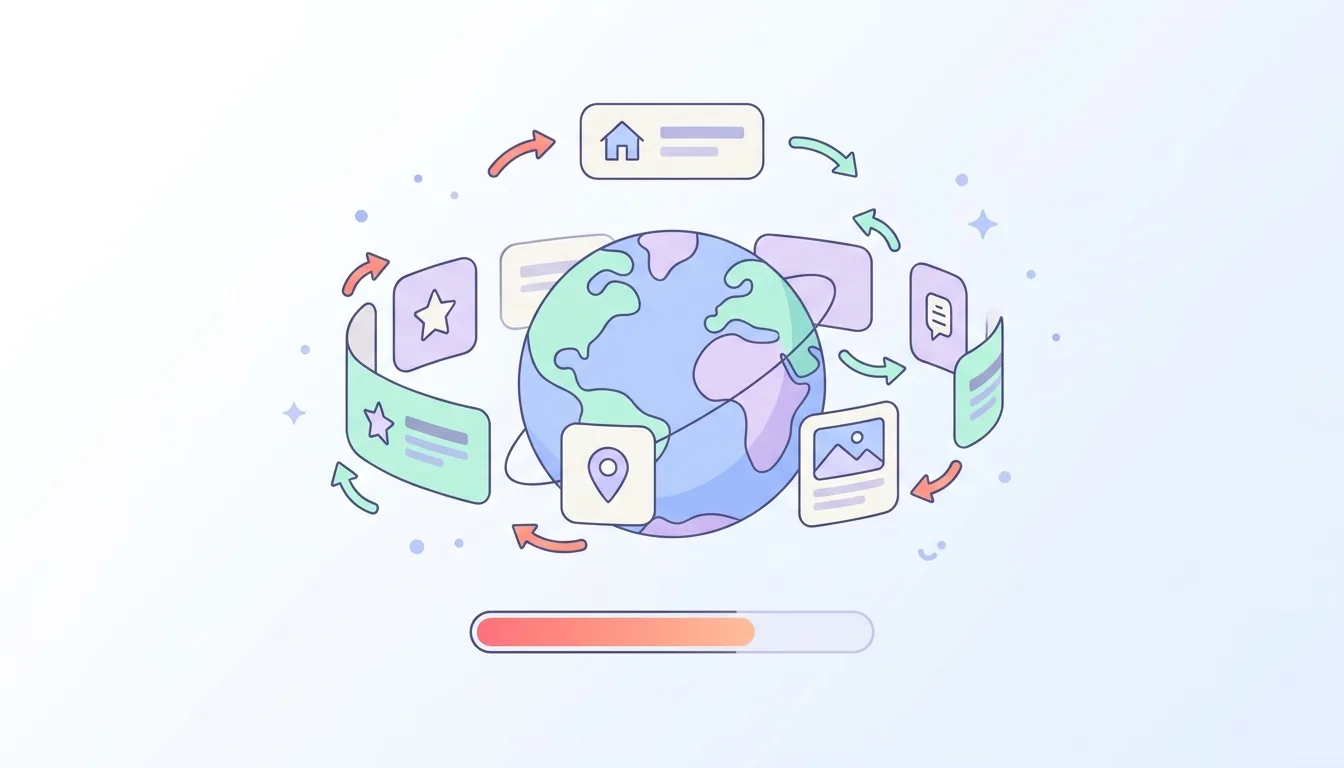 Caption: The core update applies worldwide and in all languages; until the bar is full, ranking swings are just part of the process.
What Is Google's November 2026 Core Update, and Where Is the Rollout Now?
The November 2026 core update is the third core update Google has announced in 2026. It began rolling out on November 10 and was still rolling out as of November 20. The Google Search Status Dashboard posted it at 10:07 a.m. US/Pacific on November 10 (early morning of November 11 in Taiwan), and the post is a single sentence: the core update applies globally and to all languages, and the rollout may take up to two weeks to complete (Google Search Status Dashboard).
"Globally and to all languages" means exactly that. Traditional Chinese sites are in scope, not just English-language results.
Can you use "up to two weeks" to work out an end date? No. It's an estimate, not a promise. The only reliable signal is the status page itself: for this year's March and May core updates and last year's December core update, Google added a line to the same post reading "The rollout was complete as of …". Until that line appears, the update is still rolling out.
Comparing this year's earlier core updates makes the pattern clearer:
| Update | Start date | Official estimate | Status |
|---|---|---|---|
| March 2026 core update | March 27, 2026 | Up to 2 weeks | Announced complete April 8 |
| May 2026 core update | May 21, 2026 | Up to 2 weeks | Announced complete June 2 |
| November 2026 core update | November 10, 2026 | Up to 2 weeks | Rolling out (not announced complete as of November 20) |
(Source: Google Search Status Dashboard and each update's incident page; dates in US/Pacific time)
Going back further, Google's estimate for the December 2025 core update was up to three weeks, and it was announced complete on December 29, 2025 (Google Search Status Dashboard). The estimate changes from update to update. So don't count days on your fingers; follow the status page.
For a full timeline of every update from 2024 through 2026, see our Google Algorithm Updates guide.
What Do Core Updates Change? Google's Official Explanation
A core update is one of several broad changes Google makes to its search algorithms and systems each year. It is not a penalty aimed at particular sites. Google's core updates documentation says these changes are broad in nature and don't target specific sites or individual web pages, and that most sites don't need to worry about core updates and may not even realize one has happened (Google core updates documentation).
Google uses a restaurant-list analogy. Say a friend asks for your 20 favorite restaurants, and your list dates from 2019. Since then, new places have opened; some old favorites deserve a higher spot after more good meals there; and you might reorder things because your friend wants somewhere dog-friendly. The list changes, but restaurants that move down aren't necessarily "bad". Other places simply made the top 20.
That analogy matters for business owners. A ranking drop doesn't mean your site has been judged as a problem.
So what exactly did the November update change? Google hasn't said. The status page post covers the start time, scope, and estimated timeline, and nothing about which aspects were adjusted or which industries are affected. If someone online claims "this update targets a certain type of site", that isn't Google's statement. Read it with skepticism, and don't use it as grounds to change your site.
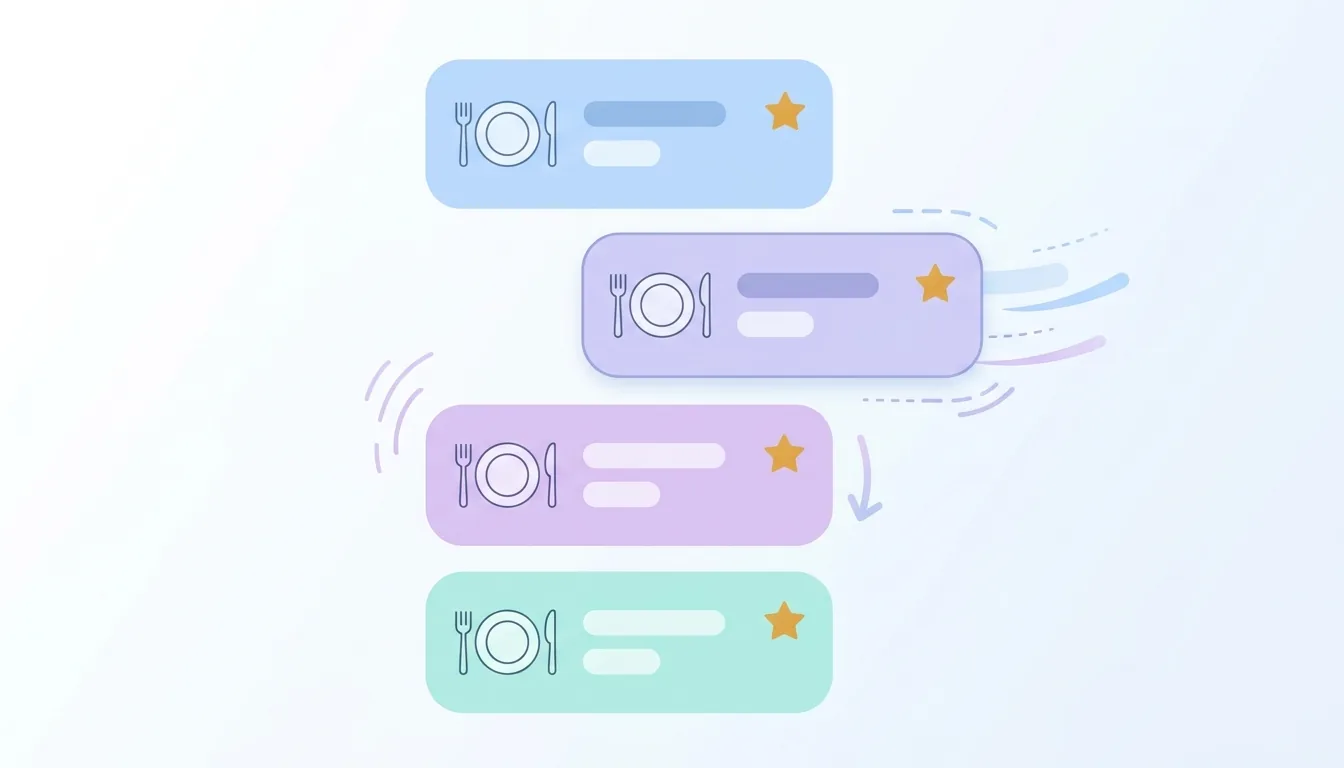 Caption: Google's restaurant-list analogy: a new place joins the top 20, and the one that slips isn't necessarily worse.
Four Things Business Owners Should Do While the Update Rolls Out
During the rollout, your job is to prepare, not to modify. The reason is simple: Google recommends waiting at least a full week after a core update completes before analyzing your site in Search Console (Google core updates documentation). The numbers you see right now are still moving.
1. Bookmark the status page and check it every few days
The "Ranking" section of the Google Search Status Dashboard lists the start date and duration of each ranking update. If you'd rather not check by hand, Google offers an RSS feed that notifies you about issues and updates (Using the Google Search Status Dashboard).
2. Save your "week before the update" baseline now
Google's recommended comparison is the week after the update completes versus the week before the update started rolling out. This rollout started on November 10, so November 3 through November 9 is the baseline week you'll compare against later.
Our own habit is to export that week's top pages and top queries right away. When it's time to compare, the data is already in hand, and you won't misread the trend because you picked the wrong date range.
3. Track each search type separately
Google suggests analyzing Web Search, Google Images, Video mode, and the News tab separately. This matters in practice. If a large share of your traffic comes from image search, lumping everything together makes it easy to misjudge where the change actually happened.
4. Use the quiet time to run Google's self-assessment questions
This doesn't depend on the update's outcome, so you can do it any time. Google's "Creating helpful, reliable, people-first content" page lists a full set of self-assessment questions (Google Search Central); we pick out the most useful ones below. Read through them now, and if you do see a big drop after the update completes, you'll already know where to start.
Five Things Not to Do During the Rollout
What you avoid can matter more than what you do. Several lines in Google's own documentation amount to the same advice: don't make rash changes.
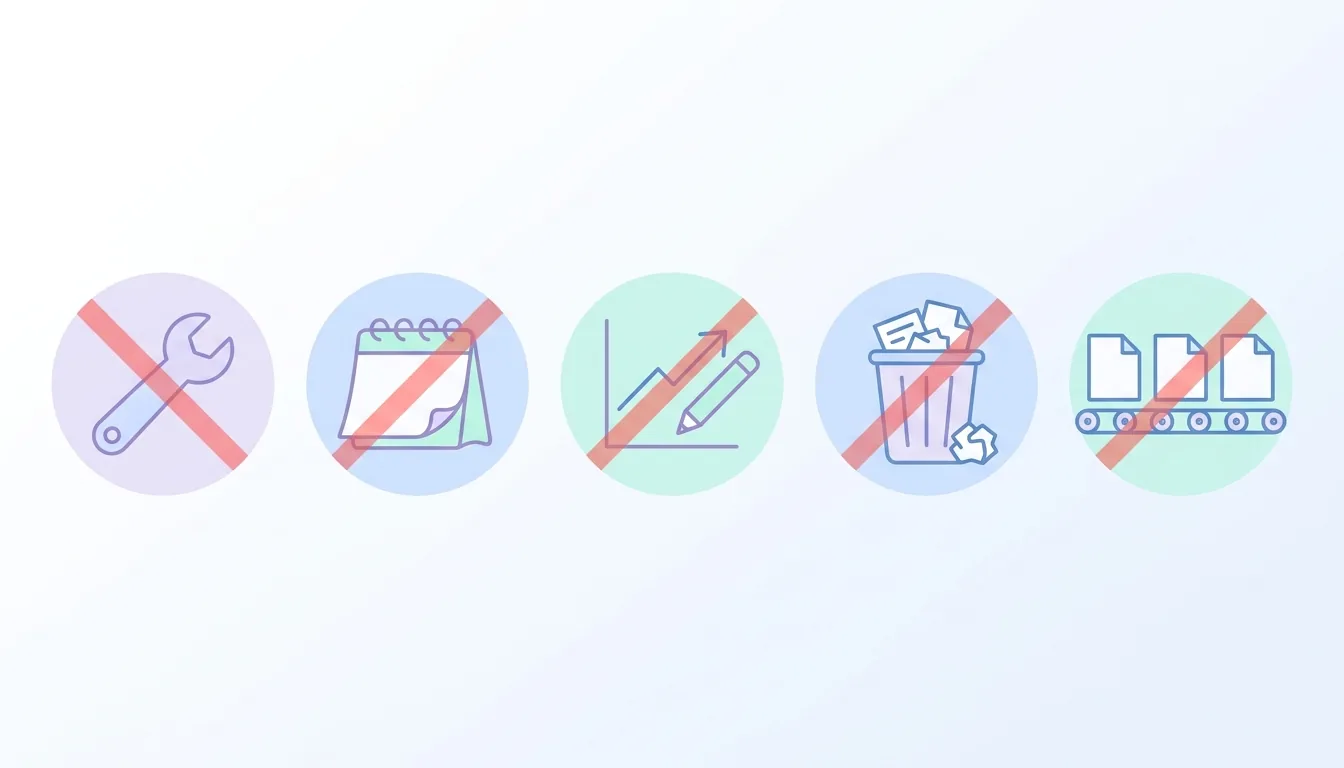 Caption: Five things to avoid during the rollout: quick fixes, reworking content that performs well, changing only the date, mass deletions, and mass-produced automated content.
1. Don't make "quick fix" changes
Google says plainly to avoid "quick fix" changes, such as removing a page element because you heard it was bad for SEO, and to focus instead on changes that make sense for your users and are sustainable in the long term (Google core updates documentation).
This is the easiest mistake to make mid-rollout. Rankings slip two spots, so you rewrite the title, cut paragraphs, and swap the layout. Before the update even finishes, you've made three rounds of changes and can no longer tell which one caused what.
2. Don't rework content that's already performing well over a small drop
Google's example: dropping from position 2 to 4 is a small drop, needs no drastic action, and Google even recommends avoiding changes to content that's already performing well.
3. Don't just change the date to make a page look fresh
Among Google's warning signs of search engine-first content is this question: are you changing the date of pages to make them seem fresh when the content hasn't substantially changed? Another is even more direct: are you adding lots of new content or removing lots of older content mainly because you believe it will help your rankings by making your site seem "fresh"? Google answers that one itself in parentheses: no, it won't (Google Search Central).
4. Don't rush into mass deletions
Deleting content is a last resort, to be considered only if you think the content can't be salvaged (Google core updates documentation). Google adds that if you're considering deleting entire sections of your site, that's likely a sign those sections were created for search engines first, not people.
5. Don't mass-produce trend-chasing content with automation
The same page lists several practices as warning signs: using extensive automation to produce content on many topics, producing lots of content on many different topics in the hope that some of it performs well, and writing about things simply because they seem trending. Google also says that using automation, including AI generation, to produce content primarily to manipulate search rankings is a violation of its spam policies (Google Search Central).
Can you use AI? Yes. The issue is purpose. We cover how AI content and Google's policies fit together in Will Google Penalise AI-Written Content?.
Rankings Wobbling and Not Sure Whether to Act?
The biggest risk during a rollout is changing things blindly. AI SEO Hacker can help you organize your baseline data now, then work out with you, once the update completes, which pages need attention and which to leave alone.
After the Update Completes: How to Tell How Much Your Site Was Affected
Once the status page announces completion, wait a full week, then follow Google's recommended steps. One thing matters most: compare the right dates.
Here is the process from Google's core updates documentation (Google core updates documentation):
- Confirm the rollout has finished: check the status page and note the update's start and end dates.
- Compare the right dates: wait at least a full week after the update completes, then compare that week with the week before the update started.
- Review your top pages and queries: look at how they ranked before and after, and decide whether the drop is small or large.
- Analyze search types separately: Web Search, Images, Video mode, and the News tab each on their own.
How do you tell small from large? Google gives two examples:
| Ranking change | Google's example | Google's recommendation |
|---|---|---|
| Small drop | Position 2 to 4 | No drastic action; avoid changing content that's already performing well |
| Large drop | Position 4 to 29 | Do a deeper assessment |
If you're seeing a sustained, large drop across the whole site, Google recommends using the self-assessment questions to check whether your site overall, not just individual pages, delivers content that's helpful, reliable, and people-first. It also suggests asking people you trust who are unaffiliated with your site to assess it, so you stay objective, and then looking closely at the most-affected pages: other pages on the web may simply be doing a better job of helping the searcher.
Not comfortable with Search Console's reports and comparisons yet? Start with our Google Search Console Tutorial and How to Check SEO Rankings.
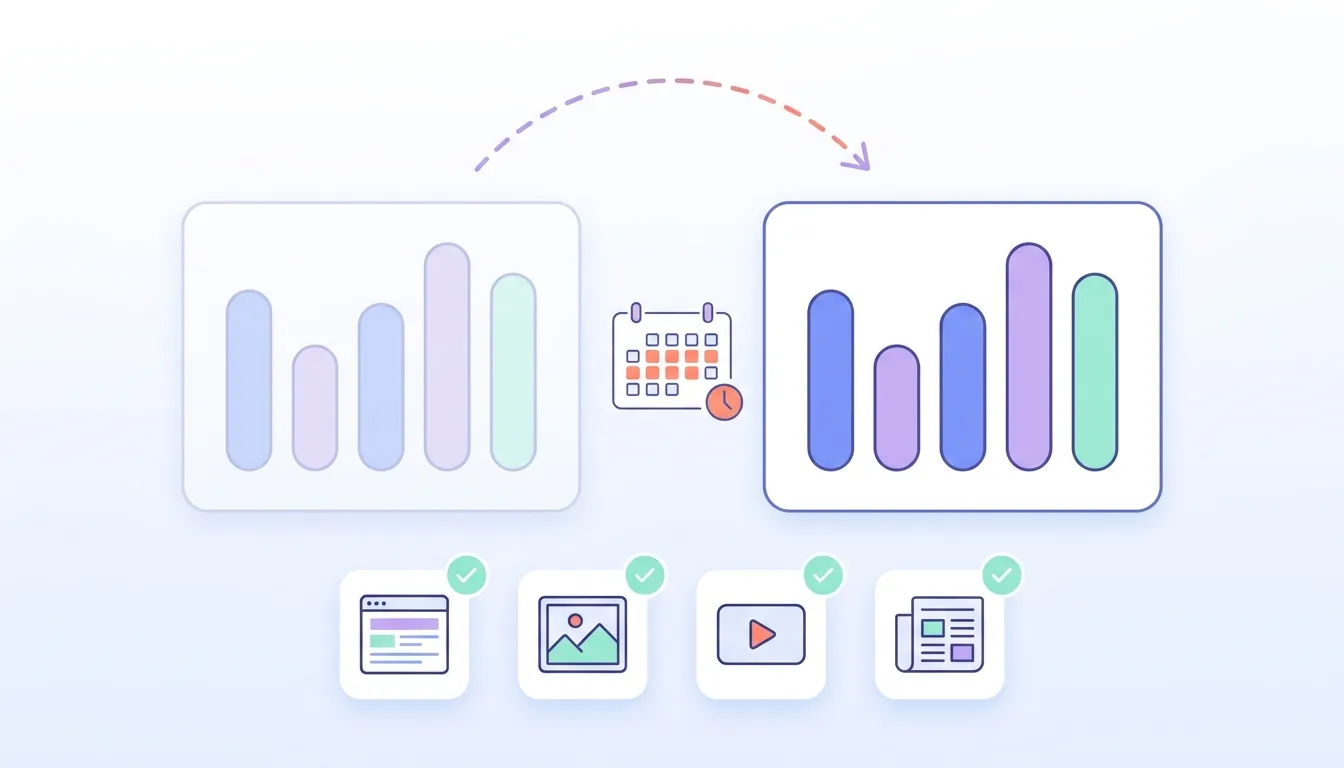 Caption: Wait a full week after the update completes, compare against the week before it started, and look at web, image, video and news separately.
Big Drop? Check Your Content Against Google's Self-Assessment Questions
After a large drop, the tool Google points to is the question list in "Creating helpful, reliable, people-first content". Here are the questions business owners will find most useful; the full wording is in Google's documentation (Google Search Central).
Content and quality
- Does the content provide original information, reporting, research, or analysis?
- If it draws on other sources, does it just rewrite them, or add substantial value and originality?
- Does the main heading or page title avoid exaggerating or being shocking?
- Is this the sort of page you'd want to bookmark or share with a friend?
Expertise and trust
- Is the information presented in a way that makes you want to trust it, such as clear sourcing, evidence of expertise, and background on the author or site?
- Does the content have any easily verified factual errors?
Who it's written for
- If people came to your site directly, would your existing or intended audience find the content useful?
- Does the content clearly show first-hand expertise and depth, such as actually having used the product or service?
- After reading, will someone feel they've learned enough to achieve their goal?
The same page discusses E-E-A-T (experience, expertise, authoritativeness, and trustworthiness). Google says trust is the most important of these, and that E-E-A-T itself isn't a specific ranking factor. Authorship also has to be genuine: Google calls fabricating creator profiles, such as AI-generated headshots, made-up names, or false credentials, a form of deception.
Honestly, none of these questions is new. But most sites have never asked them page by page. Taking your most-affected pages and checking them one question at a time is usually far more practical than hunting for "the secret to this update".
To see which ranking-related signals Google has publicly discussed, read 2026 Google Ranking Factors Explained.
After You Improve Things, How Long Until Search Reflects It?
It could be days or several months. Google says some changes can take effect within a few days, but it could take several months for its systems to learn and confirm that a site as a whole is producing helpful, reliable, people-first content in the long term (Google core updates documentation).
Still nothing after a few months? Google says that could mean waiting until the next core update.
You don't necessarily have to wait for a big one, though. Google says it continually updates its search algorithms, including smaller core updates that aren't announced because they aren't widely noticeable; if you've made improvements, those updates can also lift your rankings.
One last, candid reminder. Google doesn't guarantee that any change you make will have a noticeable impact in search results. Results shift constantly as user expectations evolve and the web keeps changing, so gains and drops in traffic are normal.
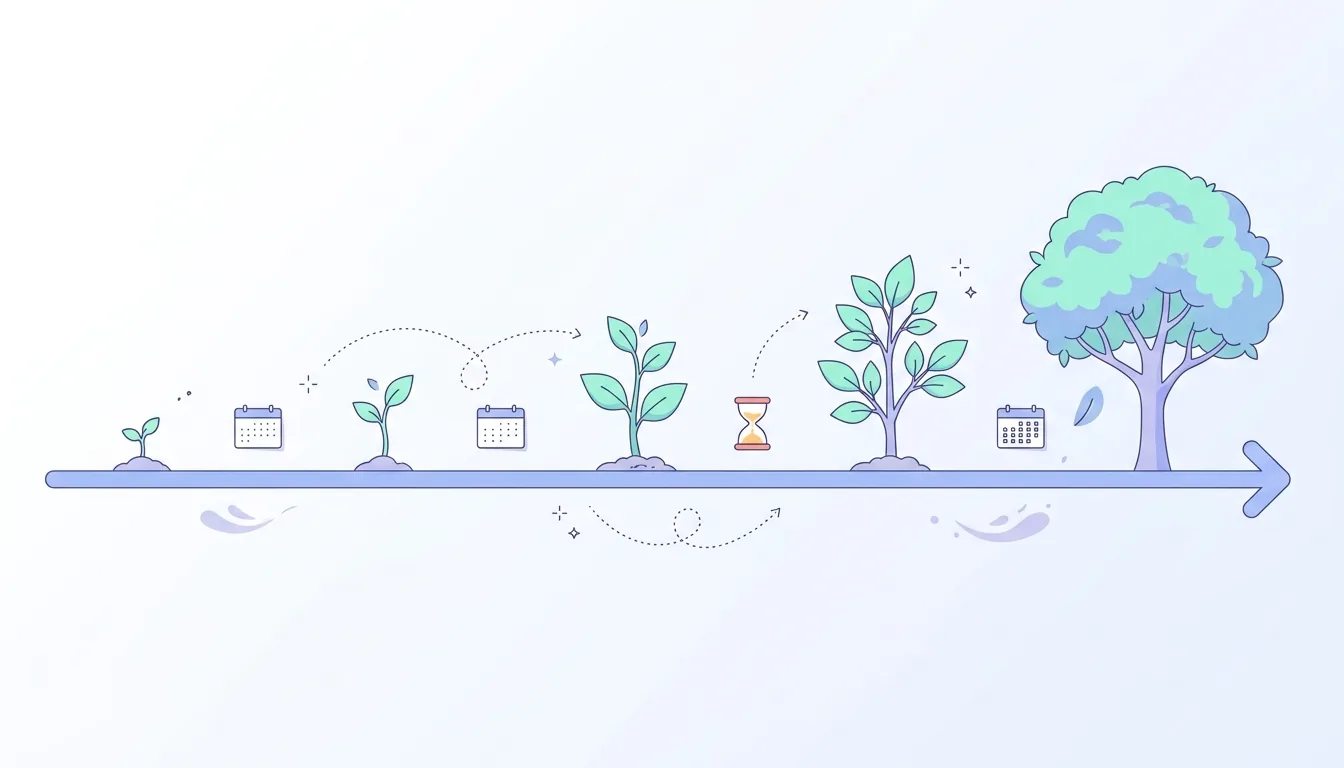 Caption: Some improvements show up within days; others take months for the systems to learn, or even the next core update.
FAQ
When will Google's November 2026 core update finish?
There's no confirmed end date yet. Google began the rollout on November 10, 2026, and estimates it may take up to two weeks, but that is only an estimate; as of November 20, the Google Search Status Dashboard had not marked it complete. To know when it's done, watch the status page for the line "The rollout was complete". For this year's March and May core updates, Google added the completion date to the same post.
My rankings dropped during the core update. Should I change my site right away?
Not recommended. Google advises waiting until the core update has finished rolling out, plus at least a full week, before analyzing in Search Console, then comparing that week with the week before the update started. Rankings can fluctuate during a rollout. Google also warns against "quick fix" changes; for a small drop like position 2 to 4, it even recommends avoiding changes to content that's already performing well.
Does this core update affect Traditional Chinese websites?
They're in scope. Google's Search Status Dashboard post for the November 2026 core update states that it applies globally and to all languages, so Traditional Chinese sites in Taiwan are included. Being in scope isn't the same as being affected, though: Google's core updates documentation notes that most sites don't need to worry about core updates and may not even realize one has happened.
If my rankings fell after a core update, was I penalized by Google?
Not necessarily. Google explains that core updates are broad changes that don't target specific sites or individual web pages. Its restaurant-list analogy makes the point: places that move down after a reshuffle aren't necessarily worse; others simply moved up. If your whole site sees a sustained, large drop, Google recommends using its self-assessment questions to check whether your content overall is helpful, reliable, and people-first.
Core Update Is Here: Stay Steady, Then Act
Three takeaways: the November 2026 core update began rolling out on November 10, applies globally and to all languages, and was still rolling out on November 20, so watch the status page for completion; during the rollout, save your November 3 to 9 baseline data and avoid quick fixes or date-only "freshness" changes; once the update has been complete for a week, compare, and if you see a large drop, work through Google's self-assessment questions page by page.
Core updates arrive several times a year. Whether your site comes through them depends less on how fast you react during the rollout and more on whether your everyday content is genuinely written for your readers.
🎯 Take Action Now
Want to know, once the update completes, whether your site was really affected and which pages to fix first? AI SEO Hacker offers AI-driven SEO/GEO content services, comparing your before-and-after data and building a priority list around Google's own assessment guidance.
👉 Free LINE consultation | Fill out the inquiry form
Further Reading
- Google Algorithm Updates: A Complete Guide to Major Updates & Strategies (2024-2026)
- 2026 Google Ranking Factors Explained: The Complete SEO Ranking Guide
- Will Google Penalise AI-Written Content? The Honest Answer After the August 2026 Spam Update
- Google Search Console Tutorial: From Setup to Reading Reports [2026 Complete Guide]
- How to Check SEO Rankings: A Complete Guide to Keyword Ranking Queries and Analysis [2026]
References
- November 2026 core update - Google Search Status Dashboard
- History - Google Search Status Dashboard
- March 2026 core update - Google Search Status Dashboard
- May 2026 core update - Google Search Status Dashboard
- December 2025 core update - Google Search Status Dashboard
- Google Search's core updates and your website - Google Search Central
- Creating helpful, reliable, people-first content - Google Search Central
- Using the Google Search Status Dashboard - Google Search Central