![Best SEO Analysis Tools: Essential Weapons for Site Auditing and Optimization [2026]](/_next/image?url=%2Fblog%2Fimages%2Fseo-tools%2Fseo-analysis-tools-01.webp&w=3840&q=75)
Do you know how many SEO issues your website has?
Broken links, duplicate titles, slow-loading pages — you won't know about these problems unless you test for them.
SEO analysis tools are the weapons that help you find these issues.
This article covers the most practical SEO analysis and audit tools, showing you how to diagnose your site and create an optimization plan.
Found SEO issues but not sure how to fix them? Contact us on LINE.
👉 Free LINE Consultation: @006ljkda
What Are SEO Analysis Tools?
Features of SEO Analysis Tools
SEO Analysis Tools = Software that diagnoses your site's SEO health
Core features:
- Health score: Overall SEO status rating for your site
- Issue discovery: Find technical errors and optimization opportunities
- Priority recommendations: Which issues to address first
- Trend tracking: Are things getting better or worse?
What they analyze:
- Site architecture
- Page load speed
- Mobile experience
- Indexing status
- Internal links
- Meta tags
Why Regular Site Audits Are Essential
Websites develop problems over time:
- Site updates can break SEO settings
- Content growth can create duplicates
- External links can go dead
- Technical issues accumulate
Benefits of regular audits:
✅ Catch problems early before they escalate ✅ Prevent small issues from becoming big ones ✅ Maintain site health ✅ Track optimization results
Types of Analysis Tools
| Type | Purpose | Representative Tools |
|---|---|---|
| Full-site Crawl | Find all technical issues | Screaming Frog, Sitebulb |
| Speed Testing | Analyze page load speed | PageSpeed Insights, GTmetrix |
| Health Assessment | Overall SEO health scoring | Ahrefs Site Audit, SEMrush |
| Index Analysis | Check Google indexing status | Search Console |
For a complete overview of SEO tools, check out our guide.
Free SEO Analysis Tools
Google Search Console
The most important free analysis tool — hands down.
Why it's the most important: This is official Google data. Every other tool is just an estimate.
Core features:
1. Indexing Status Report
Shows which pages Google has indexed, which it hasn't, and why.
- Number of indexed pages
- Non-indexed pages with reasons
- Request re-indexing capability
2. Performance Report
Your site's performance in Google Search.
- Impressions
- Clicks
- Average position
- Click-through rate
3. Core Web Vitals
Page experience reports including:
- LCP (Largest Contentful Paint)
- INP (Interaction to Next Paint)
- CLS (Cumulative Layout Shift)
4. Page Experience
HTTPS status. (Note: Google retired the Mobile Usability report in December 2023. The Experience section now only covers Core Web Vitals and HTTPS — use Lighthouse for mobile checks.)
Key report navigation:
| Report | Purpose |
|---|---|
| Indexing > Pages | Understand indexing issues |
| Performance | Track rankings and clicks |
| Experience > Core Web Vitals | Page speed status |
| Security & Manual Actions | Check for penalties |
Rating: ★★★★★ (must-have)
Google PageSpeed Insights
A page speed testing tool.
Features:
- Performance score: 0-100 speed rating
- Core Web Vitals: LCP, INP, CLS data
- Diagnostic suggestions: Specific optimization advice
- Pass/Fail status: Clear issue indicators
How to use:
- Go to PageSpeed Insights
- Enter the URL to test
- Wait for analysis to complete
- Review the report and recommendations
Score interpretation:
| Score | Rating |
|---|---|
| 90-100 | Good (green) |
| 50-89 | Needs improvement (orange) |
| 0-49 | Poor (red) |
Limitations:
- Can only test one page at a time
- Cannot bulk-analyze an entire site
Rating: ★★★★☆
Lighthouse
Chrome's built-in site audit tool.
How to use:
- Open the page you want to test in Chrome
- Press F12 to open DevTools
- Click the "Lighthouse" tab
- Select the categories to analyze
- Click "Analyze page load"
Analysis categories:
- Performance: Page load speed
- Accessibility: Usability for all users
- Best Practices: Security and coding quality
- SEO: Basic SEO checks
Pros:
- Completely free
- No additional installation needed
- Detailed reports
Cons:
- Single-page analysis only
- Test environment may differ from real conditions
Rating: ★★★★☆
Paid SEO Analysis Tools
Screaming Frog SEO Spider
A must-have tool for technical SEO professionals.
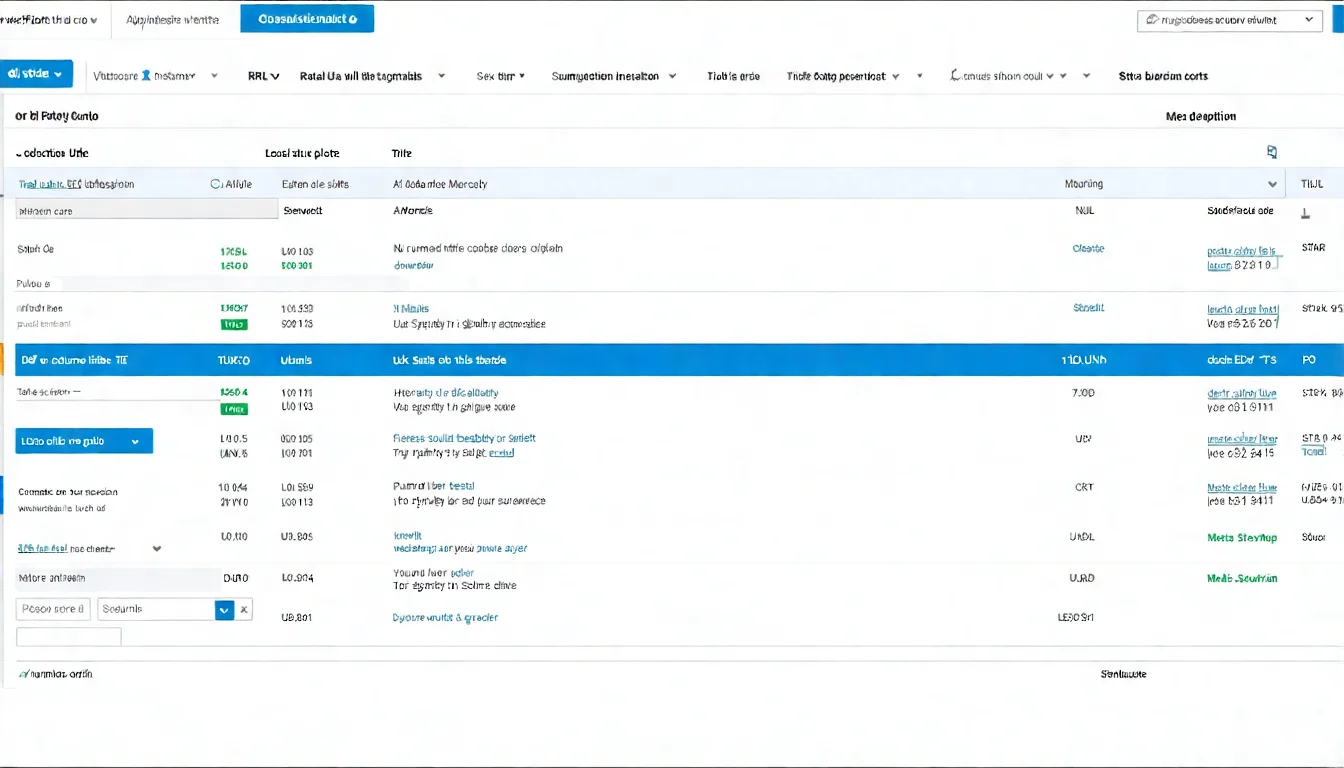
Core features:
Website Crawler Analysis
Simulates a search engine crawling your site to discover all technical issues.
Issues it can detect:
| Category | Issues |
|---|---|
| Pages | 404 errors, duplicate pages, orphan pages |
| Titles | Missing titles, titles too long/short, duplicate titles |
| Meta Descriptions | Missing, too long/short, duplicates |
| Heading Tags | Missing H1, multiple H1s |
| Images | Missing alt tags, oversized images |
| Links | Broken links, redirect chains |
How to use:
- Download and install the software
- Enter your website URL
- Start crawling
- Analyze the results
Price:
- Free version: Crawl up to 500 URLs
- Paid version: $279 per licence per year (official pricing page, 1-4 licences; removes the 500-URL limit)
Pros:
- Most professional technical analysis
- Fast
- Customizable rules
Cons:
- Requires software installation
- Steeper learning curve
Rating: ★★★★★
Ahrefs Site Audit
An integrated site audit tool within the Ahrefs platform.
Feature highlights:
Health Score
Gives your website a 0-100 health score for at-a-glance assessment.
Issue Classification:
- Errors: Must fix
- Warnings: Should address
- Notices: Could improve
Priority Ranking
Tells you which issues are most critical and should be addressed first.
Tracking
Automatic periodic crawls to track whether issues are improving.
Price:
Included with a paid Ahrefs subscription (official pricing as of July 2026: Starter $29/month, Lite $129/month and up; the $99/month plan no longer exists)
Pros:
- Intuitive interface
- Clear priority ordering
- Regular tracking available
Cons:
- Requires Ahrefs subscription
- Less in-depth than Screaming Frog
Rating: ★★★★☆
SEMrush Site Audit
SEMrush's site audit feature.
Feature highlights:
Full-Site Analysis Report
Comprehensive website health audit report.
Topic-Based Categories:
- Crawlability
- HTTPS
- Internal linking
- Performance
- International SEO
Crawl Comparison
Compare results across your own crawls (Compare Crawls) to track how site health changes.
Price:
Included with a paid SEMrush subscription (official pricing as of July 2026: SEO plan from $139/month, billed monthly)
Pros:
- Comprehensive features
- Visually appealing reports
- Compare progress across crawls
Cons:
- Requires SEMrush subscription
- Higher price point
Rating: ★★★★☆
For detailed tool comparisons, check out our SEO Tools Comparison article.
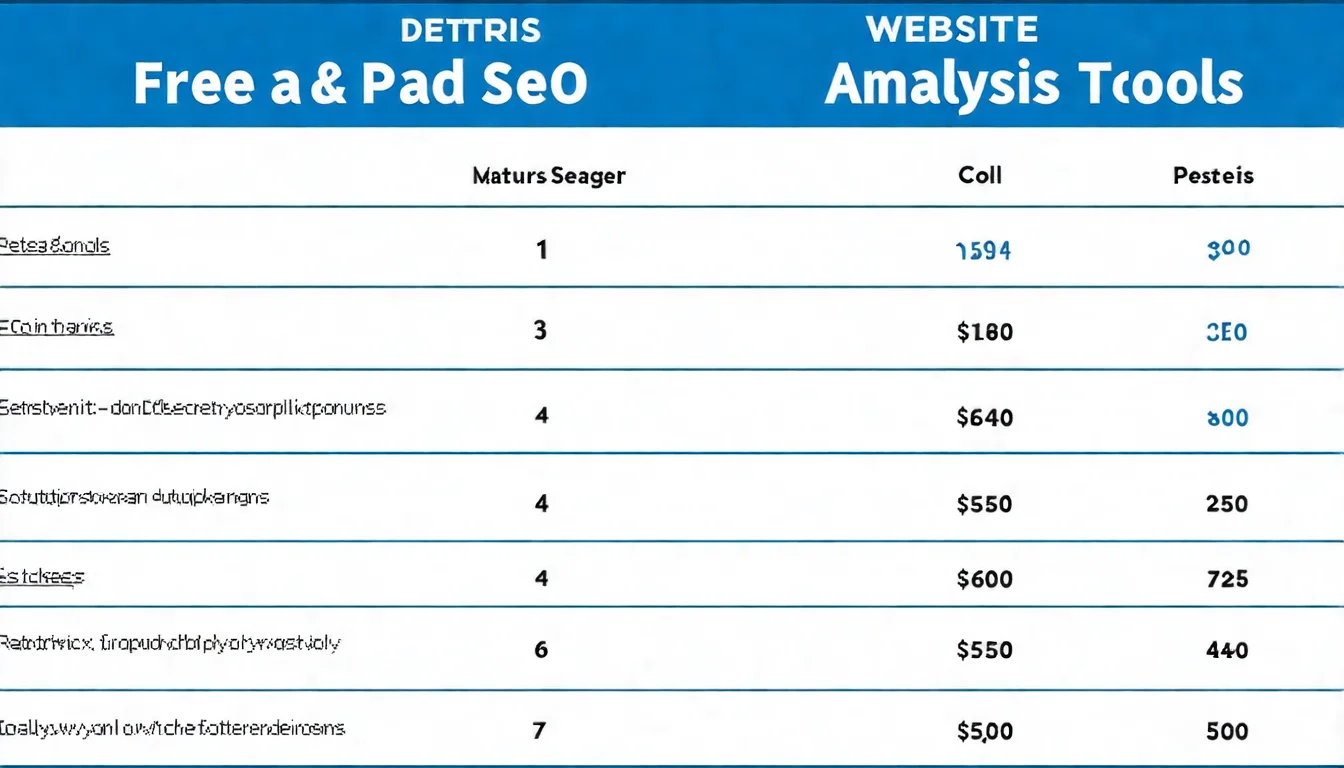
Beyond technical issues, content quality is also crucial. Let AI help you produce quality articles.
SEO Analysis: Hands-On Guide
How to Conduct a Site Health Audit
Step 1: Check indexing with Search Console
- Log in to Google Search Console
- Navigate to "Indexing" > "Pages" report
- Record the number of non-indexed pages and the reasons
Step 2: Check speed with PageSpeed
- Select 5-10 important pages
- Test each one
- Record scores and main issues
Step 3: Full-site crawl with Screaming Frog
- Crawl the entire website
- Export the issue report
- Categorize and organize the findings
Step 4: Compile the report
Consolidate all issues into a single list including:
- Issue type
- Scope of impact
- Severity level
- Fix recommendations
Common SEO Issues and Solutions
Issue 1: Slow page loading
| Cause | Solution |
|---|---|
| Oversized images | Compress images, use WebP format |
| Unoptimized code | Minify CSS/JS, remove unused code |
| Slow server | Upgrade hosting, use a CDN |
| Too many external resources | Reduce third-party scripts |
Issue 2: Duplicate Title/Meta tags
| Cause | Solution |
|---|---|
| Auto-generated by CMS | Write unique titles manually |
| Pagination issues | Give each paginated page a self-referencing canonical (don't point it to page 1); add the page number to the title |
| Parameter pages | Point a canonical to the main URL, or block parameter URLs that don't need crawling in robots.txt (Search Console's URL Parameters tool was retired in 2022) |
Issue 3: Broken links (404s)
| Cause | Solution |
|---|---|
| Page was deleted | Set up 301 redirects |
| URL changed | Update links or set redirects |
| Typo | Fix the link |
Issue 4: Missing alt tags
| Cause | Solution |
|---|---|
| Forgotten during upload | Add descriptive alt text |
| Template doesn't support it | Modify the template |
Establishing a Regular Audit Routine
Recommended audit frequency:
| Task | Frequency |
|---|---|
| Search Console check | Weekly |
| PageSpeed testing | Monthly |
| Full-site crawl | Monthly or quarterly |
| Complete health report | Quarterly |
Audit checklist:
- Check Search Console for new warnings
- Confirm Core Web Vitals status
- Review indexing status for important pages
- Run PageSpeed tests
- Check for new broken links
- Confirm no duplicate content issues
Interpreting and Applying Analysis Data
Which Metrics Matter Most?
Focus on these metrics first:
1. Indexing Status
- Are all important pages indexed?
- What are the reasons for non-indexing?
2. Core Web Vitals
- LCP < 2.5 seconds
- INP < 200 milliseconds
- CLS < 0.1
3. Broken Links
- Number of 404 errors
- Affected pages
4. Duplicate Content
- Duplicate titles
- Duplicate meta descriptions
- Duplicate H1 tags
How to Prioritize Optimization
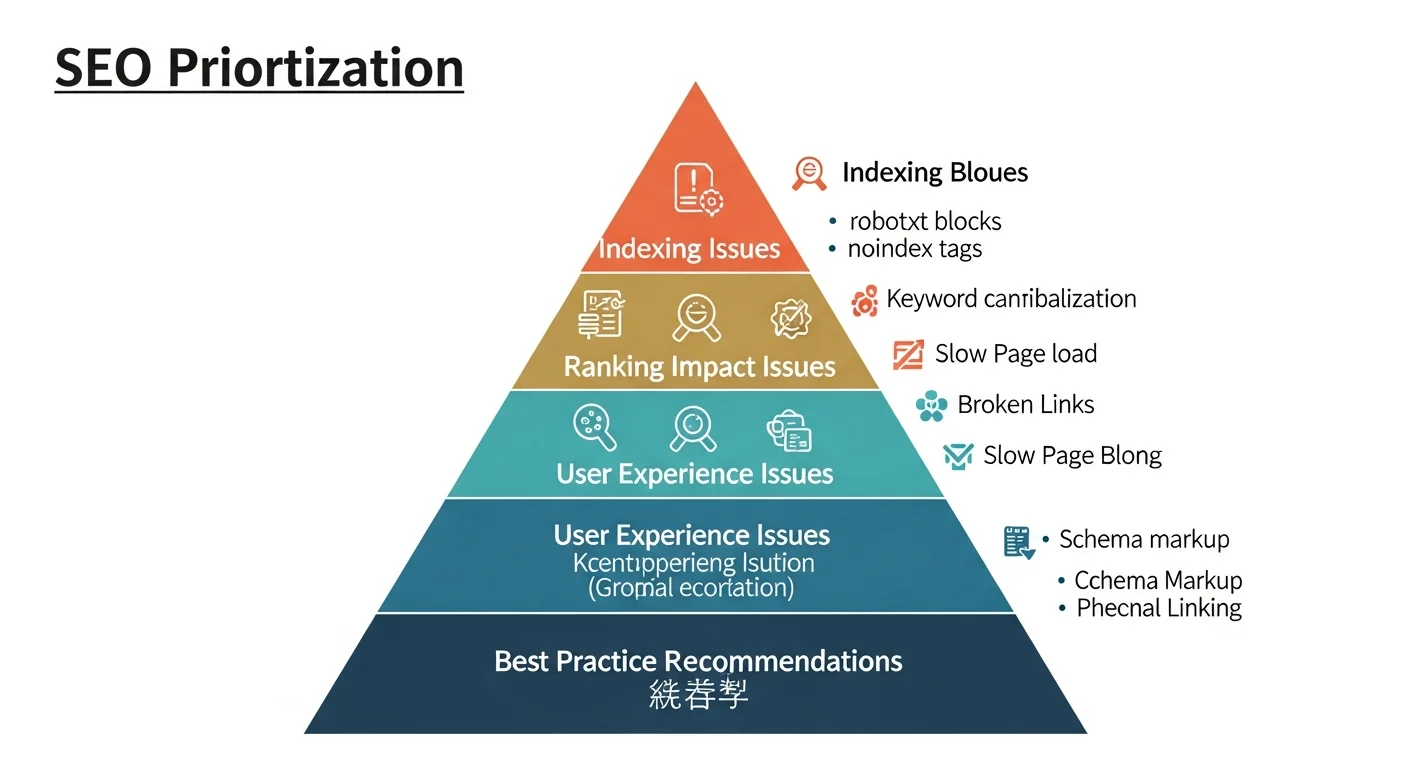
Priority criteria:
| Priority | Criteria | Example |
|---|---|---|
| High | Affects indexing or rankings | Pages blocked from indexing |
| High | Large scope of impact | Site-wide HTTPS issues |
| Medium | Affects user experience | Slow page loading |
| Medium | Affects some pages | Some page titles too long |
| Low | Best practice suggestions | Images could be further compressed |
| Low | No SEO impact | Pure code optimization |
Recommended approach:
- First fix issues that block indexing
- Then address issues affecting rankings
- Finally handle optimization suggestions
Tracking Improvement Results
How to know if your optimizations are working:
-
Record baseline values
- Health score before optimization
- Number of issues
- Metric values
-
Implement fixes
- Fix issues in priority order
- Record fix dates
-
Monitor changes
- Check metrics after one week
- Do a full comparison after one month
-
Ongoing tracking
- Re-audit periodically
- Ensure issues don't recur
For more on technical SEO, check out our Technical SEO tutorial.
Why Regular Audits Are the Key to Maintaining SEO
SEO analysis tools help you uncover problems invisible to the naked eye.
Key takeaways from this article:
- Must-have tool: Google Search Console is free and essential
- Speed testing: PageSpeed Insights and Lighthouse
- Professional tool: Screaming Frog is the strongest for technical analysis
- Paid options: Ahrefs and SEMrush Site Audit features
- Regular audits: Establish a consistent audit routine
Our recommendations:
- Set up Search Console first
- Spend 10 minutes per week reviewing reports
- Do a complete audit monthly
- Fix issues in priority order
- Track your improvement results
Want to improve your SEO results? Start with content. Contact us on LINE about AI content plans.
![Google Search Console Tutorial: From Setup to Reading Reports [2026 Complete Guide]](/_next/image?url=%2Fblog%2Fimages%2Fseo-tools%2Fgoogle-search-console-tutorial-01.webp&w=3840&q=75)
![The Complete SEO Tools Guide: Must-Have Software and Hands-On Tutorials [2026]](/_next/image?url=%2Fblog%2Fimages%2Fseo-tools%2Fseo-tools-guide-01.webp&w=3840&q=75)
![AI SEO Tools: Boost Your SEO Workflow with Artificial Intelligence [2026]](/_next/image?url=%2Fblog%2Fimages%2Fseo-tools%2Fai-seo-tools-01.webp&w=3840&q=75)
