You've spent time and money building your website, but traffic just won't pick up?
The problem might be that your "website optimization" isn't up to par.
Website optimization isn't just about making your site load faster. It encompasses technical, content, and user experience aspects. Proper website optimization is what makes search engines willing to recommend your site to more people.
This guide will walk you through the complete concept of website optimization, from definitions to implementation, step by step.

What Is Website Optimization?
Definition
Website optimization is the process of using various techniques and strategies to improve a website's search engine rankings, user experience, and conversion rates.
From an SEO perspective, the core goals of website optimization are:
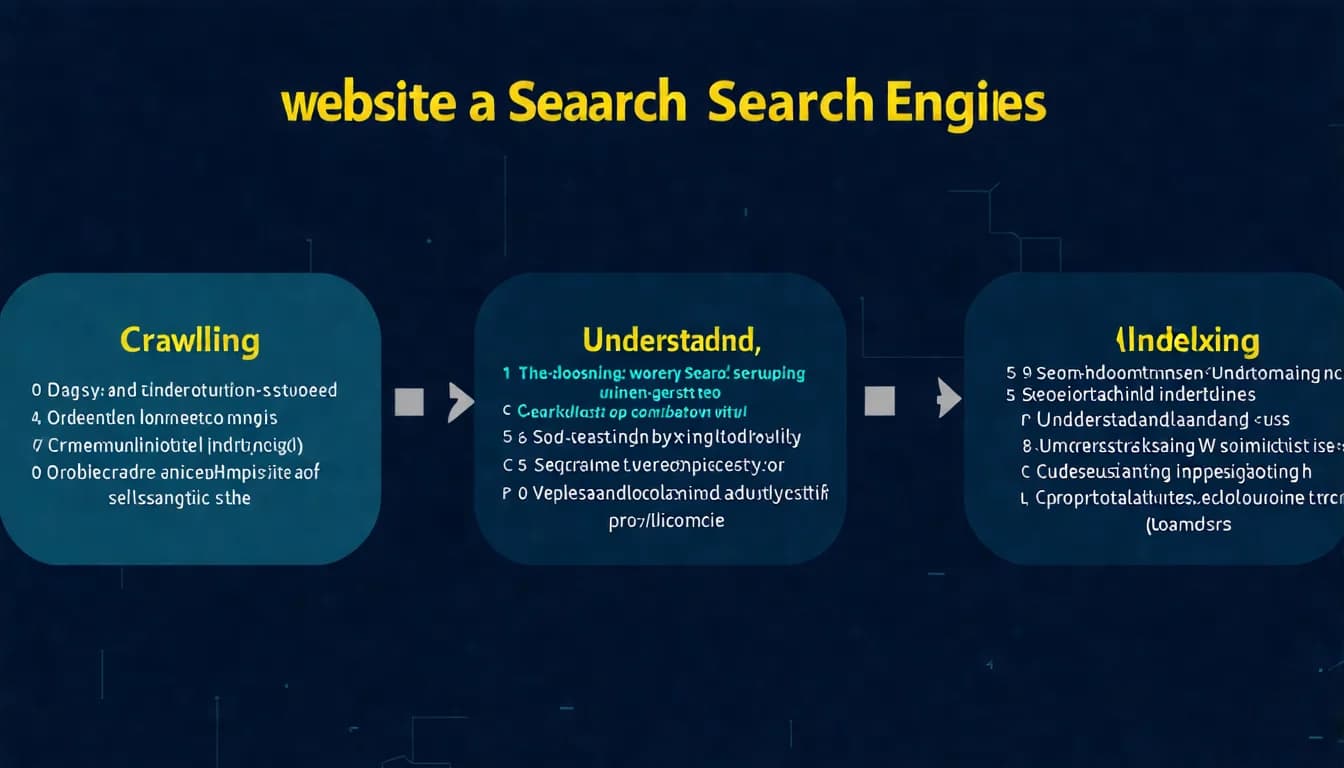
- Make it easier for search engines to find and understand your website
- Provide users with a better experience on your site
- Encourage visitors to take desired actions (such as inquiries, purchases, subscriptions)
In short, website optimization is about "making your website better" — more friendly to search engines and more valuable to users.
Goals of Website Optimization
Different website types may have slightly different optimization goals:
| Website Type | Primary Optimization Goal |
|---|---|
| Blogs/content sites | Improve rankings, increase traffic |
| E-commerce sites | Improve rankings + boost conversion rates |
| Corporate websites | Brand visibility + inquiry conversions |
| Service websites | Keyword rankings + booking/contact conversions |
Regardless of website type, "being found by search engines" is the most fundamental requirement.
SEO Optimization vs User Experience Optimization
These two are often confused, but they're actually different concepts:
SEO Website Optimization
- Goal: Make it easier for search engines to index and rank
- Focus: Technical standards, keyword optimization, link building
- Metrics: Rankings, impressions, click-through rate
User Experience Optimization (UX)
- Goal: Make users' experience on the site smoother
- Focus: Interface design, navigation logic, interactive experience
- Metrics: Time on site, bounce rate, conversion rate
The good news: these two are increasingly aligned. Google's algorithms increasingly value user experience, so good UX optimization typically helps SEO as well.
To learn more about technical SEO concepts, check out our comprehensive guide.
The 3 Pillars of Website Optimization
Website optimization isn't a single task — it encompasses three main areas:
Technical Optimization
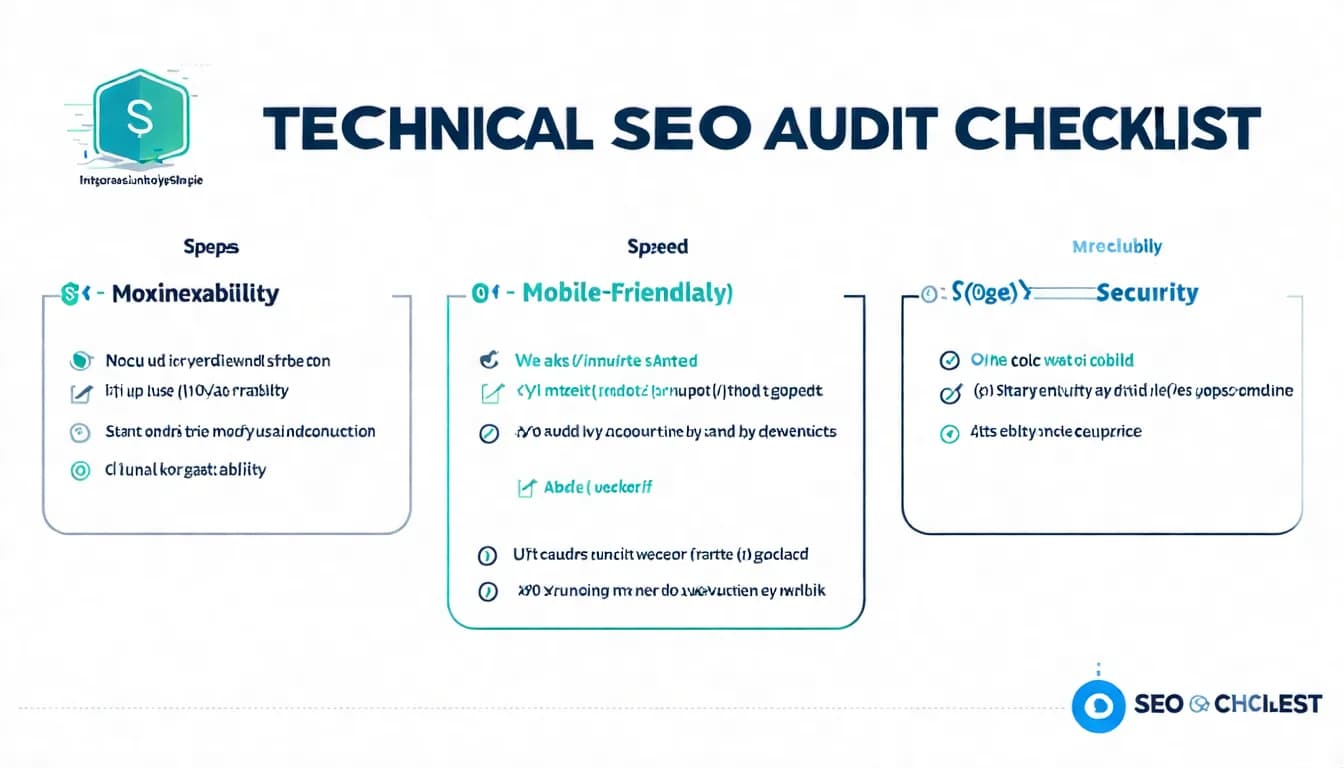
Technical optimization ensures search engines can smoothly crawl and index your website:
Key items:
- Site speed optimization
- Mobile-friendliness
- SSL security (HTTPS)
- Site architecture and URL structure
- Sitemap and robots.txt configuration
- Structured data markup
The technical side is the "foundation" of website optimization. If there are technical issues, even the best content may not be discovered by search engines.
Content Optimization
Content optimization makes your web content more aligned with search intent and more valuable:
Key items:
- Keyword research and placement
- Title and Meta Description optimization
- Content quality and depth
- Heading tag hierarchy (H1-H6)
- Internal linking strategy
- Image Alt tags
Content is the "core" of website optimization. Quality content is what truly retains visitors and builds authority.
Off-Page Optimization
Off-page optimization builds your website's reputation and authority across the web:
Key items:
- Backlink building
- Brand mentions and visibility
- Social signals
- Local business listings (Google Business Profile)
Off-page optimization is the "reputation" of website optimization. Recommendations from other websites boost your search rankings.
Want to improve your rankings? Start with content optimization — let AI help you produce professional articles that match search intent.
👉 Learn about AI SEO article services
Website Optimization Tips: 10 Must-Do Items
Here are the 10 most essential optimization items that every website should implement:
1. Ensure Your Site Can Be Indexed by Search Engines
This is the most basic check. Enter site:yoursite.com in Google's search box to see how many results come up.
Key checks:
- robots.txt isn't accidentally blocking important pages
- No incorrect noindex tags
- No technical errors preventing the site from loading
2. Optimize Site Loading Speed
Website speed directly impacts user experience and search rankings.
Optimization methods:
- Compress image sizes
- Enable browser caching
- Use a CDN for acceleration
- Choose quality hosting
Use Google PageSpeed Insights to test your site speed.
For more details, check out our website speed optimization tutorial.
3. Build a Mobile-Friendly Design
Mobile devices are now the primary entry point to search for most users, and Google uses mobile-first indexing.
Must-do items:
- Adopt responsive design (RWD)
- Ensure text is readable on mobile
- Button sizes are appropriate for touch
- Stop using Flash (Adobe ended support on December 31, 2020)
4. Optimize Title and Meta Description
Title and Meta Description are the headline and description shown in search results, directly affecting click-through rates.
Optimization principles:
- Title: keep it concise and put the primary keyword near the front (Google publishes no character limit — search results are truncated by pixel width, and Google may rewrite the title itself)
- Meta Description: sum up the page in a sentence or two with a call to action; overly long descriptions get truncated in search results
- Each page should have unique titles and descriptions
5. Build a Clear Site Architecture
Good site architecture makes it easy for both search engines and users to find content.
Architecture principles:
- Important pages reachable within 3 clicks
- Clean, meaningful URL structure
- Clear categories and navigation logic
- Use breadcrumb navigation
6. Use HTTPS Protocol
HTTPS is a confirmed Google ranking factor and increases user trust.
How to check:
- Does the URL start with https://?
- Does the browser show a padlock icon?
- Are there any "Not Secure" warnings?
Most hosting providers offer free SSL certificates.
7. Create an XML Sitemap
A sitemap helps search engines discover your content more efficiently.
Recommended approach:
- Use a WordPress plugin for auto-generation
- Submit in Google Search Console
- Update regularly (after publishing new content)
For detailed instructions, check out our Sitemap SEO Guide.
8. Optimize Image Alt Text
Alt text helps search engines understand image content and can drive image search traffic.
Writing principles:
- Describe the actual content of the image
- Naturally incorporate relevant keywords
- Don't keyword-stuff
9. Build an Internal Linking Structure
Internal links pass authority and help search engines understand site structure.
Recommended approach:
- Link to related content within articles
- Use descriptive anchor text
- Ensure important pages have sufficient internal links
10. Produce High-Quality Original Content
This is the most important point. Without good content, all other optimization is wasted.
Content quality factors:
- Solves readers' actual problems
- Provides unique perspectives or in-depth analysis
- Information is accurate and regularly updated
- Easy to read with clean formatting
Recommended Website Optimization Tools
Here are three essential free tools for website optimization:
Google Search Console (Free)
Google's official website management tool and the most important optimization resource:
Features:
- View site indexing status
- Discover crawl errors
- Submit sitemaps
- View search performance (keyword rankings, click-through rates)
- Core Web Vitals reports
Every website owner should set this up and review it regularly.
Google PageSpeed Insights (Free)
A dedicated speed testing tool:
Features:
- Tests Core Web Vitals metrics
- Displays separate scores for mobile and desktop
- Provides specific optimization suggestions
- Free to use
Screaming Frog SEO Spider (Partially Free)
A powerful website crawler tool:
Features:
- Scans entire site for SEO issues
- Finds 404 errors and redirect problems
- Checks titles and Meta tags for completeness
- Analyzes site architecture
Free version crawls up to 500 URLs, sufficient for small to medium websites.
Common Website Optimization Mistakes
Avoid these mistakes to get better optimization results:
Ignoring Mobile Experience
Many people only view their website on a computer, forgetting to test on mobile.
Common issues:
- Font too small on phones
- Buttons too small to tap
- Images aren't responsive
- Horizontal scrollbars appear
Solution: Test regularly on mobile, or use Chrome DevTools to simulate.
Slow Website Speed
Users are very sensitive to speed — every extra second of load time causes more drop-offs.
Common causes:
- Image files too large
- Poor hosting quality
- Too many plugins
- Caching not enabled
Solution: Regularly test with PageSpeed Insights and fix issues.
Duplicate or Thin Content
"Thin content" refers to content that is too short or lacks substance.
Common situations:
- Product pages with only a few lines of description
- Articles too short and lacking depth
- Many similar pages (with only a few words changed)
Solution: Merge similar pages, deepen content, or use noindex tags.
Lack of Internal Links
Many websites have almost no links between pages, creating "islands."
Impact:
- Search engines have difficulty discovering deep pages
- Authority can't flow between pages
- Users have trouble finding related content
Solution: When writing new content, proactively link to related older content; regularly review old content and add new links.
Website optimization too tedious? Let professionals handle the content side while you focus on running your business.
👉 Free LINE consultation: @006ljkda
Website Optimization FAQ
Q: How long does it take to see results from website optimization?
A: SEO is a long-term investment. Technical fixes can sometimes show results in weeks; for content optimization and authority building, in our experience, clear progress usually starts showing within 3-6 months, sometimes longer. Google's own guidance says some changes take effect in a few hours while others can take several months, and suggests waiting a few weeks before assessing results. Consistent execution and cumulative effort are key.
Q: How much does website optimization cost?
A: There's no fixed going rate. Doing it yourself is mainly a time investment; outsourcing costs vary widely depending on project scope and type of service. The key is finding the right solution for your needs.
Q: Can I just do content optimization?
A: Yes, but only if there are no major technical issues. Start by using Google Search Console to confirm your site can be indexed normally with no serious technical errors, then focus most of your effort on content optimization.
Q: What's the difference between website optimization and SEO?
A: Website optimization is a broader concept that includes SEO, UX, conversion rate optimization, and more. SEO is a subset of website optimization that focuses specifically on search engine rankings.
Summary: Website Optimization Is an Ongoing Effort
Website optimization isn't a "one and done" task — it requires continuous execution and regular reviews over the long term.
Key Takeaways:
- Three pillars of optimization: Technical, content, and off-page — all three are essential
- 10 must-do items: From indexing checks to content quality, these are the fundamentals
- Use the right tools: Google Search Console, PageSpeed Insights, Screaming Frog
- Avoid common mistakes: Ignoring mobile, slow speed, thin content, lack of links
Recommended Action Steps:
- Set up Google Search Console to understand your site's current state
- Test site speed with PageSpeed Insights
- Check each of the 10 must-do items
- Prioritize issues that affect indexing and user experience
- Continuously produce high-quality content
Remember: technical optimization is the foundation, content optimization is the core. Get both right, and rankings will follow naturally.
For more Technical SEO checklist items, check out our complete list.
One-stop SEO content service. Let us handle content optimization while you focus on business growth.