"My site is slow, rankings are terrible, and visitors keep leaving..."
This is a common frustration among website owners. The good news is that all of these problems can be solved through website optimization.
Website optimization is the most critical foundational work in website management. Get optimization right, and your website can reach its full potential.
Website optimization too complex? Contact us on LINE for expert help and get professional optimization advice.
What Is Website Optimization?
Defining Website Optimization
Website optimization is the process of using various technical and strategic methods to improve a website's performance, user experience, and search engine visibility.
In simple terms, it's about making your website:
- Faster: Quicker page load times
- More usable: Better user experience
- More discoverable: Higher search rankings
Why Website Optimization Matters
For users:
- The slower a mobile page loads, the more visitors leave before it finishes
- Good user experience increases time on site
- Easy-to-find information leads to higher satisfaction
For search rankings:
- Google lists page speed as a ranking factor
- Core Web Vitals are important ranking signals
- Optimized websites are easier to index
For business results:
- Shorter load times help improve conversions
- Good user experience leads to more conversions
- Higher search rankings bring more free traffic
Benefits of Website Optimization
| Optimization Area | Direct Benefits | Indirect Benefits |
|---|---|---|
| Speed optimization | Faster loading | Lower bounce rate, higher conversions |
| SEO optimization | Better rankings | More organic traffic |
| UX optimization | Improved experience | Longer sessions, higher conversions |
| Mobile optimization | Better mobile experience | Reach more users |
Technical Optimization Checklist
Website Speed Optimization
Website speed is the top priority in technical optimization.
Image compression
- Use modern image formats like WebP
- Compress image file sizes (without sacrificing visual quality)
- Implement lazy loading
- Use appropriate image dimensions
Code optimization
- Minify HTML, CSS, and JavaScript
- Remove unused code
- Combine CSS and JS files
- Use asynchronous script loading
Caching configuration
- Browser caching: Prevent visitors from re-downloading assets each visit
- Server caching: Reduce server processing time
- CDN caching: Serve content from the nearest node
Server optimization
- Choose a high-performance host
- Use HTTP/2 or HTTP/3
- Enable Gzip compression
- Optimize database queries
Mobile Device Optimization
A large share of website traffic now comes from phones and other mobile devices -- mobile optimization is essential.
Responsive design
- Website automatically adapts to all screen sizes
- Text is readable on mobile without zooming
- Buttons are appropriately sized for touch
Mobile-specific optimization
- Simplify navigation menus
- Remove unnecessary elements
- Ensure touch targets have adequate spacing
- Avoid unsupported technologies like Flash
Mobile-first indexing Google now primarily indexes the mobile version of websites, so mobile performance directly impacts rankings.
HTTPS Security
HTTPS is now a standard requirement for modern websites.
Why you need HTTPS:
- Google lists HTTPS as a ranking factor
- Browsers flag non-HTTPS sites as "Not Secure"
- Protects user data during transmission
- Builds website trust
How to implement:
- Purchase an SSL certificate (or use free Let's Encrypt)
- Install the certificate on your server
- Set up HTTP to HTTPS automatic redirect
- Update internal links to HTTPS
Website Architecture Optimization
Good website architecture helps search engines understand your site better.
URL structure
- Use clean, meaningful URLs
- Include target keywords
- Use hyphens (-) to separate words
- Avoid excessively long URLs or parameter-heavy URLs
Site hierarchy
- Keep it within 3 levels (Home > Category > Content)
- Important pages should be reachable within 3 clicks
- Build clear navigation structure
XML Sitemap
- Create and submit a sitemap
- Update the sitemap regularly
- Remove erroneous or duplicate pages
SEO Optimization Items
Keyword Optimization
Keywords are the core of SEO and need to be used strategically.
Keyword research
- Identify search terms your target audience uses
- Analyze keyword search volume and competition
- Build a prioritized keyword list
Keyword placement
- Target 1-2 primary keywords per page
- Use them naturally in titles, H1 tags, and body content
- Avoid keyword stuffing (judge by whether it reads naturally; Google publishes no recommended density figure)
Meta Tag Optimization
Meta tags are what appear in search results.
Title Tag
- Aim for about 50-60 characters: this is a common industry guideline, not a Google rule; Google has no title length limit but truncates long titles to fit the device width
- Include the primary keyword
- Write a click-worthy description
- Each page should have a unique title
Meta Description
- Aim for about 120-160 characters: this is a common industry guideline; Google has no length limit but truncates snippets to fit the device width
- Include primary and secondary keywords
- Write compelling content descriptions
- Include a call to action
Internal Linking
Internal links help search engines understand site structure and guide visitors to more content.
Internal linking principles
- Use relevant anchor text for links
- Link to related content
- Ensure important pages have sufficient internal links
- Avoid excessive linking that causes confusion
Best practices
- Naturally link to related articles within content
- Create "related articles" sections
- Use breadcrumb navigation
- Place popular articles in the sidebar
Structured Data
Structured data helps search engines better understand your content.
Common Schema types
- Article: Article content
- Product: Product information
- FAQ: Frequently asked questions
- Organization: Organization info
- BreadcrumbList: Breadcrumb navigation
Implementation
- Use JSON-LD format
- Validate with Google's Rich Results Test or the schema.org Schema Markup Validator (the old Structured Data Testing Tool was handed over to the schema.org community in 2021 as the Schema Markup Validator and no longer checks Google rich results)
- Monitor structured data status in Search Console
Content Optimization Items
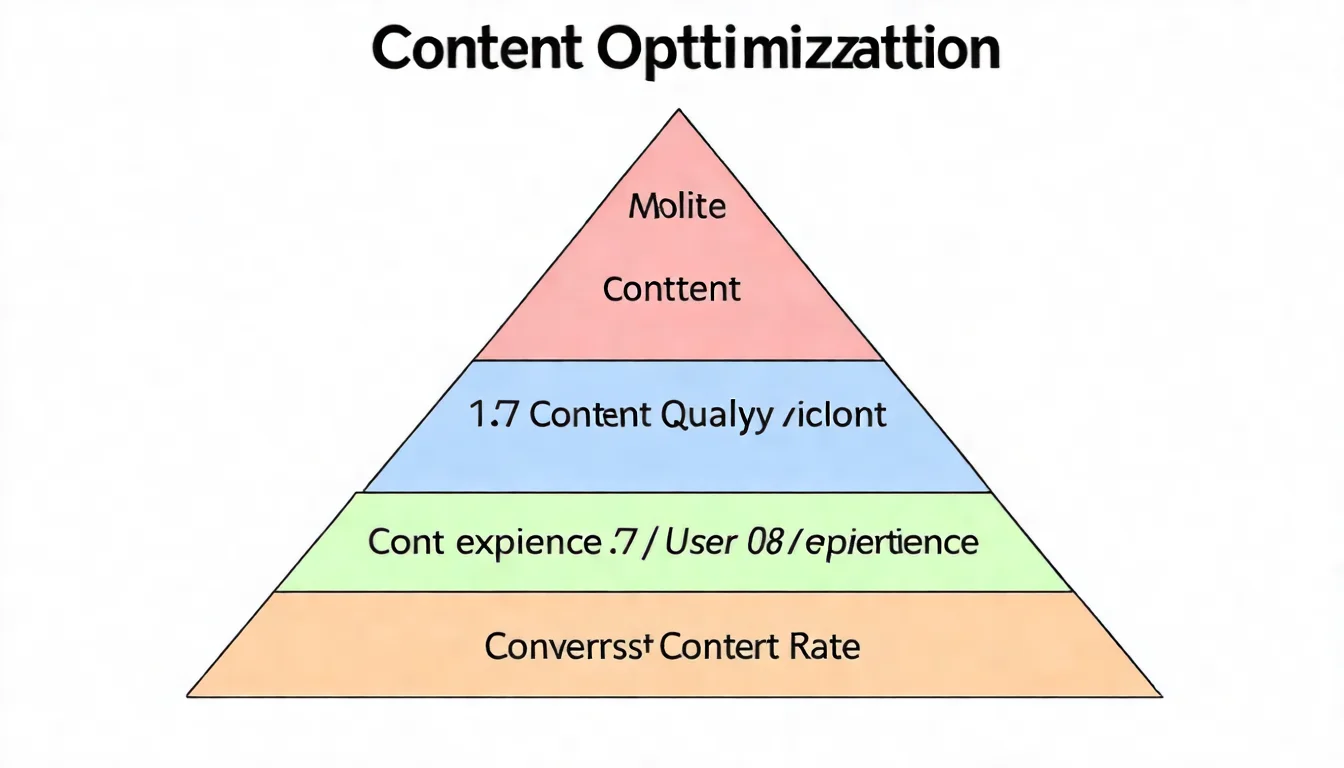
Content Quality Improvement
High-quality content is the foundation of SEO success.
E-E-A-T Principles
- Experience: The author has hands-on experience
- Expertise: Content demonstrates professional knowledge
- Authoritativeness: The website has authority in the field
- Trustworthiness: Content is reliable and accurate
Content quality checklist
- Does the content solve the reader's problem?
- Is it more comprehensive than existing content?
- Is the information accurate and sourced?
- Does it include original insights or data?
- Is it regularly updated?
User Experience Optimization
A good user experience keeps visitors on your site.
Readability optimization
- Use clear heading structure (H1, H2, H3)
- Keep paragraphs short (3-5 lines is ideal)
- Use lists and tables to present information
- Use bold text appropriately for emphasis
Visual optimization
- Use relevant images and charts
- Maintain a clean, uncluttered layout
- Use consistent visual styling
- Ensure sufficient contrast between text and background
Conversion Rate Optimization
Turning visitors into customers is the ultimate website goal.
CTA (Call to Action) optimization
- Use clear action buttons
- Place them where visitors can easily see them
- Use specific text ("Get a Free Consultation" is better than "Click Here")
- Test different colors and copy
Form optimization
- Reduce unnecessary fields
- Provide clear error messages
- Enable auto-fill functionality
- Ensure forms are easy to fill out on mobile
After technical optimization, the next step is quality content. Let AI help you produce SEO-optimized articles to give your website a competitive edge.
Website Optimization Checklist
Technical Checklist
Speed optimization
- Page load time < 3 seconds
- Images compressed and using modern formats
- Browser caching enabled
- Gzip compression enabled
- Using CDN
Mobile optimization
- Confirm mobile-friendliness with Lighthouse or Chrome DevTools device emulation (Google's Mobile-Friendly Test tool was retired in late 2023)
- Touch targets have adequate spacing
- Text readable without zooming
Security
- SSL certificate installed
- HTTP automatically redirects to HTTPS
- No mixed content warnings
SEO Checklist
On-page optimization
- Each page has a unique Title Tag
- Each page has a unique Meta Description
- Primary keyword appears in H1
- Images have Alt tags
Technical SEO
- XML Sitemap submitted
- Robots.txt configured correctly
- No duplicate content issues
- Structured data implemented
Content Checklist
Content quality
- Content solves reader problems
- Content is more comprehensive than competitors
- Information is accurate and sourced
- Old content is regularly updated
User experience
- Clear heading structure
- Properly segmented paragraphs
- Images and tables support explanation
- CTAs are clear and visible
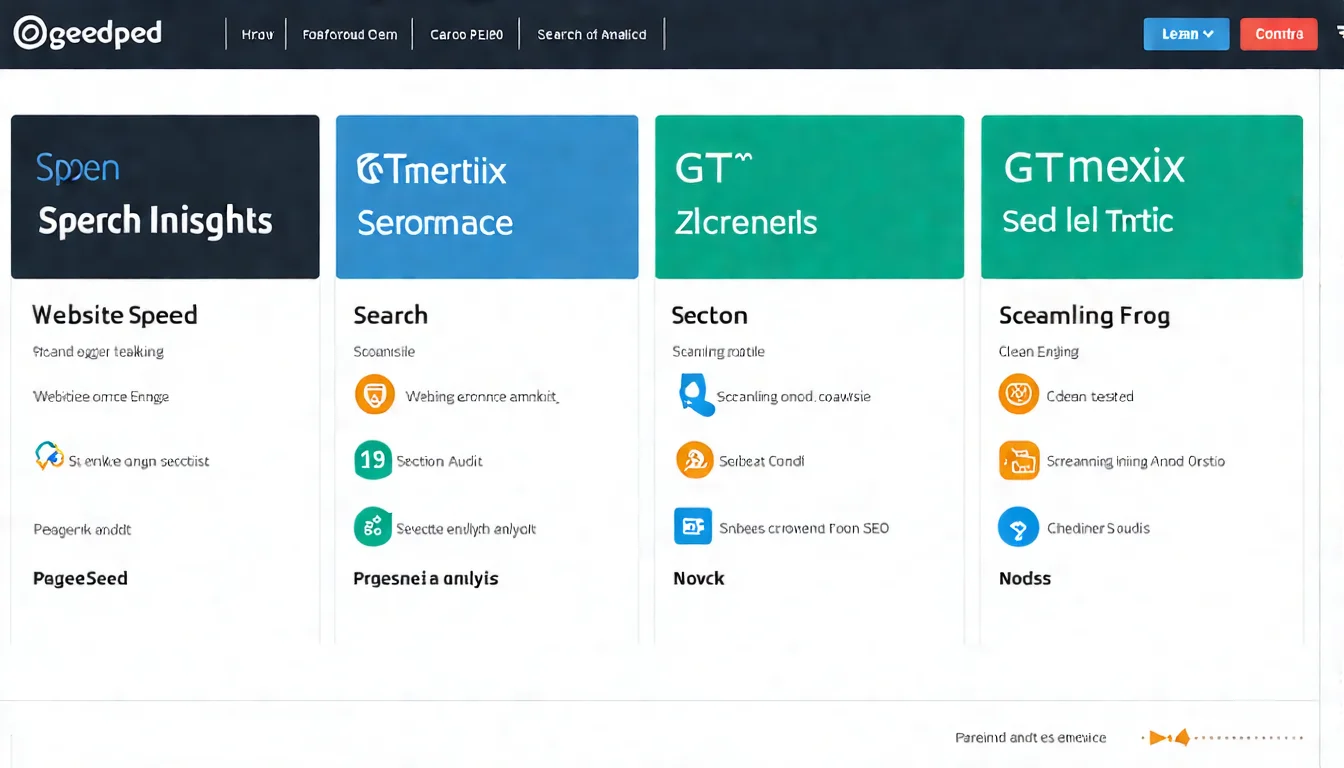
Recommended Optimization Tools
Google PageSpeed Insights
Purpose: Test website speed and Core Web Vitals
Features:
- Analyzes desktop and mobile versions
- Provides specific optimization recommendations
- Shows Core Web Vitals scores
Tips:
- Target scores: Mobile 50+, Desktop 70+
- Prioritize red items
- Test regularly to track improvements
Google Search Console
Purpose: Monitor website performance in Google Search
Features:
- View search traffic and rankings
- Discover technical issues
- Submit sitemaps
- Check indexing status
Tips:
- Check weekly
- Set up email notifications
- Track important keyword rankings
GTmetrix
Purpose: Detailed website speed analysis
Features:
- Waterfall chart showing load sequence
- Historical tracking
- Multi-region testing
Tips:
- Use alongside PageSpeed Insights
- Track changes before and after optimization
Screaming Frog
Purpose: Technical SEO website auditing
Features:
- Crawls your entire website
- Finds broken links and duplicate content
- Analyzes meta tags
- Checks structured data
Tips:
- Free version crawls up to 500 pages
- Run a full site audit monthly
- Prioritize error items
FAQ
How long does website optimization take?
It depends on your current site condition and the severity of issues:
- Basic optimization: 1-2 weeks (fix obvious problems)
- Comprehensive optimization: 1-3 months (systematic improvements)
- Ongoing optimization: Permanent (maintenance and improvement is continuous work)
In our experience, SEO usually starts showing clear progress within 3-6 months; Google's own guidance says some changes take effect in a few hours while others can take several months, and suggests waiting a few weeks before assessing results.
Should I optimize myself or hire an expert?
| Situation | Recommendation |
|---|---|
| Small site, technical background | You can do it yourself |
| Large site, complex issues | Hire an expert |
| Limited time | Outsourcing is more efficient |
| Limited budget | Learn the basics first, tackle the critical items |
Will optimization affect my current rankings?
Proper optimization typically improves rankings, but be aware:
- Major redesigns may cause short-term fluctuations but long-term improvement
- URL changes require proper 301 redirects
- Content adjustments should improve quality, not reduce it
- Gradual changes are safer than one-time overhauls
Why Optimization Is an Ongoing Process
Website optimization is not a one-and-done task -- it's a process of continuous improvement.
Follow this sequence:
- Fix technical issues first: Ensure the site's foundation is solid
- Then do SEO optimization: Help search engines understand your content
- Continuously optimize content: Provide ever-improving value
- Test and track regularly: Use data to validate results
Every optimization effort compounds your website's competitive advantage.
Website optimization + quality content = SEO success. Contact us on LINE for AI content solutions and let our professional team keep producing optimized content for you.