"Should I go with WordPress, Wix, or Shopify for my website?"
Choosing a CMS (Content Management System) is the first major decision when building a website. Pick the right one, and managing your site will be a breeze. Pick the wrong one, and you may have to start over or face ongoing limitations.
This article compares the leading CMS platforms and shows you how to choose the best system for your needs.
Once your website is built, the next step is content. Contact us on LINE for AI content services to keep your site stocked with quality content.
What Is a Content Management System?
CMS Definition
A CMS (Content Management System) is a system that lets you build and manage website content without writing code.
In simple terms, a CMS provides:
- A visual editing interface
- Ready-made website templates
- Content management features
- Plugin-based extensibility
CMS Features and Benefits
Key Features:
- Add, edit, and delete pages
- Upload images and files
- Manage user permissions
- Basic SEO settings
- Plugin/app extensions
Benefits of Using a CMS:
- No programming skills required
- Quick website setup
- Easy to maintain and update
- Community and resource support
- Relatively low cost
When Do You Need a CMS?
CMS is a good fit when:
- You don't have a development team
- You have a limited budget
- You need to launch quickly
- Content will be updated frequently
- Standard features meet your needs
CMS may not be ideal when:
- You need highly customized functionality
- You have complex data processing requirements
- You need peak performance
- You have a dedicated development team
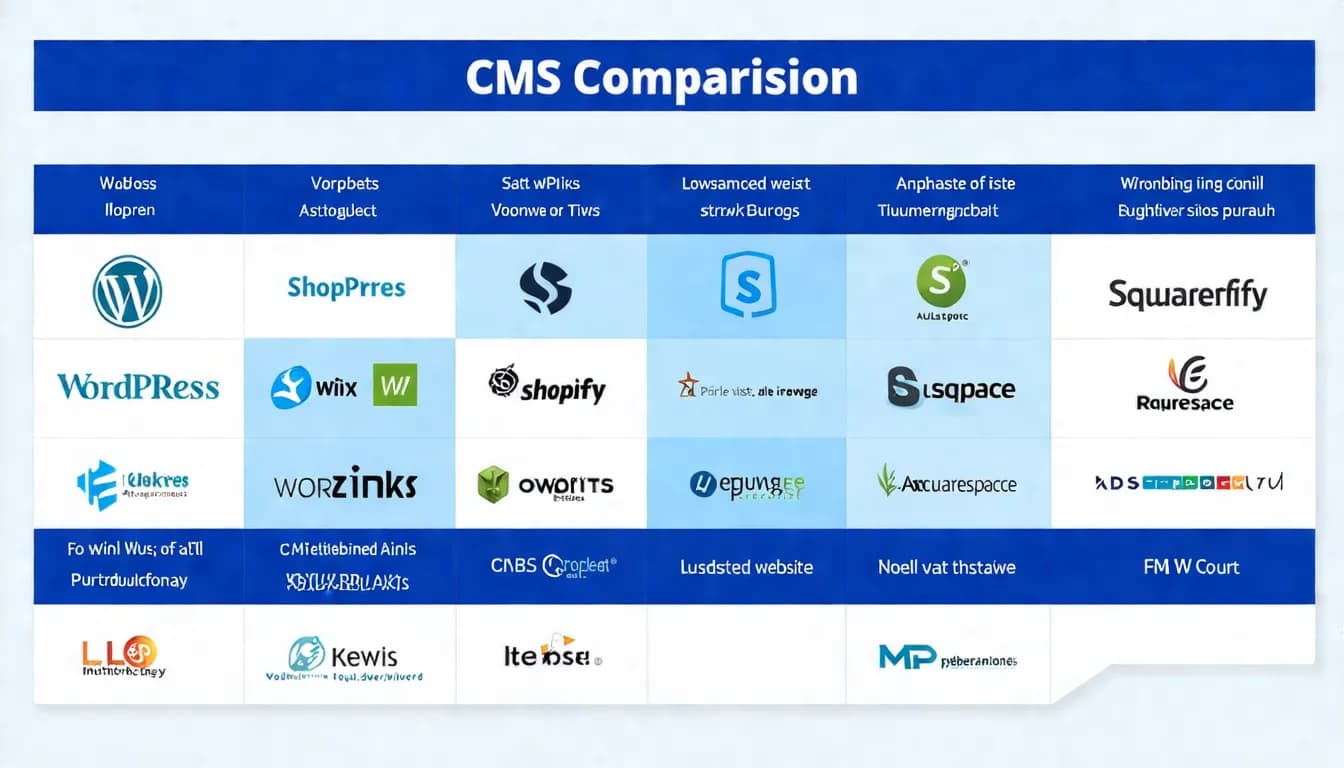
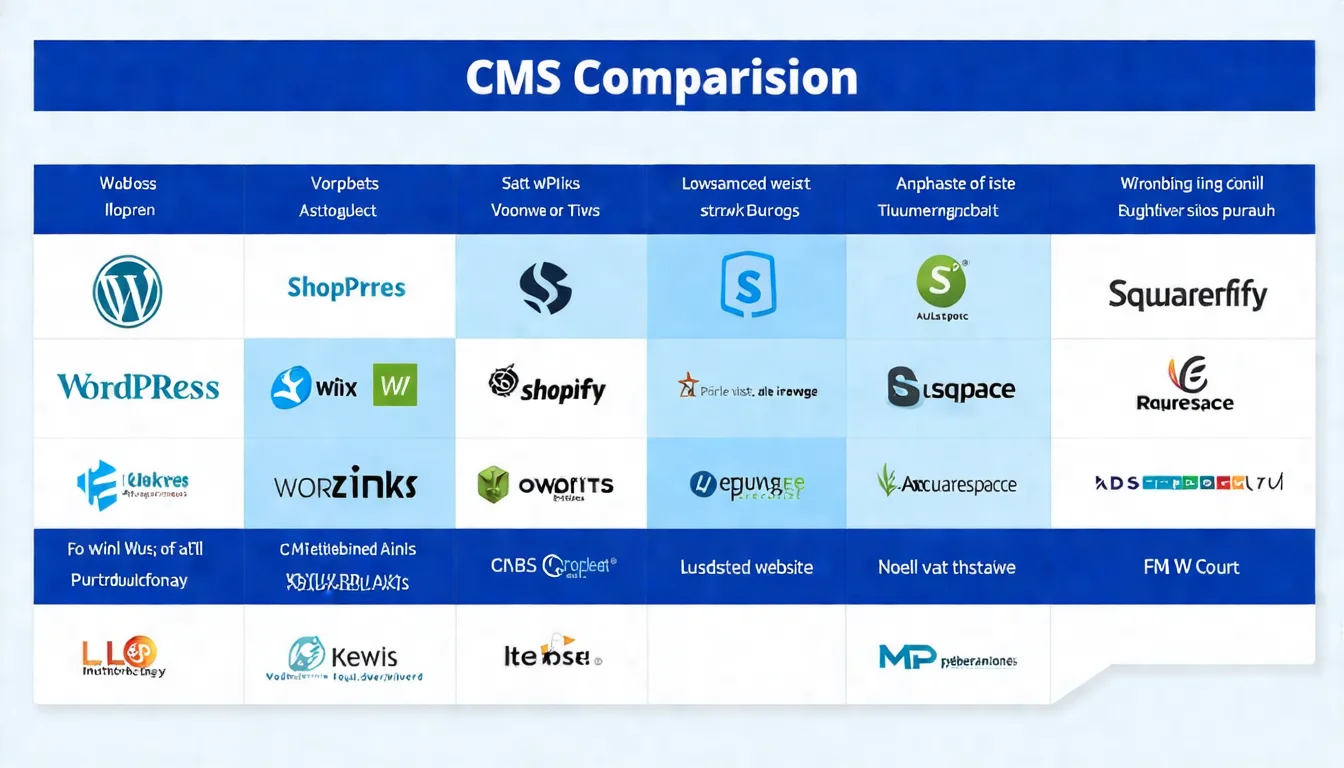
Comparing Major CMS Platforms
WordPress
WordPress is the world's most widely used CMS: it holds 58.9% of the market among sites whose CMS is known, which works out to 40.7% of all websites (W3Techs, September 2026).
Key Features:
- Open source and free
- Tens of thousands of themes and plugins
- Highly customizable
- Rich community resources
- SEO-friendly
Pros:
- Maximum flexibility
- Most complete feature set
- Most resources and tutorials available
- Suitable for all types of websites
Cons:
- Steeper learning curve
- Requires self-maintenance
- Security needs attention
- Performance can be affected by plugins
Best For:
- Blogs
- Corporate websites
- Content-driven sites
- Those who want full customization
Cost:
- Software: Free
- Hosting: NT$ 200-3,000+/month
- Premium themes/plugins: Varies by need
Wix
Wix is a drag-and-drop website builder that emphasizes ease of use.
Key Features:
- Drag-and-drop editor
- Hundreds of design templates
- Integrated hosting
- App Market for extensions
- Basic SEO features included
Pros:
- Easiest to get started with
- Beautifully designed templates
- No hosting worries
- AI website generator available
Cons:
- Less flexibility
- Limited SEO capabilities
- Cannot export your website
- Higher long-term costs
Best For:
- Small business websites
- Personal portfolios
- Non-technical users
- Quick launch needs
Cost:
- Free plan (with Wix ads)
- Paid plans: about US$9-48/month billed annually (Light / Core / Business / Business Elite, excluding tax; prices shown to Taiwan visitors)
Squarespace
Squarespace is known for its stunning design, making it particularly suitable for creative professionals.
Key Features:
- Beautifully designed templates
- Integrated e-commerce features
- Hosting and domain included
- Built-in analytics tools
Pros:
- High-quality template designs
- Elegant user interface
- All-in-one service
- Great for showcasing work
Cons:
- Moderate flexibility
- Slightly higher pricing
- Fewer plugins
- Limited Traditional Chinese resources
Best For:
- Photographers, designers
- Restaurants, galleries
- Small e-commerce shops
- Brands that prioritize visual design
Cost: about NT$307-982/month (Basic / Core / Advanced; cheaper when billed annually; NT$ prices shown on the official site)
Shopify (E-commerce Focused)
Shopify is a platform built specifically for e-commerce.
Key Features:
- Complete e-commerce functionality
- Payment/logistics integration
- App Store for extensions
- Multi-channel selling
- Inventory management
Pros:
- Most comprehensive e-commerce features
- Ready to use out of the box
- Easy payment integration
- Suitable for cross-border sales
Cons:
- Limited non-e-commerce features
- Transaction fees
- Customization requires technical skills
- Higher long-term costs
Best For:
- E-commerce websites
- Those who want to launch a store quickly
- Multi-channel sellers
- Cross-border e-commerce
Cost:
- Basic plan: from USD $19/month billed yearly or $25/month billed monthly (prices shown to Taiwan visitors; pricing varies by region)
- Plus transaction fees
Custom-Built Systems
If you have a development team, building a custom system is also an option.
Pros:
- Full customization
- No platform limitations
- Performance can be fully optimized
- No monthly subscription fees
Cons:
- High development costs
- Requires a maintenance team
- Long development timeline
- Updates must be handled internally
Best For:
- Large enterprises
- Specialized functionality needs
- Companies with development teams
- Ample budgets
Factors to Consider When Choosing a CMS
Technical Requirements
Ask yourself:
- Do you have technical skills?
- Are you willing to learn?
- Is there someone who can help with maintenance?
| Technical Level | Recommended CMS |
|---|---|
| Complete beginner | Wix, Squarespace |
| Willing to learn | WordPress |
| Some background | WordPress (more customization) |
| Development skills | WordPress or custom-built |
Budget Considerations
Calculate total costs:
- Platform monthly/annual fees
- Hosting costs (if applicable)
- Domain fees
- Premium themes/plugins
- Maintenance and update costs
| Budget | Recommended CMS |
|---|---|
| Very low (< NT$ 500/month) | WordPress (affordable hosting), Wix / Squarespace entry plans (billed annually) |
| Low (NT$ 500-1,500/month) | Wix, Squarespace higher-tier plans |
| Medium (NT$ 1,500-5,000/month) | WordPress (quality hosting) |
| High (> NT$ 5,000/month) | Depends on needs |
Scalability Needs
Think about the future:
- How much will the site grow?
- What features will you need?
- Will traffic increase?
| Need | Recommended CMS |
|---|---|
| Simple, unlikely to change | Wix, Squarespace |
| Ongoing expansion | WordPress |
| Rapidly growing e-commerce | Shopify |
| Highly customized | WordPress or custom-built |
SEO Friendliness
If SEO is important, consider the following:
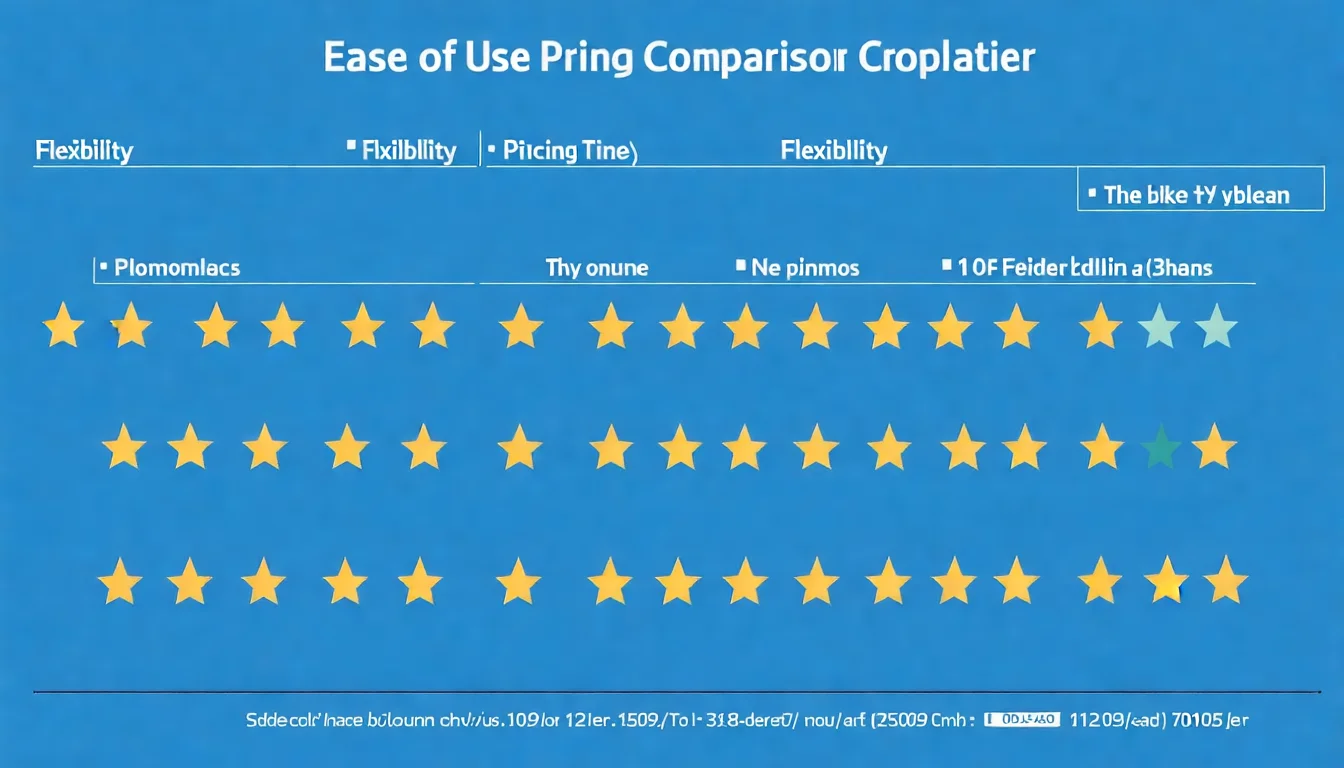
| CMS | SEO Friendliness | Notes |
|---|---|---|
| WordPress | ⭐⭐⭐⭐⭐ | Most SEO plugins and flexibility |
| Shopify | ⭐⭐⭐⭐ | Solid e-commerce SEO |
| Squarespace | ⭐⭐⭐ | Basic SEO features |
| Wix | ⭐⭐⭐ | Basic SEO, limited advanced options |
System chosen, but what about content? Let AI help you produce SEO-optimized content to give your website a competitive edge.
Website Architecture Planning
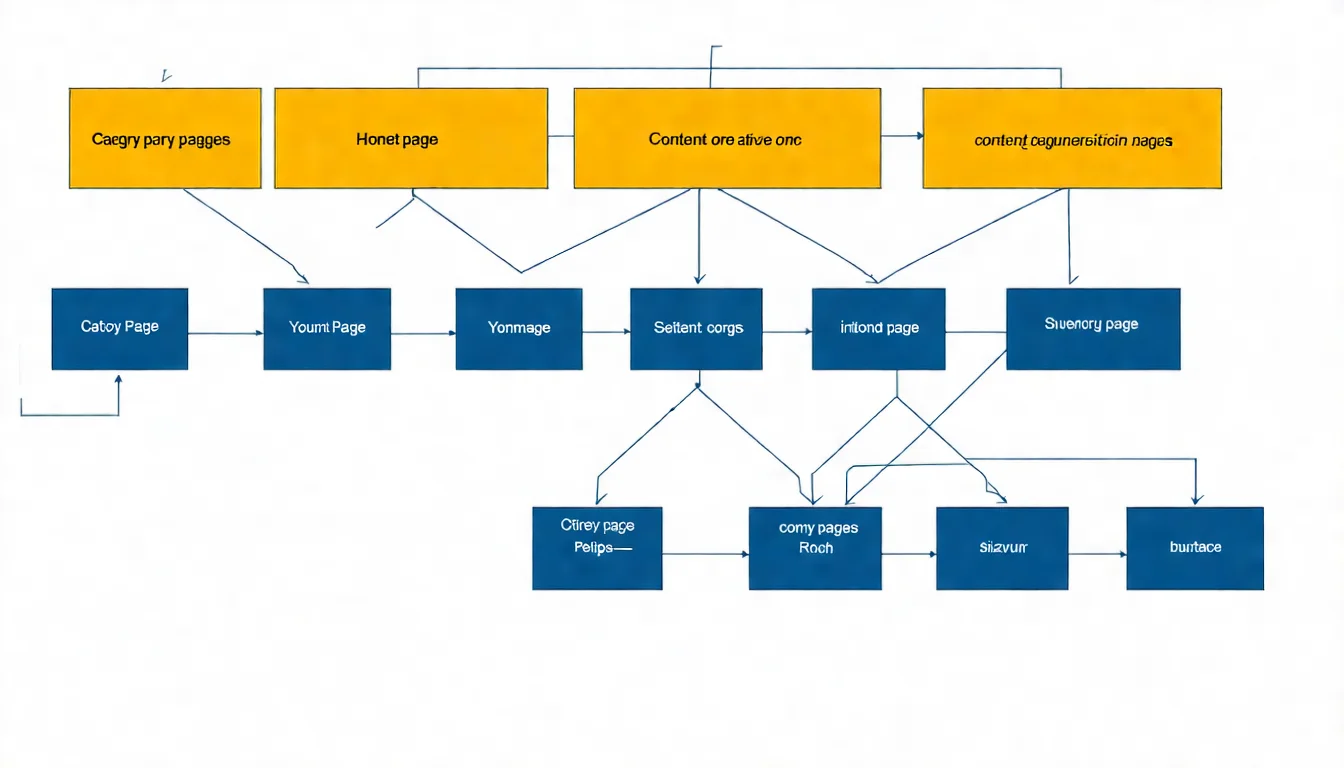
Website Structure Design Principles
A well-designed website structure helps both visitors and search engines understand your site easily.
Flat structure:
- Important pages accessible within 3 clicks
- Home → Category → Content
- Avoid excessively deep hierarchies
Clean URLs:
- Use meaningful URLs
- Example:
/services/seo-optimizationinstead of/page?id=123 - Keep them short and keyword-rich
Logical categorization:
- Organize by topic or product
- Categories should be mutually exclusive and comprehensive
- Consider how visitors think
Content Categorization Planning
When planning website content, start by building a category framework.
Steps:
- List all content to be included
- Identify commonalities and create categories
- Check whether categories are logical
- Ensure every piece of content has a home
Example: Corporate Website
Home
├── About Us
│   ├── Company Overview
│   ├── Team
│   └── Contact Us
├── Services
│   ├── Service A
│   ├── Service B
│   └── Service C
├── Portfolio
│   ├── Industry A Cases
│   └── Industry B Cases
└── Blog
    ├── Industry Knowledge
    └── Company News
Navigation Design
Navigation is the pathway visitors use to find content.
Primary navigation:
- Feature the most important pages (5-7 is ideal)
- Use clear, easy-to-understand labels
- Order by importance or logic
Secondary navigation:
- Footer links
- Sidebar
- Breadcrumb navigation
Mobile navigation:
- Hamburger menu
- Ensure touch-friendly design
- Keep important links easy to find
Building a Topical Authority Site
What Is a Topical Authority Site?
A topical authority site is a website that focuses on a specific topic to establish authority in that field.
Characteristics:
- Deep coverage of a single topic
- Content is interconnected
- Builds a professional image in the field
- Generally performs better in SEO
SEO Advantages of Topical Sites
Google favors specialized websites. The advantages of topical sites include:
- Strong topical relevance: All content revolves around the core topic
- Natural internal linking: Content can easily be interconnected
- Visible expertise: Focusing on one topic makes it easier to demonstrate experience, expertise, authoritativeness, and trustworthiness (E-E-A-T) — E-E-A-T isn't a ranking factor in itself, but Google's systems look for content that shows these qualities
- Long-tail keyword coverage: Deep coverage of various related searches
How to Build Topical Authority
Step 1: Choose a core topic
- Pick an area you specialize in
- Ensure there's enough content to write about
- Consider the commercial value
Step 2: Create a content map
- List all subtopics under the core theme
- Plan pillar pages and supporting articles
- Design the internal linking structure
Step 3: Produce content systematically
- Build pillar pages first
- Gradually add supporting articles
- Maintain a consistent publishing schedule
Step 4: Strengthen internal links
- Pillar pages link to subpages
- Subpages link back to pillar pages
- Related articles link to each other
CMS and SEO
CMS SEO Settings
Different CMS platforms handle SEO settings differently, but the basic items need to be configured across all of them.
Essential SEO settings:
- Title Tag
- Meta Description
- URL structure
- Heading tags (H1, H2, etc.)
- Image Alt tags
- XML Sitemap
- Robots.txt
Common SEO Issues and Solutions
Issue: Duplicate content
- Cause: Category pages and tag pages create duplicates
- Solution: Use Canonical tags
Issue: URLs too long or ugly
- Cause: Poor default URL structure
- Solution: Customize permalink structure
Issue: Slow loading speed
- Cause: Too many plugins, oversized images
- Solution: Optimize images, reduce plugins, use caching
Issue: Not mobile-friendly
- Cause: Theme doesn't support responsive design
- Solution: Switch to a responsive theme
Recommended SEO Plugins
WordPress:
- Yoast SEO or Rank Math (full-featured SEO)
- WP Rocket (speed optimization)
- ShortPixel (image compression)
Shopify:
- SEO Manager
- JSON-LD for SEO
- An image compression app
Wix/Squarespace:
- Built-in SEO tools (configure the basics and you're set)
FAQ
Can I use WordPress with zero coding skills?
Yes, but you'll need some learning.
Tips:
- Start with the basics
- Choose a user-friendly theme
- Watch tutorial videos
- Google your questions or ask the community
Can I switch CMS platforms?
Yes, but there are costs involved:
- Redesign required
- Content migration needed
- URL structure may change (affecting SEO)
- 301 redirects must be set up
It's best to choose the right platform from the start to minimize future hassle.
Should e-commerce use Shopify or WordPress?
| Scenario | Recommendation |
|---|---|
| Pure e-commerce, quick start | Shopify |
| E-commerce + content marketing | WordPress + WooCommerce |
| High customization needed | WordPress |
| Limited budget | WordPress |
| Don't want to deal with tech | Shopify |
How to Choose the Right CMS for You
Your CMS choice depends on your needs, abilities, and budget.
Quick Decision Guide:
| Your Situation | Recommended CMS |
|---|---|
| Non-technical, want simplicity | Wix |
| Design-focused, portfolio | Squarespace |
| Want flexibility, willing to learn | WordPress |
| Running e-commerce | Shopify |
| Have a dev team, need customization | Custom-built or WordPress |
Choosing a CMS is just the beginning. Website management and website optimization are what truly make a website successful.
A great website needs consistent content. Contact us on LINE for AI content solutions and let our professional team keep producing SEO-optimized content for you.