![YouTube SEO Tools: Essential Tools for Video Ranking Optimization [2026]](/_next/image?url=%2Fblog%2Fimages%2Fseo-tools%2Fyoutube-seo-tools-01.webp&w=3840&q=75)
Plenty of people already treat YouTube as a search engine — when they want to learn something or buy something, they go looking for a video first.
Which means that if you have video content, SEO on YouTube is something you absolutely cannot ignore.
But YouTube SEO is different from website SEO — it requires specialized tools to help with optimization.
This article covers the most practical YouTube SEO tools to help you boost your video exposure and rankings on YouTube.
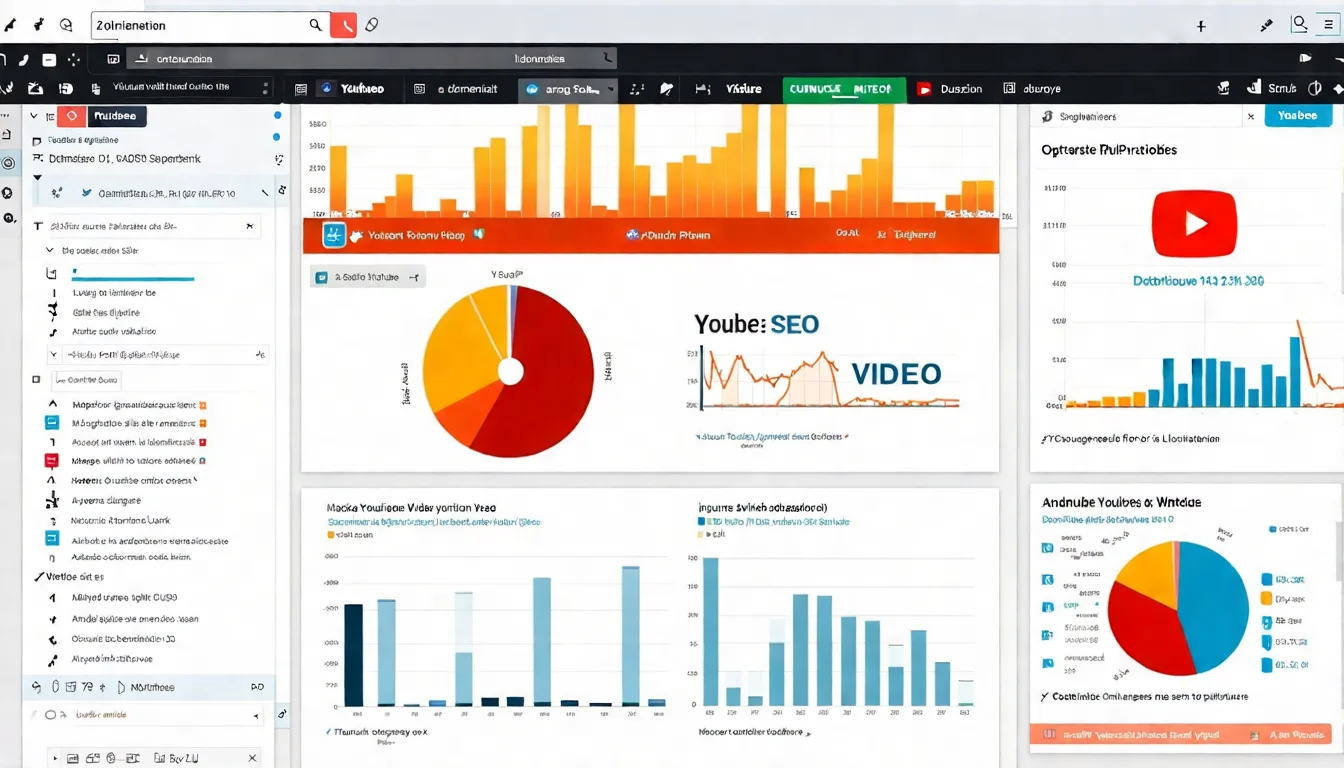
Video SEO matters, but article SEO is equally important. Contact us on LINE about content strategy.
👉 Free LINE Consultation: @006ljkda
YouTube SEO Fundamentals
How Does the YouTube Search Algorithm Work?
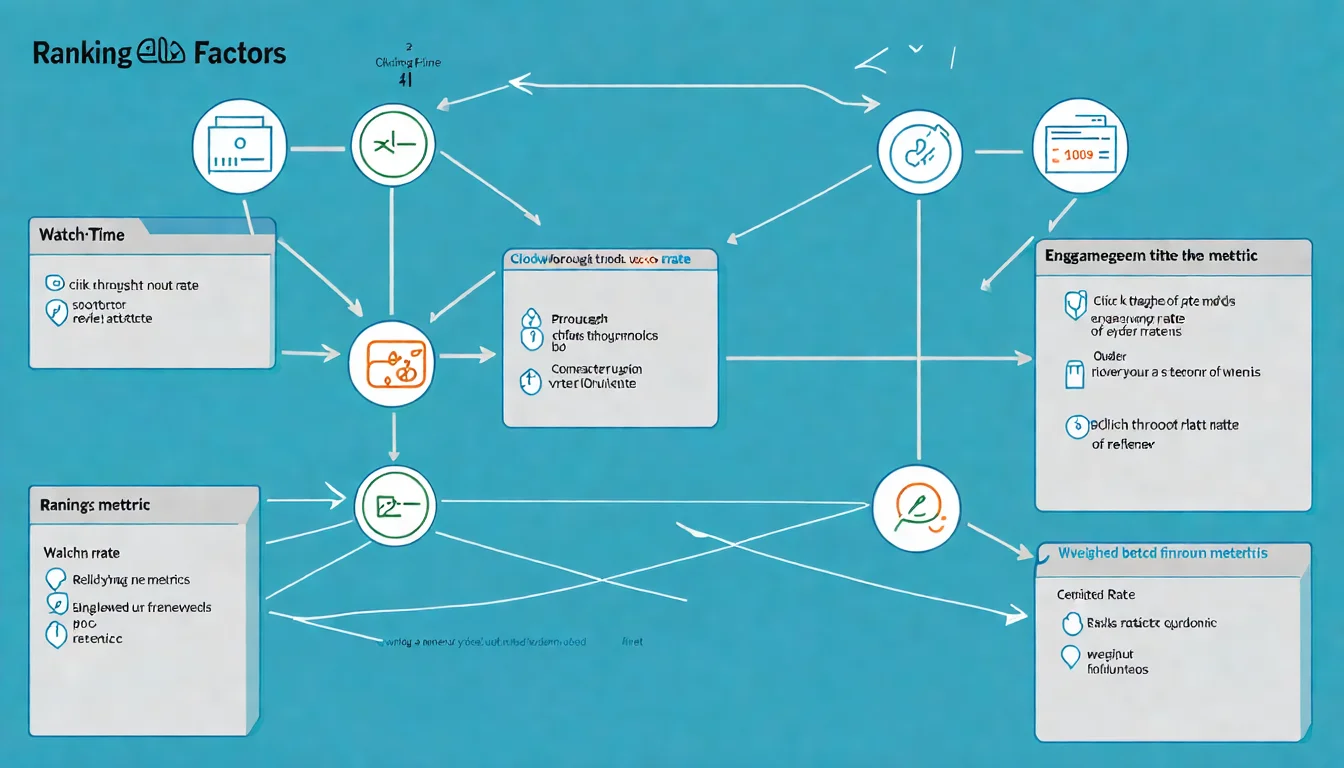
Factors the YouTube algorithm considers (YouTube's official explanation lists three main elements):
- Relevance: How well the title, tags, description, and video content match the search query
- Engagement: For example, the watch time of a particular video for a particular query, used to judge whether other viewers found it relevant
- Quality: Whether the channel demonstrates expertise, authoritativeness, and trustworthiness on the topic
Core logic:
YouTube wants viewers to stay on the platform as long as possible, so it recommends videos that "viewers enjoy watching."
Factors That Affect YouTube Rankings
| Factor | Official element | Description |
|---|---|---|
| Title keywords | Relevance | Whether the title matches the search query |
| Description and tags | Relevance | Supplementary relevance |
| Watch time | Engagement | An engagement signal YouTube cites |
| Audience retention | Engagement | What percentage of the video viewers watch |
| Engagement metrics | Engagement | Likes, comments, shares |
| Channel authority | Quality | The channel's expertise, authoritativeness, and trustworthiness on the topic |
| Click-through rate | Not listed as an element | How compelling the thumbnail and title are — affects whether people click in |
YouTube SEO vs Website SEO
| Aspect | Website SEO | YouTube SEO |
|---|---|---|
| Key ranking factors | Links, content, technical | Relevance, engagement, quality (per YouTube) |
| Keyword placement | Title, content, meta | Title, description, tags |
| User interaction | Indirect impact | Direct ranking impact |
| Content format | Primarily text | Primarily video |
| Update frequency | Varies | Varies |
For a broader overview of SEO tools, check out our complete guide.
YouTube Keyword Research Tools
TubeBuddy
The most popular YouTube SEO tool.
Core features:
1. Keyword Explorer
Enter a keyword and the tool displays:
- Search volume score
- Competition level
- Overall score
- Related keywords
2. Tag Suggestions
Suggests tags you should use based on your video content.
3. SEO Score
Analyzes your video's SEO settings and provides a score with recommendations.
4. Competitive Analysis
View tags and strategies used by competitor videos.
Pricing:
| Plan | Monthly Price | Features |
|---|---|---|
| Free | Free | Basic features |
| Pro | See official site | Advanced keyword tools |
| Star | See official site | Full analytics |
| Legend | See official site | All features |
(TubeBuddy offers monthly and yearly billing — yearly saves about 20% — and its pricing page shows prices dynamically; check tubebuddy.com for current amounts.)
Installation: Chrome extension
Rating: ★★★★★
VidIQ
Another leading YouTube optimization tool.
Core features:
1. Keyword Tool
- Keyword scoring
- Search volume trends
- Related keyword suggestions
2. Trend Analysis
- Real-time trending topics
- Viral content detection
- Trend prediction
3. Channel Analytics
- Channel statistics
- Video performance analysis
- Growth tracking
4. Competitor Tracking
- Follow other channels
- Compare performance
- Learn strategies
Free vs paid features:
| Feature | Free Version | Paid Version |
|---|---|---|
| Basic SEO score | ✓ | ✓ |
| Keyword search volume | Limited | Full |
| Trend alerts | ✗ | ✓ |
| Competitor tracking | Limited | Full |
(vidIQ reshuffles its plans and feature tiers frequently — check the official site for what the free version currently includes.)
Price: Beyond the free version, plans are Boost, Max, and Enterprise (custom quote). Boost starts at roughly US$16.58/month billed annually — check vidiq.com/pricing for current rates.
Rating: ★★★★★
YouTube Search Suggestions
A free keyword research method.
How to use:
- Open YouTube
- Type a keyword in the search bar
- Observe the autocomplete suggestions
- These are real search queries
Advanced techniques:
- Add a space after the keyword for more suggestions
- Try adding letters a, b, c, etc.
- Use question starters (how, why, what)
Pros:
- Completely free
- Data comes from YouTube itself
- Reflects real search behavior
Cons:
- No search volume data
- Requires manual recording
YouTube Title and Tag Optimization Tools
Rapidtags
A fast tag generation tool.
Features:
- Enter a topic and generate related tags
- One-click copy
- Has a free tier you can use right away; advanced features such as keyword research and video analysis sit behind paid plans
How to use:
- Go to rapidtags.io
- Enter your video topic
- Get tag suggestions
- Copy and paste into YouTube
Note: Use these as a reference — don't use all of them blindly.
Keyword Tool for YouTube
A keyword tool designed specifically for YouTube.
Features:
- YouTube-specific keyword data
- Autocomplete keywords
- Question-type keywords
How to use:
- Go to keywordtool.io
- Select the YouTube tab
- Enter a seed keyword
- Review suggestions
Limitation: Free version doesn't show search volumes
ChatGPT Title Generation Tips
Using AI to generate compelling titles.
Prompt example:
Generate 10 compelling titles for my YouTube video.
Video topic: How to brew a great cup of coffee
Target audience: Coffee beginners
Style: Practical tutorial
Length: Under 50 characters
Usage tips:
- Request multiple versions
- Specify style and target audience
- Ask for keyword inclusion
- Set title length constraints
Video scripts also need SEO optimization. Let AI help you write them.
YouTube Analytics Tools
YouTube Studio Analytics
YouTube's official analytics tool.
Essential reports:
1. Channel Analytics
- Total view count
- Watch time
- Subscriber changes
2. Video Performance
- View data for each video
- Traffic sources
- Audience demographics
3. Advanced Metrics
| Metric | Meaning |
|---|---|
| Impressions | How many times the thumbnail was seen |
| Impressions CTR | Percentage of people who clicked after seeing the thumbnail |
| Average view duration | How long viewers watch on average |
| Audience retention | What percentage of the video viewers watch |
Audience Retention Optimization
One of the most important metrics.
How to check:
- Open YouTube Studio
- Select a specific video
- Click "Analytics"
- View the "Engagement" tab
Retention curve interpretation:
- Flat: Viewers watching consistently (good)
- Steep drop: Viewers leaving quickly (problem area)
- Wavy: Mix of engaging and boring sections
Optimization tips:
- The first 30 seconds are critical — hook the audience
- Avoid lengthy introductions
- Add "hooks" at points where viewers might leave
Traffic Source Analysis
Understanding where your viewers come from.
Major traffic sources:
| Source | Description |
|---|---|
| YouTube Search | Found via search (SEO-related) |
| Suggested Videos | Recommended alongside other videos |
| Browse Features | Homepage recommendations |
| External Sources | Linked from outside YouTube |
| Playlists | Viewed via playlists |
SEO focus:
YouTube Search traffic represents your SEO effectiveness. If this percentage is low, you need to strengthen your keyword optimization.
YouTube Thumbnail and Content Optimization
Canva for Thumbnail Design
The most popular design tool.
YouTube thumbnail specs:
- Resolution: 3840 x 2160 pixels recommended (minimum width 640 pixels)
- Aspect ratio: 16:9
- File size: under 2MB when uploading on mobile, under 50MB on desktop
- Format: image formats such as JPG or PNG
Design tips:
- Use contrasting colors: Stand out in search results
- Add text: Keep it large and clear
- Faces work well: Expressive faces attract more clicks
- Stay consistent: Maintain a unified channel style
Canva advantages:
- YouTube thumbnail templates available
- Free version is sufficient
- Easy to use
Subtitles and Description Optimization Tools
The SEO value of subtitles:
- YouTube can read subtitle content
- Helps understand video content
- Improves relevance
Subtitle tools:
- YouTube auto-captions (free, but needs proofreading)
- Manual SRT file upload
- Third-party tools (e.g., Descript)
Description optimization:
- First 2-3 lines are most important (visible before viewers click "Show more")
- Include primary keywords
- Add timestamps (chapters)
- Include relevant links
Playlist Strategy
The SEO value of playlists:
- Increase watch time: Viewers watch continuously
- Improve relevance: Group related videos together
- Extra visibility: Playlists also appear in search results (viewers can filter to show only playlists — see YouTube Help)
Best practices:
- Name playlists with keywords
- Group related videos together
- Playlists need descriptions too
- Update and organize regularly
YouTube SEO Hands-On Tips
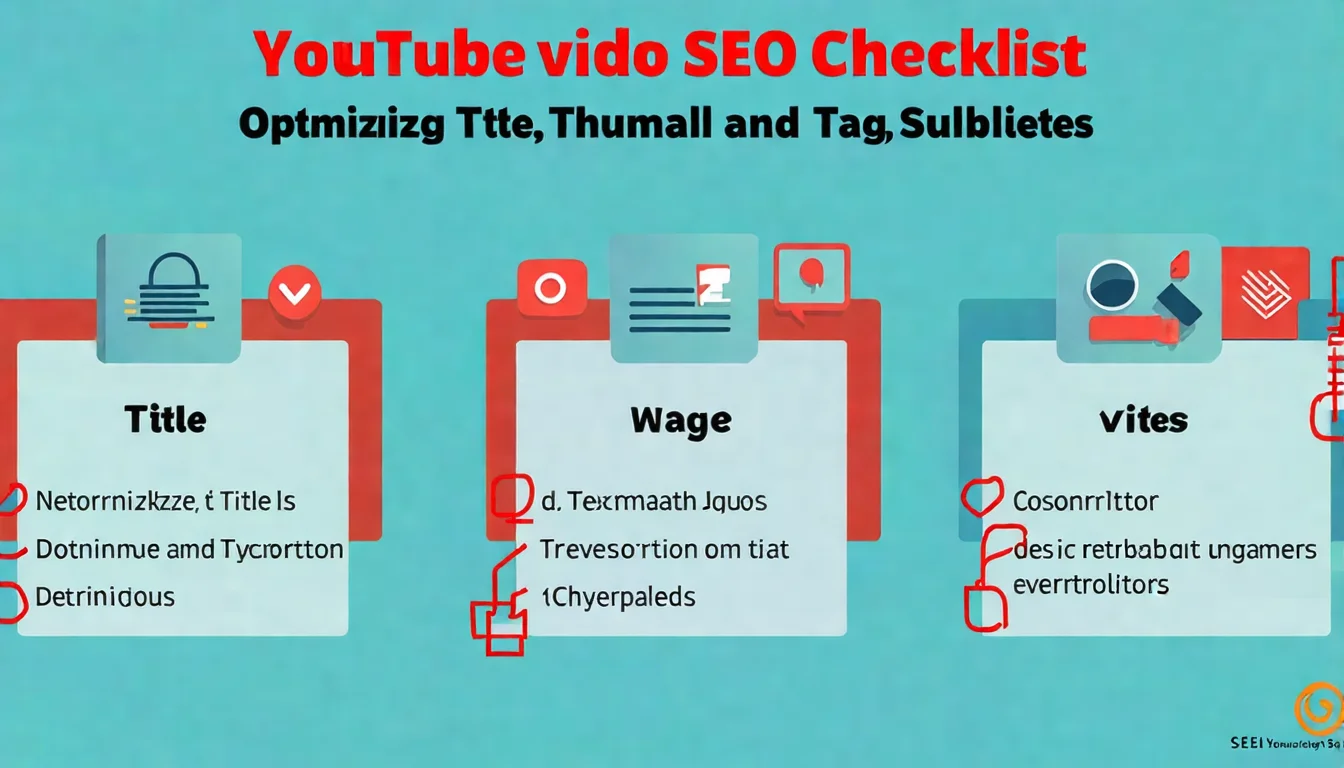
Video Title Writing Formulas
Effective title formulas:
Formula 1: Number + Topic
5 Tips to Make Better Coffee
Formula 2: How to + Result
How to Learn Basic Japanese in 30 Days
Formula 3: Problem + Solution
Why Your Coffee Always Tastes Bad — Here's the Fix
Formula 4: Year + Topic
Best Coffee Machines 2026 | Beginner's Guide
Title tips:
- Put keywords at the beginning
- Keep it under 60 characters
- Include numbers or years
- Create curiosity
Description Optimization Method
Description structure:
[Lines 1-2: Core message + keywords (visible before viewers click "Show more")]

[Lines 3-5: Video content summary]

⏱️ Timestamps:
0:00 Introduction
1:30 First key point
3:45 Second key point
...

📌 Related Resources:
- Link 1
- Link 2

🔔 Subscribe to the channel: [link]

#tag1 #tag2 #tag3
How to Use Tags
What tags do:
- Help YouTube understand your content
- Not a primary ranking factor
- But they serve a supporting role
Tag strategy:
- First tag: Primary keyword
- Next: Related variations
- Last: Channel brand tags
Quantity recommendation: 5-15 tags
Note: Don't use unrelated trending tags — this may be flagged as a violation.
For more keyword research tips, check out our Keyword Research tutorial.
Why YouTube SEO Requires Its Own Strategy
YouTube SEO shares similarities with website SEO but also has key differences — it demands dedicated tools and strategies.
Key takeaways from this article:
- YouTube algorithm: YouTube lists relevance, engagement and quality as the three key elements
- Keyword tools: TubeBuddy and VidIQ are essential
- Title optimization: Use formulas and include keywords
- Description and tags: Structure your descriptions, use tags wisely
- Data analysis: Retention rate and traffic sources are key metrics
Our recommendations:
- Install TubeBuddy or VidIQ (start with the free version)
- Use YouTube search suggestions for keyword research
- Optimize titles, descriptions, and tags
- Track data and continuously improve
- Content quality is still the most important factor
A multi-channel content strategy delivers better results. Contact us on LINE about AI content plans.
![Google Search Console Tutorial: From Setup to Reading Reports [2026 Complete Guide]](/_next/image?url=%2Fblog%2Fimages%2Fseo-tools%2Fgoogle-search-console-tutorial-01.webp&w=3840&q=75)
![The Complete SEO Tools Guide: Must-Have Software and Hands-On Tutorials [2026]](/_next/image?url=%2Fblog%2Fimages%2Fseo-tools%2Fseo-tools-guide-01.webp&w=3840&q=75)
![AI SEO Tools: Boost Your SEO Workflow with Artificial Intelligence [2026]](/_next/image?url=%2Fblog%2Fimages%2Fseo-tools%2Fai-seo-tools-01.webp&w=3840&q=75)
