![Best Free SEO Tools: Boost Your Rankings at Zero Cost [2026]](/_next/image?url=%2Fblog%2Fimages%2Fseo-tools%2Ffree-seo-tools-01.webp&w=3840&q=75)
Do SEO tools have to cost money?
Not necessarily.
Many free tools can handle basic needs perfectly well — and Google's own tools are often the best data sources available.
This article covers the most practical free SEO tools to help you start optimizing at zero cost.
Got the tools but still not sure what to do? Let an expert help you plan. Contact us on LINE.
👉 Free LINE Consultation: @006ljkda
Are Free SEO Tools Really Enough?
Advantages and Limitations of Free Tools
Advantages:
✅ Zero-cost entry ✅ Google's official data is the most accurate ✅ Sufficient for basic needs ✅ Perfect for budget-constrained beginners
Limitations:
❌ Features are more basic ❌ Data may be incomplete ❌ Some tools have daily usage limits ❌ Limited competitive analysis capabilities
When Do You Need Paid Tools?
Signs you need paid tools:
- Need precise search volumes: Free tools (such as Keyword Planner) only provide rounded, approximate search volumes
- Need competitor analysis: View competitor traffic and strategies
- Need large-scale crawling: Sites with 500+ pages
- Need backlink analysis: Comprehensive backlink data
- Need automated reports: Regularly generated reports
Recommendation: Start with free tools and invest in paid ones once your needs are clear.
Free Tool Combination Strategy
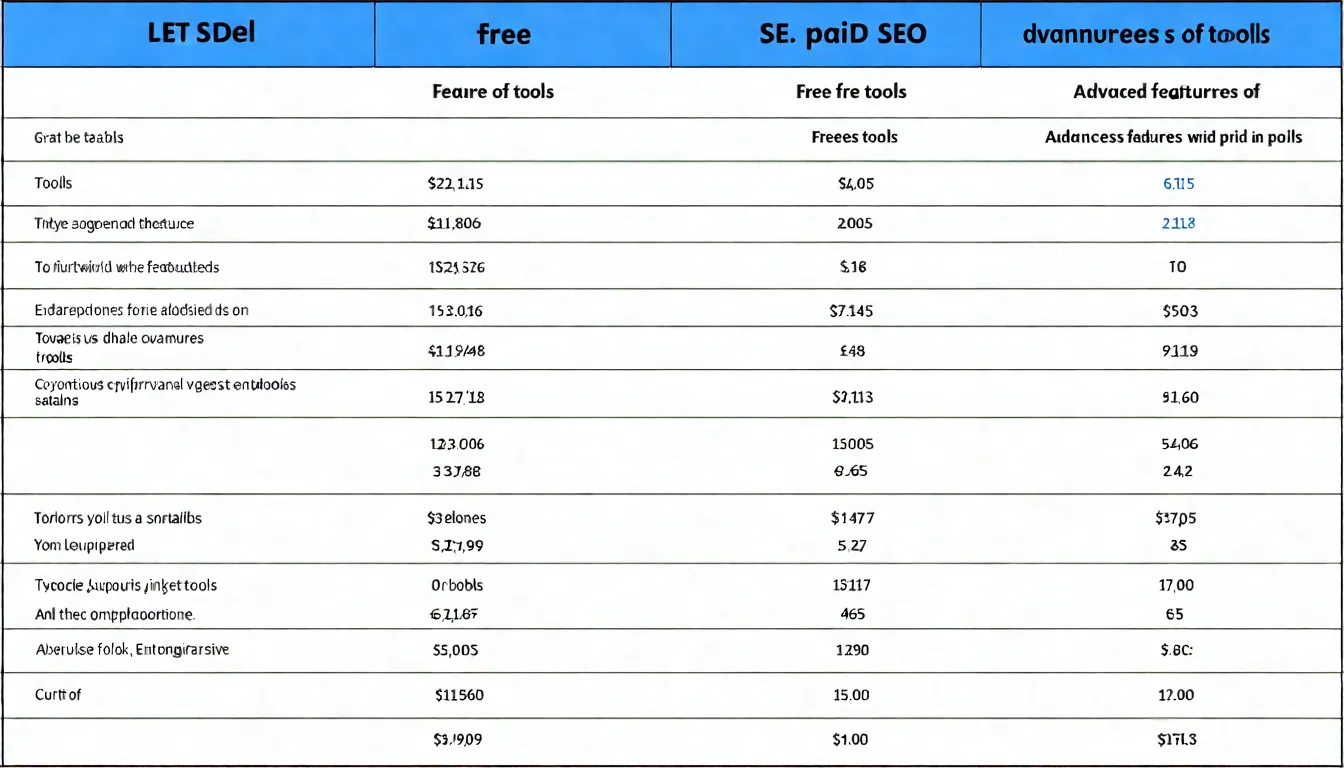
Smart combinations of free tools can rival paid alternatives:
| Need | Free Tool Combination |
|---|---|
| Rank Tracking | Search Console |
| Traffic Analysis | Google Analytics 4 |
| Keyword Research | Keyword Planner + Google Trends |
| Speed Testing | PageSpeed Insights |
| Basic Link Analysis | MozBar |
For a complete overview of SEO tool options, check out our guide.
Google's Official Free Tools
Google Search Console
The most important free SEO tool — bar none.
Essential features to learn:
1. Performance Report
Track your performance in Google Search:
- Impressions: How many times you appeared
- Clicks: How many times you were clicked
- Average position: Keyword rankings
- Click-through rate: The ratio of impressions to clicks
2. Index Report
Understand your Google indexing status:
- Which pages are indexed
- Which pages have issues
- Reasons for non-indexing
3. Core Web Vitals
Page experience reports:
- LCP, INP, CLS data
- Mobile vs desktop performance
4. Links Report
Basic link data:
- External links (others linking to you)
- Internal links (links within your site)
- Most linked pages
Practical report navigation:
Indexing > Pages
→ See how many pages are indexed

Performance > Search results
→ See which keywords drive traffic

Experience > Core Web Vitals
→ Check page speed status
Rating: ★★★★★
Google Analytics 4
Essential for traffic analysis.
SEO-related features:
Traffic Source Analysis
- Organic Search traffic
- Channel comparison
- Trend analysis
User Behavior
- Most-viewed pages
- Session duration
- Engagement metrics
Usage tips:
- Set "Organic Search" traffic as your primary tracking focus
- Compare changes across time periods
- Identify your best-performing pages
Rating: ★★★★☆
Google Keyword Planner
A free keyword research tool.
Features:
- Look up keyword search volumes
- Discover related keywords
- Competition level reference
How to use:
- Create a Google Ads account (free)
- Navigate to the Keyword Planner
- Enter seed keywords
- Review suggestions
Limitations:
- Search volumes are rounded approximations
- Does not show exact figures
For a detailed tutorial, check out our Google Keyword Planner Tutorial.
Rating: ★★★★☆
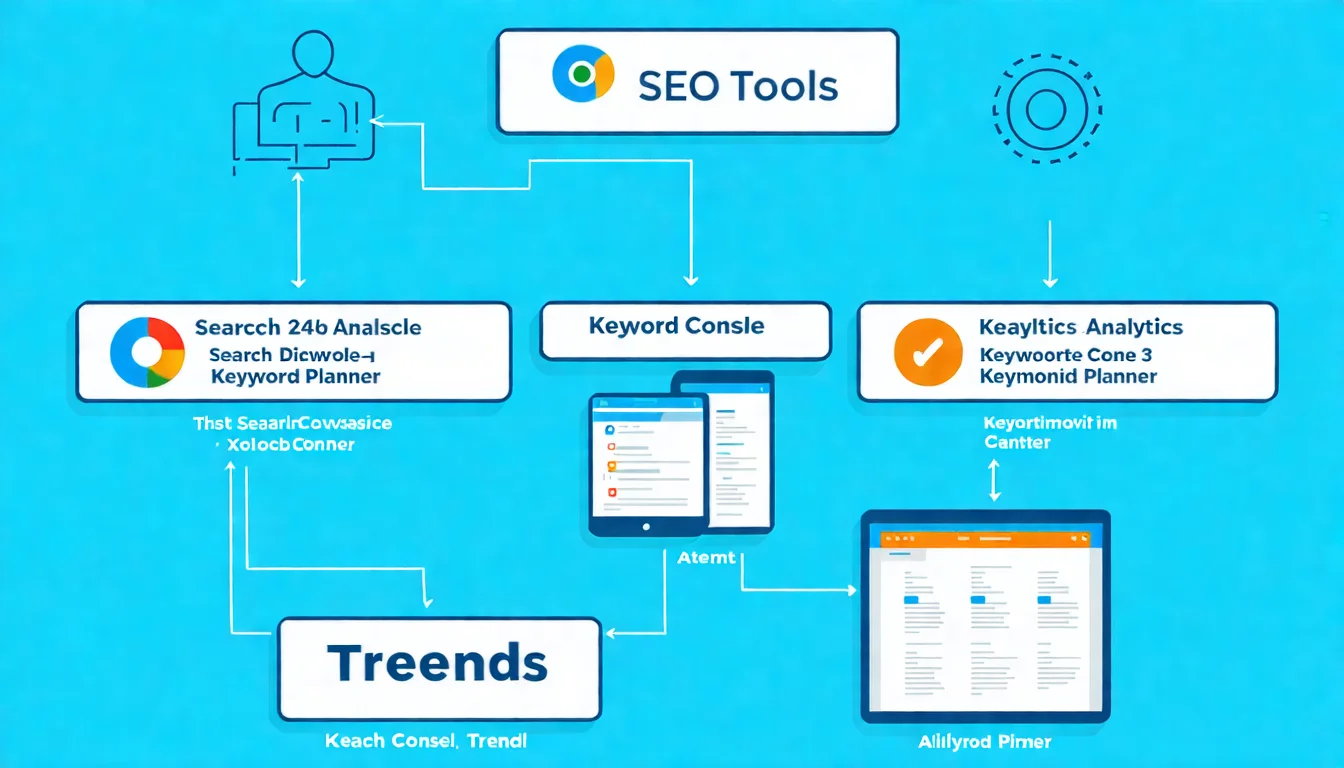
Google Trends
A search trend analysis tool.
Features:
-
Trend Queries
- Search trends for keywords
- Rising or declining patterns
-
Comparison Feature
- Compare multiple keywords
- See which is more popular
-
Regional Analysis
- Search volume by region
- Trending cities
-
Related Queries
- Associated search terms
- Rising related terms
Applications:
- Confirm whether a keyword is trending upward
- Discover seasonal trends
- Compare the popularity of similar terms
Rating: ★★★★☆
Third-Party Free SEO Tools
Ubersuggest Free Version
An SEO tool by Neil Patel.
Free version features:
- A limited number of keyword searches per day
- Basic site overview
- Limited keyword suggestions
Usage strategy:
Due to daily limits, make the most of each query:
- Search multiple related keywords at once
- Plan your queries in advance
- Record results to avoid duplicate searches
Limitations:
- Limited daily queries
- Full data requires payment
- Some features are locked
Rating: ★★★☆☆
AnswerThePublic
A question-based keyword discovery tool.
Features:
Enter a keyword and it generates:
- Question queries (what, how, why)
- Preposition queries (for, with, without)
- Comparison queries (vs, or)
- Alphabetical queries
Applications:
- Discover real user questions
- Content ideation
- FAQ content planning
Free version limitations:
- Capped at a daily search limit
- No CSV/XLSX export (exporting is a paid feature)
- No search listening alerts and no historical data
Rating: ★★★★☆
MozBar (Free Version)
A Chrome extension for quick page metrics.
Features:
- View any page's DA (Domain Authority)
- View PA (Page Authority)
- Quick SERP analysis
How to use:
- Install the Chrome extension
- Log in with a free Moz account
- Click to view metrics on any page
Applications:
- Evaluate competitor site authority
- Quick analysis on search result pages
- Initial ranking difficulty assessment
Limitations:
- Advanced features require payment
- Free accounts have a query quota (check Moz's official documentation for the current allowance)
Rating: ★★★★☆
Tools help with analysis, but content still needs to be created. Or let AI write it for you.
Free Website Testing Tools
PageSpeed Insights
Google's official page speed testing tool.
Features:
- Performance score (0-100)
- Core Web Vitals data
- Specific optimization suggestions
How to use:
- Go to pagespeed.web.dev
- Enter a URL
- Review the report
Report contents:
- Real user data (if sufficient traffic exists)
- Lab data (simulated testing)
- Diagnostics and recommendations
Rating: ★★★★★
GTmetrix (Free Account Is a Limited Trial)
Another excellent speed testing tool, but the free account is only a time-limited trial, not free for the long term.
Features:
- Page load time
- Page size
- Request count
- Waterfall chart analysis
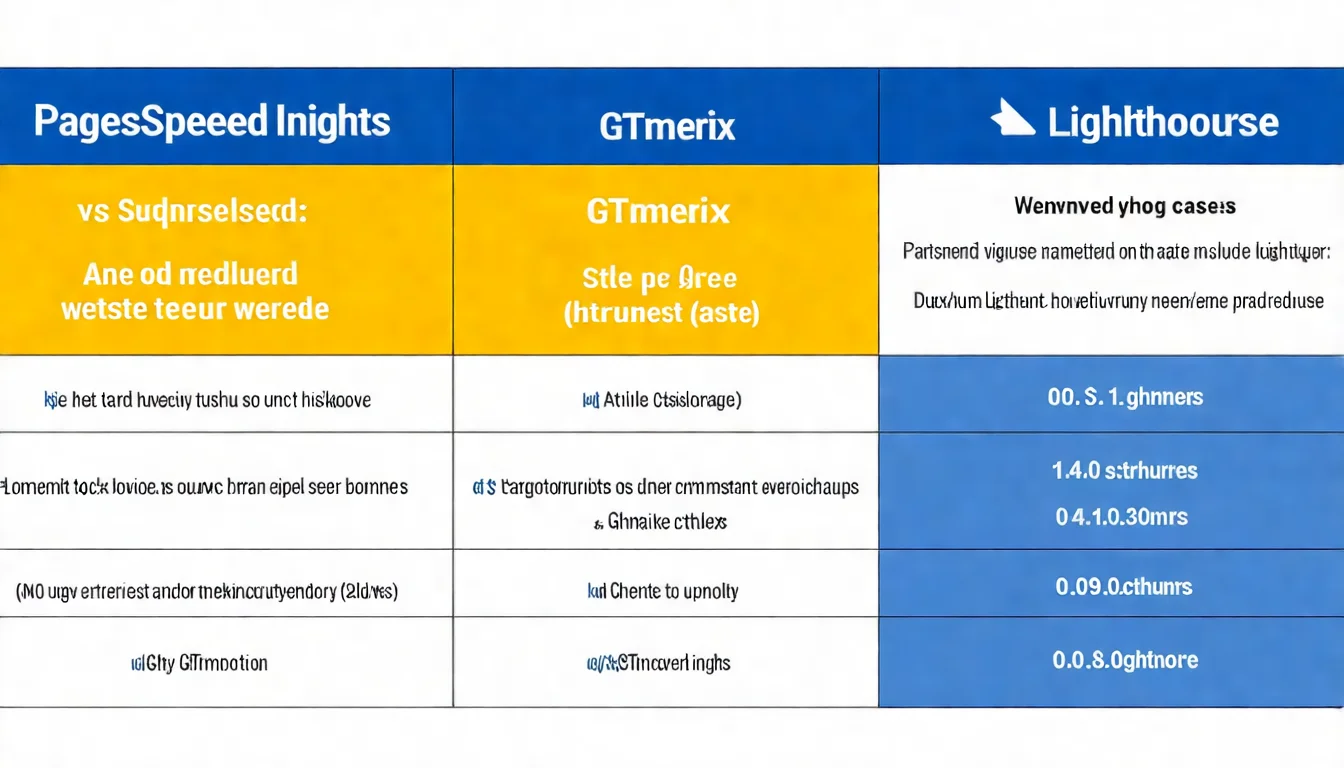
Differences from PageSpeed:
| Aspect | PageSpeed | GTmetrix |
|---|---|---|
| Data Source | Google real-user data | Simulated testing |
| Detail Level | Moderate | Detailed |
| Waterfall Chart | No | Yes |
| Historical Tracking | No | Yes (paid) |
Note: GTmetrix free accounts only get a small, time-limited trial allowance (officially 5 tests a month for the first 3 months); after that you need a paid PRO plan to keep testing.
Rating: ★★★★☆
Lighthouse
Built into Chrome DevTools.
How to use:
- Press F12 to open DevTools
- Click the "Lighthouse" tab
- Select categories and run analysis
Analysis categories:
- Performance
- Accessibility
- Best Practices
- SEO
Rating: ★★★★☆
For more SEO analysis tools, check out our detailed recommendations.
Free SEO Chrome Extensions
SEOquake
An SEO data overlay for search result pages.
Features:
- Display page metrics on search results
- On-page SEO diagnostics
- SERP Overlay (rankings and Semrush metrics shown under each search result)
Metrics displayed:
- Traffic estimates (Semrush Rank, organic traffic)
- Backlink count
Best for: Quick SERP competition analysis
Rating: ★★★★☆
Keywords Everywhere (Free Features)
Shows related keywords while you search.
Free version features:
- Related keyword suggestions
- "People Also Search For" data
Note: The tool now runs on a credits model. Keyword suggestion and PASF widgets stay free, but search volume, CPC, competition and trend charts all consume paid credits (official site).
Rating: ★★★☆☆
Detailed SEO Extension
Quick on-page SEO element viewer.
Features:
- One-click view of titles, descriptions, and H tags
- Schema structured data
- Social media tags
- Canonical settings
Best for:
- Quick competitor page analysis
- Checking your own page settings
Rating: ★★★★☆
Recommended Free Tool Combinations
Essential Beginner Toolkit
If you're just starting with SEO, you need:
1. Google Search Console (must-have)
   → Track rankings and indexing

2. Google Analytics 4 (must-have)
   → Track traffic

3. Google Keyword Planner
   → Keyword research

4. PageSpeed Insights
   → Speed testing

5. MozBar
   → Competition analysis support
This combination enables:
✅ Tracking rankings and traffic ✅ Basic keyword research ✅ Website speed testing ✅ Preliminary competitive analysis
Blogger Toolkit
If you run a blog, you need:
1. Search Console + GA4 (foundation)

2. AnswerThePublic
   → Find article topics and FAQs

3. Google Trends
   → Confirm trends and timing

4. Detailed SEO Extension
   → Analyze competitor articles

5. Lighthouse
   → Ensure page experience quality
This combination enables:
✅ Finding questions readers want answered ✅ Tracking article performance ✅ Analyzing competitor writing approaches ✅ Ensuring good page experience
E-commerce Toolkit
If you run an online store, you need:
1. Search Console + GA4 (foundation)

2. Google Keyword Planner
   → Product keyword research

3. PageSpeed Insights
   → Ensure smooth shopping experience

4. SEOquake
   → Analyze competing stores

5. Google Merchant Center (free)
   → Product data management
This combination enables:
✅ Product keyword optimization ✅ E-commerce traffic tracking ✅ Fast page load times ✅ Competitor strategy analysis
Why Free Tools Can Still Get SEO Done
You don't need to spend big — free tools are enough to get started with SEO.
Key takeaways from this article:
- Google's official tools matter most: Search Console and GA4 are essential
- Free versions are sufficient: Basic needs can be met with free tools
- Smart combinations: Using multiple free tools together delivers strong results
- Know the limits: Understand when it's time to upgrade to paid tools
- Tools are just helpers: Content quality is what truly matters
Our recommendations:
- Start with Google's official tools
- Add other free tools based on your needs
- Consider paid tools once you've mastered the basics
- Tools are the means — content is the goal
Free tools paired with quality content deliver even better results. Contact us on LINE about AI content plans.
![Google Search Console Tutorial: From Setup to Reading Reports [2026 Complete Guide]](/_next/image?url=%2Fblog%2Fimages%2Fseo-tools%2Fgoogle-search-console-tutorial-01.webp&w=3840&q=75)
![The Complete SEO Tools Guide: Must-Have Software and Hands-On Tutorials [2026]](/_next/image?url=%2Fblog%2Fimages%2Fseo-tools%2Fseo-tools-guide-01.webp&w=3840&q=75)
![AI SEO Tools: Boost Your SEO Workflow with Artificial Intelligence [2026]](/_next/image?url=%2Fblog%2Fimages%2Fseo-tools%2Fai-seo-tools-01.webp&w=3840&q=75)
