Every month, building the SEO report means clicking through filters in Search Console, exporting, and pasting into a spreadsheet. Sound familiar?
Branded and non-branded queries have to be split with a long, hand-maintained regex. Hong Kong, Singapore, and Malaysia need three separate downloads that you add up yourself. And traffic from Google Lens? The API couldn't pull it at all — you had to look at it by hand.
As of November 16, 2026, all three jobs can be handed to the Search Console API. This guide goes through the new fields, their allowed values, and their limits exactly as the official documentation states them — then shows how to assemble them into a report that runs itself.
💡 Still exporting and pasting your monthly report by hand? We'll show you what can be automated. 👉 Free LINE consultation
Key takeaway: On November 16, 2026, Google announced three new options in the Search Analytics API:
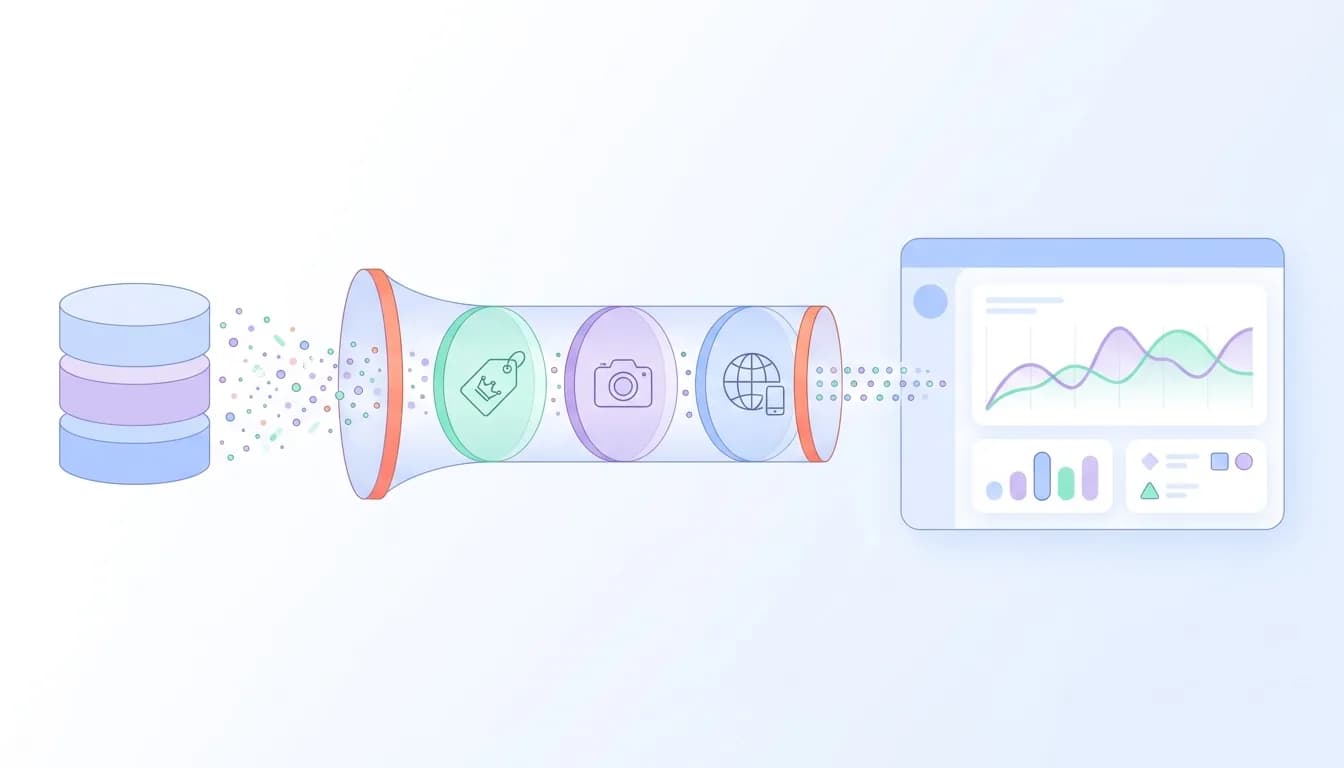
brandedClassificationto split branded and non-branded traffic,type: webMultimodalto pull multimodal search performance, andfilterListsto filter by several countries or devices in one request (Google Search Central, 2026). Branded classification data only starts on February 21, 2026, and is only available for eligible properties.
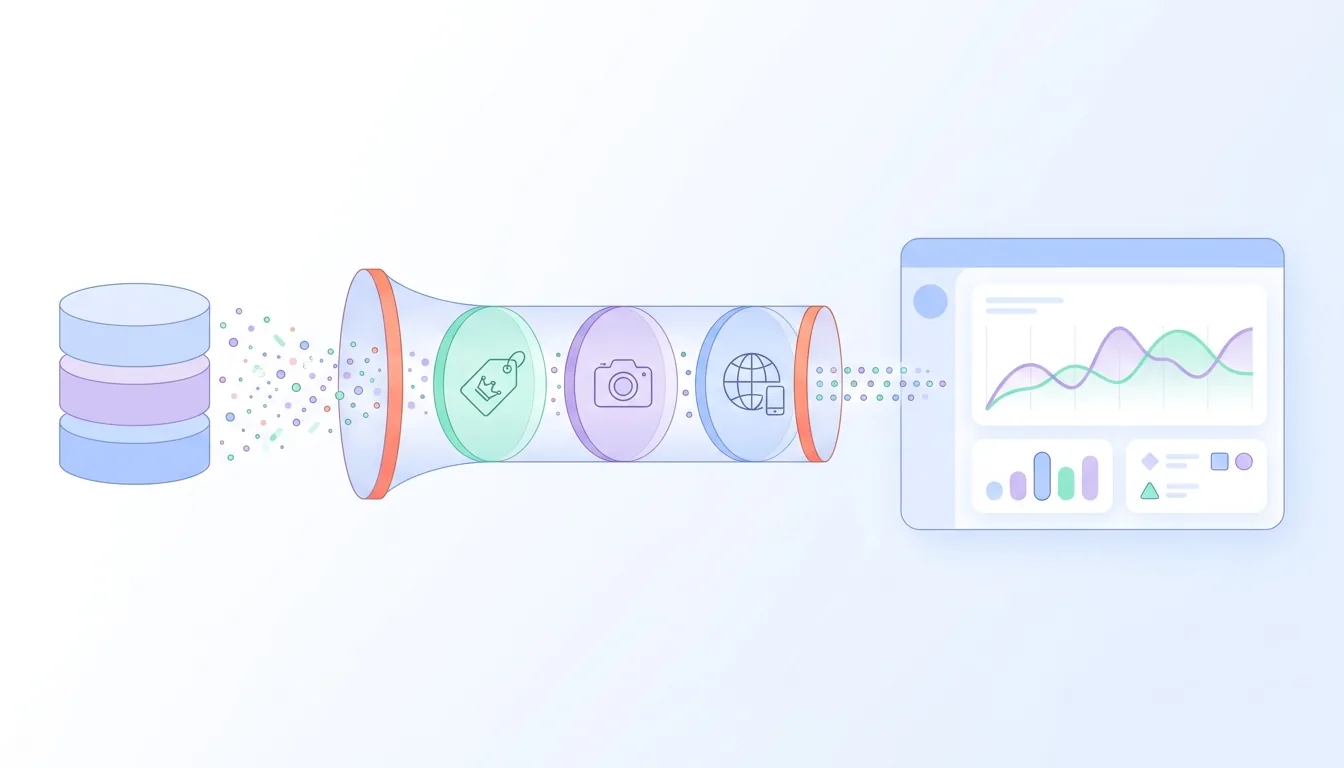 Caption: Three new filters — branded vs. non-branded, multimodal search, and multiple countries and devices — can now be pulled through the API.
What Changed in the Search Analytics API in November 2026?
In one sentence: three filters that were only available in the Search Console web interface over the past year now work in the API too. Google's Search Central Blog post of November 16, 2026, says this follows ecosystem requests to make the data available for custom reporting and automated workflows (Google Search Central, 2026).
First, what "Search Analytics API" means: it's the method inside the Search Console API that pulls performance data (clicks, impressions, CTR, average position). Its official name is searchanalytics.query. Anything you see in the Performance report, you can pull programmatically with it.
Each of the three features arrived in the web interface at a different time; the API caught up on all three on the same day:
| Feature | Web interface launch | API field | What it's for |
|---|---|---|---|
| Branded queries filter | Announced November 20, 2025; available to all eligible sites March 11, 2026 | brandedClassification |
Separate branded and non-branded performance |
| Web multimodal search reporting | September 24, 2026 | type set to webMultimodal |
Performance from image-based searches (Lens and others) |
| Multi-country / multi-device filtering | October 6, 2026 (Google Search Central LinkedIn post) | filterLists |
Filter several countries or devices in one request |
Google's own framing is straightforward: instead of stitching together separate requests or maintaining complex keyword regex lists, you can query a group of countries (such as EMEA, LATAM, or DACH) and device combinations in a single API call, and automatically segment branded from non-branded traffic in your dashboards. The filters also work together — for example, monitoring brand growth across specific regional hubs, or seeing which pages perform best in multimodal search across key markets and devices.
Branded Queries: How to Use brandedClassification and Its Limits
brandedClassification lets you group or filter by branded vs. non-branded directly. It has exactly two values: BRANDED and NON_BRANDED (Search Console API documentation). Instead of listing your brand name, misspellings, and product names in a regex, you let Google decide.
How Does Google Decide What Counts as a Branded Query?
According to the original November 2025 announcement, a branded query is one that includes your brand name, variations or misspellings of it, and brand-related products or services (Google's own example is Gmail for google.com). The classification is not a regex that includes or excludes keywords; it's determined by an internal, AI-assisted system that covers your brand name in all languages, typos, and even queries that don't name the brand but refer to a unique product or service of the site (Google Search Central, 2025).
Google is also explicit on two points: because brand classification is dynamic and contextual, some queries may occasionally be misidentified; and the filter only helps you segment data — it has no effect on how Google Search ranking works. Treat it as a good-enough automatic grouping, not a ledger that's right on every single query.
 Caption: Google classifies branded and non-branded queries; charting the two lines separately shows where growth comes from.
Which Sites Can Pull Branded Data?
Not every property. The branded filter is only available for top-level properties — not URL path properties (such as https://example.com/path) or subdomain properties — and only for sites with a sufficient volume of queries and impressions (Google Search Central, 2025). The API documentation adds that data is available starting February 21, 2026.
Here's the easiest trap to fall into: for properties that aren't eligible, the API doesn't return an error — the response simply won't include any rows (Google Search Central, 2026). If your automation treats an empty response as "branded traffic was zero this month," your report will be wrong without anyone noticing. Flag "no rows at all" as "property not eligible or no data," separate from a real zero.
Two Rules for Writing the Request
The API documentation sets two hard limits on brandedClassification:
- When filtering, only the
equalsoperator is supported — nocontains, no regex - Filtering or grouping by
brandedClassificationcan't be combined with aqueryfilter in the same request
The second rule means a cut like "non-branded queries that contain a certain word" can't be built by stacking two filters in one request. When you need that kind of slice, the old regex approach is still your tool. The two are complements, not replacements.
Request Example: Branded vs. Non-Branded Trend by Date
Field names and values below follow the official documentation; swap in your own date range:
{
  "startDate": "2026-10-01",
  "endDate": "2026-10-31",
  "dimensions": ["date", "brandedClassification"],
  "type": "web"
}
To see only the pages that non-branded queries bring in, switch to a filter:
{
  "startDate": "2026-10-01",
  "endDate": "2026-10-31",
  "dimensions": ["page"],
  "dimensionFilterGroups": [
    {
      "filters": [
        {
          "dimension": "brandedClassification",
          "operator": "equals",
          "expression": "NON_BRANDED"
        }
      ]
    }
  ]
}
Non-branded traffic represents people who didn't know you and found you through your content — usually the number your SEO content investment should be judged on. Branded traffic is more of a thermometer for awareness. Chart the two lines separately and your report can finally explain where growth is coming from.
Multimodal Search Performance: Set type to webMultimodal
"Multimodal search" means the user searches with an image instead of typing — for example, pointing a phone camera at something and asking Google. Set type to webMultimodal to pull performance for these searches. The API documentation defines it as search results from Google Lens, Circle to Search on Android, and image uploads in Google Search (Search Console API documentation).
{
  "startDate": "2026-10-01",
  "endDate": "2026-10-31",
  "dimensions": ["page", "country"],
  "type": "webMultimodal"
}
Two details are worth noting:
The web interface and the API don't list exactly the same sources. The September 24, 2026 web interface announcement lists Lens, Circle to Search, and image uploads, plus Chrome's right-click "Search this image" feature; the same announcement notes the multimodal data also appears in the Generative AI features performance report (Google Search Central, 2026). The API documentation's description of webMultimodal lists only the first three. If you reconcile API numbers against interface exports and they don't match, keep this in mind first.
It's in BigQuery too. For properties with an active bulk data export, the multimodal data will also be available in BigQuery (Google Search Central, 2026). Teams with large data volumes already working in BigQuery can do the analysis there instead of writing a separate API schedule.
Who should look at multimodal? Sites where people "see something and want to know what it is" — product images, recipes, attractions, home decor. The interface announcement also says you'll only see these metrics if your site is receiving traffic from these queries. No data doesn't mean your setup is wrong; it may just mean nobody has found you through an image search yet.
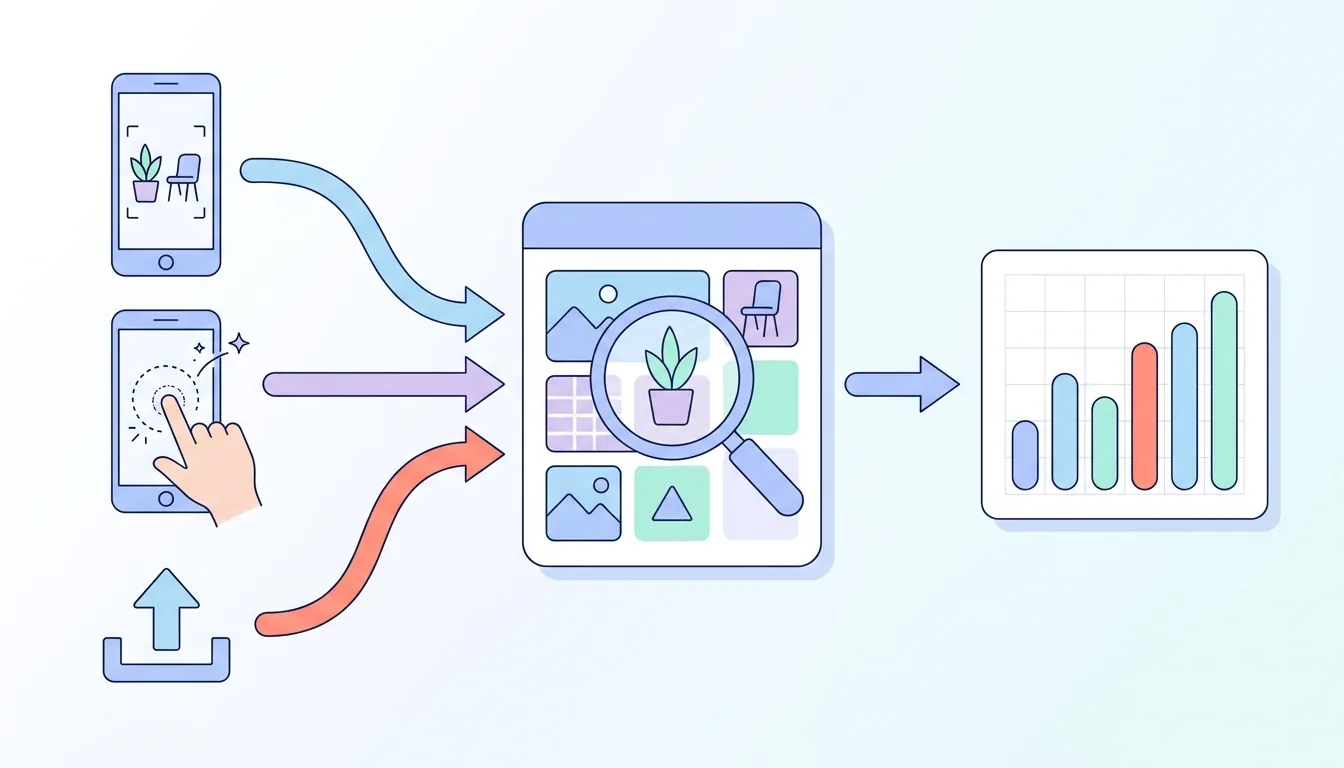 Caption: Performance from searches made with a camera, a circle gesture or an uploaded image can now be pulled on its own with webMultimodal.
Querying Multiple Countries and Devices at Once: How to Write filterLists
filterLists is the most practical addition this time. The existing filters[] matches a single value per entry, so checking Taiwan, Hong Kong, Singapore, and Malaysia meant four requests and your own addition. filterLists[] lets you put several exact-match values for one dimension into a single filter; a row matches if its value equals any of the provided expressions (Search Console API documentation).
Right now filterLists supports only two dimensions:
| Dimension | Allowed values | Format |
|---|---|---|
country |
Country codes | ISO 3166-1 alpha-3, e.g. Taiwan TWN, Hong Kong HKG |
device |
Device types | DESKTOP, MOBILE, TABLET |
The example below pulls four Chinese-speaking markets on mobile and tablet in one request, grouped by country and device:
{
  "startDate": "2026-10-01",
  "endDate": "2026-10-31",
  "dimensions": ["country", "device"],
  "dimensionFilterGroups": [
    {
      "groupType": "and",
      "filterLists": [
        {
          "dimension": "country",
          "expressions": ["TWN", "HKG", "SGP", "MYS"]
        },
        {
          "dimension": "device",
          "expressions": ["MOBILE", "TABLET"]
        }
      ]
    }
  ]
}
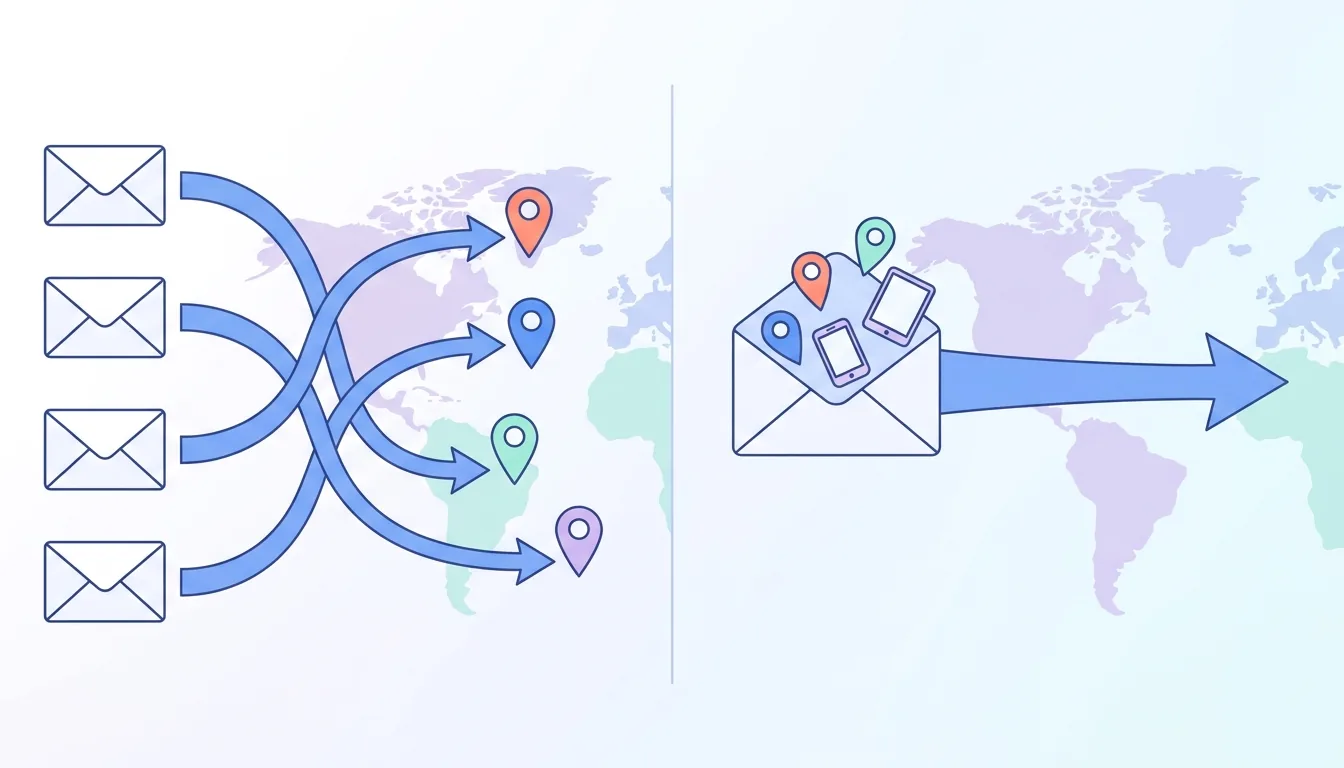 Caption: Four markets used to mean four requests; filterLists now filters several countries and devices in one.
Three rules to remember:
- The same dimension can't appear in both
filtersandfilterLists. If you already filter countries withfilterLists, you can't add afiltersentry likecountry equals FRA filterListsis exact match. Nocontainsand no regex; for fuzzy matching you still go back tofiltersgroupTypecurrently supports only"and". The documentation states that "one or more must return true" is not yet supported, so multiple filters always mean "all must match"
Understand the Fields but Not Sure How to Design the Report?
What the API can pull is one thing; what question your monthly report needs to answer for your boss is another. AI SEO Hacker can help you turn GSC data into a report structure people can read and make decisions with.
Turning the Three New Filters Into an Automated Monthly Report: Scheduling, Paging, and Quota
Once you can write the new fields, the next step is making them run every day on their own. A few recommendations and limits in the official documentation shape how your schedule should work.
Pull One Day at a Time, Every Day
The Search Console API guide recommends running a query each day for one day's worth of data, which should not exceed your daily quota; data is typically available after 2–3 days (Search Console API documentation). In practice: schedule a daily job that pulls the day from three days ago, store it in your own table, and build the monthly report from that table.
The quota documentation also explains that query load increases with the date range — a six-month query is much more expensive than a one-day query — and recommends avoiding requerying the same data (Search Console API documentation). Storing one day at a time sidesteps both problems.
Up to 25,000 Rows per Request — Page Through the Rest
rowLimit has a valid range of 1–25,000, defaulting to 1,000; to get more, page forward with startRow until a response comes back with 0 rows. Separately, the Search Analytics method exposes a maximum of 50K rows of data per day per search type (sorted by clicks). The API also states it doesn't guarantee to return all data rows, only the top ones.
When you group by page and/or query, the system may drop some data in order to calculate results in a reasonable time; for accurate counts, the official guidance is to omit the page and query dimensions (Search Console API documentation). So split your report into two kinds of requests: one without page or query, for totals; another by page or query, for detail.
Search Analytics Quota Numbers
| Quota type | Limit |
|---|---|
| Per-site (calls querying the same site) | 1,200 queries per minute |
| Per-user (calls made by the same user) | 1,200 queries per minute |
| Per-project (calls using the same Developer Console key) | 30,000,000 per day, 40,000 per minute |
Beyond call counts there's also load quota, measured in 10-minute and 1-day chunks for the internal resources a query consumes. Google notes that queries grouped or filtered by page or query string are expensive, and those grouped by page and query string are the most expensive (Search Console API documentation). Pulling a country group in one filterLists request already saves you several calls.
A Three-Tab Monthly Report Layout
Here's how we'd suggest fitting the three new filters into a monthly report:
| Tab | Request design | Question it answers |
|---|---|---|
| Branded vs. non-branded trend | dimensions: ["date", "brandedClassification"] |
Is growth coming from awareness, or from new content reaching new people? |
| Regional markets | filterLists on a country group, dimensions: ["country", "device"] |
Which market and which device are growing? |
| Multimodal pages | type: "webMultimodal", dimensions: ["page"] |
Which pages are found through image search? |
For authorization, if you only pull data, the read-only scope https://www.googleapis.com/auth/webmasters.readonly is enough — no need to give your script write access. siteUrl is the property URL as defined in Search Console: sc-domain:example.com for a Domain property, http://www.example.com/ for a URL-prefix property.
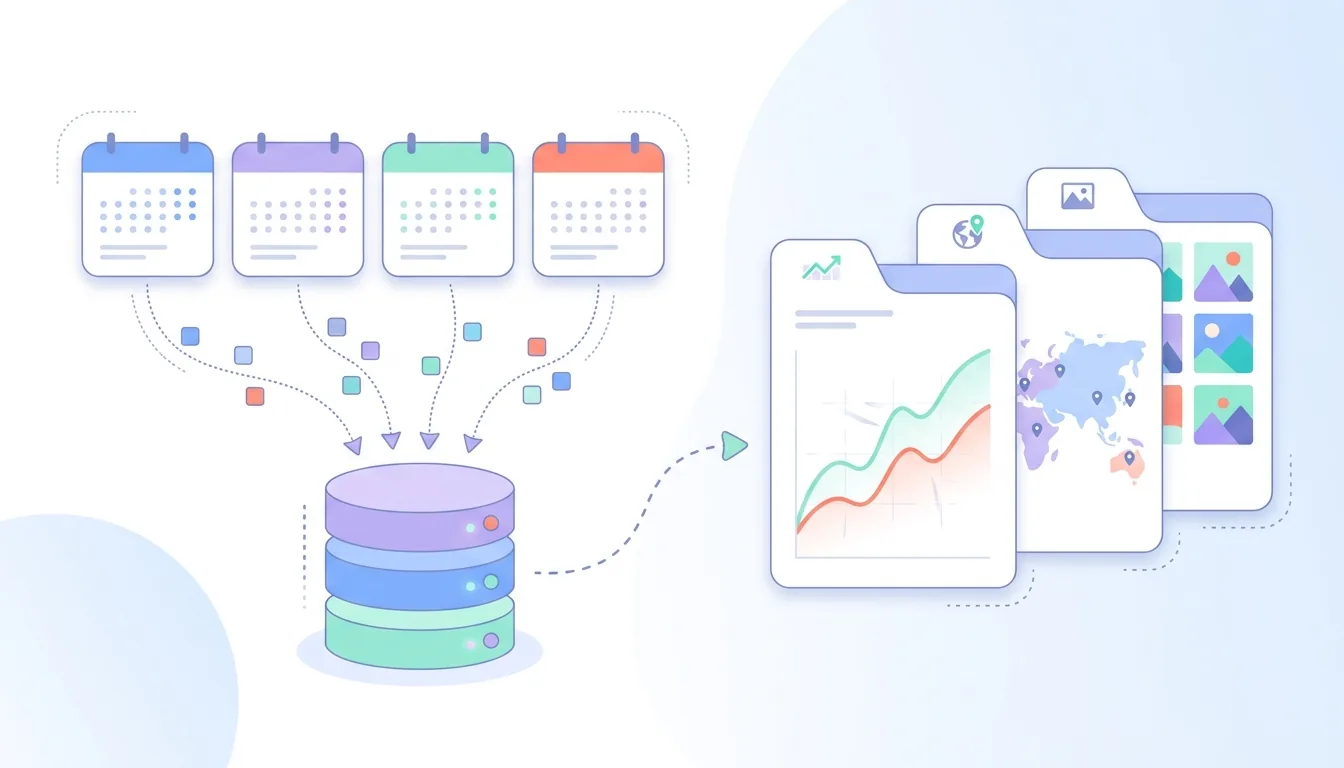 Caption: Pull one day at a time into storage, then roll it up into a three-tab report: brand trends, regional markets and multimodal pages.
Four Things to Check Before You Write Any Code
The API itself isn't hard. What hurts is discovering after three months that the numbers were off all along. Check these four things before you start:
1. Can your property pull branded data? Look in the Search Console web interface first to see whether the Performance report offers the branded filter. If the interface doesn't, the API will only return empty results. Subdomain and URL path properties never have it.
2. Pull each search type separately. The official example runs one query per type value. web is the default and maps to the combined ("All") tab in Google Search; webMultimodal, image, video, news, discover, and googleNews each need to be specified. The old searchType parameter is marked deprecated — use type in new code.
3. By-property and by-page aggregation calculate differently. aggregationType decides whether data is aggregated by property or by canonical URI, and the two produce different impressions, clicks, and positions; if you group or filter by page, you can't aggregate by property. When tabs in your report don't reconcile, check this first.
4. Dates are in Pacific Time. startDate and endDate use PT (UTC−7 or −8), which is 15 or 16 hours behind Taiwan. When the first or last day of the month doesn't match another report that runs on local time, check the time zone first.
Frequently Asked Questions
When does branded query data start in the Search Console API?
The API documentation states that brandedClassification data is available starting February 21, 2026, so you can't pull a branded/non-branded split for earlier dates. It's also only available for top-level properties with sufficient query and impression volume; ineligible properties don't get an error but a response with no rows. Your automation needs to treat empty results separately from a real zero, or the report will be silently wrong.
Can brandedClassification be combined with a keyword regex?
No. The official documentation says filtering or grouping by brandedClassification can't be combined with a query filter in the same request, and the branded filter only supports the equals operator. Google's brand classification is determined by an internal AI-assisted system, not a regex; it can occasionally misidentify queries but has no effect on ranking. For cuts like "non-branded queries containing a certain word," the old regex approach is still your tool.
Which searches does webMultimodal cover?
The API documentation defines webMultimodal as search results from Google Lens, Circle to Search on Android, and image uploads in Google Search. The September 2026 web interface announcement also lists Chrome's right-click "Search this image," so the two documents don't list exactly the same sources — keep that in mind when reconciling. For properties with an active bulk data export, the same multimodal data also lands in BigQuery.
Which dimensions can filterLists filter?
Only two for now: country (ISO 3166-1 alpha-3 country codes, such as TWN) and device (DESKTOP, MOBILE, TABLET). Values in the list are exact matches, and a row matches if it equals any of them. The same dimension can't be used in both filters and filterLists in one request, and groupType currently only supports "and".
Hand the Report to the API, Keep Your Time for Interpretation
Three takeaways: branded vs. non-branded can now be split directly with brandedClassification, but there's no data before February 21, 2026, and ineligible properties only get empty results; multimodal performance comes from type: webMultimodal, with a slightly different source list than the interface; and multiple markets and devices can be pulled in one go with filterLists — just don't mix the same dimension with filters.
For scheduling, follow the official advice: pull one day at a time, store it in your own table, and aggregate for the monthly report. That keeps quota usage low and keeps large date ranges from truncating your data. The monthly report shifts from moving numbers around to explaining them — and that's the time this API update actually saves.
🎯 Take Action Now
You can pull the GSC data, but don't know what to optimize first? AI SEO Hacker offers AI-driven SEO/GEO content services, starting with a branded vs. non-branded breakdown to find the content directions most worth investing in.
👉 Free LINE consultation | Fill out the inquiry form
Further Reading
- Google Search Console Tutorial: From Setup to Reading Reports
- SEO Report Guide: Templates, Structure, and Presentation Techniques
- The Complete Guide to Search Console AI Performance Reports
References
- New filtering and reporting capabilities in the Search Analytics API - Google Search Central Blog
- Search Analytics: query - Search Console API
- Introducing the branded queries filter in Search Console - Google Search Central Blog
- Announcing web multimodal Search performance reporting in Search Console - Google Search Central Blog
- Search Console performance report filters update - Google Search Central (LinkedIn)
- Getting your performance data - Search Console API
- Usage Limits - Search Console API