![SEO Tutorial for Beginners: A Complete Guide to Learning SEO from Scratch [2026]](/_next/image?url=%2Fblog%2Fimages%2Fseo-basics%2Fseo-tutorial-beginner-01.webp&w=3840&q=75)
Want to learn SEO, but every time you search, the sheer volume of information makes your head spin?
Don't worry — you're not alone.
There's a lot to learn in SEO, but here's the good news: the core concepts aren't that hard. Follow the right learning path, and you too can master SEO from scratch.
This article tells you: where SEO beginners should start, what order to learn things in, and what free and paid resources are available.
Let's begin.
What You Should Know Before Starting
Before diving into learning, let's cover some foundational concepts.
Prerequisites for Learning SEO
You don't need to be a coding expert to learn SEO, but some background knowledge will help you learn faster:
1. Basic understanding of how websites work
You don't need to write code, but you should know:
- Websites are made up of web pages
- Each page has a URL (web address)
- Pages contain text, images, links, and other content
2. Basic HTML awareness
You don't need to write HTML, but you should recognize:
<title>title tags<h1>through<h6>heading levels<a href="">links<img alt="">images
These are the elements you'll encounter most often in SEO optimization.
3. Understanding search engine user behavior
Ask yourself: when you're looking for information, how do you search?
- What keywords would you type?
- Which search result would you click?
- What do you look at when you land on a page?
Understanding user behavior is the foundation of good SEO.
Recommended Learning Path
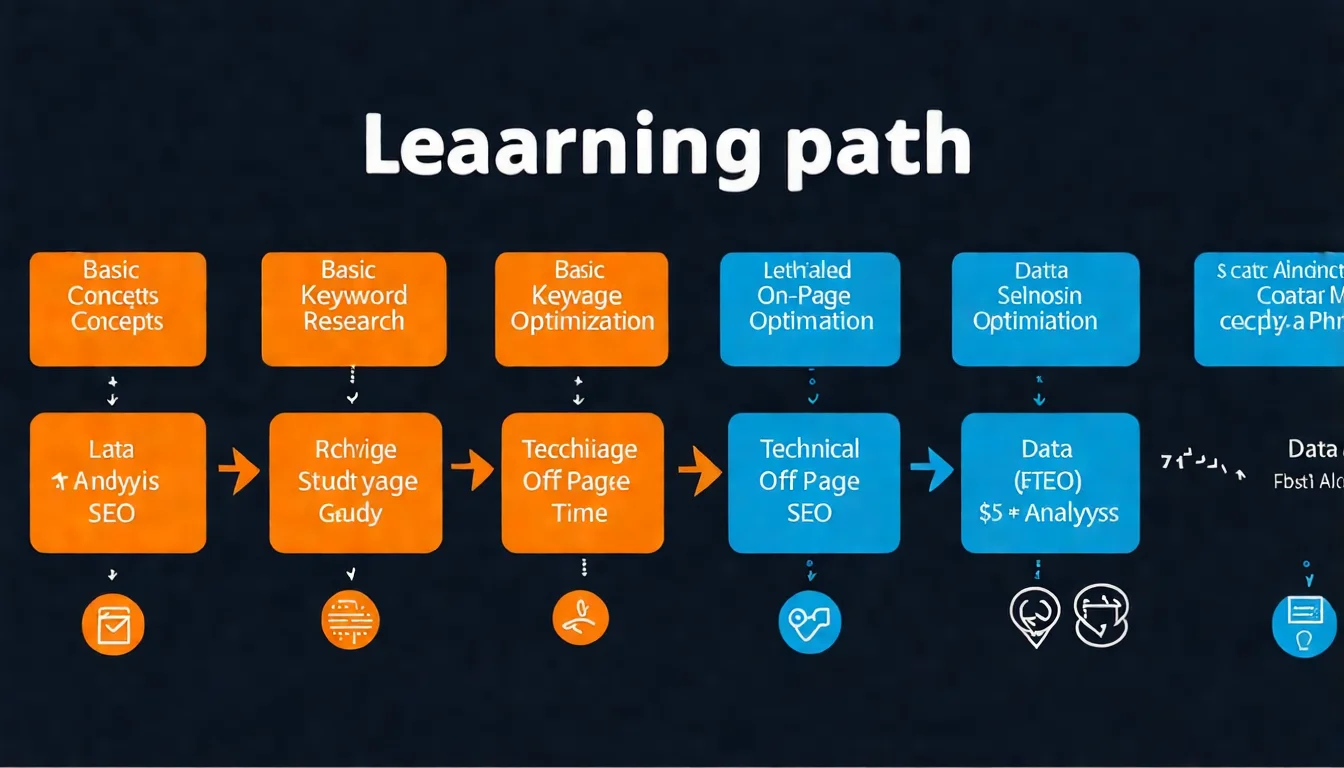
SEO covers many areas. Here's the suggested learning order:
1. Core Concepts → 2. Keyword Research → 3. On-Page SEO → 4. Technical SEO → 5. Off-Page SEO → 6. Data Analysis
Phase breakdown:
| Phase | Topics | Suggested Time |
|---|---|---|
| Core concepts | What is SEO, how search engines work | 1-2 weeks |
| Keyword research | How to find keywords, analyze search intent | 2-3 weeks |
| On-Page SEO | Title, Meta, content, link optimization | 3-4 weeks |
| Technical SEO | Site speed, mobile, structured data | 2-3 weeks |
| Off-Page SEO | Backlinks, brand awareness | Ongoing |
| Data analysis | Using GSC, GA, tracking performance | Ongoing |
Total time: Building a solid foundation takes about 2-3 months.
But don't forget: learning by doing is the most effective approach. Don't wait until you've learned everything before starting to practice.
Want to understand SEO concepts in depth? Start with What Is SEO? The Complete Beginner's Guide.
Feel like self-study takes too long? Let AI handle SEO content production so you can focus on learning strategy. Learn about AI content plans
SEO Fundamentals Tutorial
Now let's get into the actual teaching content.
Keyword Research for Beginners
Keywords are the starting point of SEO. Choose the right ones, and everything that follows has meaning.
What are keywords?
Keywords are the terms users type into search engines.
For example:
- "What is SEO"
- "best coffee shop in Taipei"
- "wireless earbuds review"
How to find target keywords
Step 1: Brainstorm
List terms related to your product, service, or topic.
For example, if you run a coffee shop:
- Coffee
- Latte
- Coffee beans
- Pour-over coffee
- Best coffee shops
Step 2: Expand with tools
Use keyword tools to find more related terms and search volumes:
- Google Keyword Planner (free, requires Google Ads account)
- Ubersuggest (limited free daily searches)
- Google search suggestions (type in the search box and see dropdown suggestions)
Step 3: Analyze search intent
Search intent is what users truly want when they type a keyword.
| Intent Type | Description | Example |
|---|---|---|
| Informational | Wants to learn something | "how to brew pour-over coffee" |
| Navigational | Looking for a specific site or brand | "Starbucks website" |
| Commercial investigation | Comparing products, evaluating options | "best coffee machine" |
| Transactional | Ready to purchase | "buy coffee beans" |
Why does search intent matter?
If your content doesn't match the search intent, even if you rank, users will leave immediately.
For example: someone searching "coffee" might want to learn about coffee. If you give them a purchase page, that's a mismatch.
Long-tail keyword strategy
Beginners should start with long-tail keywords:
| Type | Characteristics | Example |
|---|---|---|
| Short-tail | 1-2 words, fierce competition | "coffee" |
| Long-tail | 4+ words, less competition | "best quiet coffee shops in downtown" |
Long-tail keywords have less search volume, but:
- Lower competition, easier to rank
- Clear search intent, higher conversion rates
Content Optimization for Beginners
With keywords selected, it's time to create content that satisfies search intent.
Headline writing tips
The headline is the first thing users see. A good headline should:
- Include the keyword: Place it near the beginning
- Be compelling: Use numbers, questions, and years for appeal
- Keep it concise: put the important words first (Google doesn't publish a character limit; titles are truncated based on display width)
Examples:
Good: SEO Tutorial for Beginners | 5 Steps to Learn SEO from Scratch [2026]
Good: [Must-Read] How to Do Keyword Research: Complete Guide + Tool Recommendations
Bad:  SEO
Bad:  Some thoughts about my SEO experience
Content structure planning
Good content structure helps readers scan easily and helps search engines understand.
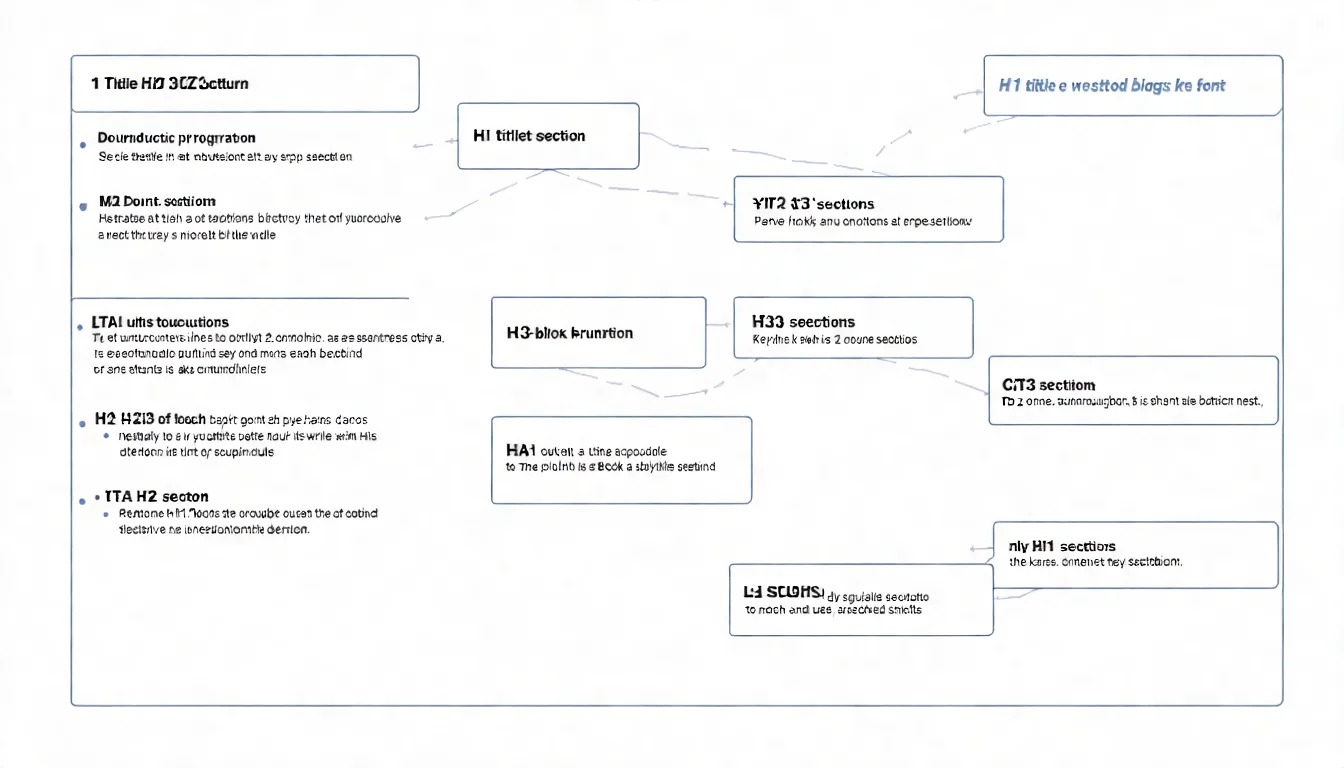
Basic structure:
Opening paragraph: Quickly address search intent

## H2 First Key Point {#h2-first-key-point}
### H3 Sub-point A {#h3-sub-point-a}
### H3 Sub-point B {#h3-sub-point-b}

## H2 Second Key Point {#h2-second-key-point}
...

## H2 Conclusion {#h2-conclusion}
Summary + call to action
Integrating keywords naturally
Keywords should appear in:
- Headlines (H1, H2)
- The opening paragraph
- Naturally throughout the body
- The closing paragraph
Important reminder: Don't force keywords in. The text should flow naturally.
Learn more: How to Write SEO Articles: A Complete Guide
Technical SEO for Beginners
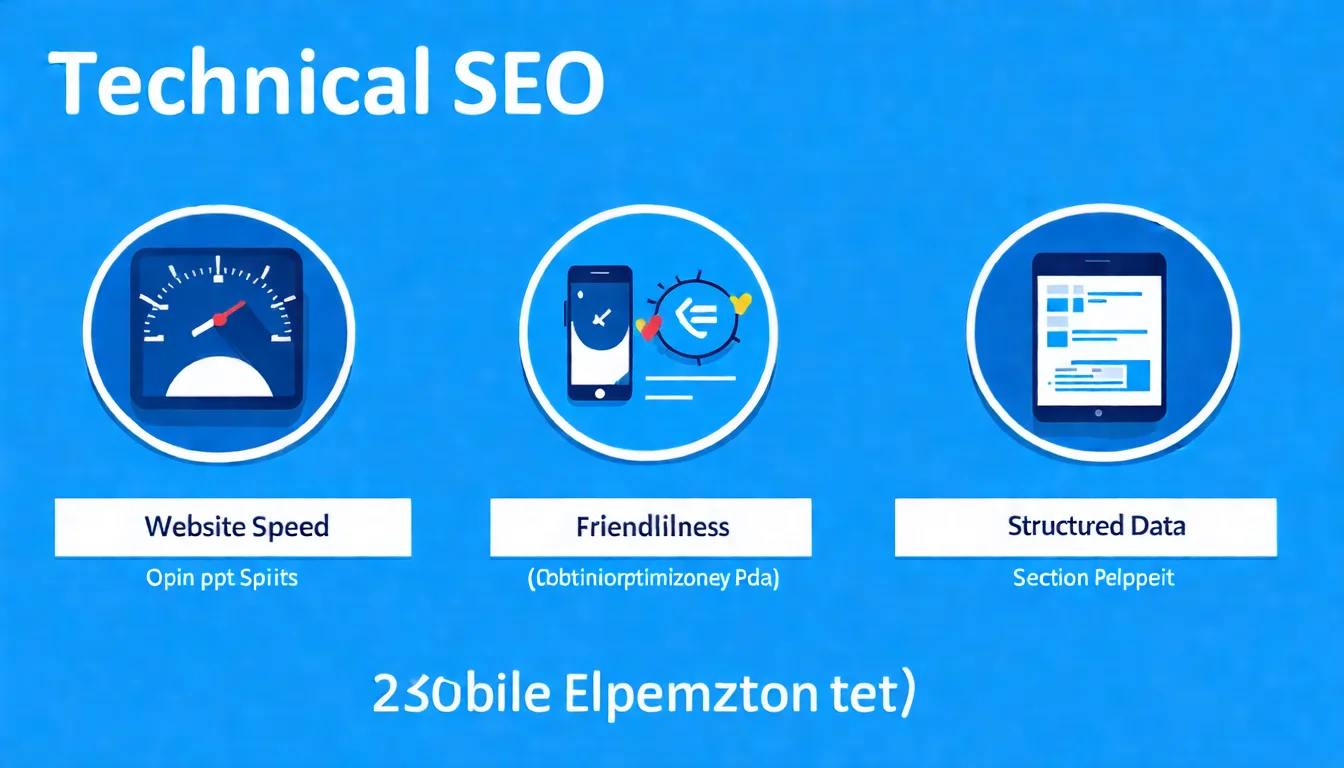
Technical SEO ensures search engines can smoothly crawl and understand your website.
Site Speed Optimization
Speed is a ranking factor and directly impacts user experience.
Why does speed matter?
- Around 53% of mobile visits are abandoned when a page takes longer than 3 seconds to load (Google, "The Need for Mobile Speed," 2016 — a mobile-only finding, not an all-device rule)
- Each additional second of delay is associated with roughly a 7% drop in conversions (Aberdeen Group, 2008 — an old study, useful only as a rough illustration)
How to test speed:
Common optimization methods:
- Compress images (use WebP format)
- Enable browser caching
- Use a CDN
- Minify CSS and JavaScript
Mobile Optimization
Over half of searches come from mobile devices. Google also uses "mobile-first indexing."
Check your website:
- Lighthouse (built into Chrome DevTools, can run in mobile mode)
- PageSpeed Insights (reports on both mobile and desktop)
Note: Google retired the Mobile-Friendly Test tool and the Mobile Usability report in Search Console in December 2023, and recommends the tools above instead.
Mobile optimization points:
- Responsive design (auto-adapts to screen size)
- Large enough font (at least 16px)
- Tap-friendly buttons
- No horizontal scrolling
Structured Data
Structured data helps search engines better understand your content.
With proper structured data, your results may display:
- Star ratings
- Price information
- Event dates
These "rich snippets" can improve click-through rates.
Common structured data types:
- Article
- FAQ (note: Google stopped showing FAQ rich results on May 7, 2026)
- Product
- LocalBusiness
Learn more: Complete Technical SEO Guide
Technical SEO issues too complex?
Site speed, mobile optimization, structured data... can't figure out how to handle them? Let experts help you diagnose the issues.
Recommended SEO Learning Resources
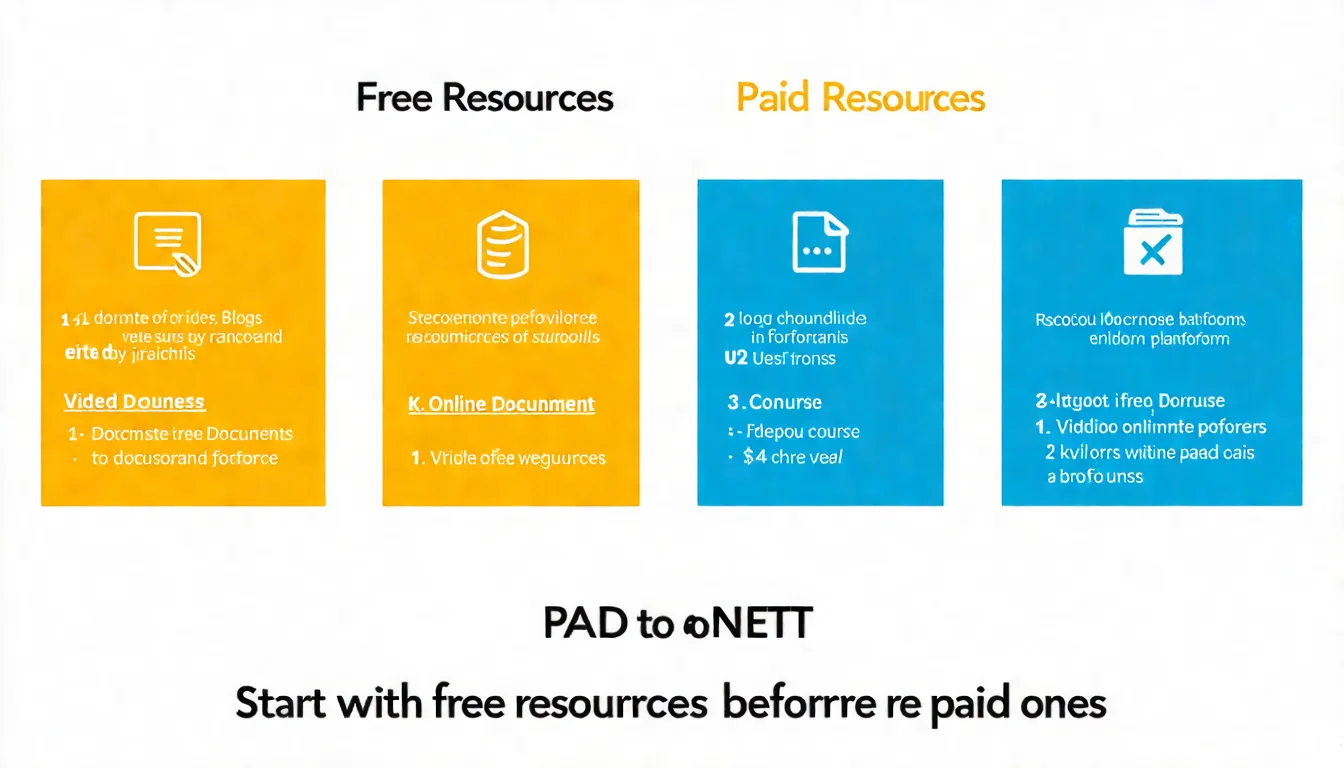
Choosing the right resources makes all the difference. Here are the recommended learning channels:
Free Resources
Official Documentation (Essential Reading)
| Resource | Description | Link |
|---|---|---|
| Google SEO Starter Guide | Google's official guide — the most authoritative | Link |
| Google Search Central | Official Google Search information | Link |
English Blogs
| Blog | Strengths |
|---|---|
| Moz Blog | Great for beginners, clear explanations |
| Backlinko | Lots of practical case studies, data-backed |
| Ahrefs Blog | Deep analysis, tool tutorials |
| Search Engine Journal | Fast news and trend updates |
YouTube Channels
- Ahrefs: High-quality SEO tutorial videos
- Neil Patel: All-around digital marketing education
- Moz: Classic Whiteboard Friday series
Paid Course Recommendations
If you want a more systematic learning experience, consider paid courses:
Online Course Platforms
| Platform | Strengths | Best For |
|---|---|---|
| Udemy | Wide course selection, frequent discounts | Budget-conscious learners |
| Coursera | Academic approach, offers certificates | Those wanting credentials |
| LinkedIn Learning | Professional courses, career-oriented | Working professionals |
Course selection criteria:
- Instructor experience: Do they have hands-on experience? Success stories?
- Update frequency: SEO changes fast — is the course current?
- Reviews: What do other students say?
- Hands-on practice: Does it include practical exercises?
Recommendation:
- Start with free resources to build foundational knowledge
- Once you have the basics, consider paid courses for deeper learning
- Choose courses with practical exercises — don't just consume theory
SEO Self-Study FAQ
Q: Can I learn SEO on my own?
Yes.
SEO learning resources are incredibly abundant, and many are free. As long as you're willing to invest time, self-study is entirely feasible.
Keys to successful self-study:
- Follow the right learning path
- Learn by doing — don't just read theory
- Keep up with the latest trends
- Be patient — SEO results take time
Q: How long does it take to learn SEO?
Foundational knowledge: 2-3 months to grasp core concepts.
But SEO is a field of continuous learning. Algorithms get updated, new trends emerge, and you need to keep improving.
Suggested timeline:
- Month 1: Understand core concepts, set up GSC
- Month 2: Learn keyword research and content optimization
- Month 3: Explore technical SEO, start implementing
- Month 4+: Analyze data, continuously optimize
Q: Can I learn SEO without a website?
Yes, but with limitations.
SEO is a hands-on skill — having a website to practice on accelerates learning significantly.
Alternatives without a website:
- Practice on free platforms (Medium, WordPress.com)
- Help optimize a friend's website
- Create SEO analysis reports (analyzing other websites)
Q: Do I need to know how to code for SEO?
No, but some knowledge helps.
Must-know:
- Basic HTML tags (title, h1-h6, a, img)
- How to edit titles and Meta in your CMS
Nice to have:
- JavaScript basics (understanding site behavior)
- Structured data (JSON-LD)
- Google Tag Manager
How to Start Your SEO Learning Journey
The SEO learning landscape may seem vast, but with the right direction and a step-by-step approach, you too can become an SEO expert.
Let's recap today's key points:
1. Learning path Core concepts → Keyword research → On-Page SEO → Technical SEO → Off-Page SEO → Data analysis
2. Core skills
- Keyword research: Finding the right keywords
- Content optimization: Creating valuable content
- Technical SEO: Ensuring a technically healthy site
3. Learning resources
- Start with Google's official guides
- Leverage free blogs and YouTube
- Learn by doing — practice is everything
Advice for beginners:
- Don't try to learn everything at once
- Start practicing with a small website or blog
- Set up Google Search Console to track your progress
- Join SEO communities to learn from and exchange ideas with others
SEO is a marathon, not a sprint.
Maintain a learning mindset, keep practicing and optimizing, and your efforts will absolutely pay off.
Want to dive deeper into SEO?
Have questions? Feel free to reach out for a free LINE consultation — we'll help you find answers!
Further Reading
- What Is SEO? The Complete Beginner's Guide
- What Is SEO Optimization? Essential Website Optimization Tips
- How to Write SEO Articles: A Complete Copywriting Guide
- What Is On-Page SEO? A Complete Guide to On-Site Optimization
References
- Google Search Central - SEO Starter Guide
- Moz - Beginner's Guide to SEO
- Backlinko - SEO Training Hub
![What Is SEO? The Complete Beginner's Guide to Search Engine Optimization [2026]](/_next/image?url=%2Fblog%2Fimages%2Fseo-basics%2Fwhat-is-seo-01.webp&w=3840&q=75)
![What Is SEO Optimization? 10 Essential Website Optimization Tips for Beginners [2026]](/_next/image?url=%2Fblog%2Fimages%2Fseo-basics%2Fwhat-is-seo-optimization-01.webp&w=3840&q=75)
![What Is Parasite SEO? 38 Fake Sites Are Poisoning AI Insurance Answers [2026]](/_next/image?url=%2Fblog%2Fimages%2Fseo-basics%2Fparasite-seo-ai-01.webp&w=3840&q=75)
