![What Is SEO Optimization? 10 Essential Website Optimization Tips for Beginners [2026]](/_next/image?url=%2Fblog%2Fimages%2Fseo-basics%2Fwhat-is-seo-optimization-01.webp&w=3840&q=75)
Your website is live, but it's nowhere to be found on Google?
That doesn't mean there's something wrong with your site — it just means you're missing a critical step: SEO optimization.
SEO optimization is like installing a powerful "discoverability engine" for your website. Do it well, and potential customers will find you through search. Skip it, and your site becomes an isolated island on the internet.
This article explains — in the simplest terms possible — what SEO optimization is, why it matters, and 10 optimization techniques beginners can implement right away.
What Is SEO Optimization?
Defining SEO Optimization
SEO optimization is the process of making your website more aligned with search engine standards.
SEO stands for Search Engine Optimization.
When your website is properly optimized, Google can better understand your content and is more likely to recommend it to searchers.
The result: higher rankings in search results and more free traffic.
Simply put:
- Without SEO optimization: Your website exists, but it's hard to find
- With SEO optimization: Your website is easy to find, and traffic flows in automatically
Want to understand the complete concept of SEO? Check out What Is SEO? The Complete Beginner's Guide.
What Does SEO Optimization Cover?
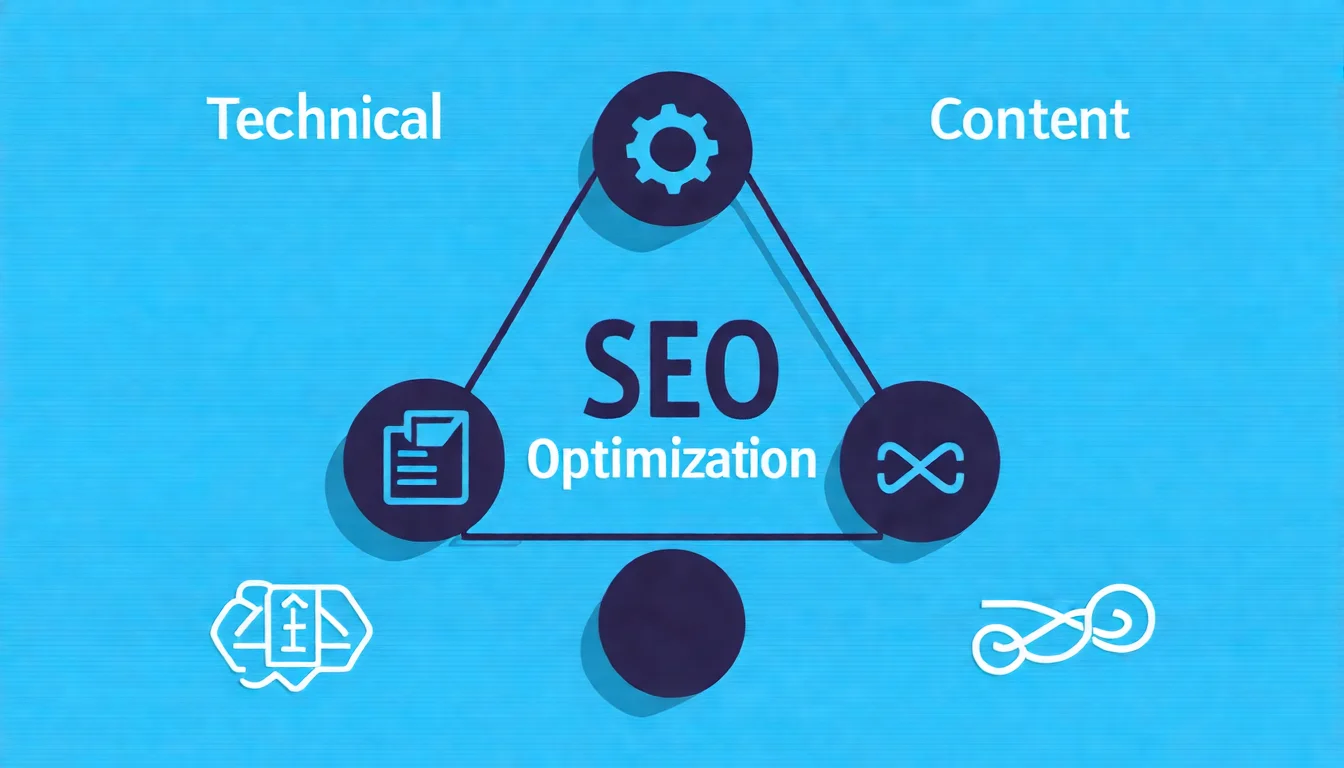
SEO optimization is a comprehensive effort that spans three main areas:
| Area | Description | Key Items |
|---|---|---|
| Technical | Ensures search engines can crawl and understand your site | Site speed, mobile compatibility, site architecture |
| Content | Creates valuable content for users | Keyword placement, content quality, title optimization |
| Links | Builds website authority | Internal links, external links, backlinks |
All three areas are essential.
Great technology is useless without good content. Amazing content won't matter if technical issues prevent search engines from reading it.
Why Do You Need SEO Optimization?
Here's a harsh reality:
The vast majority of users never scroll past the first page of search results.
What does this mean?
If your website isn't on page one, you're effectively invisible to that potential traffic.
SEO optimization helps you:
- Get free traffic: No ad spend required — once you rank, traffic keeps coming
- Attract qualified customers: Searchers are actively looking for information, so they have higher purchase intent
- Build brand trust: Appearing at the top of search results makes you look more professional
- Accumulate long-term assets: Good SEO results compound over time, making things easier as you go
Too many tools and not sure how to use them? Let experts plan your SEO strategy — saving time while delivering results. Free LINE consultation
How to Do SEO Optimization: 10 Practical Tips
Now let's get into the practical side. Here are 10 SEO optimization techniques beginners can implement right away:
Tip 1: Site Architecture Optimization
Site architecture is like the skeleton of a house. A clear skeleton makes it comfortable to live in (and browse through).
Key points:
- Keep it shallow: Any page should be reachable within 3-4 clicks from the homepage
- Clear navigation: Menus should make it obvious what content the site offers
- Breadcrumb navigation: Help users know where they are
Good site architecture example:
Homepage
├── Services
│   ├── SEO Optimization Services
│   ├── Content Marketing Services
│   └── Website Development Services
├── Blog
│   ├── SEO Basics
│   ├── Keyword Research
│   └── Content Marketing Strategy
└── About Us
Tip 2: URL Structure Optimization
URLs are webpage addresses. Good URLs are readable by humans and understandable by search engines.
URL optimization principles:
| Principle | Description | Example |
|---|---|---|
| Short | Shorter is easier to remember | /seo-guide |
| Meaningful | The URL reveals the content | /what-is-seo |
| Include keywords | Naturally incorporate target keywords | /seo-optimization-tips |
| Use hyphens | Don't use underscores or spaces | /seo-guide not /seo_guide |
Bad examples:
yoursite.com/p?id=123(meaningless)yoursite.com/this-is-an-article-about-seo-that-covers-everything(too long)
Tip 3: Title Tag Optimization
The title tag is the most prominent element in search results and directly affects click-through rates.
Optimization points:
- Include the primary keyword: Place it near the beginning
- Control length: 50-60 characters is a common industry guideline, not a Google rule; Google has no title length limit but truncates long titles to fit the device width
- Make it clickable: Add numbers, years, questions, or other compelling elements
- Avoid duplicates: Every page should have a unique title
Good title examples:
What Is SEO Optimization? 10 Essential Tips for Beginners [2026]
[2026] Complete Keyword Research Guide | 5 Steps to High-Value Keywords
Is Your Website Too Slow? 7 Ways to Make It 3x Faster
Bad title examples:
Homepage
Some thoughts about SEO
Article - My Website
Tip 4: Meta Description Optimization
The Meta Description is the text below the title in search results. While it doesn't directly affect rankings, it impacts click-through rates.
Optimization points:
- Control length: 120-160 characters is a common industry guideline; Google has no length limit but truncates snippets to fit the device width
- Include keywords: Work them in naturally
- Clearly describe the content: Let people know what they'll find
- Add a call to action: "Learn more," "Get started today"
Example:
What is SEO optimization? This guide teaches you website SEO fundamentals
and practical techniques — from site architecture and content optimization
to image settings. Step-by-step instructions to improve your rankings.
Tip 5: Heading Hierarchy Optimization (H1-H6)
Heading hierarchies help search engines and readers understand content structure.
Usage principles:
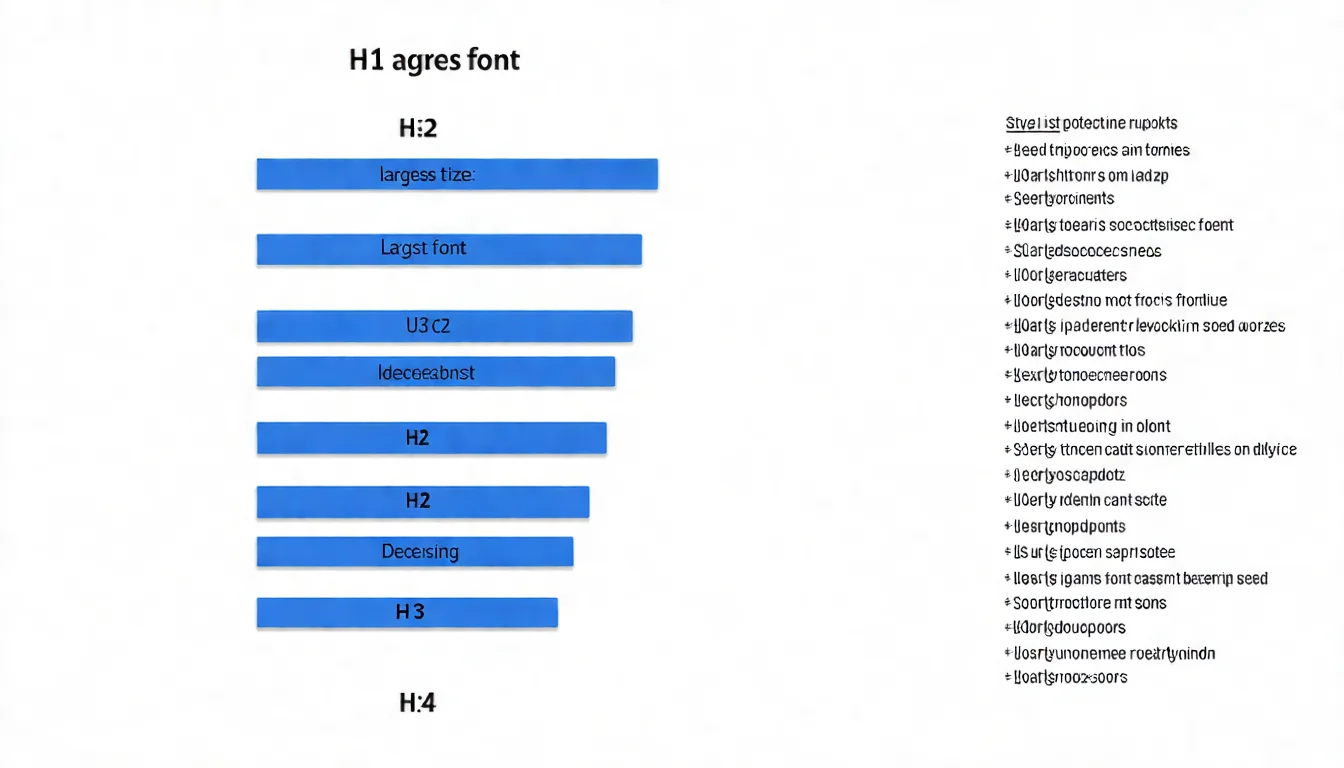
- H1: Main heading, usually one per page (Google sets no limit on headings; this is a readability convention)
- H2: Major section headings
- H3: Sub-headings under H2
- H4-H6: Deeper levels (rarely needed)
Important reminders:
- Keep headings sequential where possible (avoid jumping from H2 to H4); this helps readers and screen readers, though Google says heading order itself doesn't matter for Search
- Naturally incorporate keywords into headings
- Headings should be meaningful, not decorative
Correct structure example:
## What Is SEO Optimization (H2) {#what-is-seo-optimization-h2}
### Defining SEO Optimization (H3) {#defining-seo-optimization-h3}
### Why You Need SEO Optimization (H3) {#why-you-need-seo-optimization-h3}

## How to Do SEO Optimization (H2) {#how-to-do-seo-optimization-h2}
### Technical Optimization (H3) {#technical-optimization-h3}
### Content Optimization (H3) {#content-optimization-h3}
Tip 6: Content Optimization
Content is the heart of SEO. Without good content, all other optimization is wasted.
Content optimization points:
1. Solve user problems
- Understand what people searching this keyword actually want
- Provide complete, thorough answers
- Be better than competitor content
2. Incorporate keywords naturally
- Primary keyword appears in the title, opening, and conclusion
- Use keyword variations and related terms
- Don't stuff — it should read naturally
3. Clear content structure
- Use headings, lists, and tables
- Keep paragraphs short (3-5 sentences)
- Highlight key points with bold text
4. Keep content fresh
- Regularly update outdated information
- Add the latest data and trends
- Display the update date
Learn more: How to Write SEO Articles: A Complete Guide
Tip 7: Image Optimization
Images don't just enhance pages — when properly optimized, they can drive additional traffic.
Image SEO optimization checklist:
| Item | Description | Example |
|---|---|---|
| File name | Use descriptive English file names | seo-optimization-guide.jpg |
| Alt tag | Describe the image content, include keywords | SEO optimization step-by-step flowchart |
| File size | Compress images, aim for < 200KB | Use TinyPNG for compression |
| Format | WebP preferred, or JPG/PNG | WebP has the smallest file size |
| Dimensions | Don't use oversized images | 800px width is sufficient for inline images |
How to write Alt tags:
Good: <img src="seo-flow.jpg" alt="SEO optimization five-step flowchart">
Bad:  <img src="image1.jpg" alt="">
Bad:  <img src="photo.jpg" alt="image photo SEO SEO optimization optimize">
Tip 8: Internal Link Optimization
Internal links connect one page of your site to another.
Good internal linking can:
- Help search engines discover and understand your site structure
- Pass authority to important pages
- Increase user dwell time
Internal linking principles:
-
Use descriptive anchor text
- Good:
Learn more in our [SEO beginner tutorial](/seo-tutorial) - Bad:
[Click here](/seo-tutorial) to learn more
- Good:
-
Link to related content
- When mentioning a concept, link to the detailed explanation
- Help readers find content they might be interested in
-
Keep links working
- Regularly check for broken links
- Avoid 404 error pages
Tip 9: Site Speed Optimization
Site speed is one of Google's ranking factors.
More importantly, slow websites drive visitors away.
Why speed affects results:
- The slower a page loads — especially on mobile — the more visitors abandon it before it appears
- Slower pages tend to go hand in hand with lower conversion rates
(The commonly quoted figures behind these two points come from older studies published between 2008 and 2016, limited to mobile or e-commerce contexts, and results vary widely by site. Treat them as a direction, not a universal rule.)
Speed optimization methods:
- Compress images: Use WebP format for smaller files
- Enable caching: Let browsers remember site elements
- Use a CDN: Serve content from the server closest to the user
- Streamline code: Remove unnecessary CSS and JavaScript
- Choose a good host: Fast hosting is the foundation
Testing tools:
Tip 10: Mobile Optimization
A large share of searches now come from mobile devices.
Google also uses "mobile-first indexing," meaning Google primarily evaluates your site's mobile version.
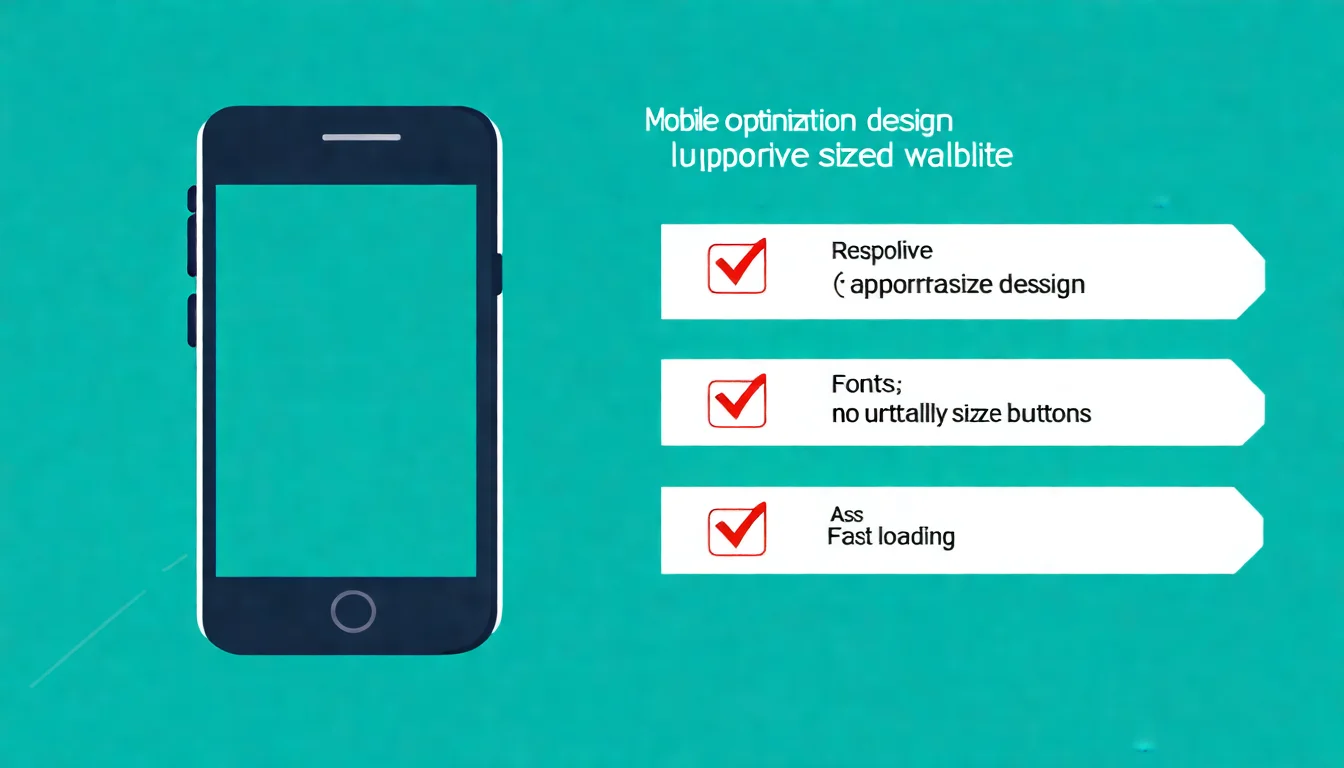
Mobile optimization points:
- Responsive design: Site automatically adapts to different screen sizes
- Appropriate font size: Must be readable on phones (at least 16px)
- Large enough buttons: Fingers should be able to tap easily
- No horizontal scrolling: Content shouldn't extend beyond the screen
- No Flash: Mobile devices don't support it, and Flash is obsolete
Testing tools:
- Lighthouse (built into Chrome DevTools, can run in mobile mode)
- PageSpeed Insights (reports on both mobile and desktop)
Note: Google retired the Mobile-Friendly Test tool and the Mobile Usability report in Search Console in December 2023, and recommends the tools above instead.
Not sure where to start optimizing?
Too many website issues and can't prioritize? Let AI SEO Hacker diagnose your site and identify the most critical issues to tackle first.
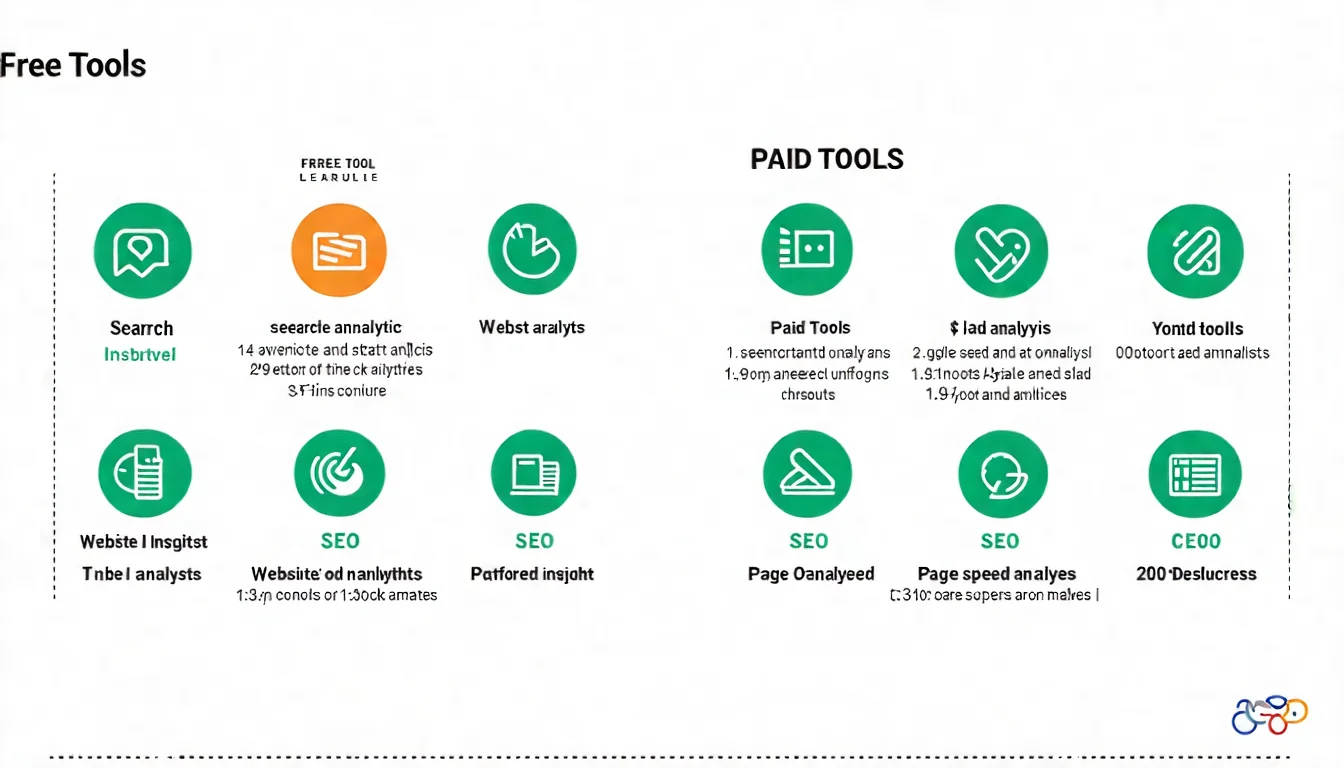
Recommended SEO Optimization Tools
Tools help you do SEO optimization more efficiently. Here are the tools suited for beginners:
Free Tools
| Tool | Purpose | Link |
|---|---|---|
| Google Search Console | Monitor your site's Google performance | Link |
| Google Analytics | Analyze website traffic data | Link |
| PageSpeed Insights | Test website speed | Link |
| Ubersuggest | Keyword research (daily free quota) | Link |
| Answer The Public | Discover what users are asking (note: the free tier allows only a very small number of searches per day; most features sit behind paid plans) | Link |
Paid Tools
| Tool | Strengths | Best For |
|---|---|---|
| Ahrefs | Powerful backlink analysis, accurate keyword data | Advanced users, professional teams |
| SEMrush | Comprehensive features, competitor analysis | Marketing teams, agencies |
| Moz Pro | User-friendly interface, rank tracking | Small businesses, advancing beginners |
Beginner recommendation: Start with free tools. Google Search Console and Analytics are must-haves. Once you're more comfortable with SEO, consider paid tools.
Common SEO Optimization Myths
Myth 1: SEO Optimization Is a One-Time Thing
Reality: SEO is an ongoing effort.
Search engine algorithms get updated, competitors improve, and user search behavior changes.
You need to:
- Regularly update content
- Continuously monitor rankings and traffic
- Adjust strategies based on data
Myth 2: Higher Keyword Density Is Better
Reality: Keyword stuffing will actually get you penalized.
Google has long been able to understand synonyms and related terms. Writing naturally and keeping content readable is far more important than forcing keywords in.
Myth 3: More Backlinks Is Always Better
Reality: Link quality matters more than quantity.
A single link from an authoritative website is worth far more than 100 low-quality links.
Moreover, buying links or using link farms is black hat SEO, and getting caught leads to severe penalties.
Learn more: White Hat vs. Black Hat SEO Comparison
Myth 4: SEO Delivers Quick Results
Reality: SEO takes time to show significant results. According to Google, some changes take effect in a few hours while others can take several months, and you should generally wait a few weeks before assessing the impact.
This depends on:
- Your website's current state
- Competition level of target keywords
- The intensity of your optimization efforts
SEO is a long-term investment, not a get-rich-quick scheme.
How to Start Your SEO Optimization Journey
SEO optimization may look complex, but the core is actually simple:
Make your website search-engine-friendly while providing genuinely valuable content to users.
You don't need to do all 10 techniques at once.
Here's where to start:
- Set up Google Search Console: Understand your site's current state
- Check site speed: Test with PageSpeed Insights
- Optimize your most important pages: Title and description for your homepage and main service pages
- Start producing content: Write articles targeting your chosen keywords
Remember: SEO optimization is an ongoing process, not a one-time task.
Improve a little each day. Over time, your website will become increasingly discoverable.
Have SEO questions?
Not sure how to optimize your website? Feel free to reach out for a free LINE consultation — we'll help you identify the issues!
Further Reading
- What Is SEO? The Complete Beginner's Guide
- SEO Tutorial for Beginners: Learn SEO from Scratch
- Complete On-Page SEO Guide
- How to Check Your SEO Rankings
References
- Google Search Central - SEO Starter Guide
- Moz - Beginner's Guide to SEO
- Google - PageSpeed Insights
![What Is SEO? The Complete Beginner's Guide to Search Engine Optimization [2026]](/_next/image?url=%2Fblog%2Fimages%2Fseo-basics%2Fwhat-is-seo-01.webp&w=3840&q=75)
![SEO Tutorial for Beginners: A Complete Guide to Learning SEO from Scratch [2026]](/_next/image?url=%2Fblog%2Fimages%2Fseo-basics%2Fseo-tutorial-beginner-01.webp&w=3840&q=75)
![What Is Parasite SEO? 38 Fake Sites Are Poisoning AI Insurance Answers [2026]](/_next/image?url=%2Fblog%2Fimages%2Fseo-basics%2Fparasite-seo-ai-01.webp&w=3840&q=75)
