For two years the complaint from site owners has been the same: AI summaries take the traffic, and there is nothing you can do about it.
Of the three features Google shipped on 20 August 2026, one is different — it is something you can put on your own site.
💡 Want to check how your site is showing up in Discover and AI search? We will take a look. 👉 Free consultation on LINE
Key takeaway: Google shipped three personalisation features on 20 August 2026. The Preferred Sources button can be embedded on your own pages — a reader clicks once, your site becomes one of their preferred sources on Google, and they land straight back where they were. Google reports over 600,000 unique sources have been selected as preferred sources, up from over 345,000 in May. Google's documentation says preferred sources are available globally for Top Stories in all languages where Google Search is available, and can also appear in AI Mode and AI Overviews wherever those features are available.
What the Three Features Are
1. The embeddable Preferred Sources button (the one you can act on)
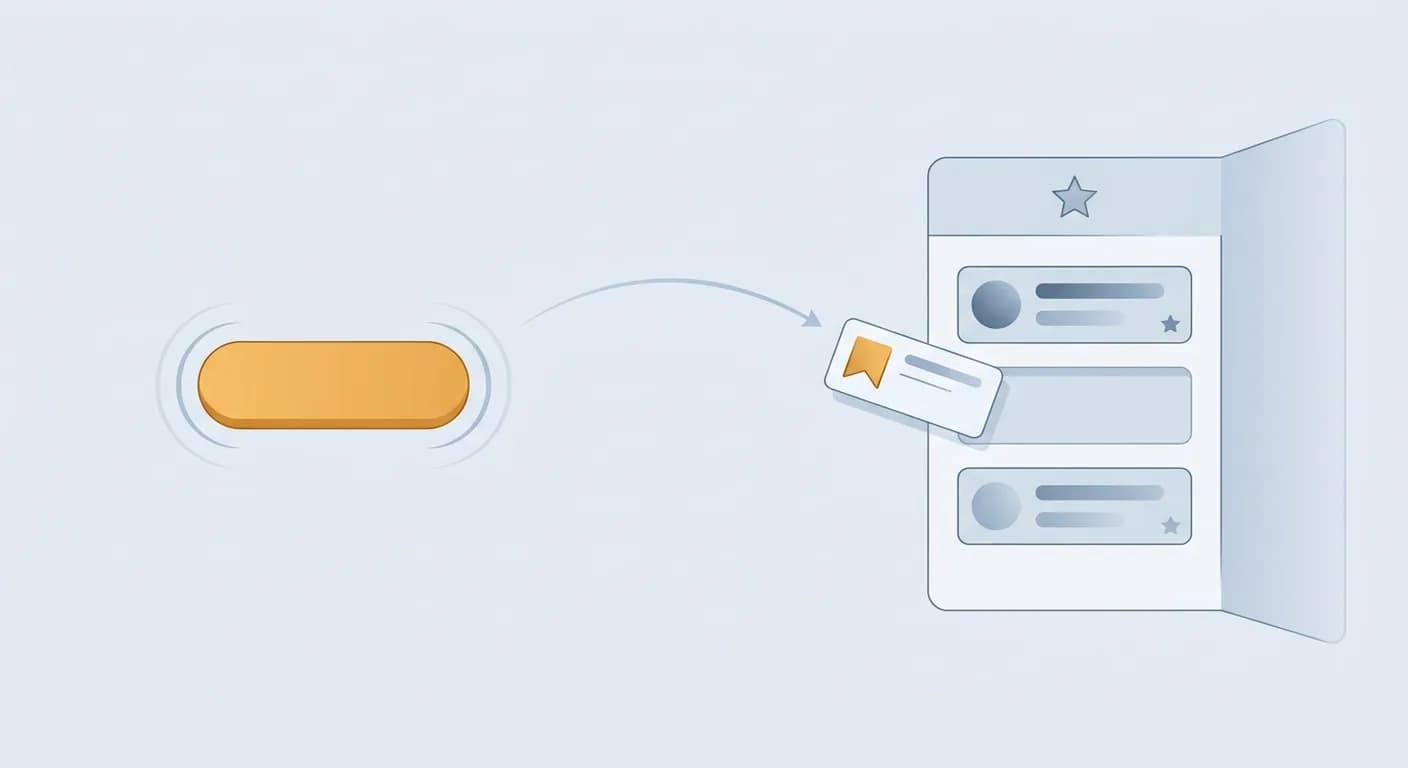
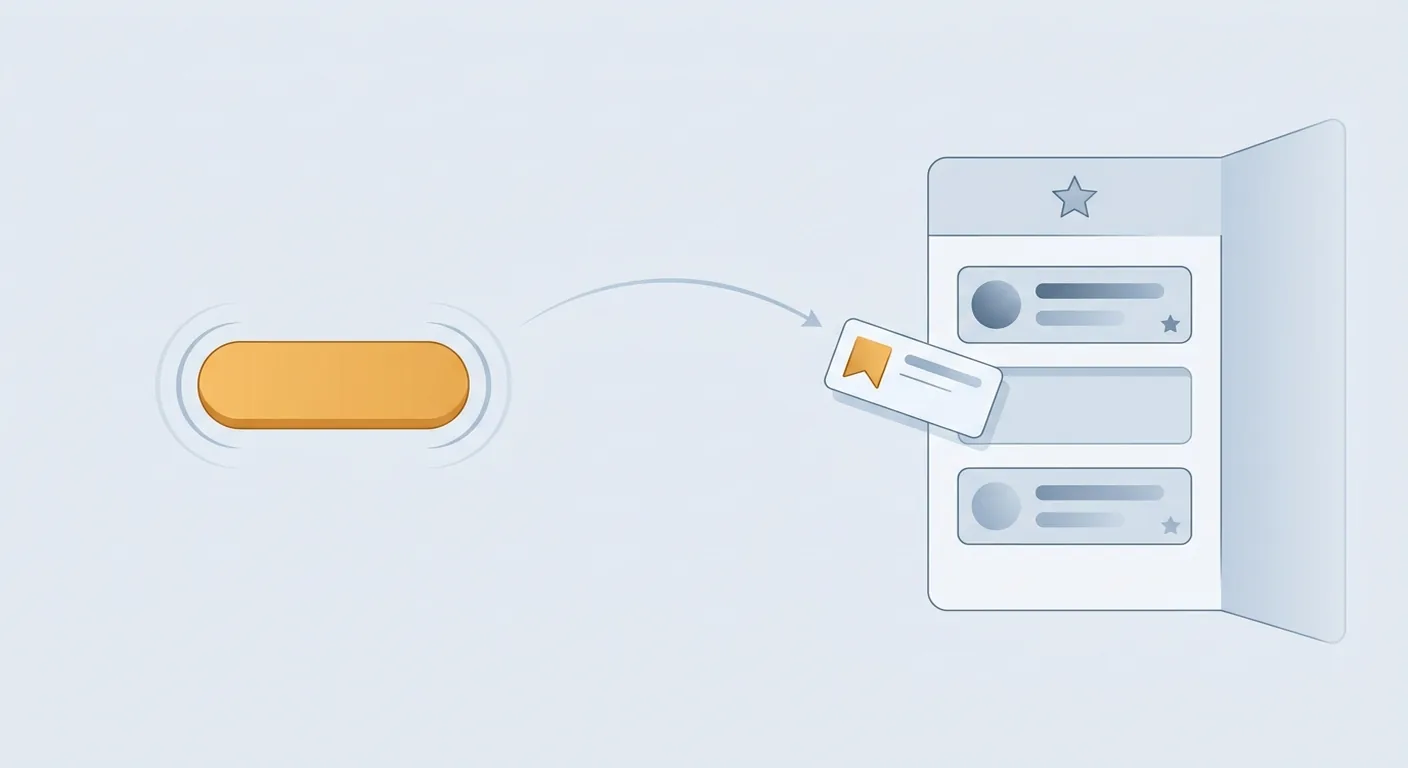
Google released an interactive button publishers can embed directly on their pages. A reader clicks it, your site is added to their preferred sources on Google, and they are returned immediately to where they were — without leaving your content.
Preferred Sources itself is not new. What is new is the embeddable button, which moves the action from "the user has to go find it in Google's settings" to "one click inside your article."
On adoption, Google's figure: over 600,000 unique sources have now been selected, up from over 345,000 in May.
2. Conversational Discover customisation
In the Google app, users can use the three-dot menu on a piece of content to describe in their own words which topics or links they want more or less of. Discover adjusts and remembers the preference.
Previously, shaping recommendations meant crude signals like "not interested." Now users can simply say it.
3. Custom audio briefings in the Google News app (Android)
Users pick categories — technology, sports, world news — and assemble a custom daily playlist.
Why the Button Is Worth Ten Minutes
Placed in the zero-click context, this matters more than it looks.
AI summaries take the one-off search visit. Someone asks, gets an answer, leaves — possibly without you in the picture at all.
Preferred sources affect the next time. When the same person searches a related topic again, your content is likelier to be surfaced. It converts a single visit into an ongoing relationship.
Which is why the embeddable button matters: the person willing to press it has just finished reading your content and found it worth something. That is the highest-intent moment you have, and until now you could not capture it — you were never going to ask a reader to "go into Google settings and add us."
Practical note: put the button at the end of the article or beside the subscribe block, not at the top. The reason is simple — someone who has not finished reading has no reason to press it.
What This Means for SEO and GEO
Three things to take away.
1. Google is moving control toward the user. Preferred sources, conversational customisation, custom audio — all three hand the "what do I see" decision to the reader. That direction is bad for strategies built on high-volume generic content and good for sites with a defined audience and a recognisable identity.
2. Being remembered is starting to beat being found. When users can nominate preferred sources, brand recognition feeds directly into visibility. That runs in the same direction as AI Recommends Your Brand, Then Cites Someone Else — the value of recognition is rising.
3. This is not a GEO technique. It is a reader relationship. No optimisation makes someone press that button. Only the content can.
October 2026 Update: AI Search Now Surfaces Preferred Sources and Site Links More Prominently
On 15 October 2026 Google announced five updates to AI Mode and AI Overviews (Google Blog). The points that matter for this article:
- More people use Preferred Sources: Google says the number of people using the feature has grown more than 7x since the start of the year.
- Timely-article carousels are expanding: the carousels for timely articles in AI Search are rolling out to more locations and languages, and they highlight the user's Preferred Sources. Google did not list which locations, so check real search results in your own market.
- More inline links, placed higher: links embedded in phrases of an AI response will appear higher up in responses more often.
- An official-sites section (in testing): when a task can only be done on one or two official sites, Google is testing a dedicated section at the top of the response that lists those links and explains why each one is useful.
- Related-article links at the end of responses now get image thumbnails and a more clickable design.
For site owners the message is simple: once readers set you as a preferred source, your articles are highlighted in those timely carousels — which adds one more layer of value to the Preferred Sources button above.
What Should You Do?
| Your situation | Suggested action |
|---|---|
| You have steady returning readers | Evaluate embedding the button, placed at article end |
| Traffic is mostly one-off search visits | Put the effort into content depth first; the button will do little |
| Not yet included in Search generative AI features in Search Console | Set the Search generative AI control to include first — only then is your site eligible to show as a preferred source |
⚠️ Before you build: Google's documentation says preferred sources are available globally, but your site must be included in Search generative AI features in Search Console to be eligible — confirm that before embedding the button.
FAQ
Will preferred sources improve my rankings?
No. It affects how often users who have already selected you see your content, not overall ranking. Treat it as a reader-relationship tool, not a ranking tool.
Is it available in my country?
Yes. Google's documentation says the preferred sources feature is available globally in all languages where Google Search is available (Top Stories), and appears in AI Mode and AI Overviews wherever those features are available.
What does the 600,000 figure tell me?
That adoption is growing (from over 345,000 in May). But it is a global, all-language cumulative figure and says nothing about adoption in your category or region.
Where should the button go?
At the end of the article, or beside the subscribe block. The motivation to press it comes from having just found the content valuable; at the top it means nothing.
Conversational Discover customisation — what can I do about it?
It is a user-side feature with no direct publisher interface. The indirect effect is that sites with a clearer topical identity are easier for users to name when they ask for more of something.
Conclusion: This Round Favours Whoever Writes Well
All three features point the same way: giving the "what do I see" decision back to the user.
For content that competes on volume, that is bad news. For sites with a defined readership and a clear subject, it is a rare tailwind — because users can now ask for you by name.
And the only thing you can do about it is the same thing as always: write something worth pressing the button for.
💡 Want to know whether this is worth your time? We will look at your traffic mix first. 👉 Contact AI SEO Hacker
Further Reading
- AI Recommends Your Brand, Then Cites Someone Else
- How to Measure GEO Performance: AI Search Visibility Metrics
- One Question Becomes Dozens: What Query Fan-Out Is
- How to Get Cited by AI in the Zero-Click Era
![Is Cheap GEO Worth It? Risks of Paid AI Posting [2026]](/_next/image?url=%2Fblog%2Fimages%2Fgeo%2Fcheap-geo-posting-risk-01.webp&w=3840&q=75)
![Multilingual SEO: New Language, New AI Brand Picks [2026]](/_next/image?url=%2Fblog%2Fimages%2Fgeo%2Fmultilingual-ai-visibility-01.webp&w=3840&q=75)