Want to use AI to write articles but not sure which tool to choose?
There are more AI article generators on the market than ever — from free to paid, general-purpose to specialized — and it can be overwhelming.
This article puts 10 mainstream AI article generators to the test, comparing features, pricing, and language support to help you find the perfect fit.

What Is an AI Article Generator?
How AI Article Generators Work
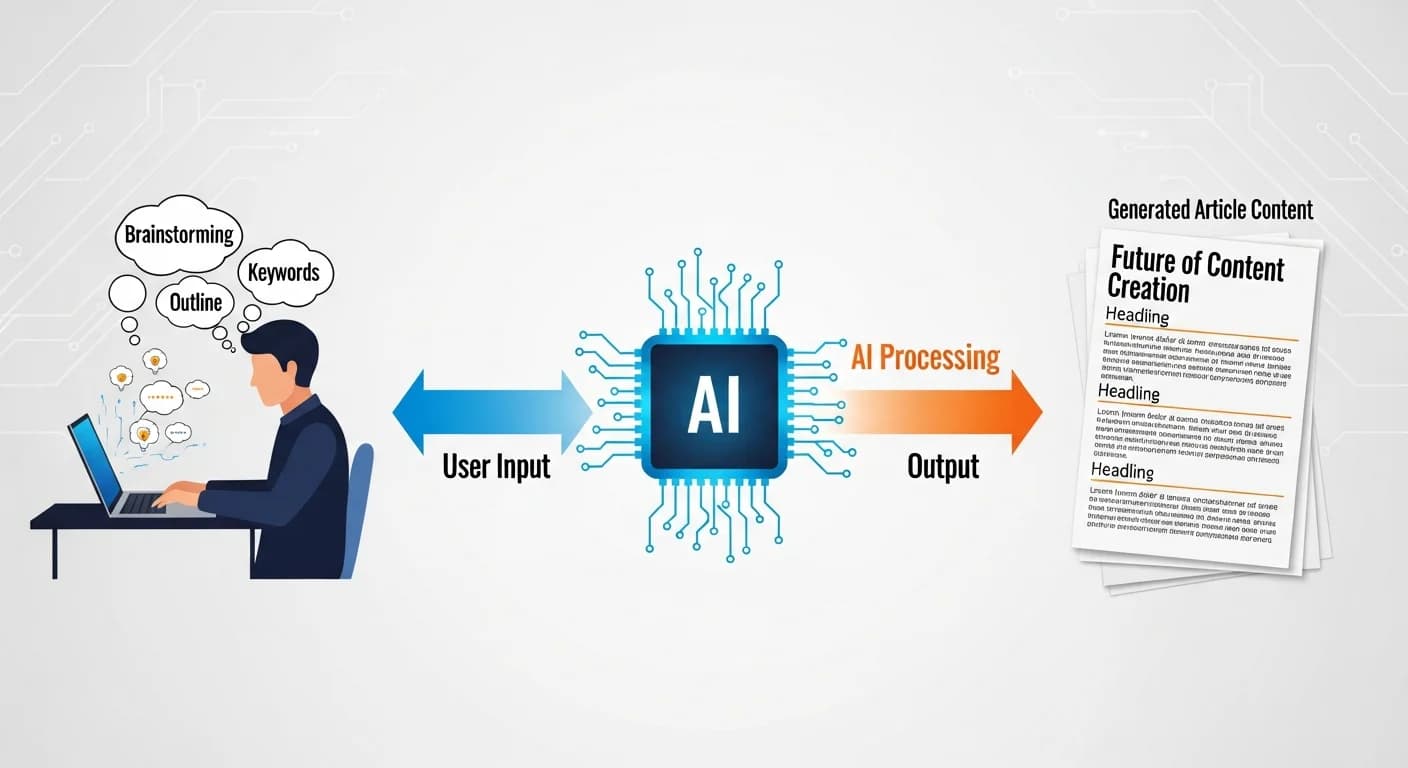
An AI article generator is a tool that uses artificial intelligence to automatically produce written content based on your instructions.
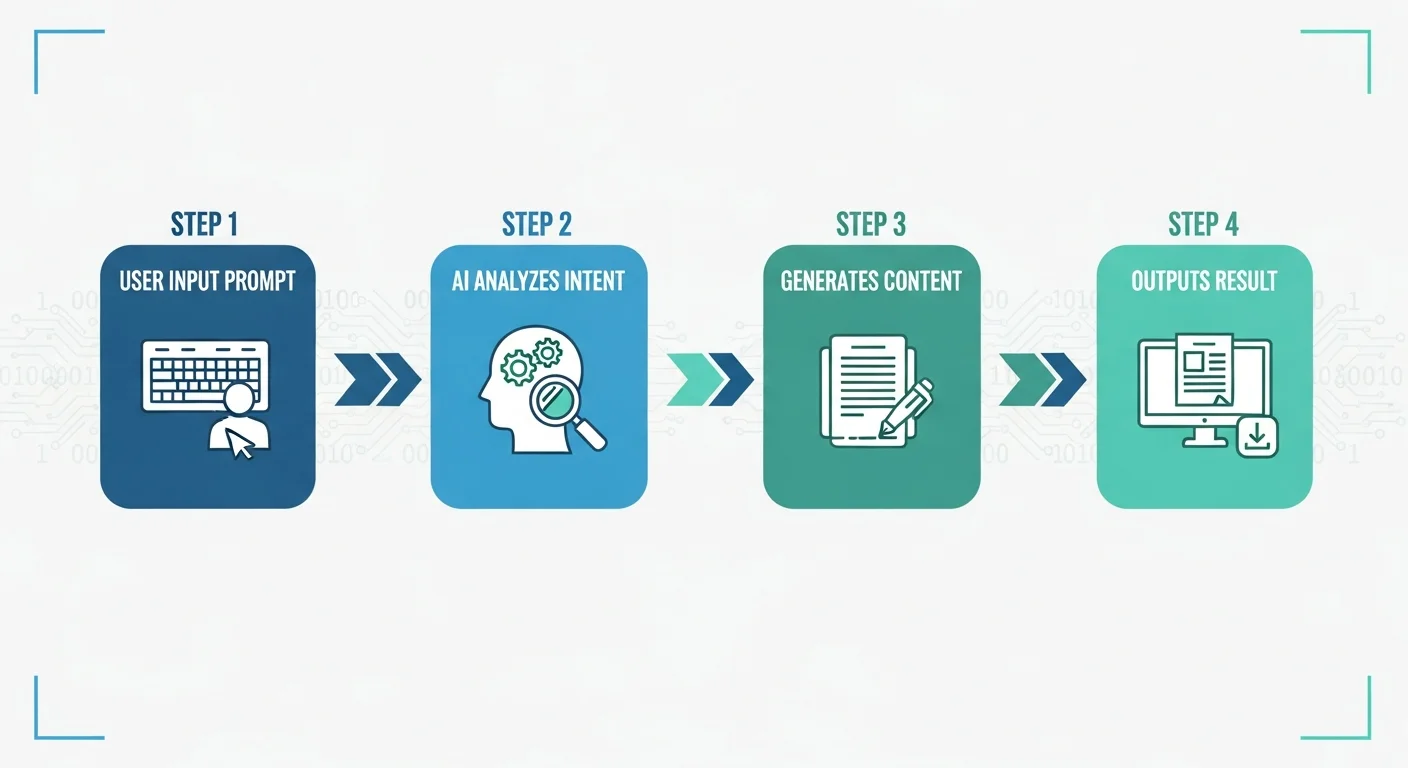
How it works:
- Receive instructions: You tell the AI what to write (keywords, topic, format)
- Understand intent: The AI analyzes your requirements
- Generate content: It produces text that matches your needs based on its training data
- Output results: It delivers editable content
Common features:
- Article writing
- Outline generation
- Rewriting and editing
- Headline suggestions
- SEO optimization
When to Use an AI Article Generator
Good use cases:
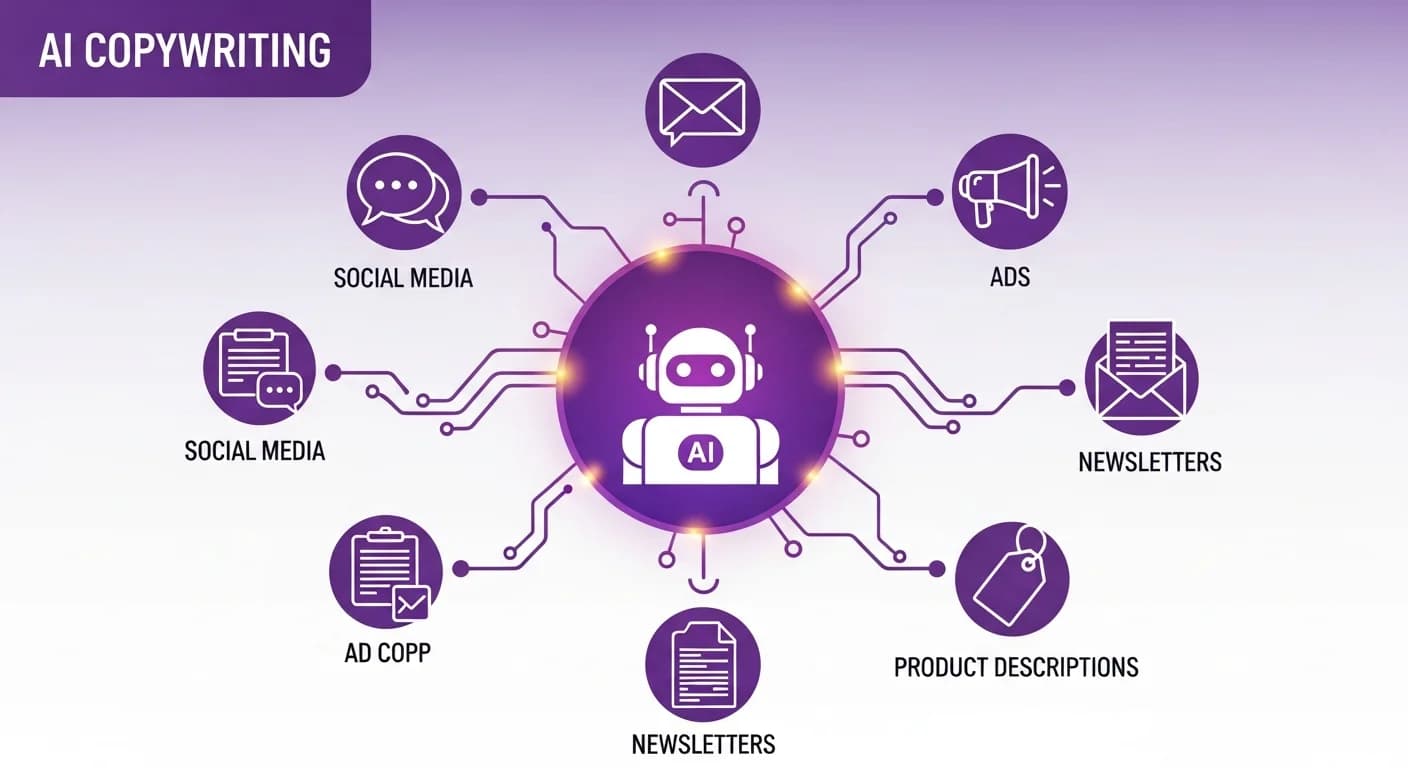
- Rapid high-volume content production: Product descriptions, social media posts
- Breaking through writer's block: Getting a first draft as a starting point
- Multilingual content needs: Translations or cross-language content
- Repetitive content: Batch-producing content in similar formats
Less suitable for:
- Highly specialized fields: Content requiring deep domain expertise
- Personal experience sharing: Content that needs authentic real-world experience
- Breaking news: Content requiring the latest information
- Highly creative ideation: Content requiring unique perspectives
For a more comprehensive look at AI writing, check out our core guide.
2026 AI Article Generator Reviews
ChatGPT (OpenAI) — The Most Versatile Choice
Key details:
- Developer: OpenAI
- Latest version: the GPT-6 family (GPT-6 Astra launched 2026-09-03; GPT-6 Sol / Luna launched 2026-09-22 and GPT-6.1 Sol on 2026-09-29, and these three are currently available only in ChatGPT Work and Codex); regular chat still runs mainly on GPT-5.6 (Sol / Terra / Luna, generally available since 2026-07-09); GPT-4.5 was retired from ChatGPT on 2026-06-26 (the API version, gpt-4.5-preview, was already removed on 2025-07-14)
- Pricing: Free / Go $8/mo / Plus $20/mo / Pro in three tiers at $100, $200 or $500/mo
Pros:
- Most comprehensive features: Can handle virtually any type of writing task
- Richest ecosystem: Plugins extend your workflows (custom GPTs retire on 2026-12-11 and can be migrated to plugins)
- Excellent multilingual support: Strong performance across languages
- Largest user base: Abundant tutorials and resources
Cons:
- Free version has allowances on file uploads, images and other tools
- Long articles may get cut off
- Sometimes too agreeable
Best for: The go-to choice for most users
Rating: ★★★★★ (5/5)
Claude (Anthropic) — Best for Long-Form Content
Key details:
- Developer: Anthropic
- Latest version: Claude Fable 5.1, Opus 5.5, Sonnet 5.5, Haiku 4.5 (Claude 3.5 Sonnet was retired on 2025-10-28)
- Pricing: Free / Pro $20/mo (annual $17) / Max $100 or $200/mo / Team Standard seat $20/seat/mo (annual; $25 monthly)
Pros:
- Ultra-long context: 1M tokens on the flagship models (200K on Haiku 4.5), ideal for lengthy articles
- Stable output: Less prone to interruptions or hallucinations
- Strong analytical ability: Great for complex topics
- High-quality output: Fluent and natural writing
Cons:
- Free version is more limited
- No image generation
Best for: Writing long-form content or conducting in-depth analysis
Rating: ★★★★★ (5/5)
Jasper AI — Professional Marketing Content
Key details:
- Pricing: Pro $69/mo (annual $59), Business on request; 7-day trial
- Focus: Professional marketing content
Pros:
- Built for marketing: Extensive built-in marketing templates
- Brand voice settings: Can be trained on your brand tone
- Team collaboration: Suited for marketing teams
- Many integrations: Supports multiple platforms
Cons:
- Higher price point
- Average multilingual support
- Steeper learning curve
Best for: Professional marketing teams
Rating: ★★★★☆ (4/5)
Copy.ai — GTM (Go-to-Market) AI Platform
Key details:
- Pricing: Chat from $29/mo (annual $24); the next tier up is Growth at $1,000/mo
- Focus: Now positioned as a GTM (marketing and sales) AI platform built around automated Workflows; copywriting is just one of its use cases
Pros:
- Many templates: Covers all types of copy
- Intuitive interface: User-friendly design
- Multilingual support: Includes multiple languages
Cons:
- Weaker long-form capability
- Advanced features require paid plan
- Inconsistent quality
Best for: Teams that want copy generation built into marketing/sales automation workflows
Rating: ★★★★☆ (4/5)
Writesonic — AI Search Visibility Platform
Key details:
- Pricing: free trial available; Starter from $79/mo (billed annually), Growth $399/mo (billed annually), Enterprise on request
- Focus: AI search visibility (GEO/SEO) platform that tracks your brand across ChatGPT, Gemini and Google AI Overviews, with AI articles and site audits included
Pros:
- AI visibility tracking: See whether your brand shows up in ChatGPT, Gemini and Google AI Overviews
- SEO features: AI articles and site audits included
- Chatsonic: ChatGPT-like conversational capability
Cons:
- Average multilingual quality
- No free plan, free trial only
- Inconsistent quality
Best for: Marketing teams that want to track AI search visibility and produce SEO articles alongside it
Rating: ★★★☆☆ (3.5/5)
Rytr — Best Value Pick
Key details:
- Pricing: Free version / $9/mo
- Focus: Affordable AI writing
Pros:
- Ultra-low price: One of the cheapest paid options
- Clean interface: Easy to get started
- Multiple tones: 20+ tone options
- Usable free version: 10,000 characters per month (characters, not words)
Cons:
- Average output quality
- Relatively basic features
- Limited multilingual support
Best for: Users with very tight budgets
Rating: ★★★☆☆ (3/5)
Notion AI — Integrated Workflow
Key details:
- Pricing: Full Notion AI is bundled with the Business plan ($20/seat/mo annual, $24 monthly) and Enterprise; the standalone $10/mo AI add-on was discontinued for new users in 2025-05 (existing subscribers are grandfathered)
- Focus: Note-taking integration
Pros:
- Seamless Notion integration: Smooth workflow
- Convenient: Use directly within your notes
- Multiple features: Writing, summarizing, translating
- Team-friendly: Robust collaboration features
Cons:
- Requires Notion subscription
- Limited long-form capability
- Not a standalone tool
Best for: Heavy Notion users
Rating: ★★★★☆ (4/5)
Wenxin, formerly ERNIE Bot (Baidu) — Chinese Content Optimization
Key details:
- Developer: Baidu
- Name history: ERNIE Bot / 文心一言 → (app renamed 2024-09) 文小言 → (app renamed 2025-11) 文心 (Wenxin)
- Pricing: Free
- Focus: Chinese-language AI
Pros:
- Best Chinese comprehension: Excellent for Simplified Chinese
- Free to use: No usage fees
- China market fit: Understands Chinese cultural context
- Multimodal features: Supports text and images
Cons:
- Average Traditional Chinese support
- Requires a Chinese account
- Some features are restricted
Best for: Content targeting the Chinese market
Rating: ★★★☆☆ (3.5/5)
Other Notable Tools
Perplexity AI:
- Excels at research and citations
- Provides source links
- Ideal for content that needs supporting data
Gemini (Google):
- Integrated with Google services
- Can access up-to-date information
- Ideal for content requiring real-time data
Too many tools to choose from? Let an expert help you pick the right one.
👉 Free consultation on LINE: @006ljkda
AI Article Generator Comparison Table
Feature Completeness Comparison
| Tool | Article Writing | SEO Optimization | Rewriting | Templates |
|---|---|---|---|---|
| ChatGPT | ★★★★★ | ★★★★☆ | ★★★★★ | Unlimited |
| Claude | ★★★★★ | ★★★★☆ | ★★★★★ | Unlimited |
| Jasper | ★★★★☆ | ★★★★★ | ★★★★☆ | — |
| Copy.ai | ★★★☆☆ | ★★★☆☆ | ★★★★☆ | — |
| Writesonic | ★★★★☆ | ★★★★☆ | ★★★☆☆ | — |
Language Support Comparison
| Tool | Multilingual | Fluency | Localization |
|---|---|---|---|
| ChatGPT | ★★★★★ | ★★★★☆ | ★★★★☆ |
| Claude | ★★★★★ | ★★★★★ | ★★★★☆ |
| Jasper | ★★★☆☆ | ★★★☆☆ | ★★☆☆☆ |
| Copy.ai | ★★★☆☆ | ★★★☆☆ | ★★☆☆☆ |
| Wenxin (formerly ERNIE Bot) | ★★★☆☆ | ★★★★★ | ★★★★★ (Chinese) |
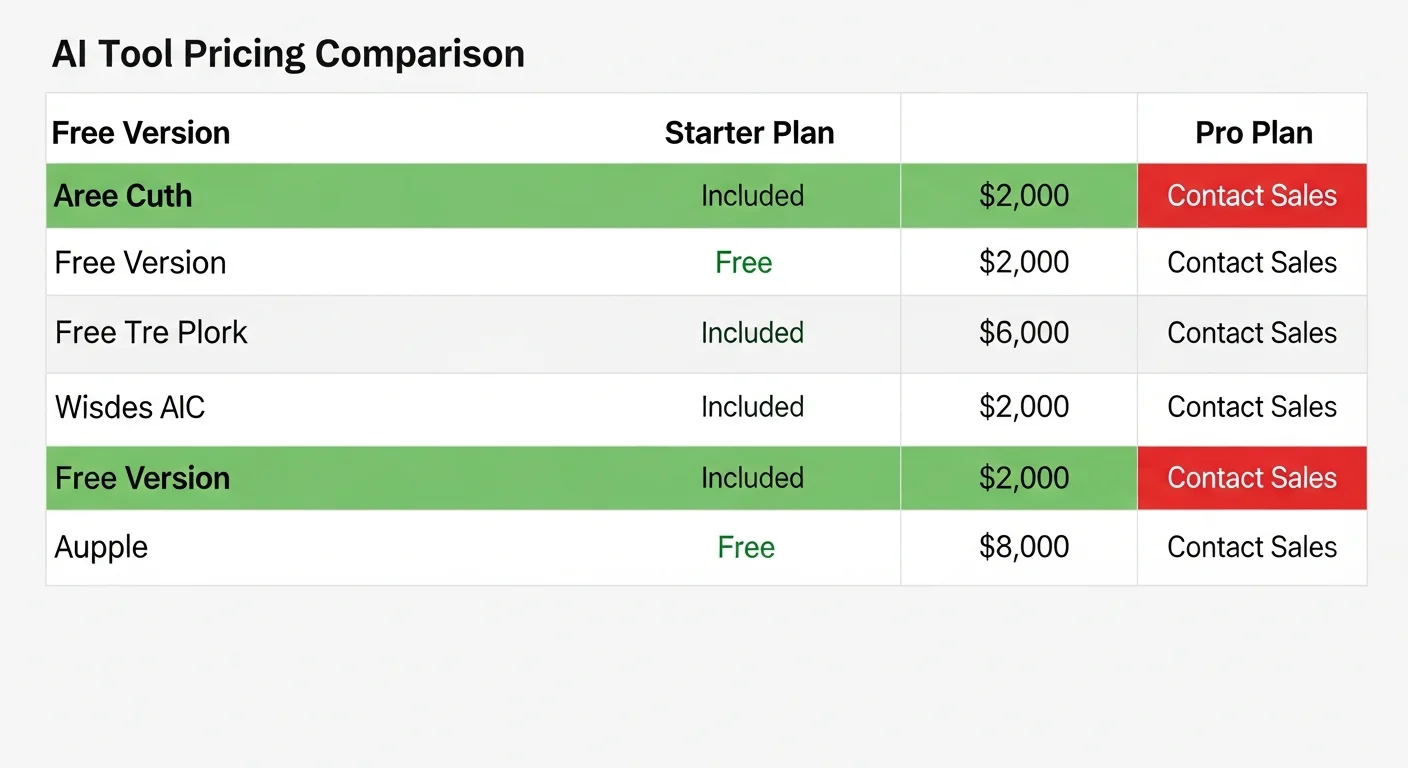
Pricing Comparison
| Tool | Free Version | Entry Price | Pro Price |
|---|---|---|---|
| ChatGPT | Yes | $8/mo (Go) | $100–500/mo (Pro) |
| Claude | Yes | $20/mo | $100–200/mo (Max) |
| Jasper | 7-day trial | $69/mo (Pro) | Custom (Business) |
| Copy.ai | Free trial | $29/mo | From $1,000/mo |
| Writesonic | Free trial | $79/mo (annual) | $399/mo (annual) |
| Rytr | Yes | $9/mo | $29/mo |
Free AI Article Generator Recommendations
Free Online Tools Overview
Completely free options:
-
ChatGPT Free Version
- Defaults to GPT-5.6 Luna in regular chat (GPT-3.5 is fully retired)
- Basic conversation and writing
- Unlimited text chats (subject to abuse guardrails); file uploads, images and other tools still have allowances
-
Claude Free Version
- Current-generation Claude models available (Claude 3.5 Sonnet is retired)
- Usage allowance resets on a rolling 5-hour window
- Strong long-form capability
-
Gemini
- Just need a Google account
- Can access up-to-date information
- Integrated with Google services
-
Rytr Free Version
- 10,000 characters per month
- Basic features available
- Suitable for light usage
Free Version Limitations
Common limitations:
| Tool | Free Allowance | Feature Restrictions |
|---|---|---|
| ChatGPT | Unlimited text chats (abuse guardrails apply); file uploads, images and tools are capped | Defaults to GPT-5.6 Luna; flagship models (e.g. GPT-6 Sol) require a paid plan |
| Claude | Rolling 5-hour allowance | Less usage than paid plans |
| Rytr | 10,000 characters/mo | Basic features only |
Free vs. Paid: How to Choose?
Stick with free if:
- You only use it occasionally
- Your output volume is small
- You want to try before committing
- Your budget is truly limited
Consider upgrading when:
- You use it every day
- You need higher quality output
- You need long-form article capability
- You have commercial use cases
Tips for Using AI Article Generators
How to Write Effective Prompts
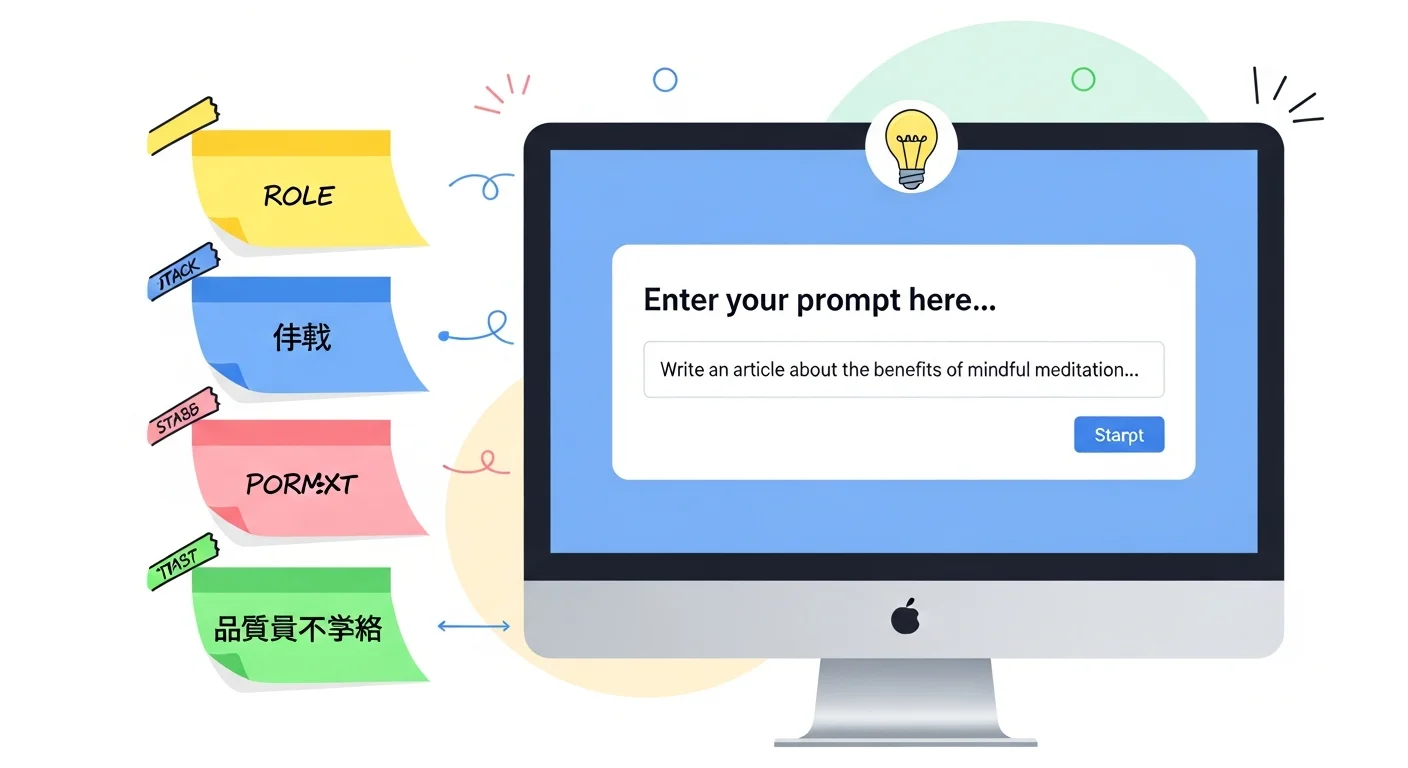
Basic structure of a good prompt:
Role + Task + Background Info + Format Requirements + Quality Standards
Example:
You are a professional SEO copywriter.

Write an article about "coffee brewing methods."

Background:
- Target audience: coffee beginners
- Website: a coffee equipment e-commerce store

Format:
- Approximately 3,000 words
- Include H2 and H3 headings
- At least 3 sections

Requirements:
- Friendly yet professional tone
- Include practical advice
- Naturally incorporate product recommendations
How to Improve Output Quality
Tip 1: Break it into sections
Don't ask for a complete article all at once. Instead:
- Generate an outline first
- Write each section individually
- Combine at the end
Tip 2: Provide examples
Tell the AI what style you prefer:
Use this kind of tone: "Hey, still struggling with XX?"
Tip 3: Iterate and refine
- First draft too long? → "Please trim by 30%"
- Too formal? → "Please use a more casual tone"
- Not specific enough? → "Please add concrete data"
Common Mistakes and How to Avoid Them
Mistake 1: Vague instructions
❌ "Write me an article" ✅ "Write a 2,000-word coffee brewing tutorial for beginners"
Mistake 2: Not reviewing the output
AI can generate inaccurate information — always review manually.
Mistake 3: Copy-pasting directly
AI output needs adjustment. Add your own perspective and brand voice.
Mistake 4: Setting expectations too high
AI is an assistive tool, not a replacement for your professional judgment.
The Human Review Process for AI Articles
AI output is a first draft — work through four steps before publishing:
Step 1: Fact-Check
- Verify information accuracy
- Check data sources
- Update outdated information
Step 2: Add Professional Insight
- Include personal experience
- Provide unique perspectives
- Add real-world examples
Step 3: Improve Readability
- Adjust paragraph length
- Add transition sentences
- Refine headline appeal
Step 4: SEO Optimization
- Verify keyword placement
- Optimize Meta Description
- Add internal links
For more SEO article writing techniques, check out our full tutorial.
For more AI copywriting techniques, check out our hands-on tutorial.
Don't want to research tools yourself? Try our all-in-one AI article service.
AI Article Generator FAQ
Q: Which AI article generator is the best?
A: There's no single "best" — only the "best fit." (1) For general needs, choose ChatGPT or Claude; (2) For marketing copy, try Jasper, and look at Copy.ai if you want it built into marketing/sales automation workflows; (3) On a budget, go with Rytr; (4) For long-form content, choose Claude. Start with free versions to find what works for you before considering paid plans.
Q: Is the free version sufficient?
A: It depends on how often you use it. (1) Occasional use: free versions are enough; (2) Daily use: consider paying; (3) Commercial use: paid versions offer more complete features. The free versions of ChatGPT and Claude are already quite powerful.
Q: How good is the multilingual output quality?
A: Mainstream tools handle multiple languages well. (1) ChatGPT: excellent multilingual support; (2) Claude: fluent and natural output; (3) Specialized tools: weaker multilingual capability; (4) Wenxin (formerly ERNIE Bot): best for Chinese. For most users, ChatGPT or Claude are the safest choices.
Q: Do AI articles need editing?
A: Strongly recommended. AI produces a "first draft" that needs: (1) Fact-checking; (2) Your personal perspective; (3) Brand voice adjustments; (4) Readability optimization. Using unedited AI content directly will result in lower quality and effectiveness.
Q: Will AI-written articles be duplicated?
A: Modern AI tools generate unique content each time, so exact duplication is unlikely. Still, before publishing important content, run it through an AI content detection tool or plagiarism checker to be sure.
Q: Will Google penalize AI-written articles?
A: No, as long as the content provides value. Google has officially stated they care about content quality, not how it's produced. Key points: (1) Provide genuine value; (2) Ensure accuracy and reliability; (3) Follow E-E-A-T principles. For more, see our guide on AI article rewriting.
How to Choose the Right AI Article Generator
There are many AI article generators out there — the key is finding the one that fits your needs.
Key takeaways from this article:
- Top all-rounders: ChatGPT or Claude
- Marketing specialists: Jasper (look at Copy.ai if you want marketing/sales automation workflows)
- Budget considerations: Rytr is the cheapest; try free versions first
- Best quality output: ChatGPT and Claude lead the pack
- Usage tips: Good prompts + human optimization = high quality
Our recommendations:
- Start with free versions
- Narrow down to 2-3 tools that feel right
- Learn to write effective prompts
- Always review manually
- AI is your assistant, not your replacement
For more on AI writing, content marketing strategy, and generative AI fundamentals, check out our other articles.
Skip the tool research and get high-quality AI articles directly.