![AI Says Your Store Closed? A 5-Platform Check to Fix Wrong Location Info [2026]](/_next/image?url=%2Fblog%2Fimages%2Fgeo%2Fai-wrong-store-info-01.webp&w=3840&q=75)
A customer calls and asks: "Did you guys shut down?" You have no idea what they mean.
You dig in and find it. When AI answers questions about "your store," it says you've closed. Or it gives an address in the wrong postcode. Or it invents a service you don't even offer.
The trouble is, almost no local business ever checks how AI describes it. This article does one simple thing: shows you how to find the errors, then how to fix them.
💡 Want to know how AI describes your store right now? We'll test it across platforms. Free consultation
Key takeaway: AI can get a business's address, operating status, and services wrong — and every local business should run a monthly five-platform check.
How AI Gets Your Store Wrong: Three Common Errors
AI answers about business locations go wrong often, and three errors dominate: wrong address or postcode, claiming you've closed, and inventing services you don't offer.
The shape of these errors is universal — the way AI stitches data together is the same everywhere.
Each error hits differently:
- Wrong address / postcode: customers head to the address AI gave and end up in the wrong district. Deliveries with the wrong postcode bounce back.
- Saying you've closed: the most lethal one. A prospect sees "permanently closed" and never even calls — and you have no idea how much business you lost.
- Invented services: AI says you offer something, the customer shows up expecting it, and you can't deliver. The complaint lands on you, but you never made the promise.
You might think: what does this have to do with me? My shop is small. The opposite is true. BrightLocal's 2026 Local Consumer Review Survey (1,002 US adults) found that the share of consumers using ChatGPT and other generative AI tools for local business recommendations rose from 6% the year before to 45% (BrightLocal). That's a US figure, but the direction is clear: the people looking for you may already be switching to AI — and when AI gets you wrong, you're the last to know.
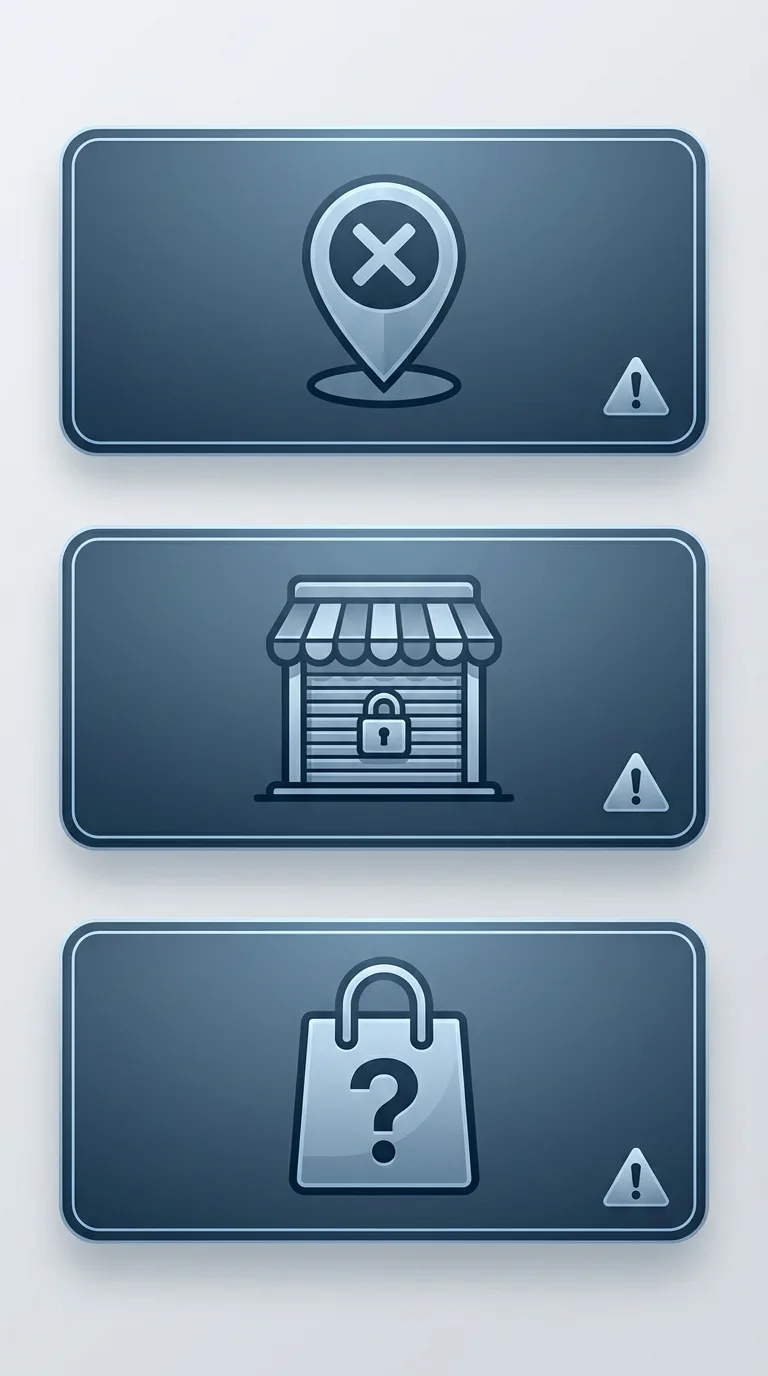 Caption: Three shapes of AI error — (1) wrong address/postcode (2) claiming you've closed (3) inventing services you don't offer.
Why Does AI Get Your Location Info Wrong?
When AI gets your business info wrong, most of the time it isn't "making things up" — your data was already inconsistent across the web, and AI faithfully stitched the contradictions together. To fix it, understand where the error starts.
Four structural causes:
- Data sources contradict each other: your Google Business Profile says open until 9 PM, your website says 8 PM, and some old directory still lists an address from three years ago. AI grabs whichever it retrieves.
- Stale info never cleared: you moved, changed your phone number, or dropped a service — the old version still sits somewhere online. AI can't tell which is current.
- Multiple locations get confused: you run three branches, and AI splices branch A's address onto branch B's phone. More branches and similar names mean more mixing.
- Your website never says it clearly: if your site is vague about "who you are, where you are, what you do," AI can't find an authoritative version and guesses — an information vacuum is hallucination's breeding ground.
When we run monthly AI checks for clients, causes one and two come up most. One restaurant client had updated their closing day on the website, but the Google Business Profile never synced — so AI gave conflicting answers to "are you open today." The fix was easy; the hard part was noticing.
Note the counterintuitive part: the smaller and less-searched your shop, the higher the risk of being misdescribed. The thinner your authoritative web presence, the harder AI leans on guesswork. Staying quiet doesn't make AI forget you; it makes AI improvise about you. The full logic lives in our pillar, what to do when AI gets your brand wrong.
What to Ask on Each of Five AI Platforms: A Local Business Self-Check
To check whether AI is getting you wrong, run one round on each of five platforms: Google AI Overviews, Google AI Mode, ChatGPT, Gemini, and Perplexity (Search Engine Journal, 2026). These are the sources most likely to trigger an AI answer in local search — skip one and you might miss a place that's getting you wrong.
The method is low-tech but it works. Take the list below, swap the brackets for your store name and area, ask each platform one round, and log three columns per question: did AI mention you, was it accurate, and which sources did it cite.
| Question type | Example question | What it tests |
|---|---|---|
| Basic location | Where is {store}? What's the address? | Is the address and postcode right |
| Open status | Is {store} still open? Hours? | Is it wrongly marked as closed |
| Services | Does {store} offer {service}? | Any invented or missing services |
| Local recommendation | What {category} spots do you recommend in {area}? | Are you listed, and how described |
| Contact | {store}'s phone / how to book? | Is the phone and booking path correct |
The third column — cited sources — matters most. When AI gets it wrong, the sources tell you where the error came from: a clickable citation link means a website got it wrong (go fix that source); no source at all means AI synthesized it from thin air (you'll need to publish authoritative info to override it).
One round takes about half a day, at near-zero cost. It's the same set of actions as checking whether AI cites you — for the visibility-measurement methodology, see how to measure GEO performance.
One honest limitation: AI answers are stochastic. The same question can be right today and wrong tomorrow, so one test proves nothing permanent. Run the self-check monthly, not once and done.
 Caption: Five-platform check — (1) Google AI Overviews (2) Google AI Mode (3) ChatGPT (4) Gemini (5) Perplexity, one round each, logging mention / accuracy / sources.
Too Much Time to Run Five Platforms Yourself?
AI SEO Hacker's GEO service includes monthly AI citation testing, with business-info accuracy as a standard column. If AI gets you wrong, you hear it from us first.
Found an Error? Fix the Data Sources in Three Steps
Fixing AI's wrong description of you comes down to one thing: feed the web the right, consistent data about you. When AI retrieves clean data next time, the answer corrects itself. Three steps.
Step 1: Fix the Google Business Profile Foundation First
Your Google Business Profile (GBP) is the first source AI grabs for local questions. Go column by column — address, hours, phone, services, open status — fix what's wrong, fill what's missing. Check the "open status" field especially for a mistaken "permanently closed"; that one hurts most. Walk through the setup in our Google Business Profile guide.
In our experience, once the GBP is fixed, Google's AI answers usually update within a few days to two weeks — the fastest-acting fix of the three.
Step 2: Align Your Website with the GBP Exactly
Fixing the GBP alone isn't enough; your website has to tell the same story. Your name, address, and phone (the industry calls it NAP) must match the GBP character for character — down to address formatting and spacing. Then mark it up with structured data (Schema) so AI reads "this is a local business, here's the address, here's the hours" directly instead of guessing. For how, see the structured data guide.
Consistency is the antidote to name confusion. The more uniform your info across the web, the less likely AI mixes you up with someone else or pins their record on you.
Step 3: Clear Stale Info and Publish an Authoritative Version
Moved, changed your number, dropped a service? Go update or request removal from directories and social profiles still carrying the old info. If the error came from AI synthesizing (no source), that means the authoritative info about you online is too thin — write the facts out completely on your About, Services, and FAQ pages, giving AI a reliable version to cite.
Once all three are done, return to the self-check list from the previous section and re-test next month to confirm the fix took. Correction isn't one-and-done; it's a loop of find → fix → re-test.
| Fix action | Error type it addresses | Speed |
|---|---|---|
| Fix Google Business Profile | Address / hours / wrong "closed" | Fast (days to two weeks) |
| Website NAP match + structured data | Name confusion, conflicting data | Medium |
| Clear stale info + authoritative self-description | Stale residue, invented facts | Mid–slow |
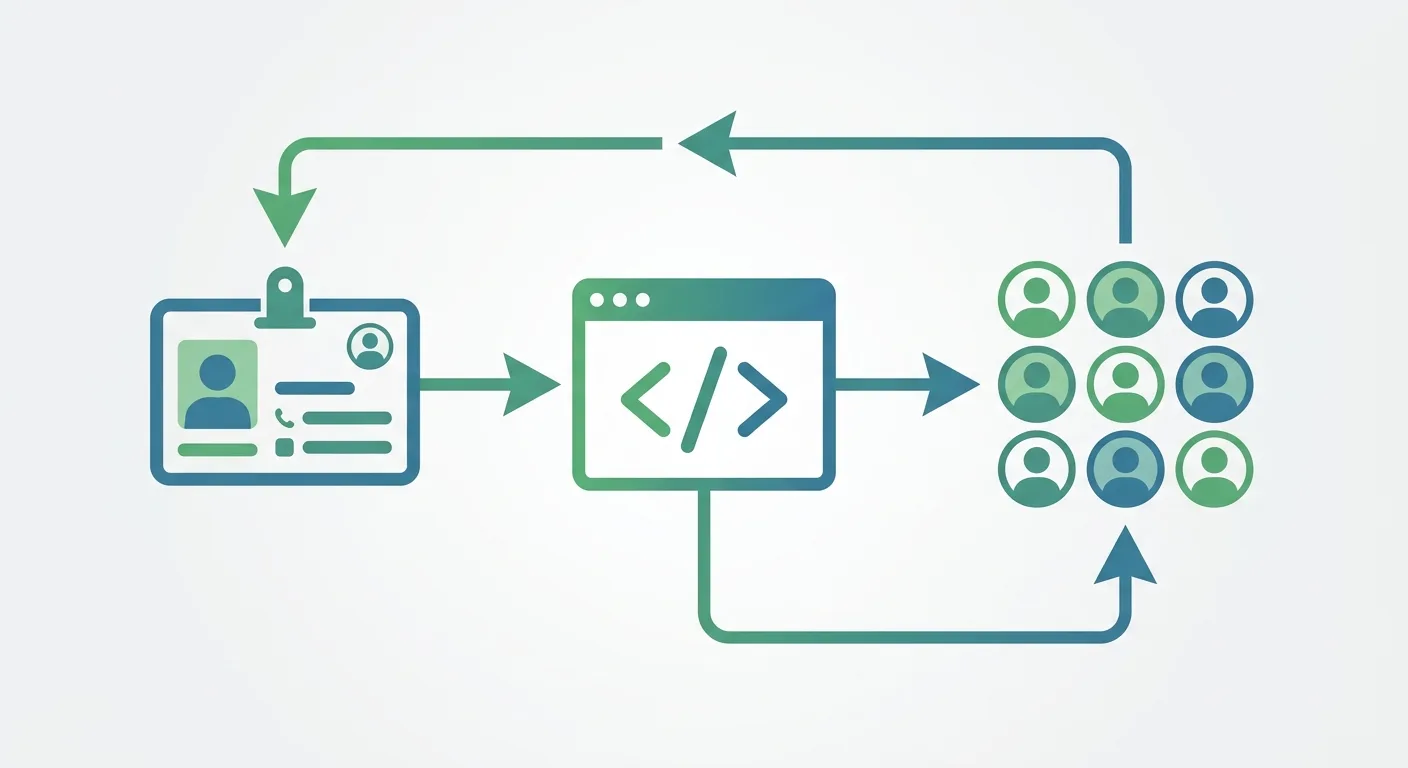 Caption: Three-step fix — (1) fix Google Business Profile (2) match website NAP + structured data (3) clear stale info and publish authoritative self-description, then re-test.
FAQ
AI says my store has closed — how do I change it?
First fix the "open status" field in your Google Business Profile so it isn't mistakenly marked permanently or temporarily closed, then confirm your website and directories all agree. Google's AI answers usually update within a few days to two weeks. Also report the error through the AI platform's feedback controls. The following month, re-run the self-check list to confirm "are you open" now answers correctly.
Do local businesses in Taiwan face AI errors about their store info too?
Yes. The mechanism behind AI stitching data into errors knows no borders, so local businesses everywhere should self-check.
How many AI platforms do I need to check?
Five: Google AI Overviews, Google AI Mode, ChatGPT, Gemini, and Perplexity. These are the sources most likely to trigger an AI answer in local search — ask one round each, logging mention and accuracy. Note that Google's AI Overviews and AI Mode are two separate entry points and should be tested separately. A single test doesn't count; AI is stochastic, so a fixed monthly check is safer.
My store is small and rarely searched — do I need this?
Yes, for the opposite reason. The less authoritative info about you online, the harder AI leans on guesswork, so the odds of being misdescribed are actually higher and found later. The upside: small-shop self-checks are cheap (few questions, quick rounds), and in a near-empty information space the authoritative self-description you publish easily becomes AI's main reference about you — one fix, fast effect.
Does structured data really make AI get it wrong less often?
Yes — it turns "guessing" into "reading." Structured data (Schema) marks your name, address, phone, and hours in a standard format, so AI reads a clear answer instead of inferring from scattered text. Combined with a consistent Google Business Profile and website, the risk of name confusion and conflicting data drops sharply. See the structured data guide for implementation.
Run Your First Self-Check Now: Don't Let AI Improvise About Your Store
Every day, AI answers "where is this store, is it open, does it do this" on your behalf. The question isn't whether it gets things wrong — it's whether you know when it does.
You can run round one this month: five platforms, one question list, three columns, done in half a day. Found an error? Fix the data sources in three steps — fix the GBP, align the website, clear the stale and publish the new. You can choose to get AI right before a customer calls to ask "did you guys shut down."
Same actions — done early, it's insurance; done late, it's firefighting.
🎯 Take Action
How AI describes your store shouldn't be something you learn last. AI SEO Hacker's GEO service includes monthly AI citation testing and business-info accuracy checks — if AI gets you wrong, you hear about it first.
Free consultation | Contact form
Further Reading
- What If AI Gets Your Brand Wrong? Reputation Management
- Google Business Profile Guide: Local Map Visibility for Stores
- What Is Structured Data? The Complete Schema SEO Guide
- How to Measure GEO Performance: AI Search Visibility Metrics
- Taiwan Enterprise GEO Strategy: AI Search Optimization for SMBs
![AI Exposure Isn't Revenue: How SMEs Monetize AI Traffic in 2026 [5 Paths]](/_next/image?url=%2Fblog%2Fimages%2Fgeo%2Fsme-zero-click-monetization-01.webp&w=3840&q=75)
![Is Cheap GEO Worth It? Risks of Paid AI Posting [2026]](/_next/image?url=%2Fblog%2Fimages%2Fgeo%2Fcheap-geo-posting-risk-01.webp&w=3840&q=75)
![Multilingual SEO: New Language, New AI Brand Picks [2026]](/_next/image?url=%2Fblog%2Fimages%2Fgeo%2Fmultilingual-ai-visibility-01.webp&w=3840&q=75)